Image-to-Video (I2V) Tutorials
Bring static images to life with AI-generated motion. Perfect for animating portraits, landscapes, and products with custom movement descriptions.
How to Use Image-to-Video
- Upload your source image (supports JPG, PNG)
- Switch to the Image tab in the interface
- Write a motion prompt describing how the image should move
- Select your settings and generate
Important Notes
- The AI adds motion to your image - it doesn't change the subject
- Best results with high-quality, well-lit source images
- Describe the motion, not the image itself
- Aspect ratio is automatically matched to your source image
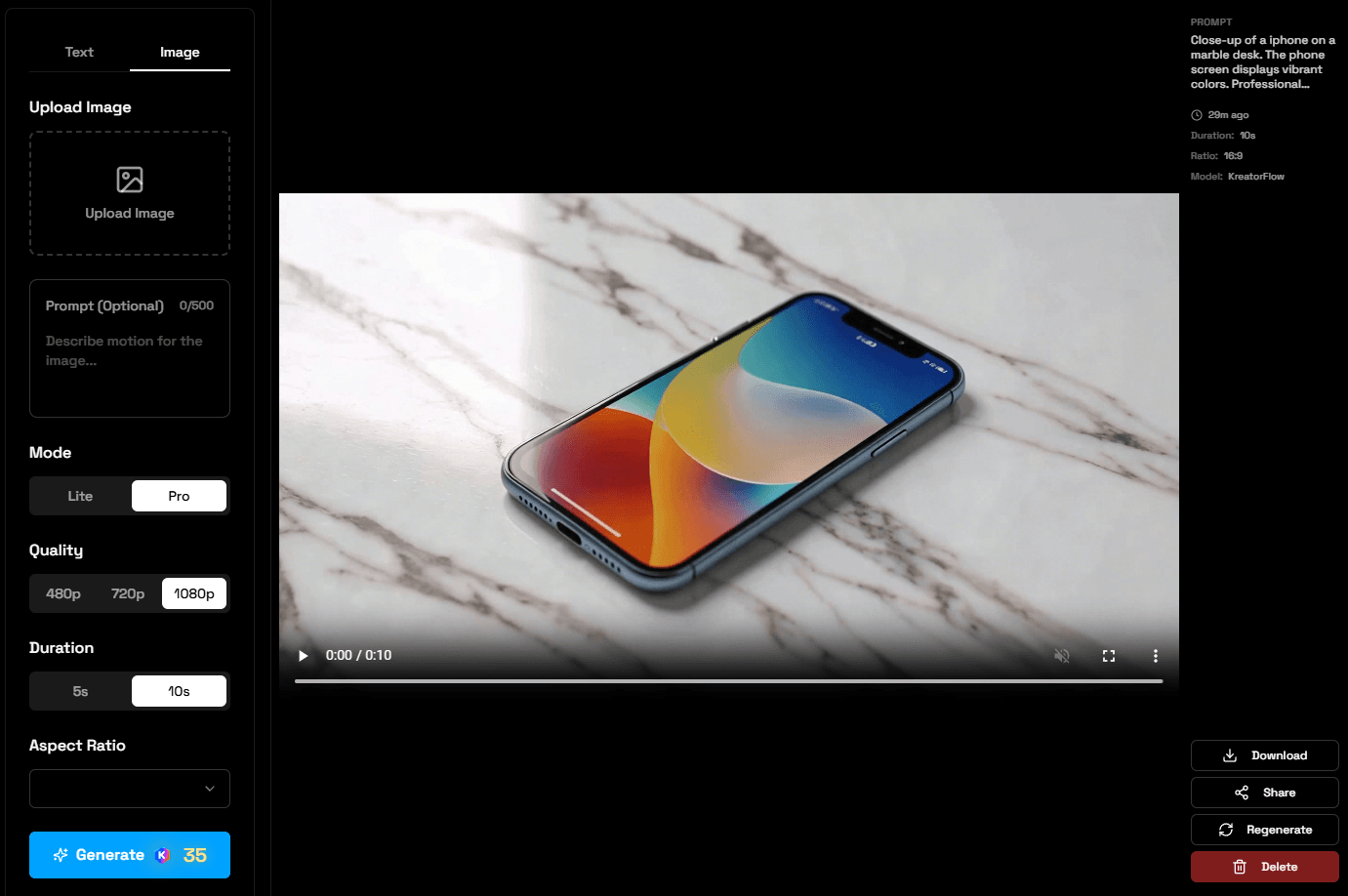
Portrait Animation
Use Case: Animate portraits for social media, presentations, creative projects
Source Image:
A portrait photo of a woman
Motion Prompt:
The woman turns her head slightly and smiles warmly at the camera. Natural facial movement with soft expression.
Settings:
Mode
Pro
Quality
1080p
Duration
5s
Aspect Ratio
9:16 (Portrait)
Cost
15 credits
What This Example Demonstrates:
- • Subtle facial animation
- • Natural head movement
- • Expression change (smile)
- • Portrait-oriented output
Landscape Animation - Sunset Beach
Use Case: Environmental animation with multiple elements moving
Source Image:
A beach sunset scene with palm trees
Motion Prompt:
Gentle waves roll onto the shore. The sky transitions from orange to purple. Palm trees sway gently in the breeze. Peaceful and serene atmosphere.
Settings:
Mode
Pro
Quality
1080p
Duration
5s
Aspect Ratio
16:9 (Landscape)
Cost
15 credits
What This Example Demonstrates:
- • Multiple elements in motion (waves, sky, trees)
- • Natural environmental effects
- • Atmosphere specification
- • Landscape scene animation
Product Rotation - Watch
Use Case: E-commerce product videos with dynamic rotation
Source Image:
A luxury watch on a marble surface
Motion Prompt:
The watch slowly rotates on the marble surface, showing different angles. Lighting creates elegant reflections on the metal band. Professional product showcase.
Settings:
Mode
Pro
Quality
1080p
Duration
5s
Aspect Ratio
1:1 (Square)
Cost
15 credits
What This Example Demonstrates:
- • Product rotation animation
- • Reflection and lighting effects
- • Professional showcase style
- • Square format for Instagram
Character Walking - Full Body
Use Case: Full-body character animation
Source Image:
A full-body photo of a person standing
Motion Prompt:
The person walks forward naturally with a confident stride. Arms swing naturally. Smooth, realistic walking motion.
Settings:
Mode
Pro
Quality
1080p
Duration
5s
Aspect Ratio
Flexible
Cost
15 credits
What This Example Demonstrates:
- • Full-body character motion
- • Natural walking animation
- • Arm and leg coordination
- • Complex character animation
Lite Mode - Cat Portrait
Use Case: Cost-effective animation for social media
Source Image:
A portrait photo of a cat
Motion Prompt:
The cat blinks slowly and tilts its head slightly. Whiskers twitch. Natural feline movement.
Settings:
Mode
Lite
Quality
720p
Duration
5s
Aspect Ratio
Match Source
Cost
7 credits
What This Example Demonstrates:
- • Lite mode capabilities for I2V
- • Subtle animal animations
- • Cost-effective option
- • Quick generation time
Image-to-Video Best Practices
Choosing Source Images
Good Source Images
- • High resolution (1080p or higher)
- • Well-lit with clear details
- • Sharp focus on the subject
- • Clean, uncluttered background
- • Subject has room to move
- • Neutral or natural poses
Avoid
- • Blurry or low-resolution images
- • Extreme poses or angles
- • Heavy image compression
- • Very dark or overexposed images
- • Subject too close to frame edges
- • Multiple overlapping subjects
Writing I2V Prompts
Focus on describing the motion, not the image itself. The AI already knows what's in the image.
Prompt Structure:
[Action] + [Direction/Speed] + [Additional Effects] + [Atmosphere]Examples:
For Portraits:
"The person turns their head slowly and smiles. Natural, subtle movement."
For Landscapes:
"Clouds drift across the sky. Trees sway gently. Peaceful atmosphere."
For Products:
"The product rotates slowly, showing all angles. Elegant and smooth."
Motion Complexity Guide
Simple Motion (Best Results)
Single, focused movement
Example: "Head turns left", "Blinks eyes", "Product rotates"
Moderate Motion (Good Results)
2-3 coordinated movements
Example: "Turns head and smiles", "Waves move and trees sway"
Complex Motion (Challenging)
Multiple independent movements
Example: "Person walks forward while waving and talking" - May need multiple attempts
Ready to Animate Your Images?
Start bringing your static images to life with AI-powered motion. Perfect for social media, presentations, and creative projects.
