

AI image generator
How it works
Make an image in three steps
Describe it, show what you mean, then generate. This example was made here.
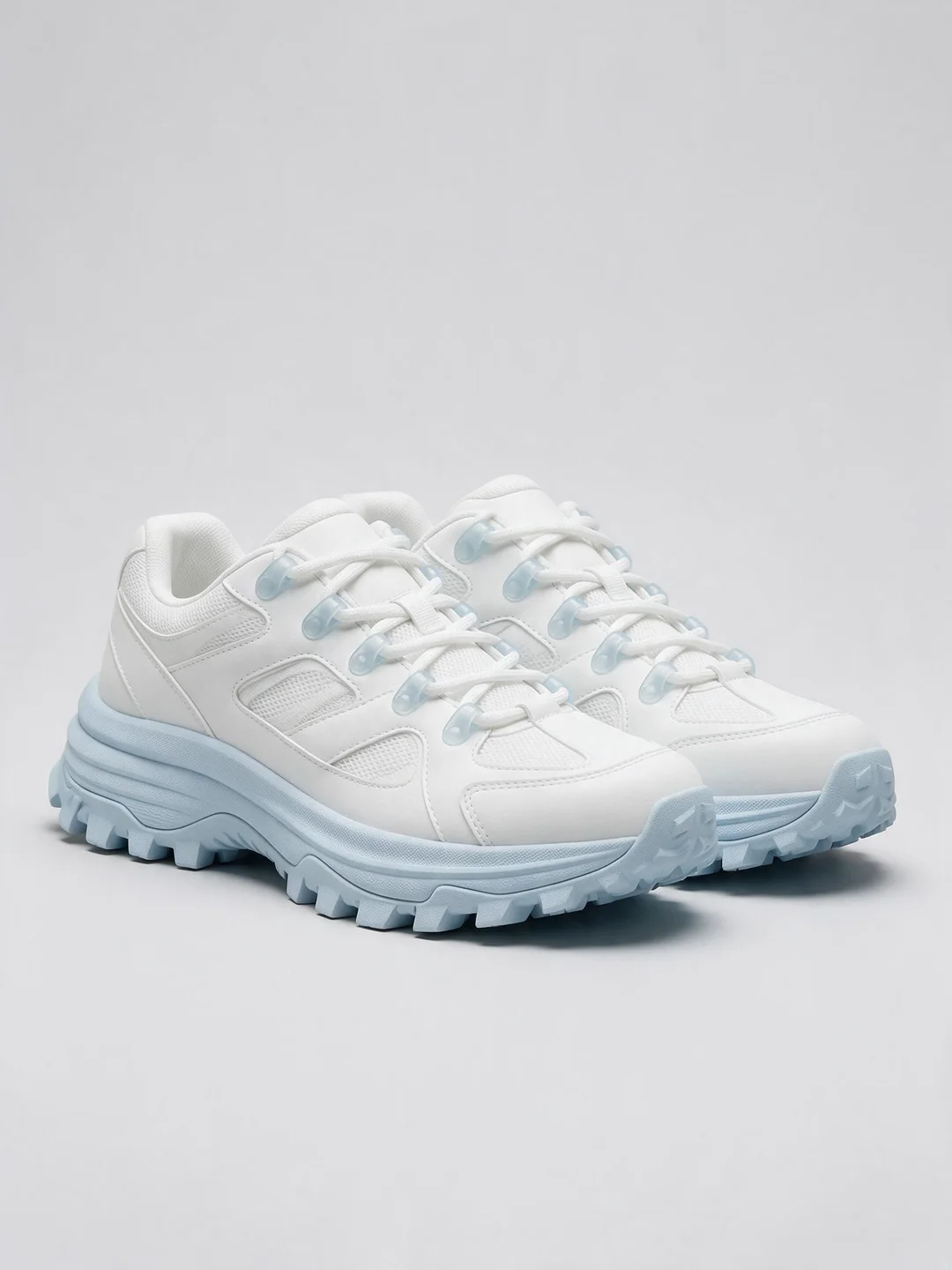
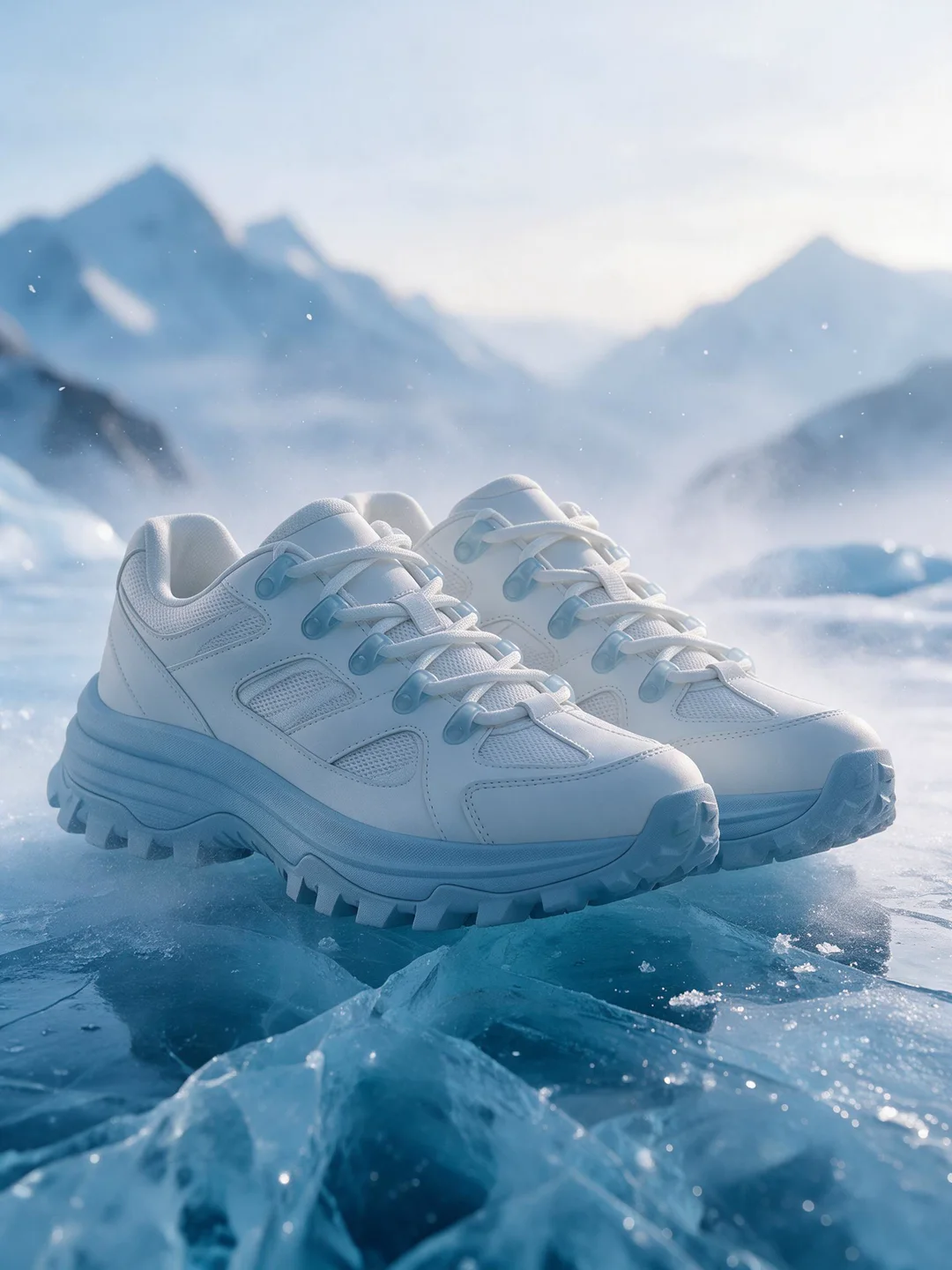
Prompt
The exact sneakers from the reference image standing on a cracked sheet of blue glacier ice, frozen mist drifting, tiny ice crystals floating in the air, cool dawn light with a soft rim glow, low angle hero shot, premium advertising photo, ultra sharp, no text, no logos
Seedream 5.0 Pro · 3:4 · 2K · 1 reference
- 1
Write a prompt
Describe the subject, the place and the light.
- 2
Add references
Upload up to 10 images, or type @ to use a saved character or asset.
- 3
Pick a style, ratio and Generate
Choose a look, a shape and a size, then press Generate.
No generated images yet
Describe an image in the prompt box to make your first one. Every image you make is saved here.
- 1Pick a modelChoose the Seedream model, aspect ratio and resolution on the left.
- 2Describe your imageWrite a prompt, add reference images or type @ to use saved assets.
- 3GenerateResults land here with download, reference and edit actions.
Not sure what to make?Ask Kiryu for ideas