
 Offizieller BytePlus-PartnerBytePlus, ein Unternehmen von ByteDance
53 Effekte mit einem Klick
KI-Video-Effekte
Filmische Kamerabewegungen, für die man früher einen Kran, eine Drohne oder eine Dolly brauchte, als Vorlagen mit einem Klick. Wähl einen Effekt, beschreib dein Motiv, und Seedance 2.0 generiert die Einstellung.
- Seedance 2.0
- Vorschau für jeden Effekt
- Kosten in Credits vorab
- Mit eigenem Foto oder Charakter
Zuletzt aktualisiert:
Auf dieser Seite
Alle Video-Effekte
Öffne einen Effekt, um die Vorschau zu sehen, zu lesen, wie er funktioniert, und die genauen Kosten in Credits zu prüfen. Die Effekt-Seiten sind auf Englisch.
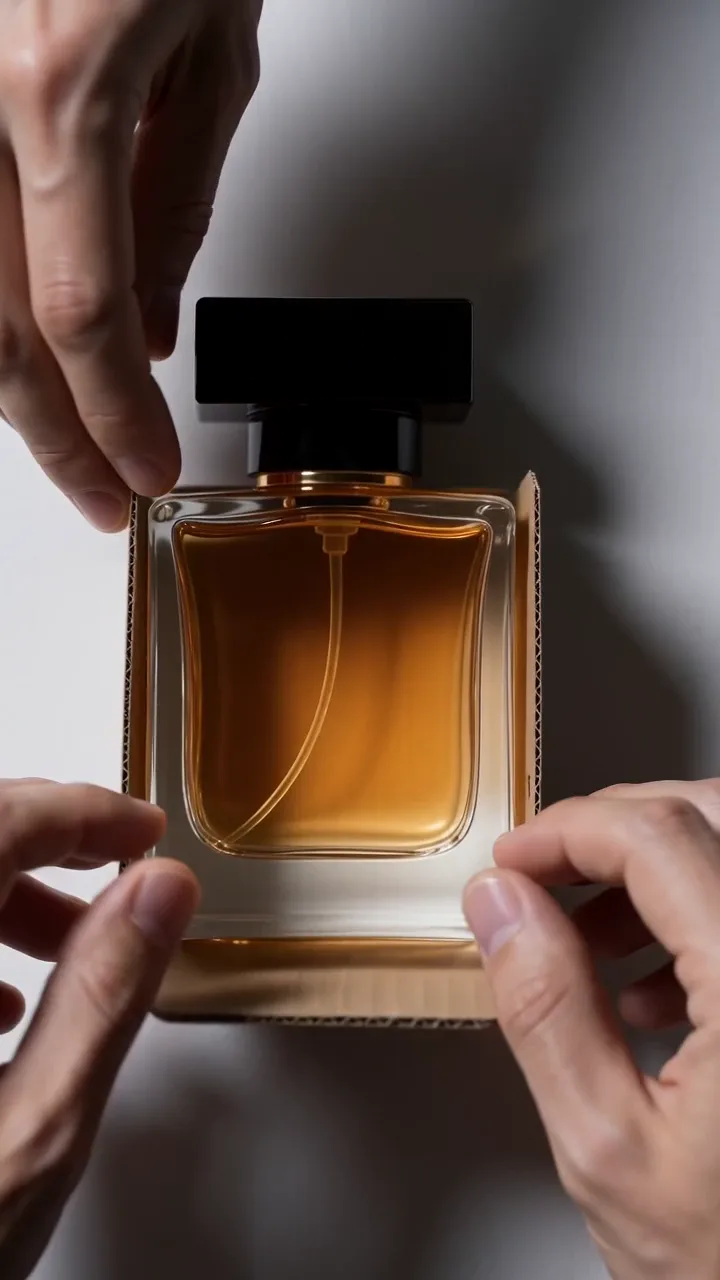
Unboxing Reveal
19 CreditsHands open a box and lift the product out to camera with a satisfying reveal.
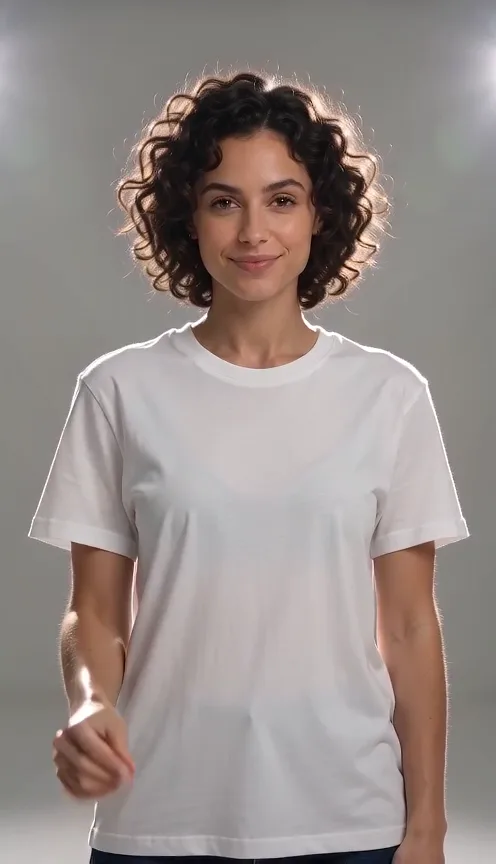
Outfit Snap Change
19 CreditsSubject snaps fingers and instantly changes into a new outfit.
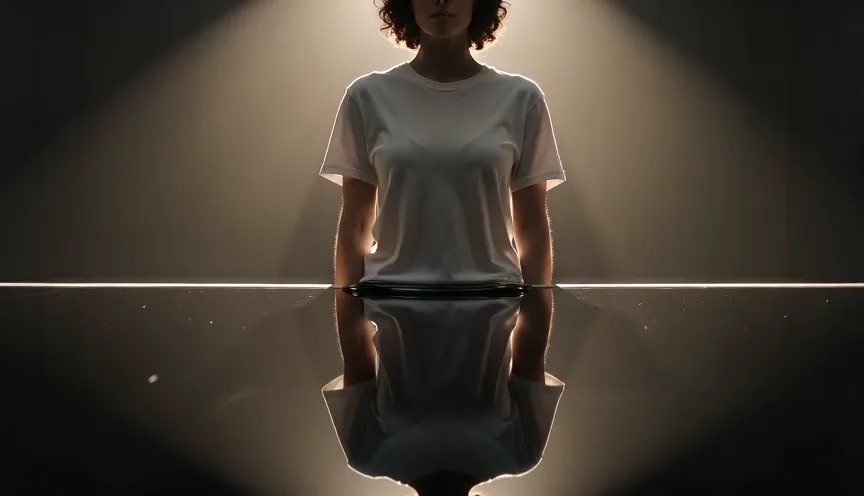
Melt Away
29 CreditsSubject slowly melts into a glossy puddle on the ground.
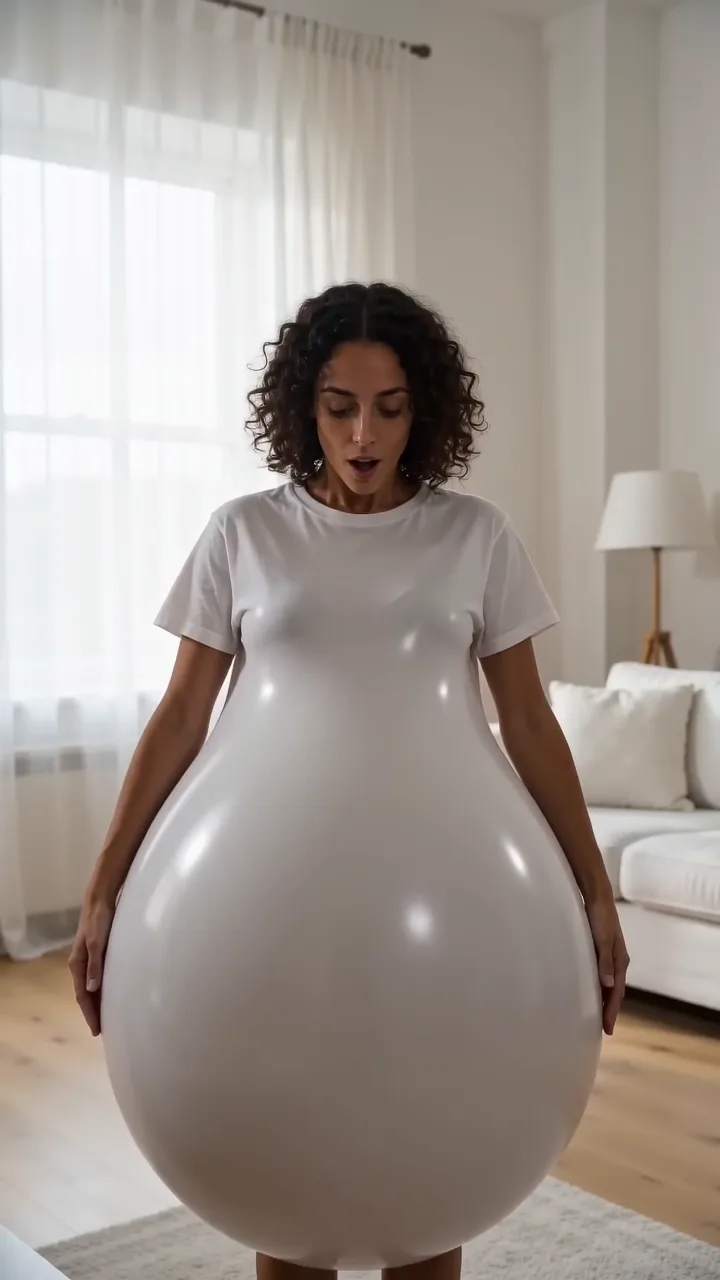
Inflate & Float
29 CreditsSubject puffs up like a balloon and floats off the ground.
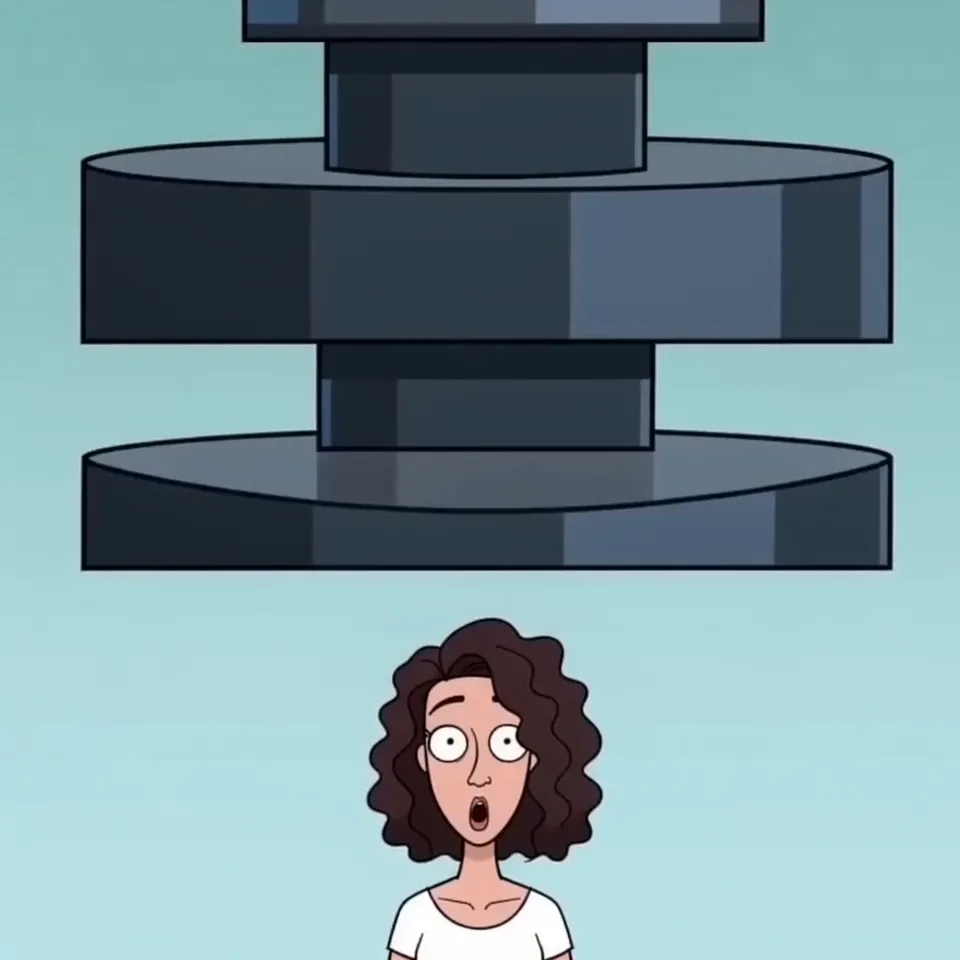
Squish Press
19 CreditsGiant press squishes subject flat like soft clay, cartoon style.
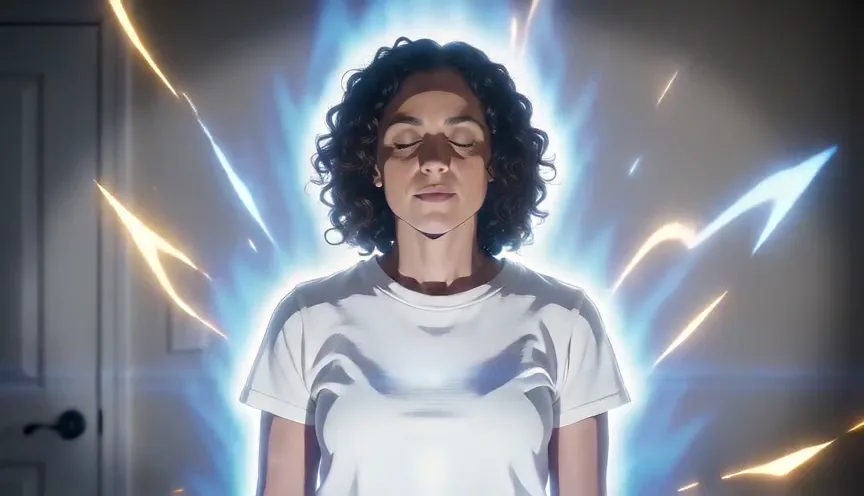
Anime Transformation
19 CreditsSubject transforms into a hand-drawn anime character with speed lines.
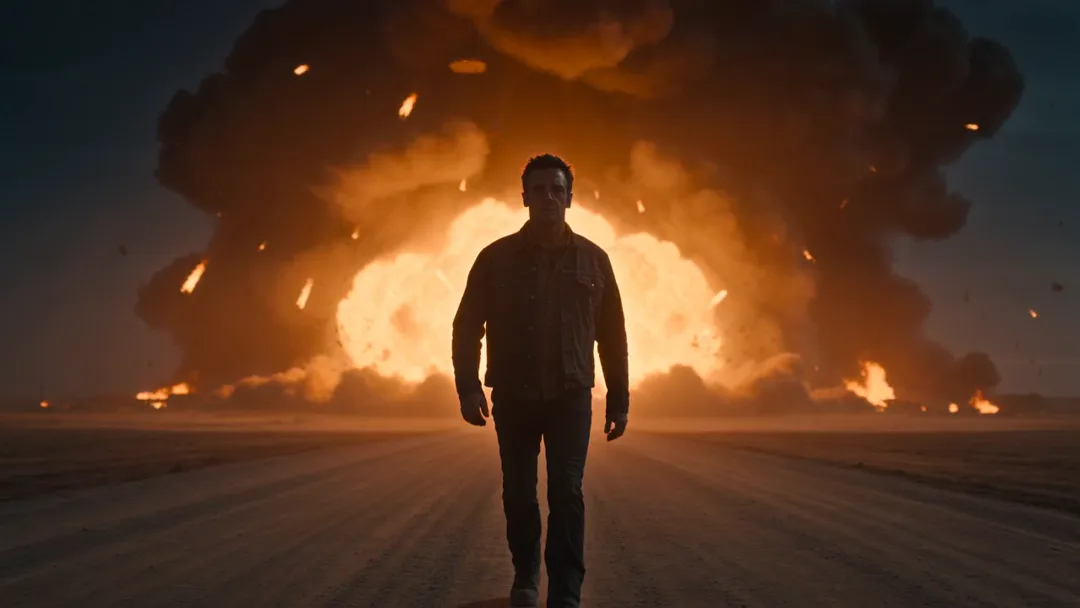
Explosion Walk-Away
29 CreditsSubject walks toward camera calmly while a huge explosion goes off behind.
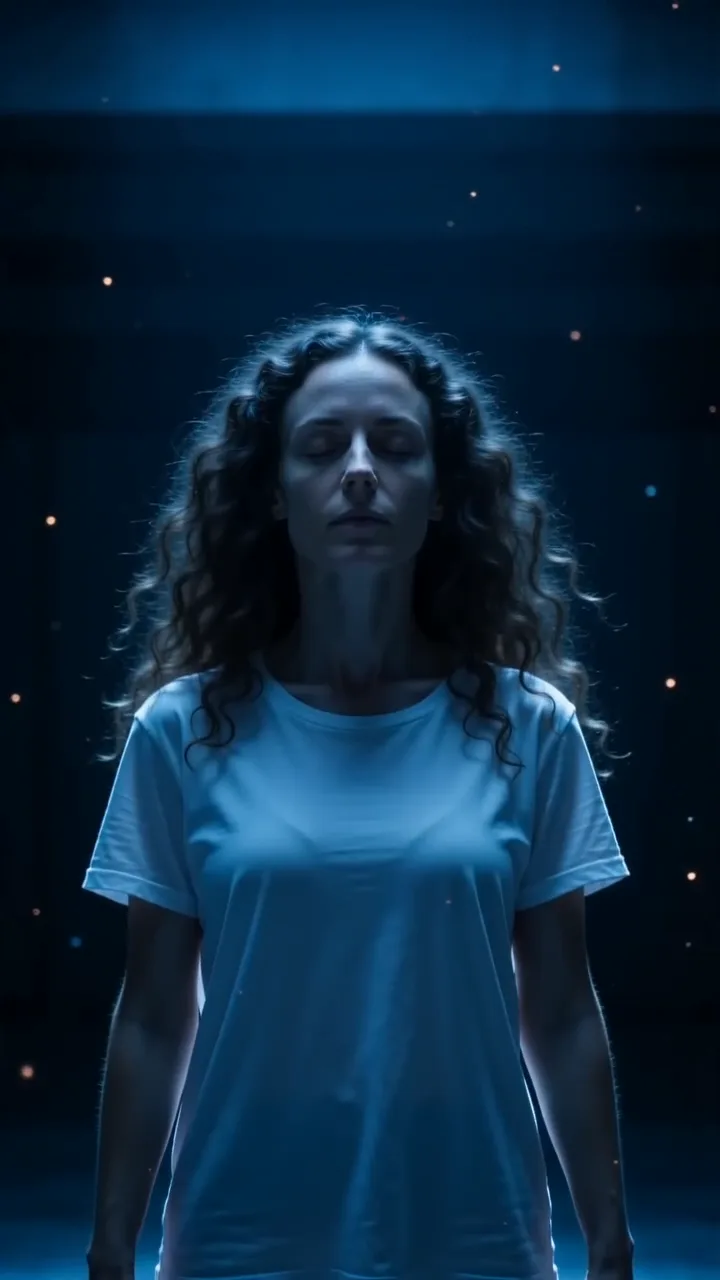
Levitation
29 CreditsSubject slowly rises off the ground and hovers, hair and clothes floating.
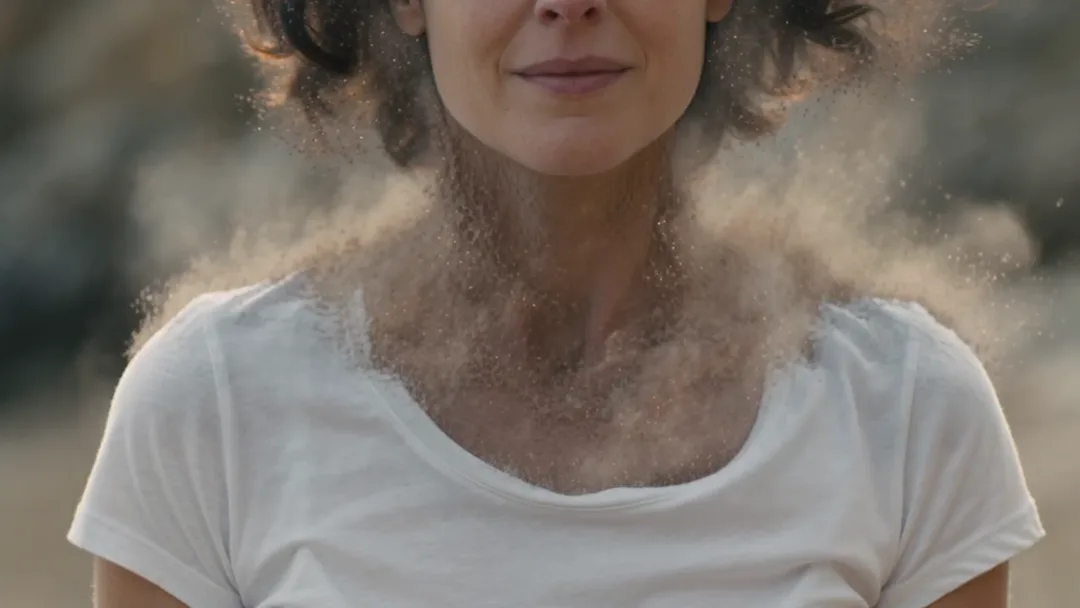
Disintegrate to Dust
29 CreditsSubject breaks apart into drifting particles that blow away in the wind.
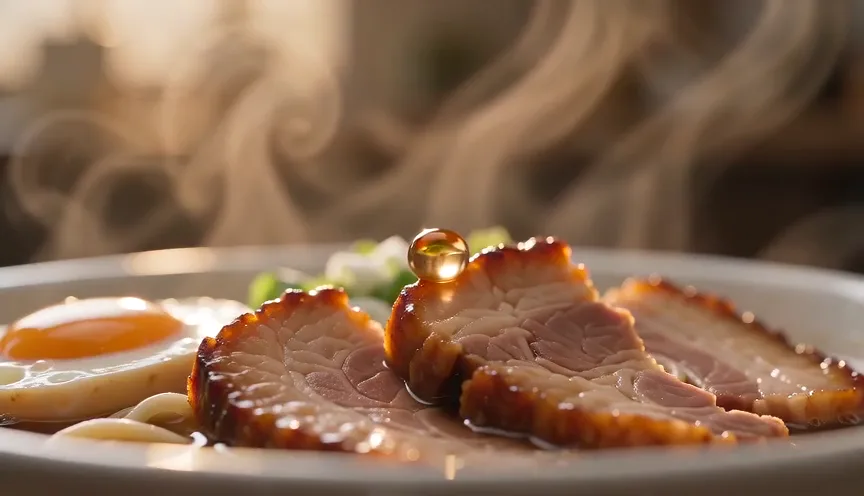
Food Macro Sizzle
19 CreditsExtreme close-up of food sizzling, steam and slow-motion drips, appetising ad look.
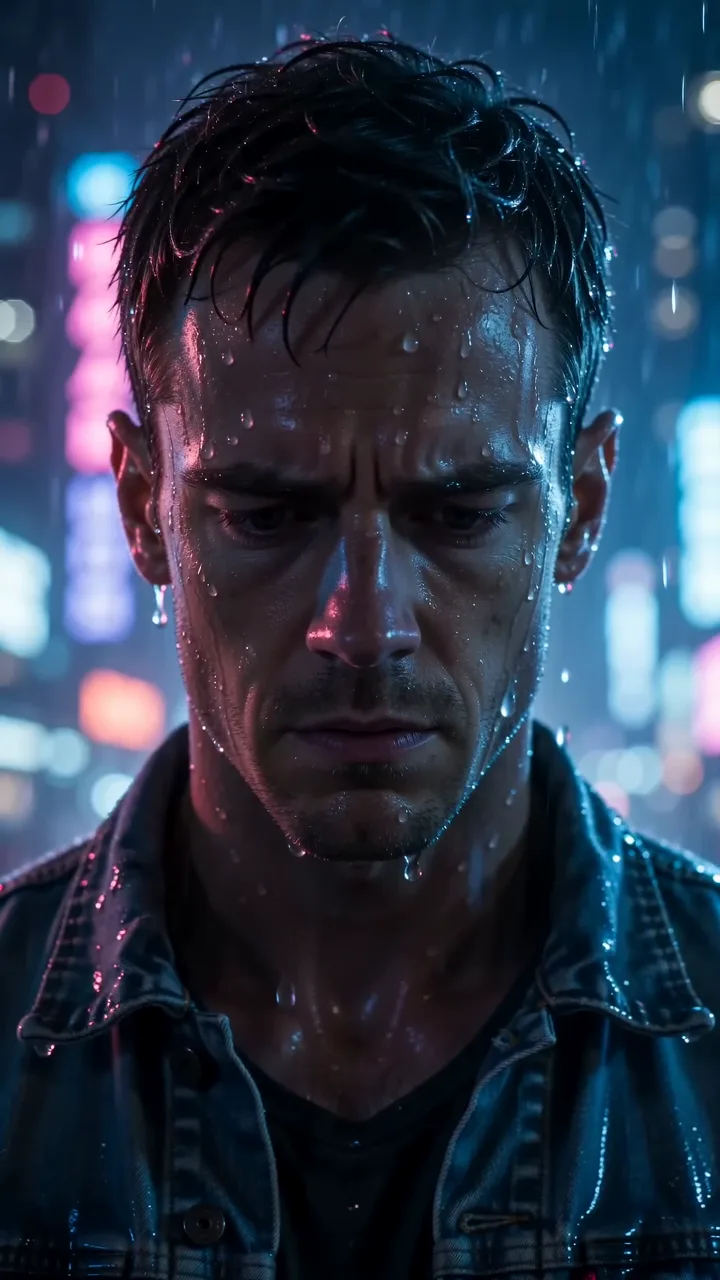
Rain Noir Close-Up
29 CreditsMoody close-up in heavy rain at night with neon reflections, cinematic.
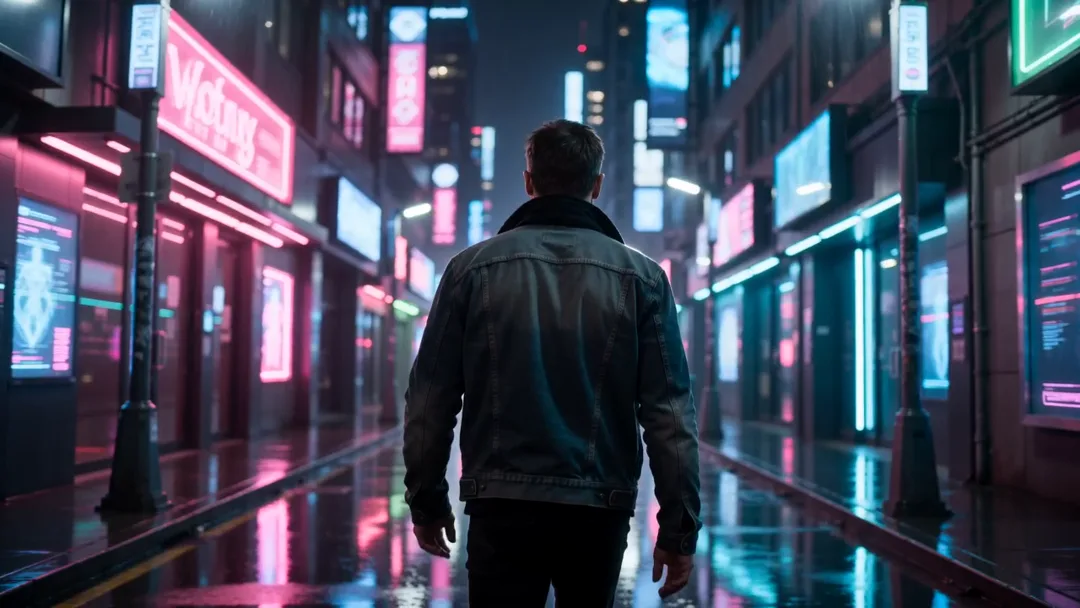
Neon City Walk
36 CreditsSubject walks through a neon-lit night city street, cyberpunk colours, tracking shot.
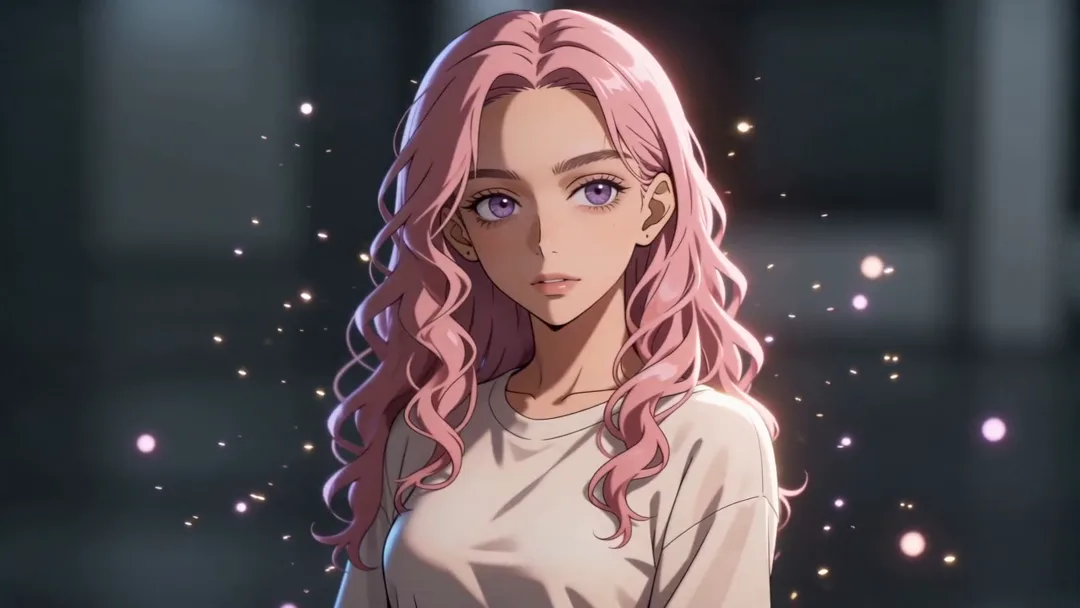
Bullet Time Freeze
19 CreditsFreezes action mid-moment while the camera orbits 180 degrees around the subject for a dramatic pause.
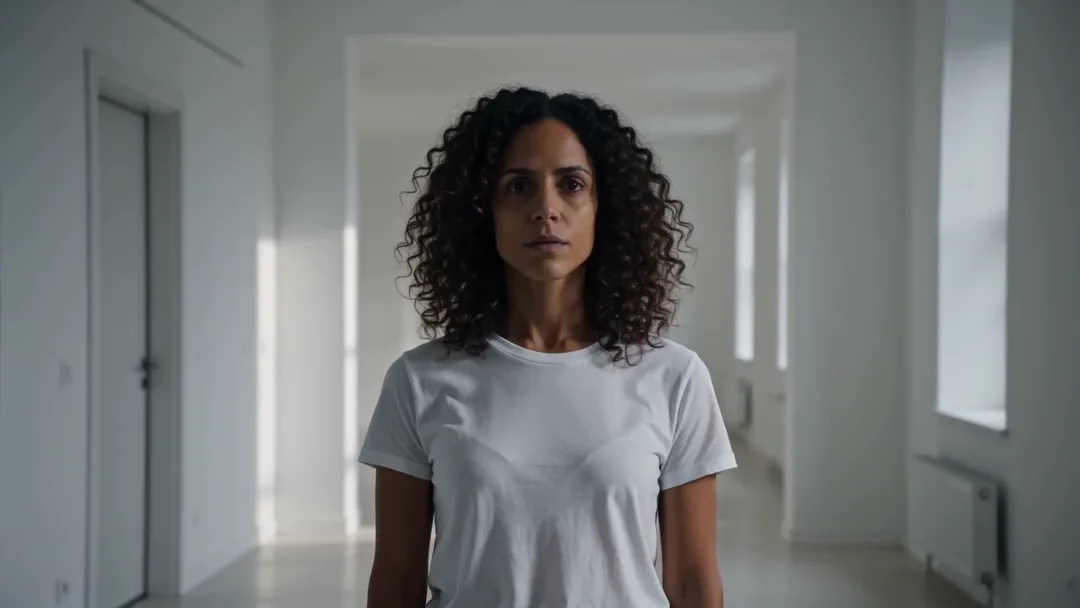
Dolly Zoom Vertigo
19 CreditsCamera dollies back while zooming in, stretching the background behind a still subject for a disorienting effect.
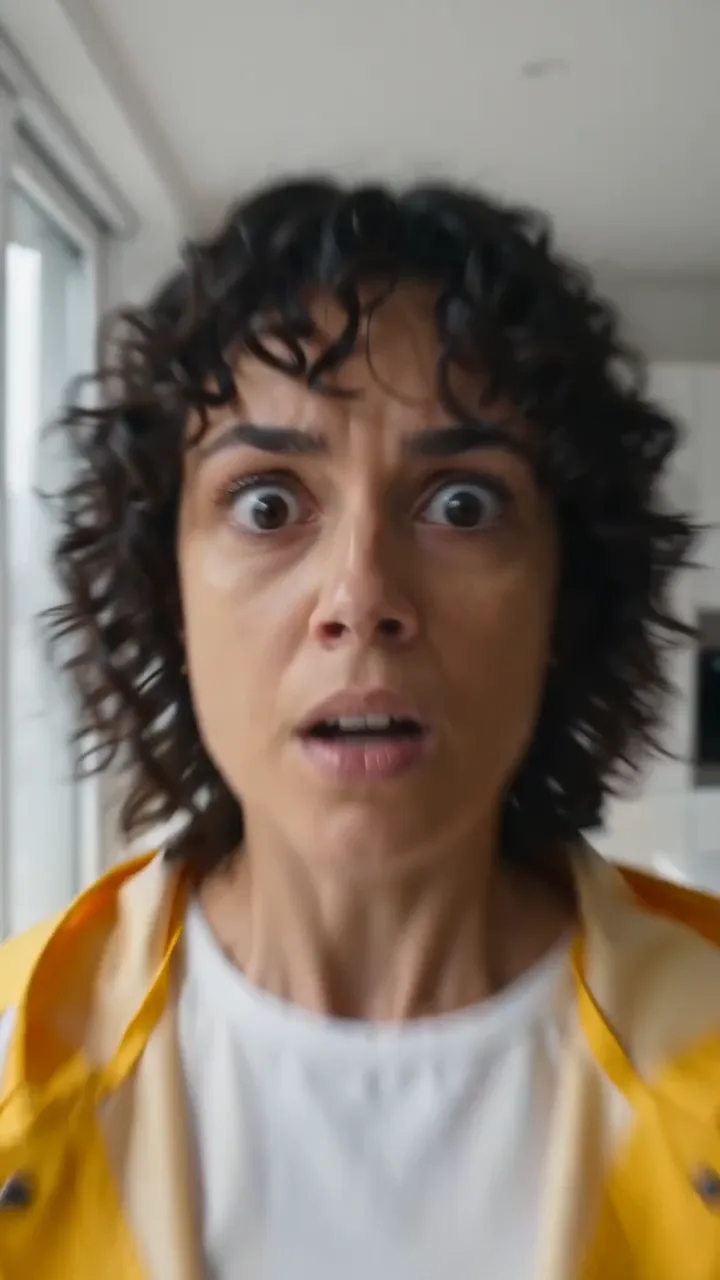
Crash Zoom
19 CreditsA sudden, fast zoom into the subject's face for comic or dramatic punch, starting from a wide shot.
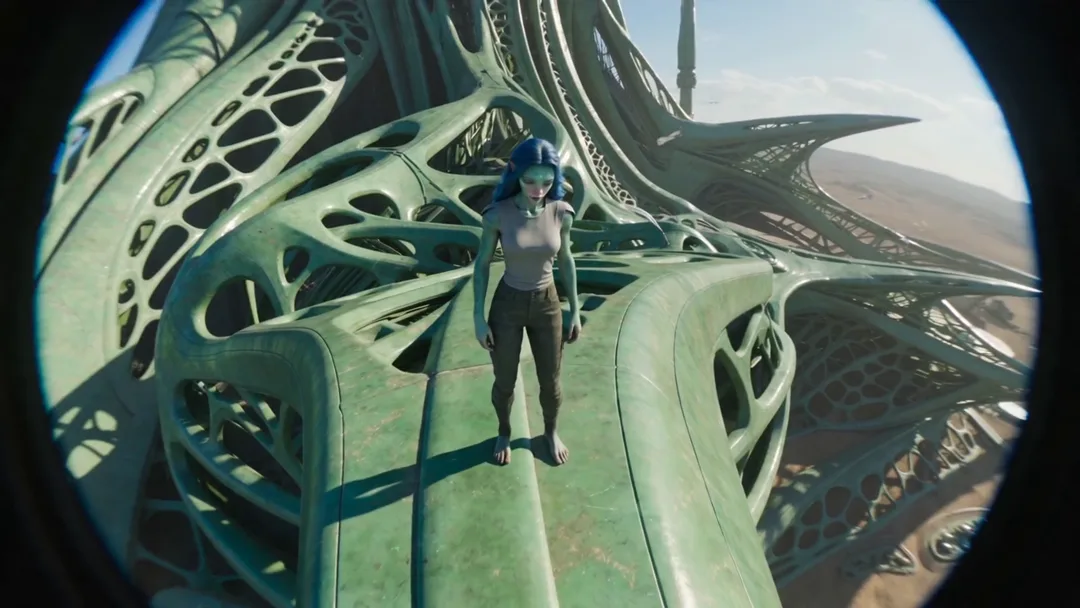
FPV Drone Dive
29 CreditsA racing-drone shot that dives from high above, skims the ground, and swoops up to the subject.
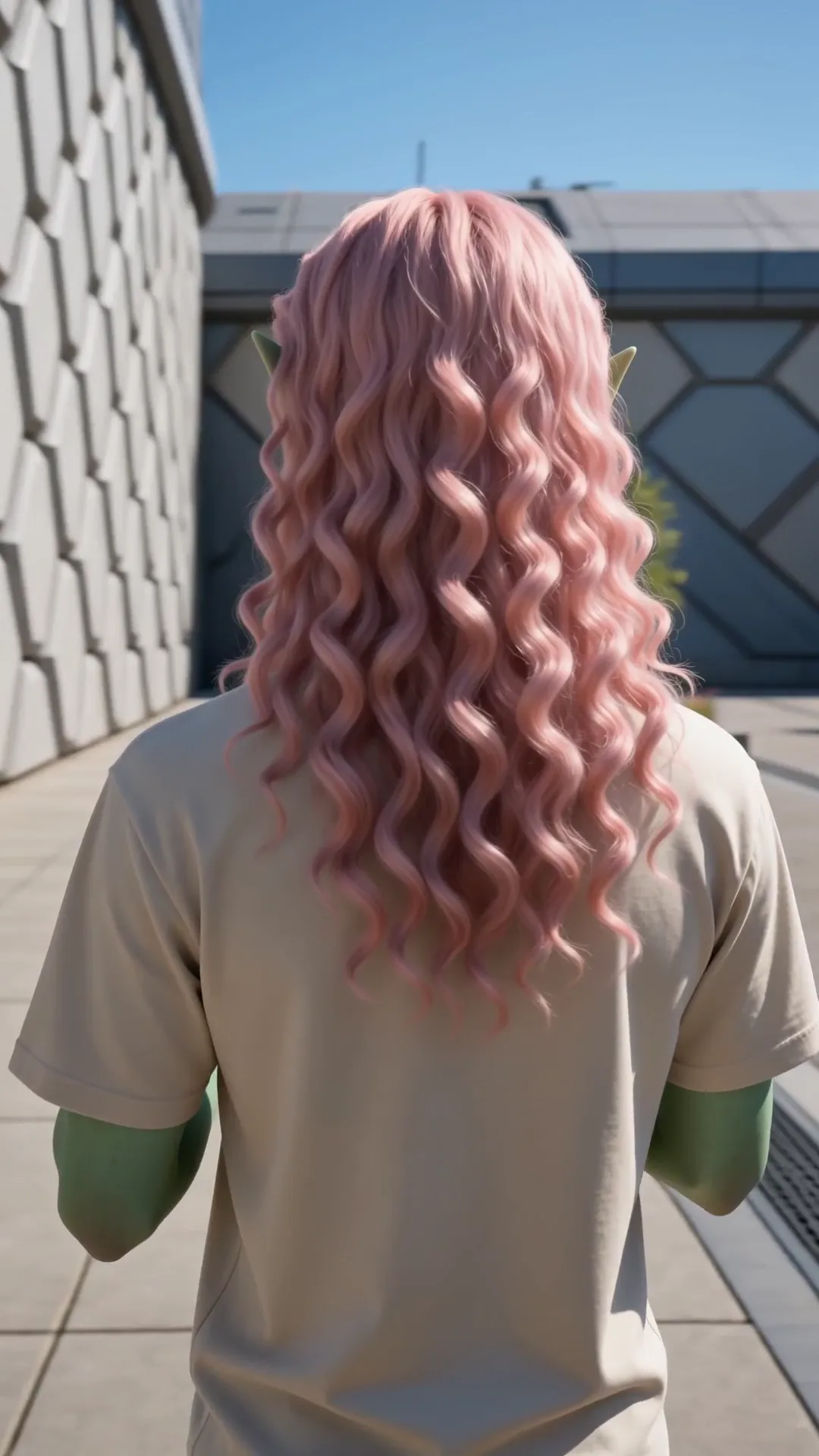
360 Orbit Reveal
36 CreditsThe camera circles the subject a full 360 degrees at eye level, steady and smooth.
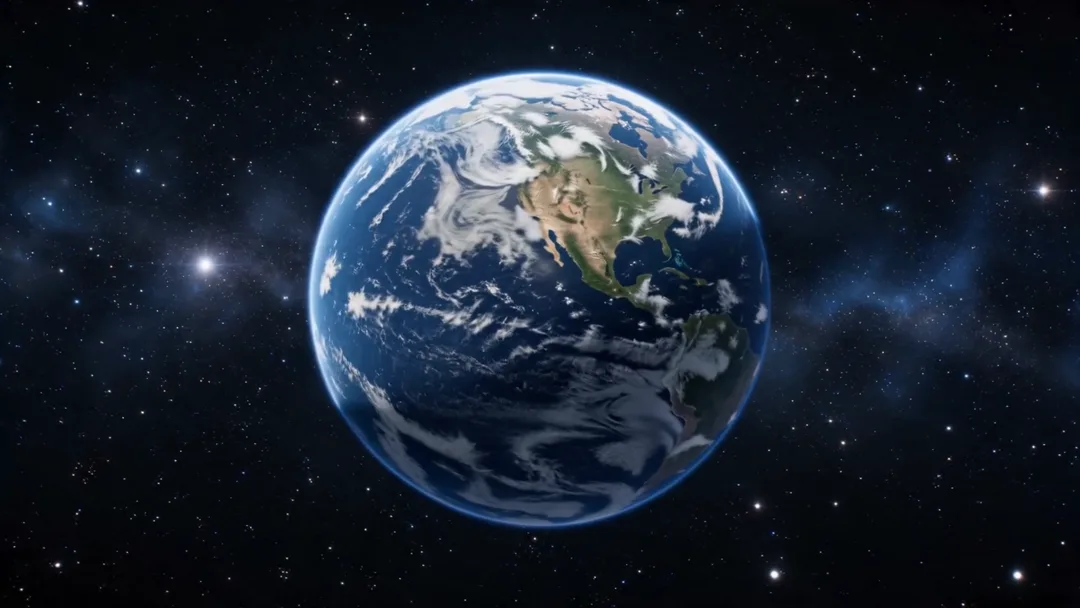
Earth Zoom Out
36 CreditsStarts close on the subject and pulls back continuously through the sky to a view of the planet from space.
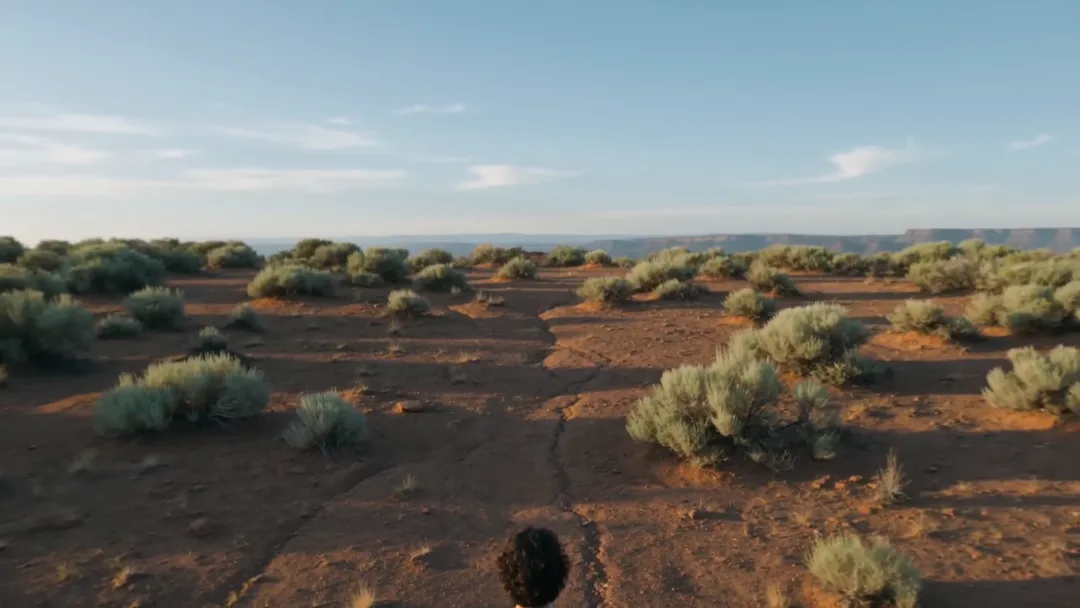
Drone Rise Reveal
29 CreditsStarts low behind the subject and rises up and over to reveal a wide landscape.
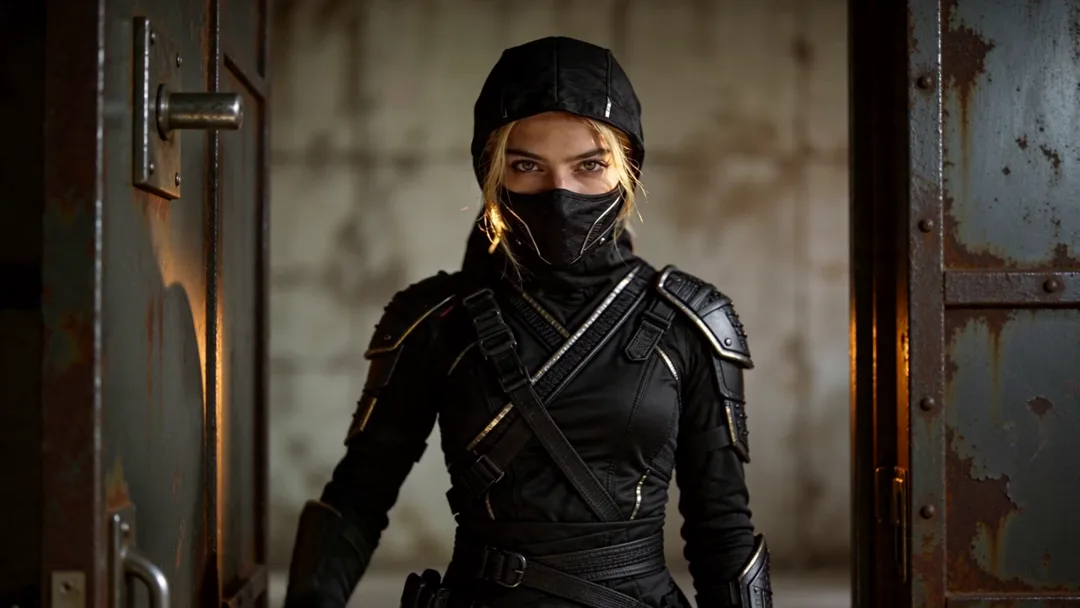
Whip Pan Transition
19 CreditsA fast whip pan with motion blur that lands on the subject in a new place.
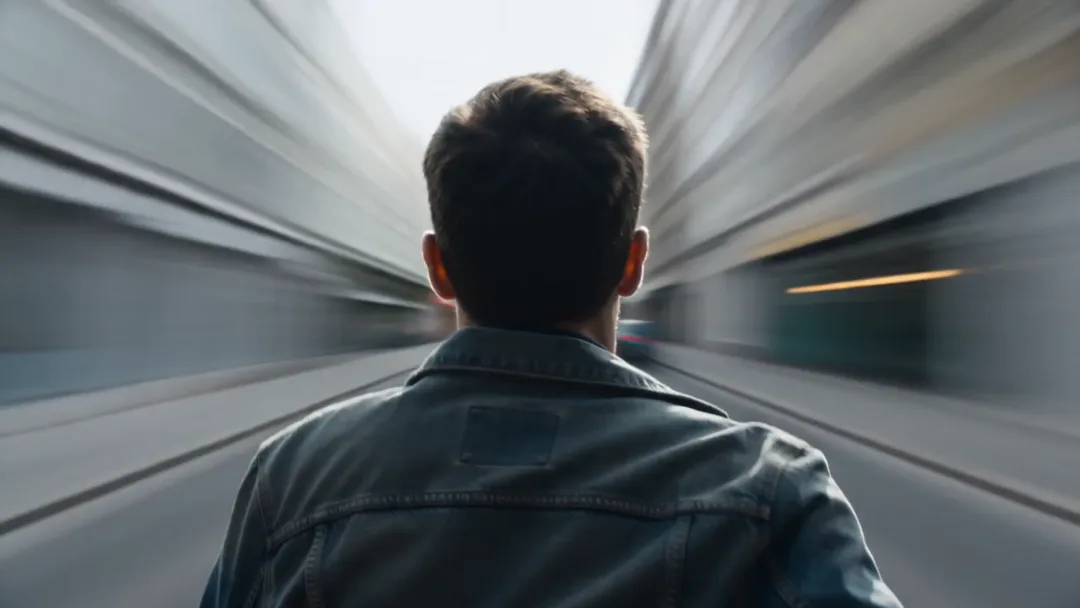
Snorricam Run
19 CreditsCamera locked to the running subject's body so they stay centred while the world shakes past.
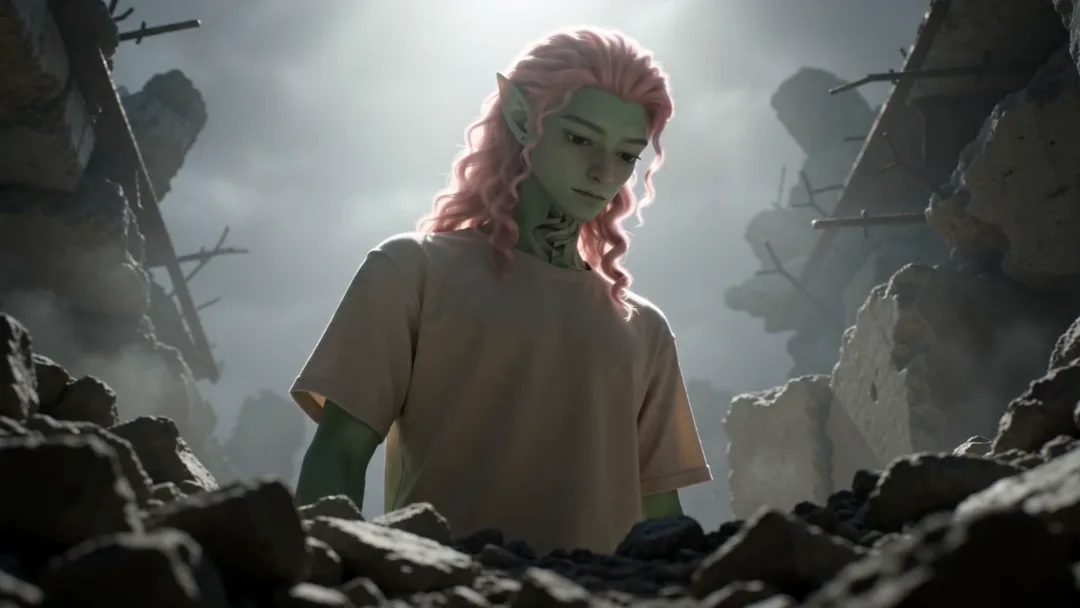
Hero Low-Angle Push-In
29 CreditsA slow push-in from a low angle that makes the subject look powerful.
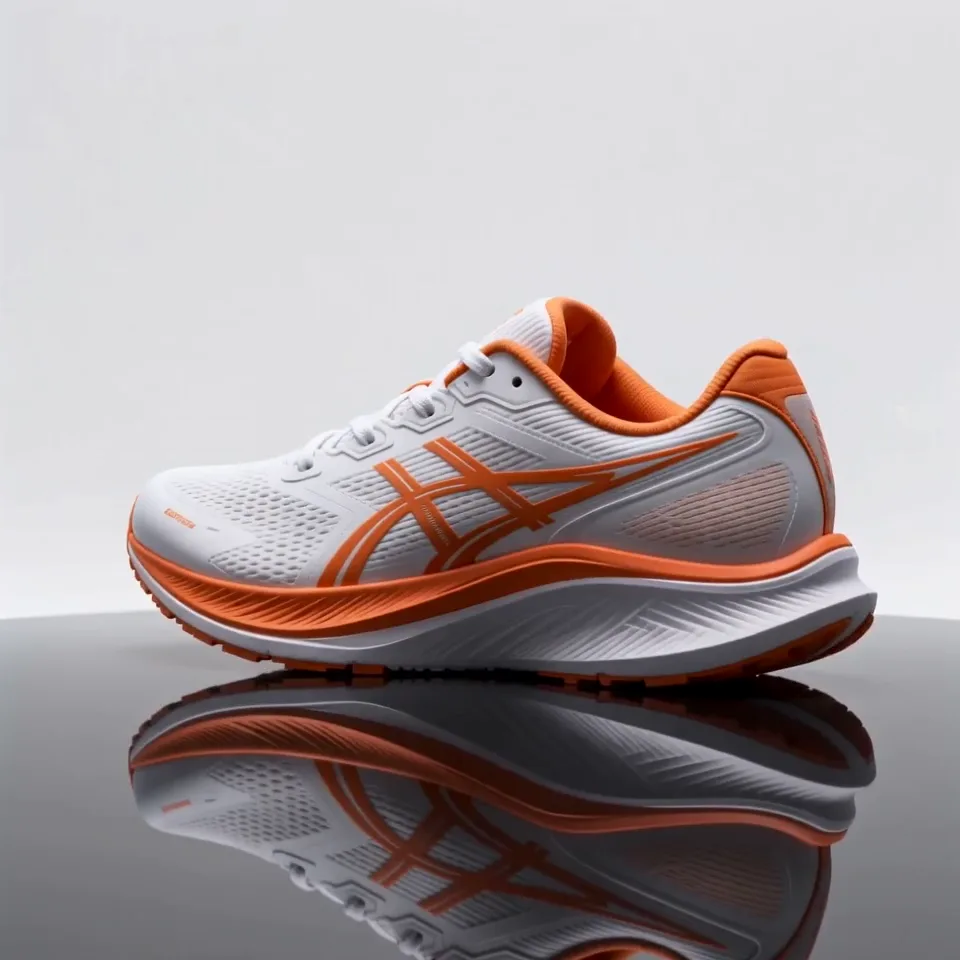
Product Turntable
36 CreditsThe product spins slowly on a clean studio turntable with soft reflections.
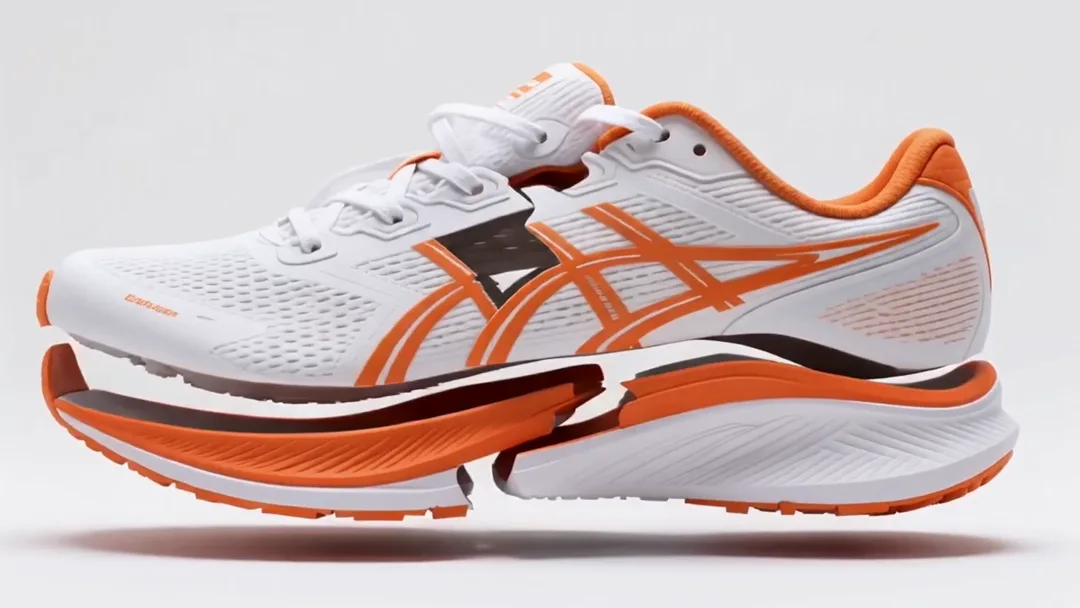
Product Explode & Assemble
29 CreditsThe product's parts float apart in the air then snap back together.
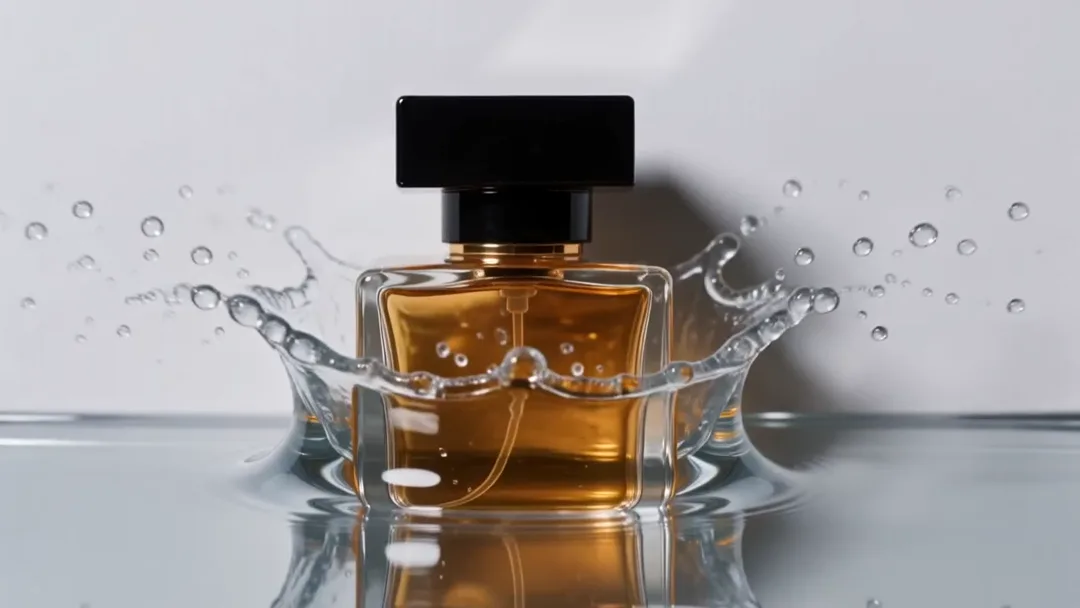
Liquid Splash Hero
19 CreditsThe product drops into liquid in slow motion with a dramatic splash crown.
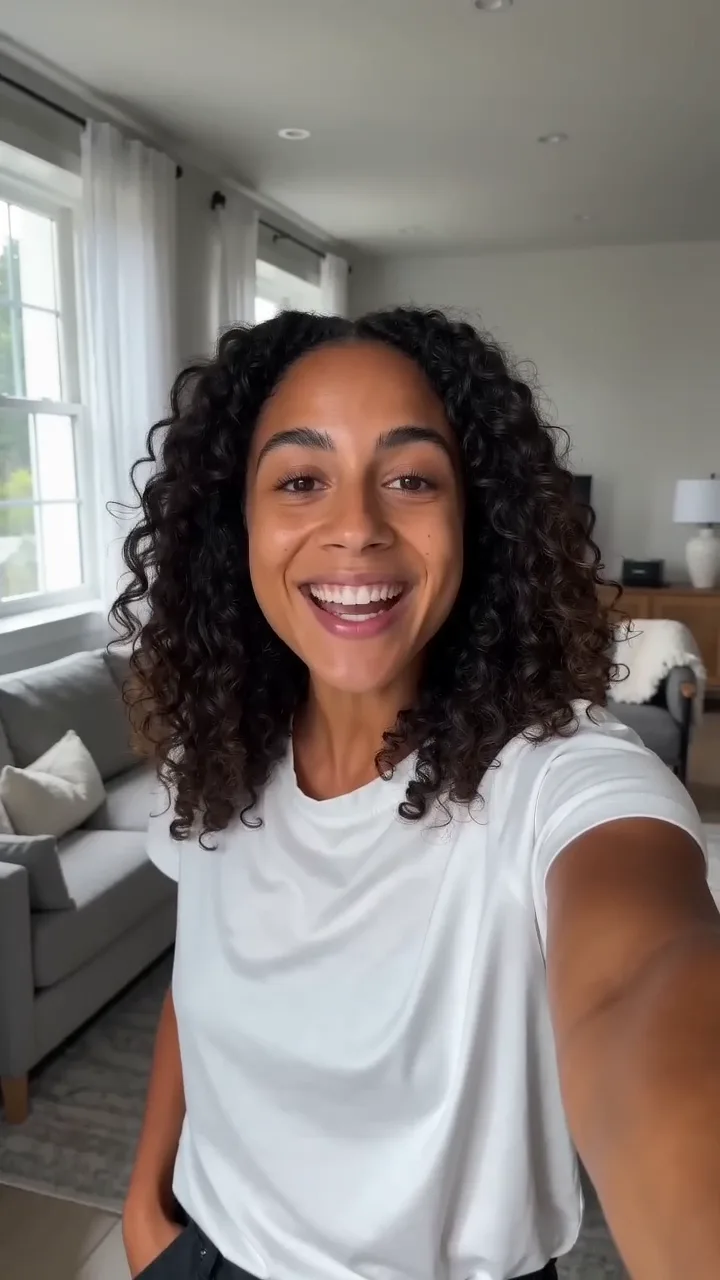
UGC Selfie Hook
19 CreditsA creator holds the phone selfie-style and delivers an energetic first line to camera.
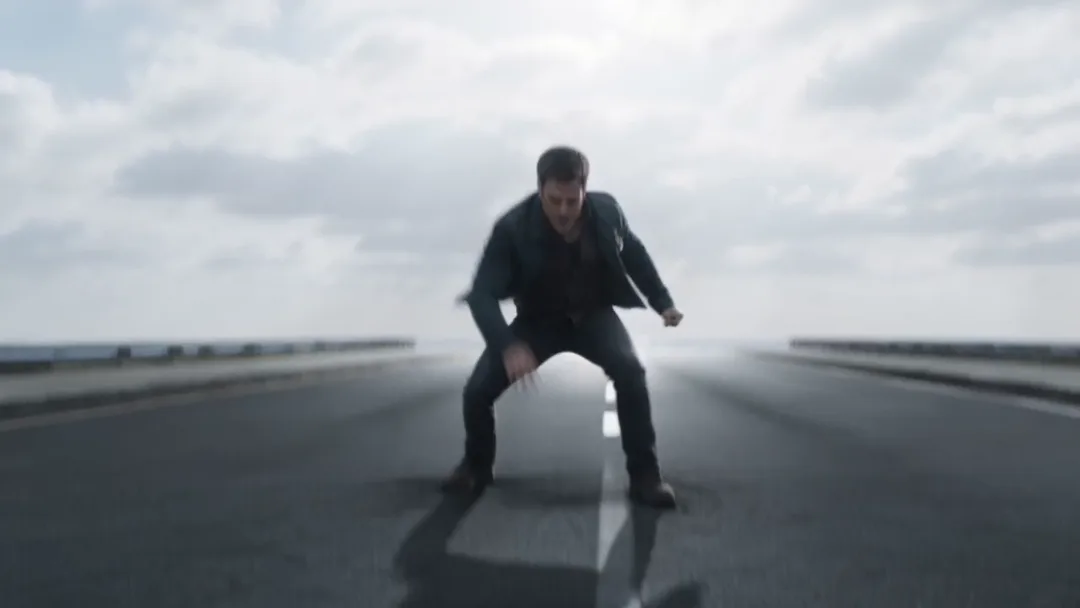
Superhero Landing
19 CreditsSubject drops from sky, lands in crouch, cracks ground with dust burst.
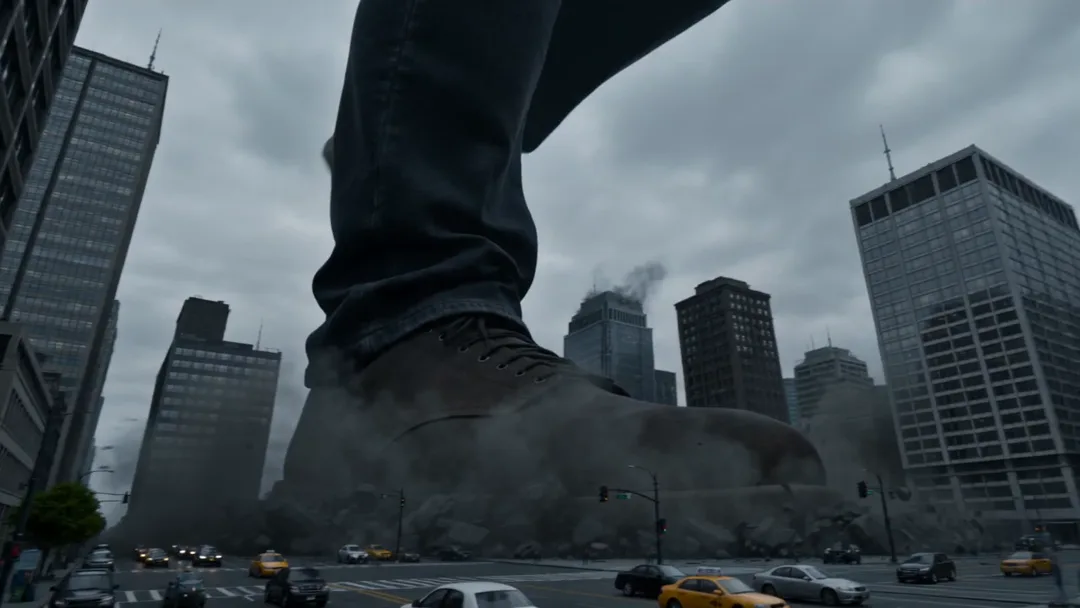
Giant in the City
29 CreditsGiant subject walks between skyscrapers, tiny cars visible below.
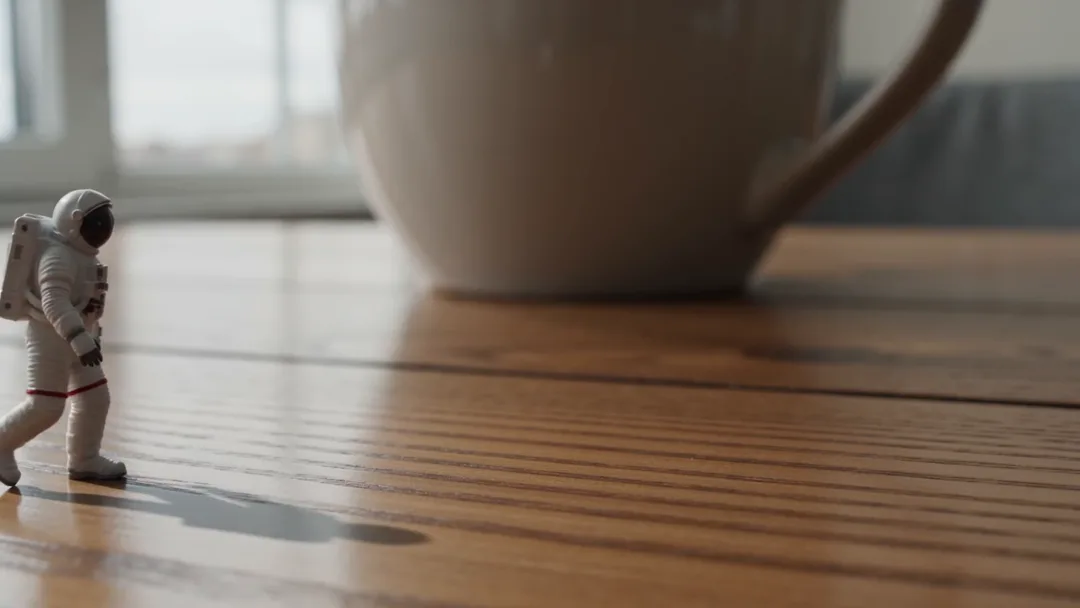
Tiny on the Desk
19 CreditsTiny subject walks across a desk next to a huge coffee mug.
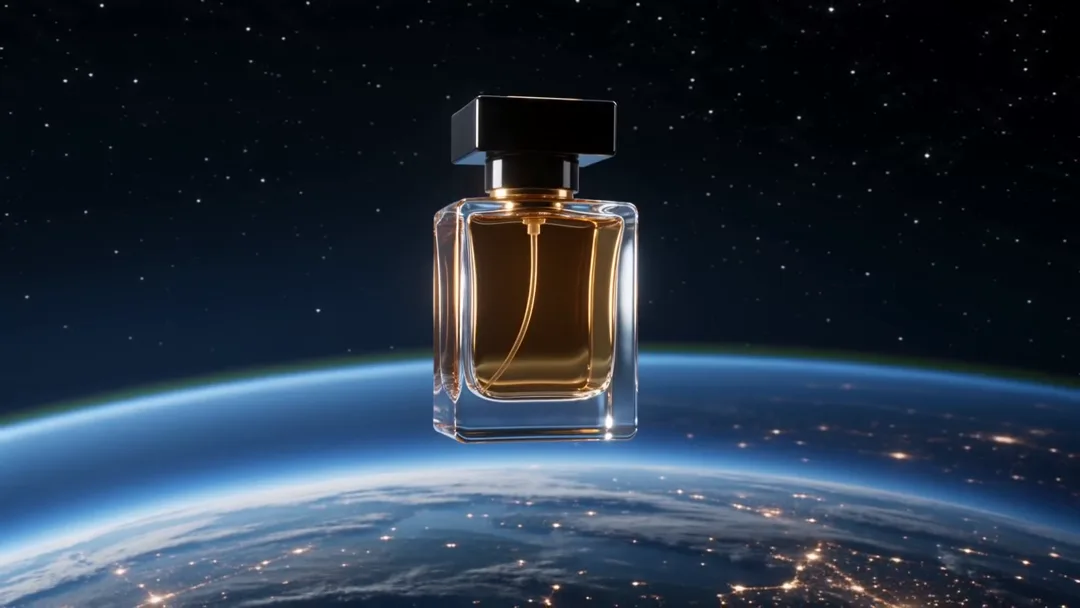
Product in Space
29 CreditsProduct floats and rotates in space with Earth glowing below.
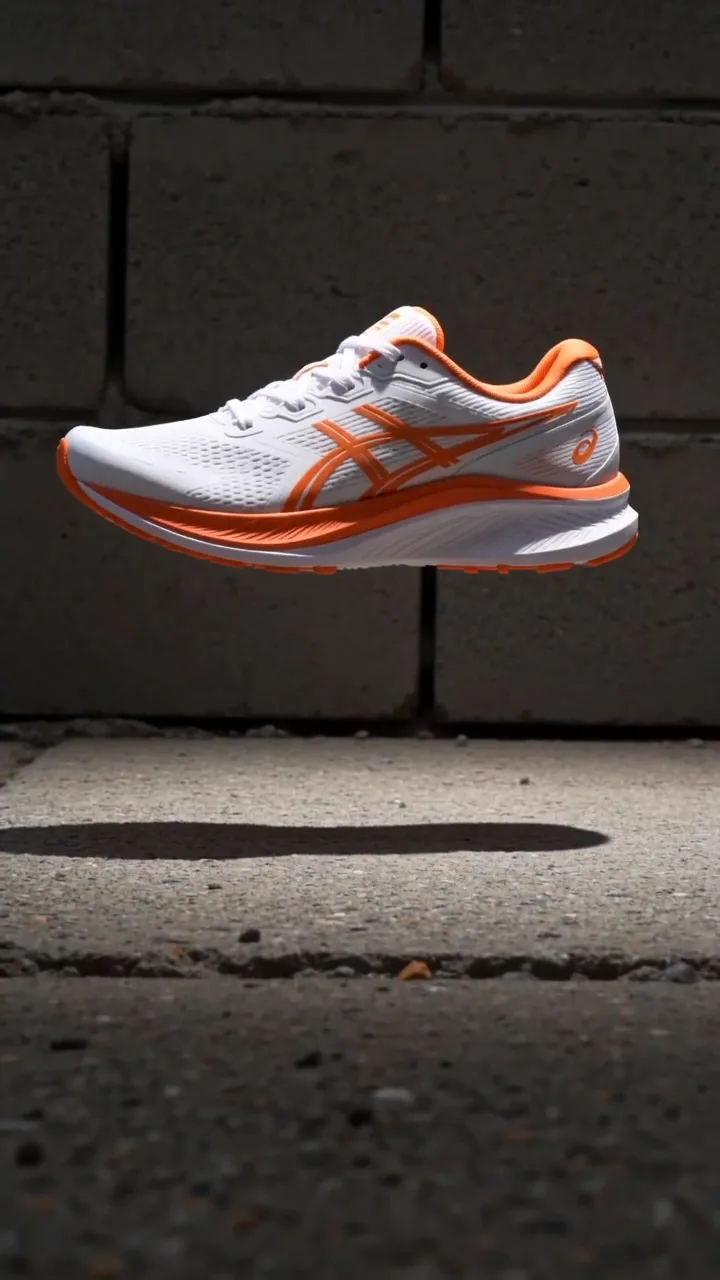
Sneaker Drop
19 CreditsProduct drops onto concrete in slow motion with dust burst.

Coffee Pour Morning
19 CreditsCoffee pours into cup in slow motion beside product in warm light.
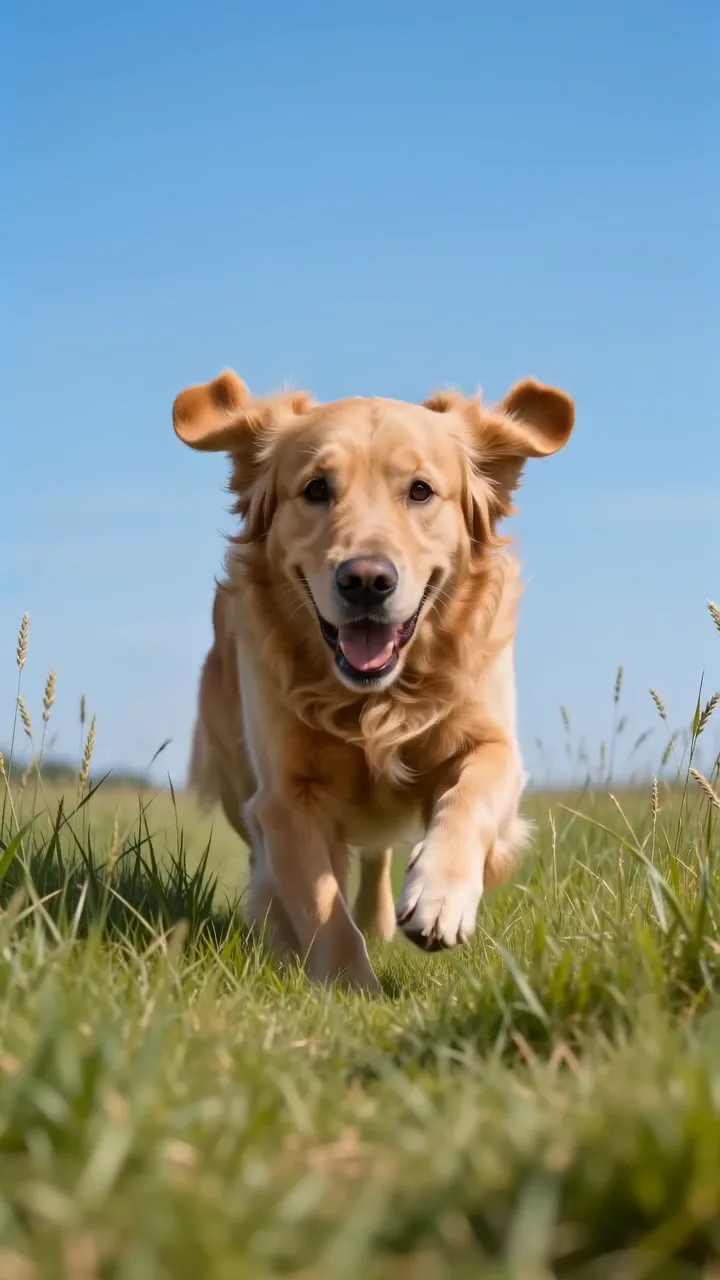
Pet Slow-Mo Run
19 CreditsPet runs toward camera in slow motion across grass, ears flapping.
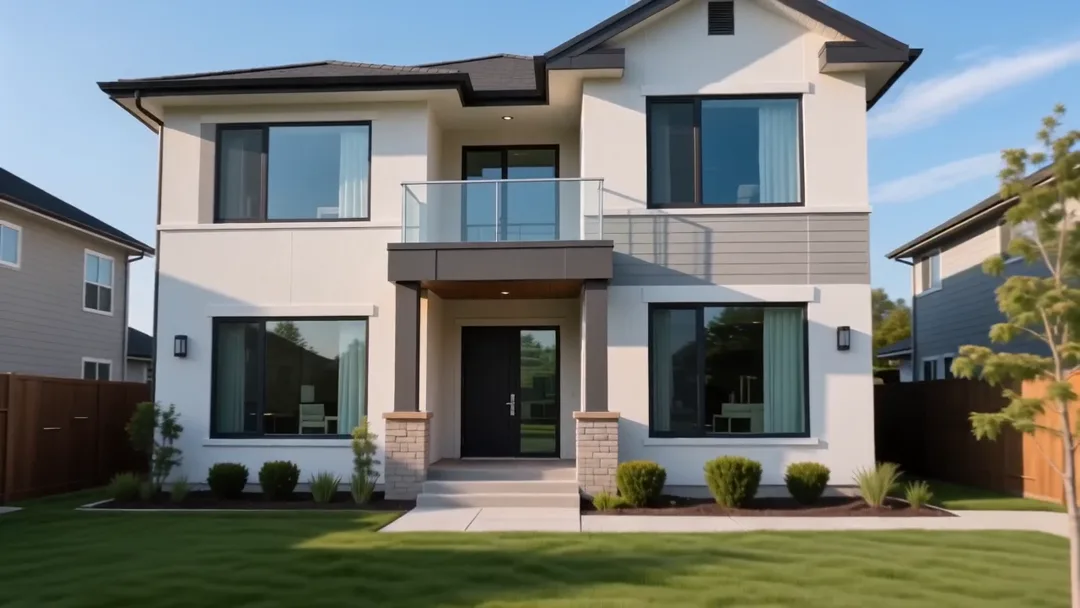
House Exterior Glide
29 CreditsSmooth drone glide toward the front of a house at golden hour for real estate listings.
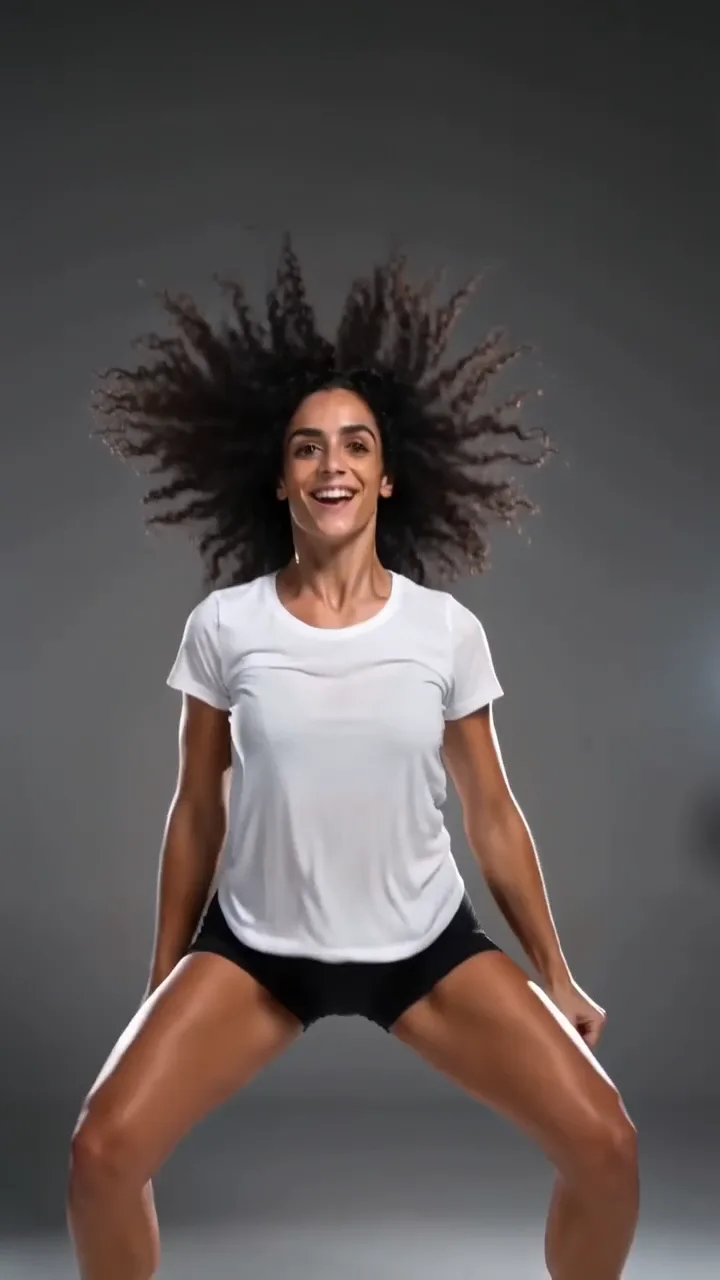
Simple Dance Loop
19 CreditsSubject performs a fun, simple dance move on the spot for upbeat social media content.
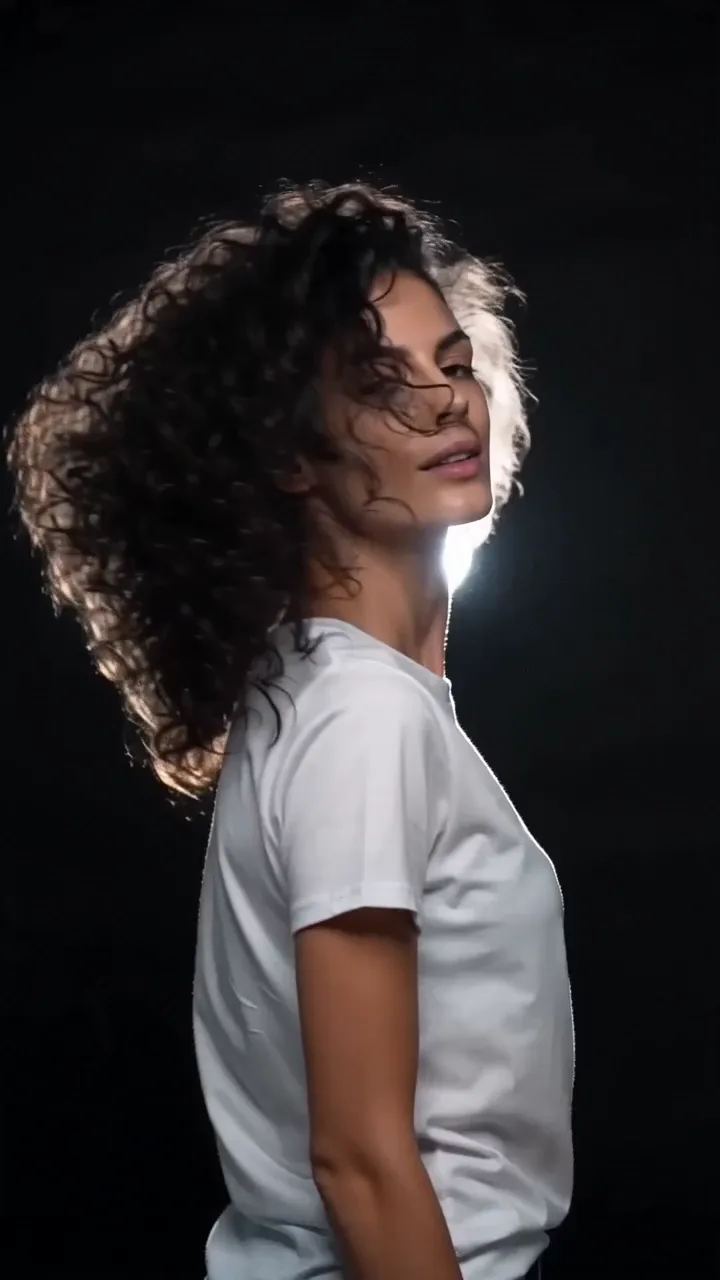
Hair Flip Slow-Mo
19 CreditsSubject turns and flips their hair in slow motion with dramatic backlighting.
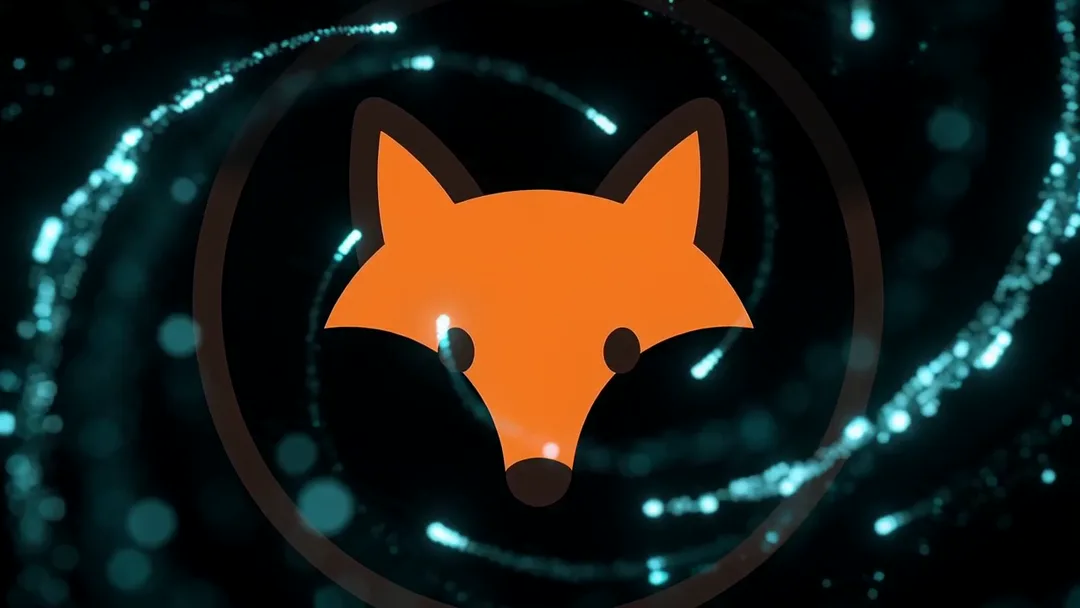
Logo Particle Reveal
19 CreditsGlowing particles swirl and assemble into a logo for a dynamic brand reveal.
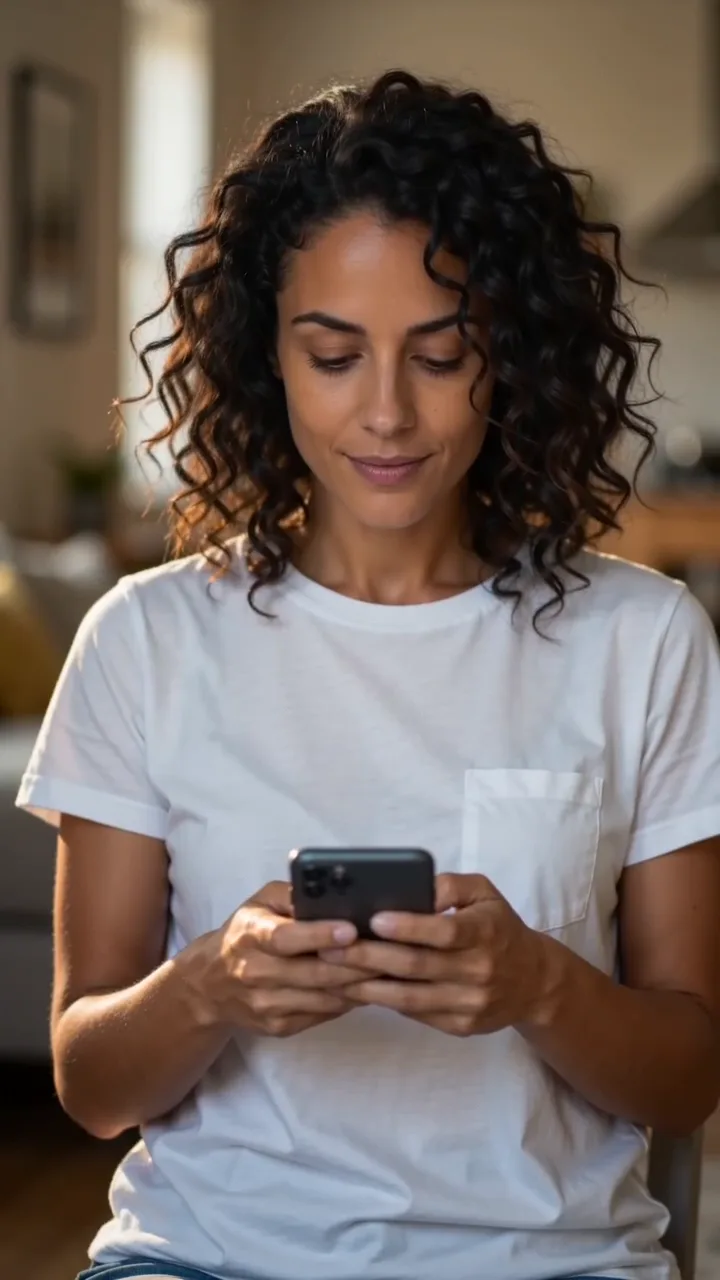
Smile to Camera Hook
19 CreditsSubject looks up from phone, smiles, and waves for a natural UGC-style hook.
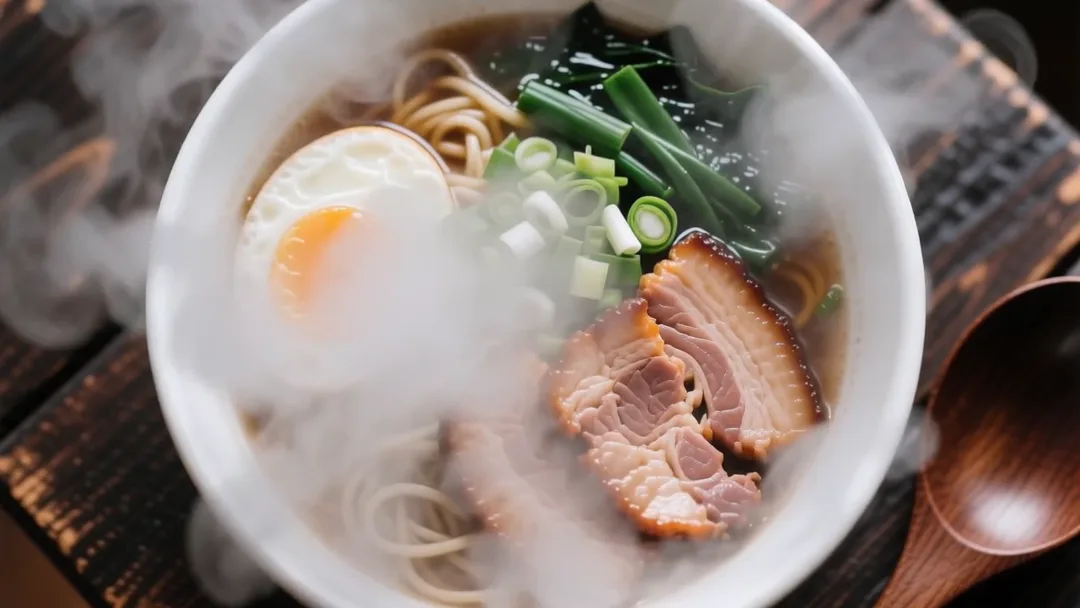
Food Steam Close-Up
19 CreditsSteaming dish with a slow push-in under warm restaurant lighting for appetite appeal.
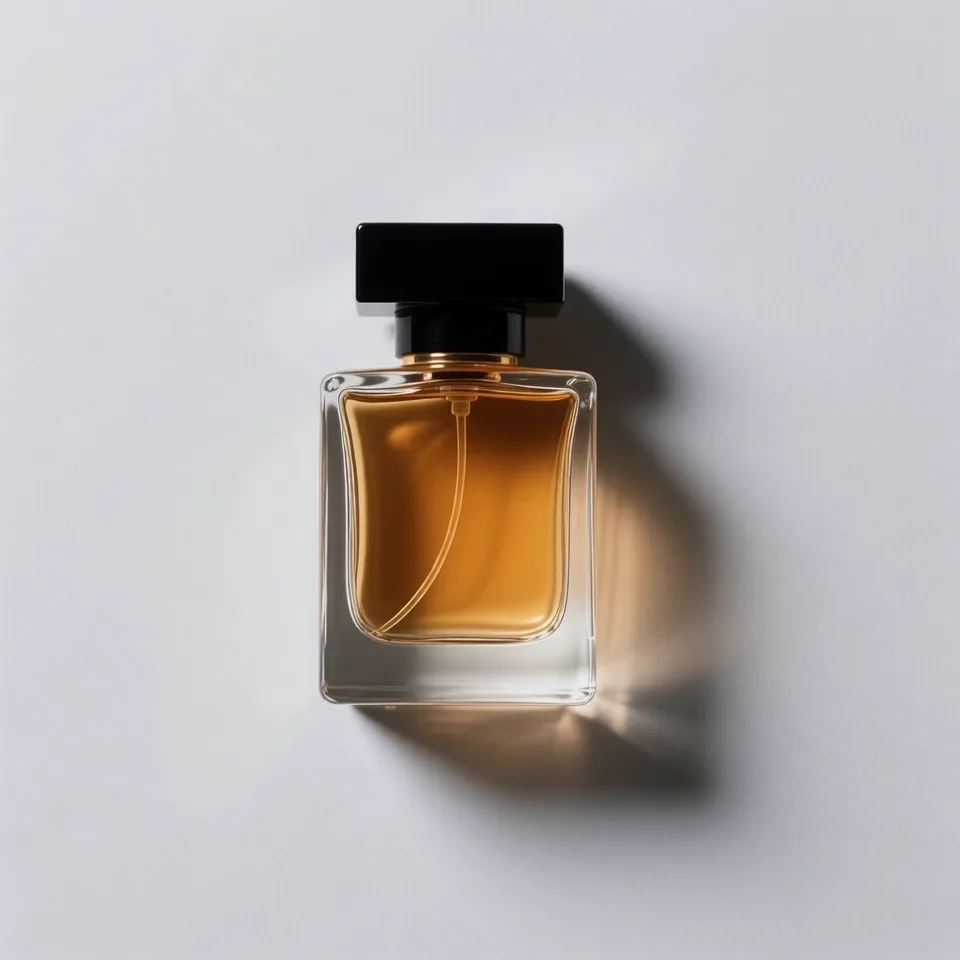
Watercolour Bloom
29 CreditsScene transforms into a watercolour painting with colors blooming outward from the center.
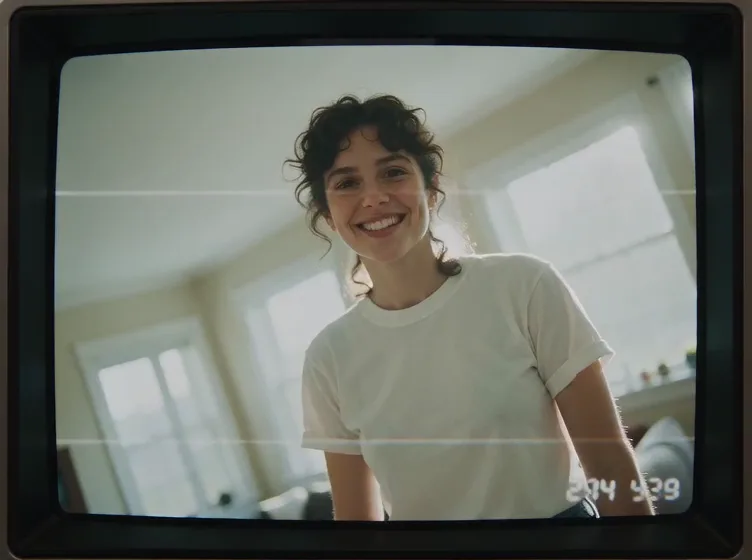
90s Home Video
19 CreditsClip styled as a 1990s camcorder video with date stamp and tape wobble for nostalgia.
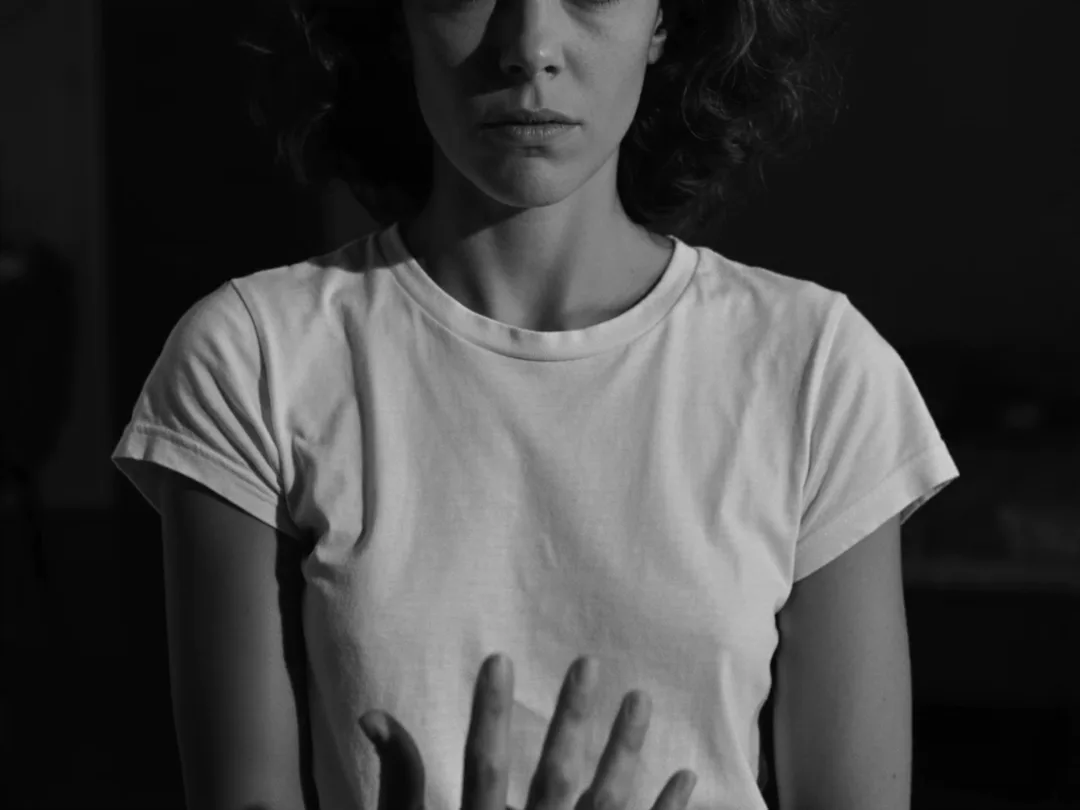
Silent Film
19 CreditsBlack-and-white silent film look with flicker, grain, and vignette for a classic feel.
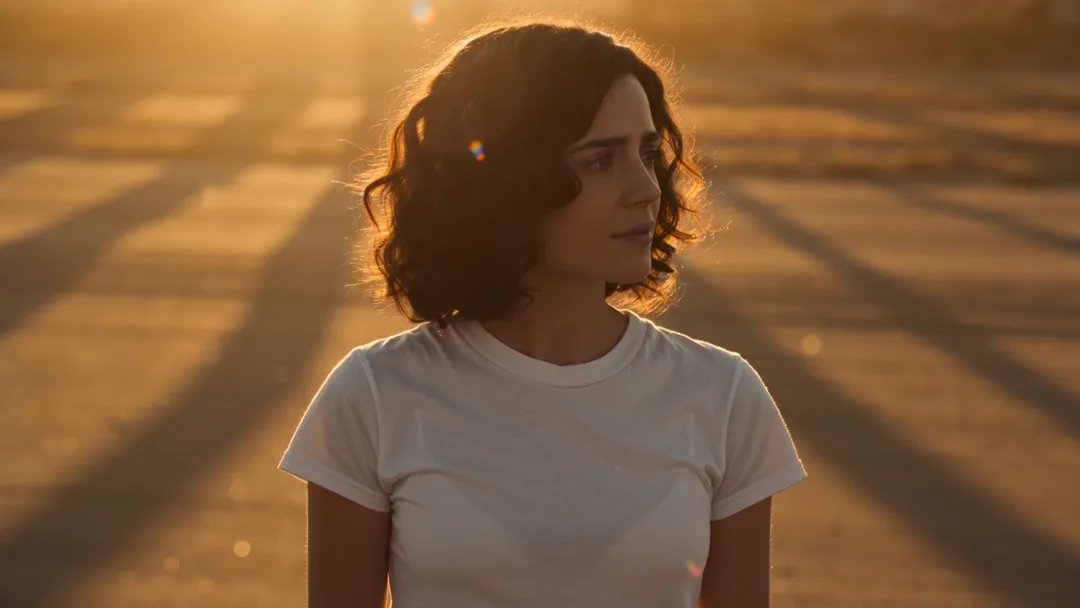
Golden Hour Film
29 CreditsWarm golden-hour light with 35mm film grain and soft lens flares for a cinematic look.
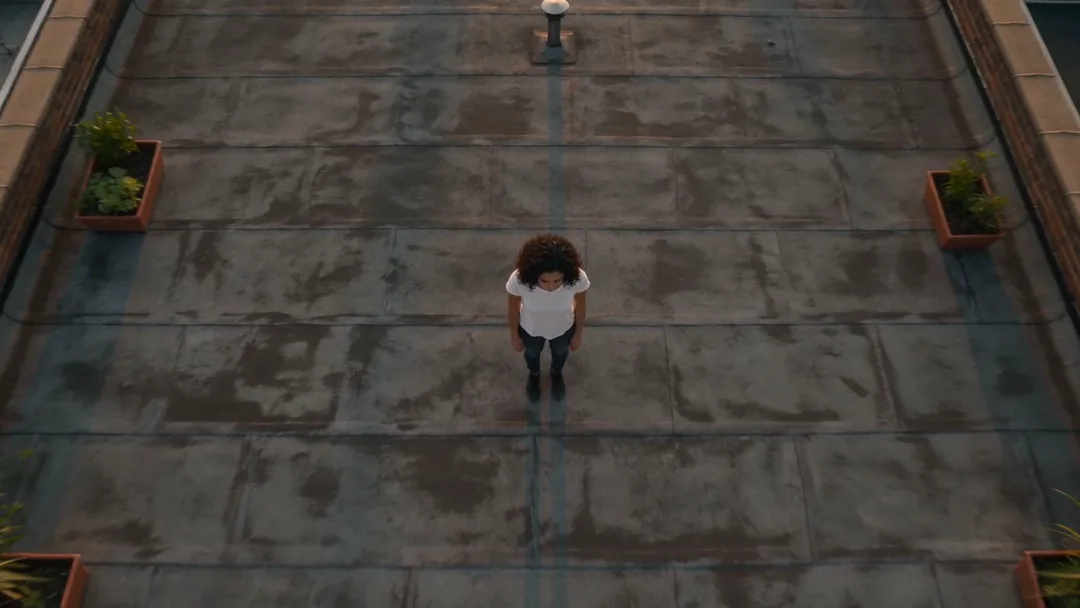
Crane Down Reveal
19 CreditsCamera starts high in the sky and cranes smoothly down to land on the subject at eye level.
Rack Focus Reveal
19 CreditsForeground is sharp and the subject blurred, then focus pulls to reveal the subject crisp.
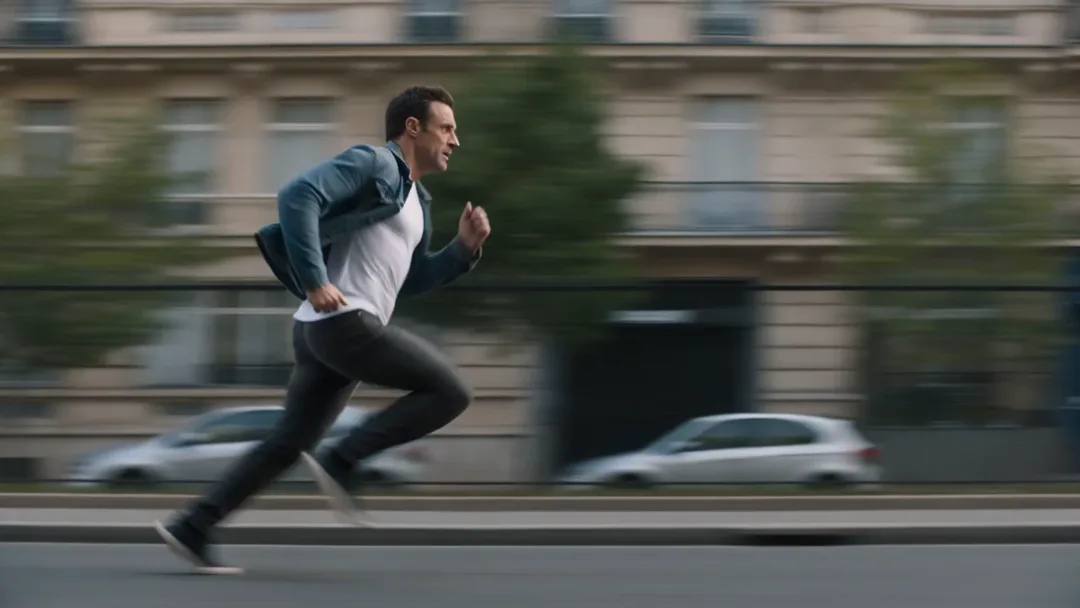
Side Tracking Run
19 CreditsCamera tracks alongside the subject at the same speed as they run or walk, steady side profile.
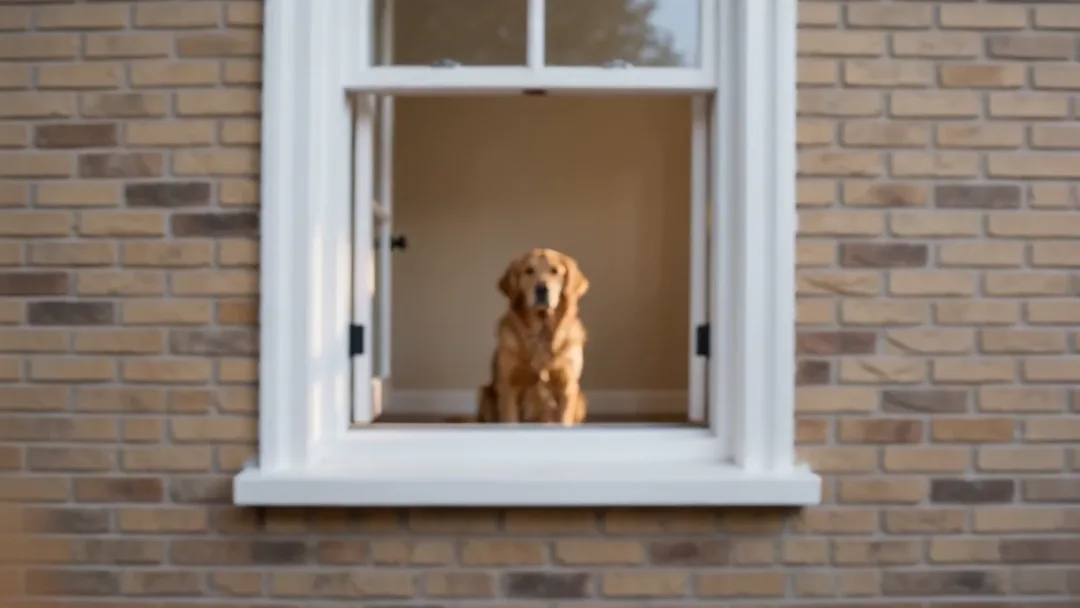
Push Through Window
29 CreditsCamera glides forward through an open window into the room and settles on the subject.
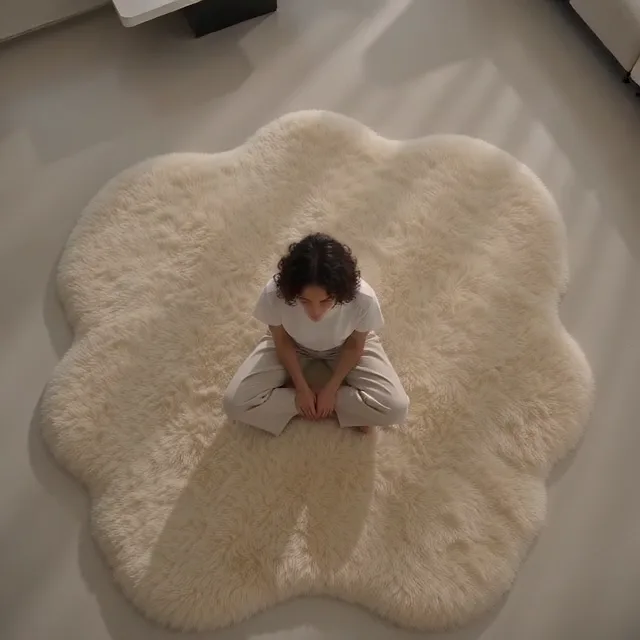
Top-Down Spin
19 CreditsDirectly overhead view of the subject while the camera slowly rotates and rises.
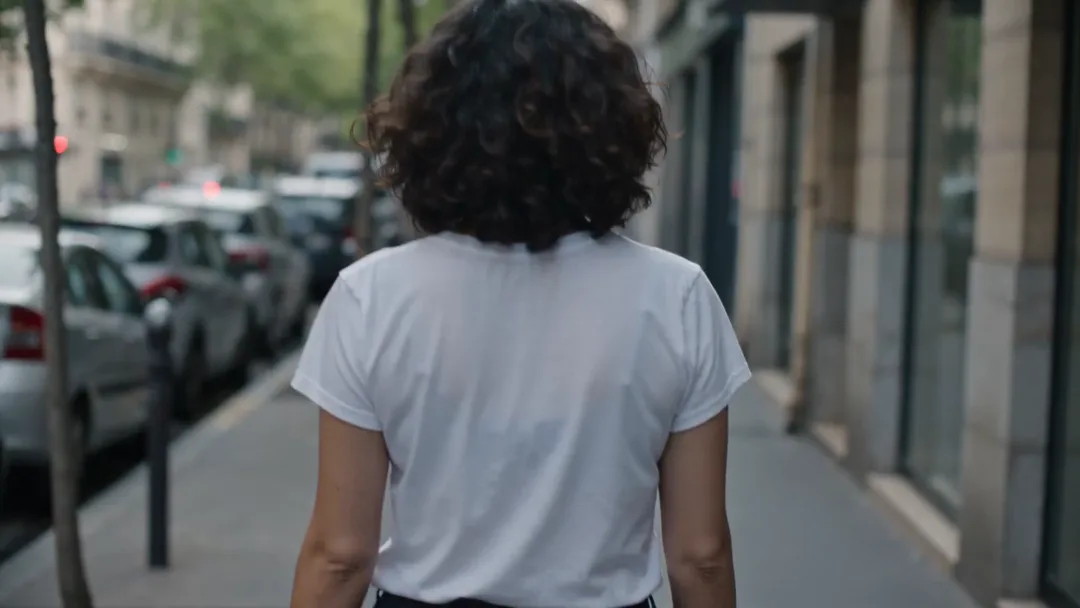
Handheld Follow
19 CreditsDocumentary handheld camera follows behind the subject with natural shake.
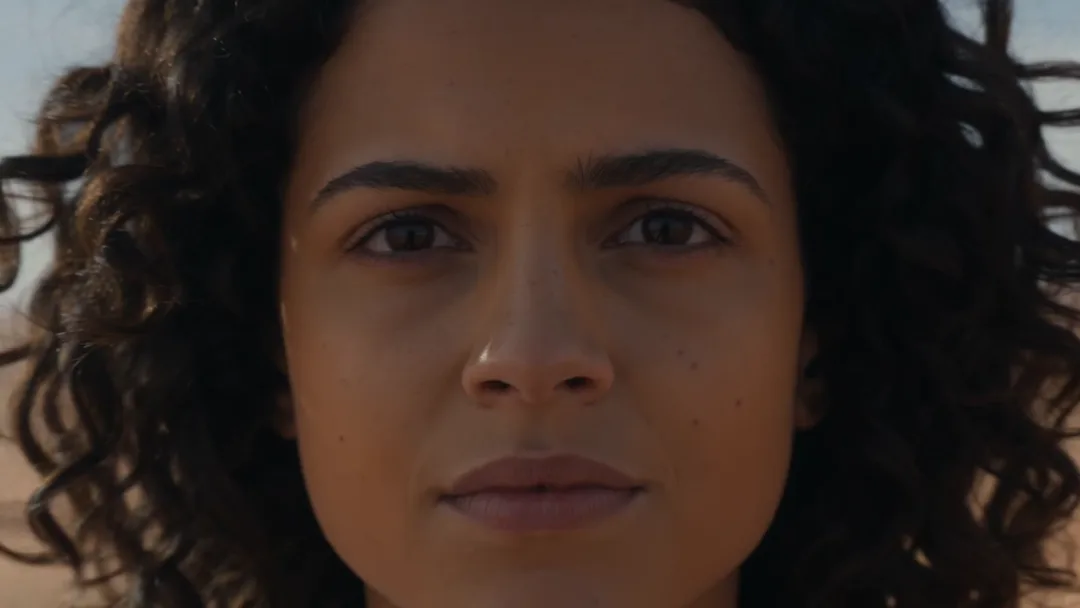
Slow Pull-Out Wide
29 CreditsStarts on the subject's face and slowly pulls back to reveal a huge wide location.
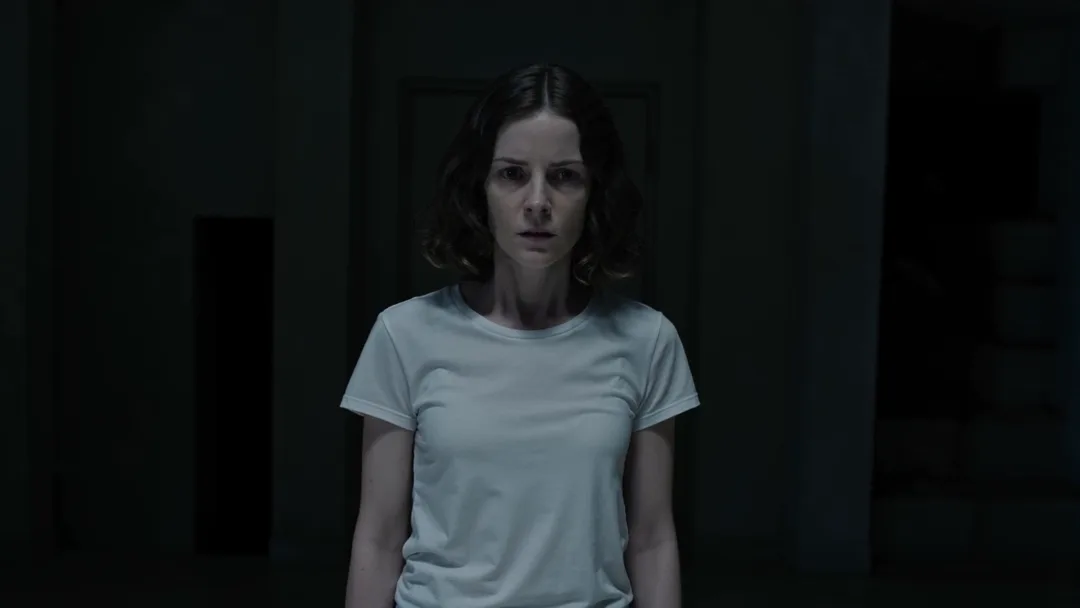
Dutch Tilt Tension
19 CreditsCamera slowly rolls into a tilted angle while pushing in, creating unease.
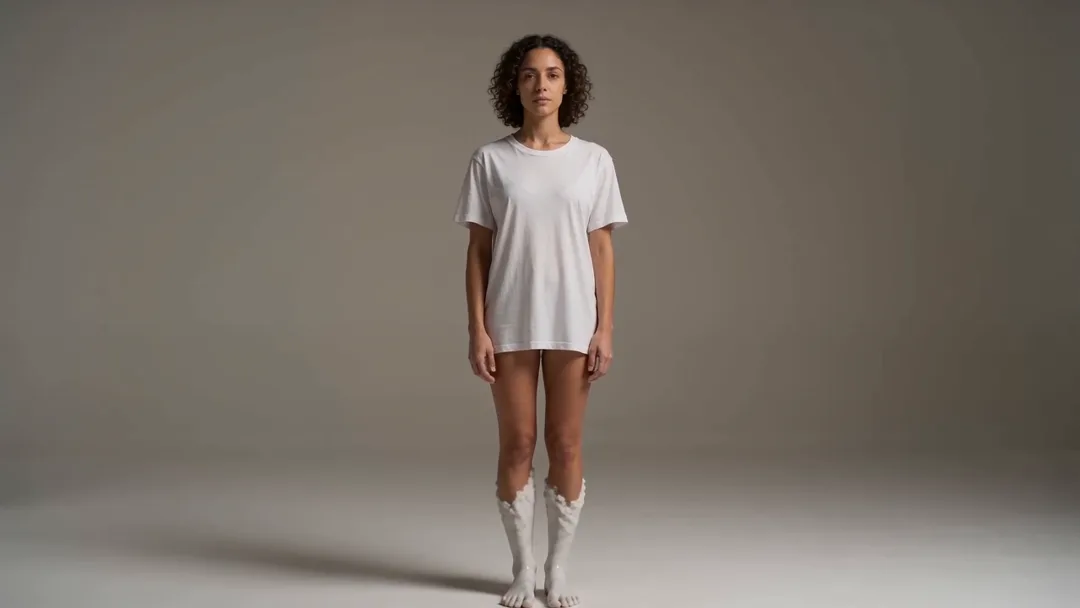
Turn to Marble Statue
29 CreditsThe subject slowly turns into a white marble statue from the feet up.
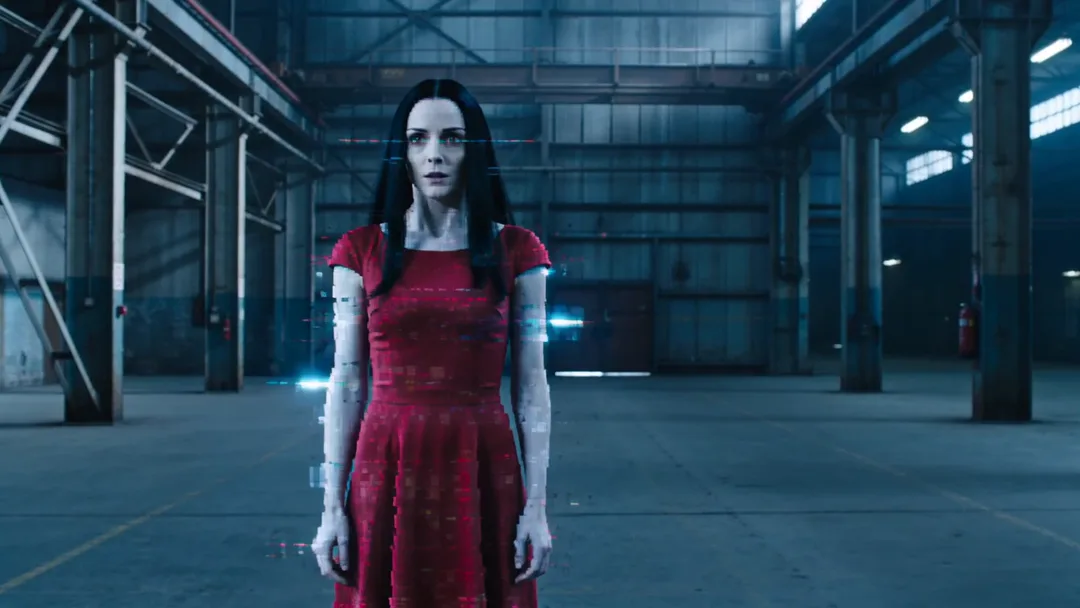
Glitch Teleport
19 CreditsThe subject glitches with digital distortion and teleports a few metres in a flash.
So funktionieren die Effekte
Basiert auf BytePlus, einem Unternehmen von ByteDance. Alle Effekte nutzen Seedance 2.0 über BytePlus.
- 1
Effekt wählen
Such dir oben eine Kamerabewegung aus. Jede öffnet das Videostudio mit dem Rezept und den passenden Einstellungen.
- 2
Einstellung beschreiben
Sag der Vorlage, wer oder was im Bild ist und wo. Füge ein Foto oder einen gespeicherten Charakter hinzu, wenn du ein bestimmtes Motiv willst.
- 3
Generieren
Prüf die Kosten in Credits, pass bei Bedarf Qualität oder Format an und generiere. Der Clip wird in deinen Dateien gespeichert.
Kinotechniken ohne die Ausrüstung
Die meisten dieser Effekte sind bekannte Kinotechniken. Der Dolly Zoom stammt aus Hitchcocks Vertigo, Bullet Time aus dem Actionkino und die Plansequenz aus Filmen wie Birdman und 1917. Kran-Reveals, Sturzflüge mit FPV-Drohnen, Reißschwenks und heroische Untersichten sind feste Mittel in Musikvideos und Werbung. Sie echt zu drehen erfordert Spezialausrüstung und Übung; hier ist jede als detaillierte Kameraanweisung geschrieben, der Seedance 2.0 folgt.
Weil jede Vorlage ein Rezept und kein festes Video ist, gehört das Ergebnis dir: dein Motiv, deine Kulisse, dein Stil. Die Vorlage legt fest, was die Bewegung funktionieren lässt, etwa Tempo, Objektiv und Kamerapfad, und du ergänzt den Rest. Grob gruppieren sich die Vorlagen in Kamerabewegungen (Dolly Zoom, aufsteigende Spirale, absenkender Kran, Untersicht), Übergänge (Reißschwenk mit Schnitt, Drohne durchs Fenster, Multi-Angle-Shot), große Eröffnungen (Earth Zoom, FPV-Drohne, Plansequenz) und Werbeformate (Produkt-Reveal, UGC-Hook).
Mehr Kontrolle gefällig? Nutze den vollständigen KI-Video-Generator Seedance 2.0 und schreib deine eigene Kameraanweisung, oder starte mit einem Standbild über Bild zu Video. Damit dieselbe Person in mehreren Effekten auftaucht, erstellst du sie einmal mit dem KI-Charakter-Generator.
Fragen zu den Video-Effekten
Was sind KI-Video-Effekte?
Was kostet ein Effekt?
Kann ich mein eigenes Foto oder meinen Charakter nutzen?
Welches Modell nutzen die Effekte?
Erstelle deinen ersten Effekt
Wähl einen Effekt und probier ihn mit deinem eigenen Motiv aus. Video-Effekte erfordern den Plan Creator oder höher; neue Konten erhalten 110 kostenlose Credits (10 bei der Registrierung + 100 fürs Verknüpfen von Discord) für Bilder.