14 one-click effects
AI video effects
Cinematic camera moves that used to need a crane, a drone or a dolly track, packaged as one-click templates. Pick an effect, describe your subject, and Seedance 2.0 renders the shot.
- Seedance 2.0
- Preview every effect
- Credit cost shown up front
- Use your own photo or character
All video effects
Open any effect to watch the preview, read how it works and see its exact credit cost.
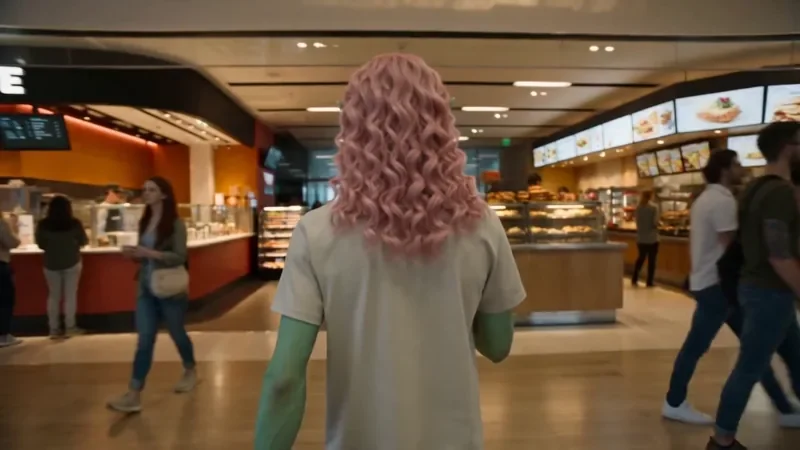
One Take
122 creditsA continuous long take that follows your subject from one space into the next with no cuts.

Bullet Time
42 creditsA frozen moment with the camera orbiting 360 degrees around your subject, particles hanging in the air.
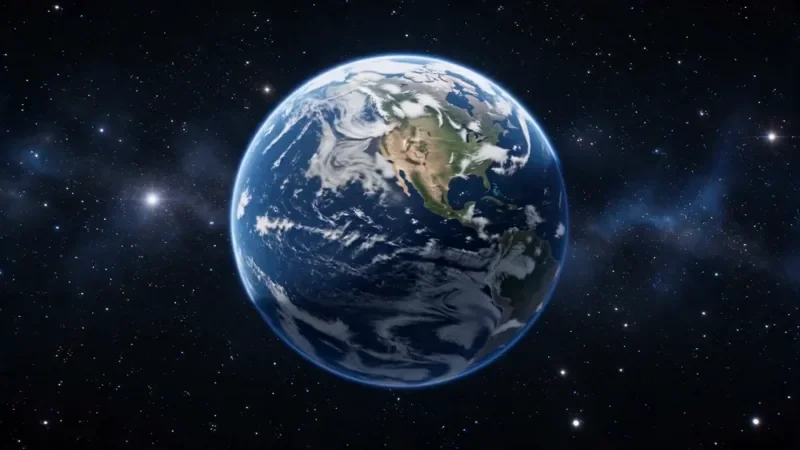
Earth Zoom
122 creditsOne continuous zoom from space, through the clouds and a city, down to a single subject in close-up.
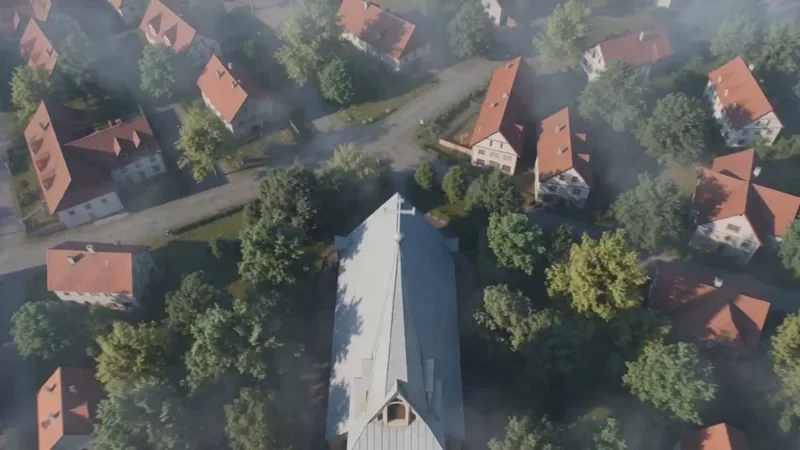
Crane Down Sky Reveal
66 creditsThe camera descends from high above, through a layer of cloud or canopy, to reveal your subject at ground level.
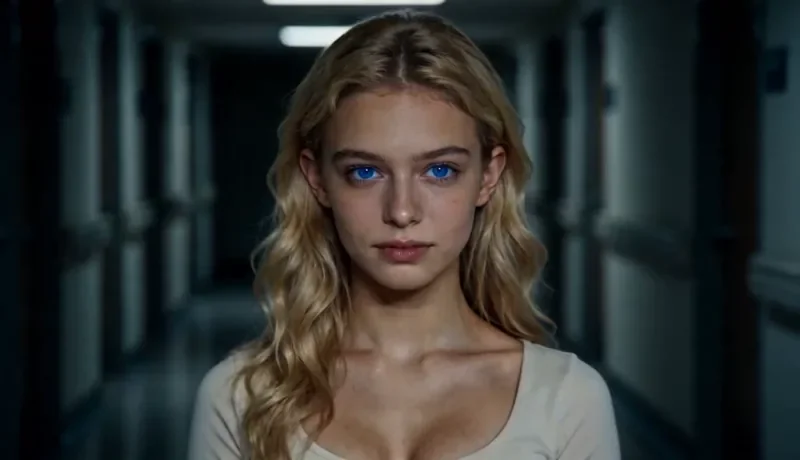
Dolly Zoom
34 creditsThe Vertigo effect: the subject stays the same size while the background stretches away behind them.
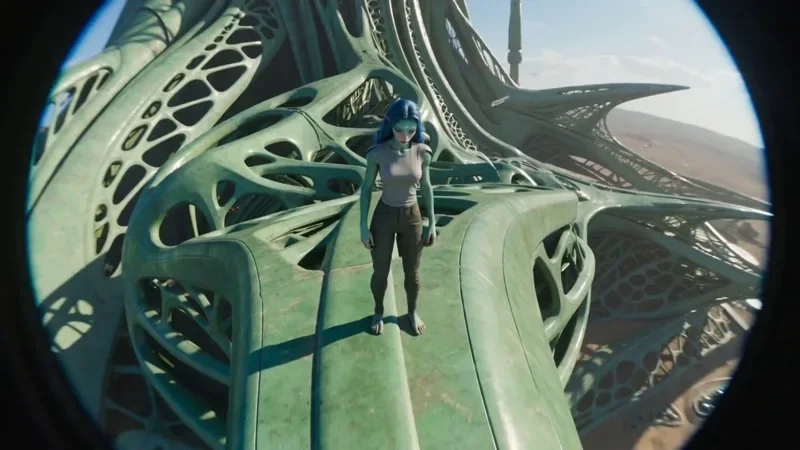
FPV Drone
66 creditsAn aggressive FPV dive down the side of a building, banking through a gap and pulling up into a low glide.
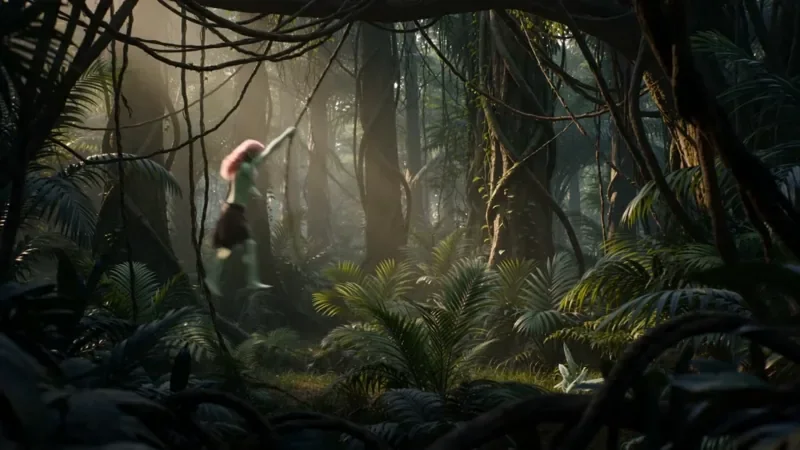
Multi Angle Shot
66 creditsOne action shown from three angles with hard cuts: a wide shot, an extreme close-up and a reverse angle.
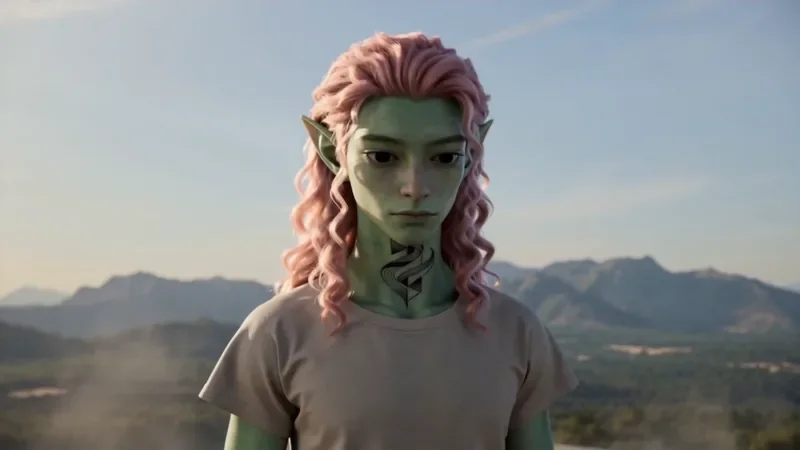
Spiral Ascend
66 creditsThe camera orbits your subject while rising, finishing directly overhead in a bird's-eye view.
Through the Window Drone
82 creditsA drone glide that flies through a window or doorway and continues into the space inside.
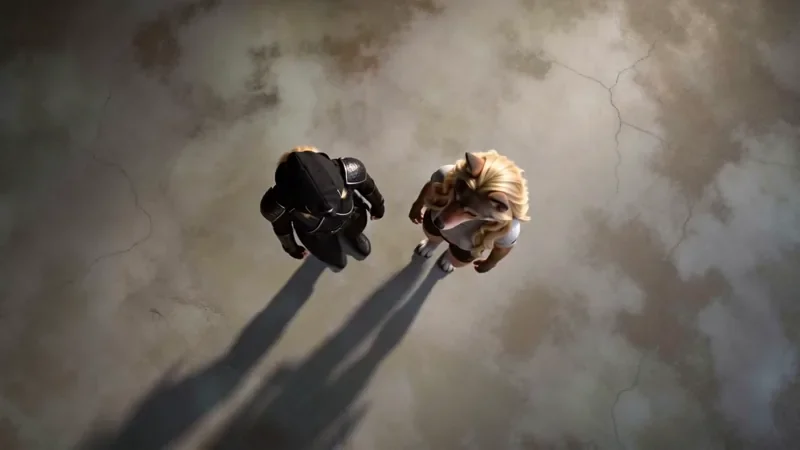
Top Down
50 creditsA perfectly overhead, 90-degree view that turns your scene into a clean, symmetrical composition.
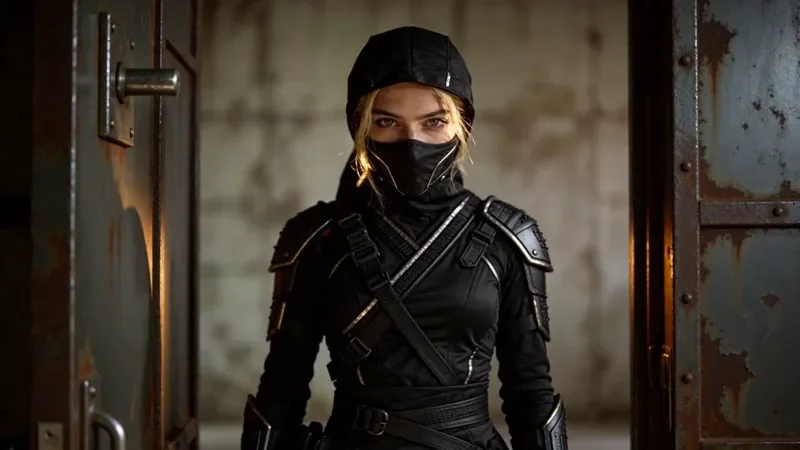
Whip Pan Transition
42 creditsA fast whip pan with motion blur that lands in a new scene, matched on an object in the same spot.
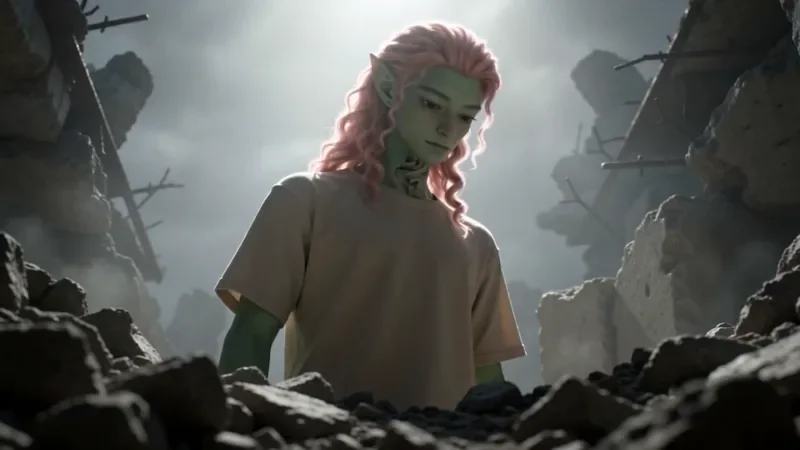
Worm's Eye Hero Shot
50 creditsAn extreme low angle from the ground that makes your subject tower over the camera, backlit against the sky.
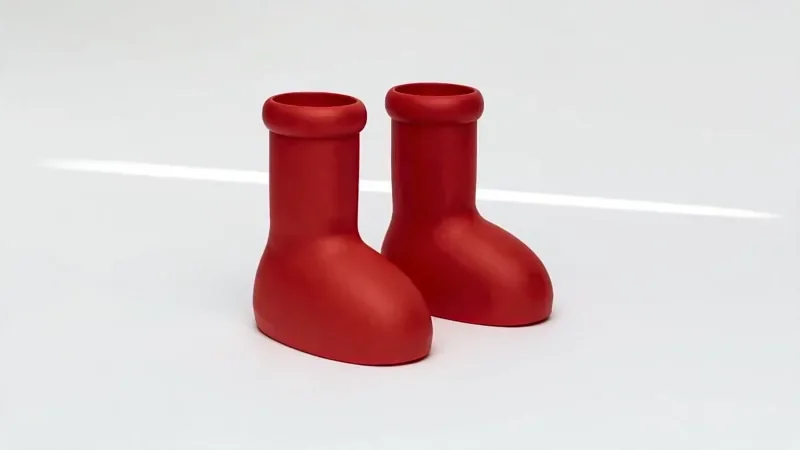
Product Reveal
50 creditsA short cinematic reveal with a smooth camera move and premium lighting for ads and storefronts.
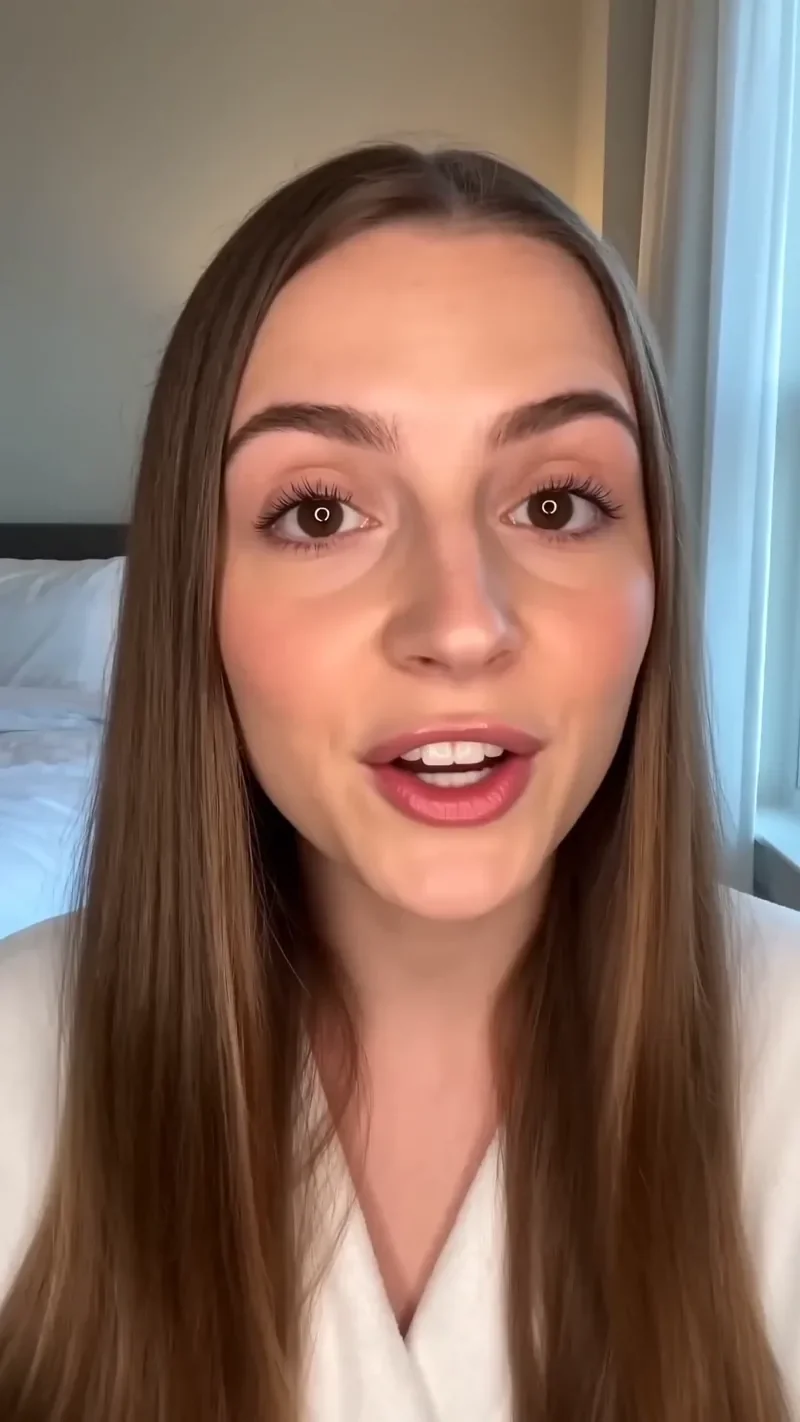
UGC Hook
66 creditsA vertical, social-first UGC opener with handheld movement and the product clearly in frame.
How the effects work
Built on BytePlus ModelArk, ByteDance's official AI platform. Every effect runs on Seedance 2.0 through BytePlus.
- 1
Pick an effect
Choose a camera move from the list above. Each one opens the video studio with the recipe and its settings already applied.
- 2
Describe your shot
Tell the template who or what is in frame and where. Add a photo or a saved character if you want a specific subject.
- 3
Generate
Check the credit cost, adjust quality or aspect ratio if you like, and generate. The clip is saved to your assets.
Film techniques, without the rig
Most of these effects are well-known film techniques. The dolly zoom comes from Hitchcock's Vertigo, bullet time from action cinema, and the one take from long-take films like Birdman and 1917. Crane reveals, FPV drone dives, whip pans and worm's eye hero shots are standard tools in music videos and ads. Doing them for real needs specialist equipment and practice; here each one is written out as a detailed camera direction that Seedance 2.0 follows.
Because every template is a recipe rather than a fixed video, the result is yours: your subject, your setting and your style. The template holds the parts that make the move work, such as timing, lens and camera path, and you fill in the rest. Templates are grouped roughly into camera moves (dolly zoom, spiral ascend, crane down, worm's eye), transitions (whip pan match cut, through the window drone, multi angle shot), big openers (Earth zoom, FPV drone, one take) and commercial formats (product reveal, UGC hook).
Want more control? Use the full Seedance 2.0 video generator and write your own camera direction, or start from a still with image to video. To keep the same person across several effects, create them once with the AI character generator.
Video effects questions
What are AI video effects?
They are ready-made shot recipes for classic camera techniques, such as a dolly zoom or a bullet time orbit. Each one packages a written camera direction with matched settings, so you only describe your subject and scene.
How much does an effect cost?
At their default 1080p settings the effects cost between 34 and 122 credits, depending on length. That includes a 2-credit template fee, and 720p renders cost less. Each effect page lists its exact cost.
Can I use my own photo or character?
Yes. Add a photo, a short clip or one of your saved characters as a reference in the studio and the effect is applied to your subject.
Which model powers the effects?
Seedance 2.0, ByteDance's video model. KreatorFlow is a BytePlus partner built on BytePlus ModelArk, ByteDance's official AI platform, and runs the model through it. While an effect is applied, the studio keeps the model, audio setting and timing matched to the recipe, and you can still change quality and aspect ratio.
Make your first effect
Pick any effect and try it with your own subject. New accounts get 10 starter credits.