
 Official BytePlus partnerBytePlus, a ByteDance company
Seedream 5.5 is here
Seedream 5.5 is now KreatorFlow's default image model. ByteDance's newest Seedream image model is in the KreatorFlow image studio. Edit round after round without drift, get sharper and more real pictures, readable small text and transparent PNGs, at 1.5K or 2K from 1 credit.
- Seedream 5.5
- 1.5K and 2K
- Up to 10 reference images
- Transparent PNG
- From 1 credit
Last updated
On this page
What's new in Seedream 5.5
Precise edits that hold
Change one part of a picture and leave the rest alone. Edit round after round without the face, the product or the background drifting or going soft.
Sharper, more real images
More natural faces and proportions, true-to-life materials and lighting, and cleaner blends when you combine several reference images into one scene.
Small text that reads
Dense copy, tiny labels and text in many languages come out readable, so posters, packaging and ads need far less fixing.
Transparent backgrounds
Switch on Transparent background and get a PNG cut-out: logos, stickers, product shots and game assets ready to drop onto anything.
Move, resize and re-word anything
Split a picture into layers: the background, every object and every line of text. Drag things to a new spot, resize them, hide or reorder them, change the words, then save one finished PNG.
Made with Seedream 5.5
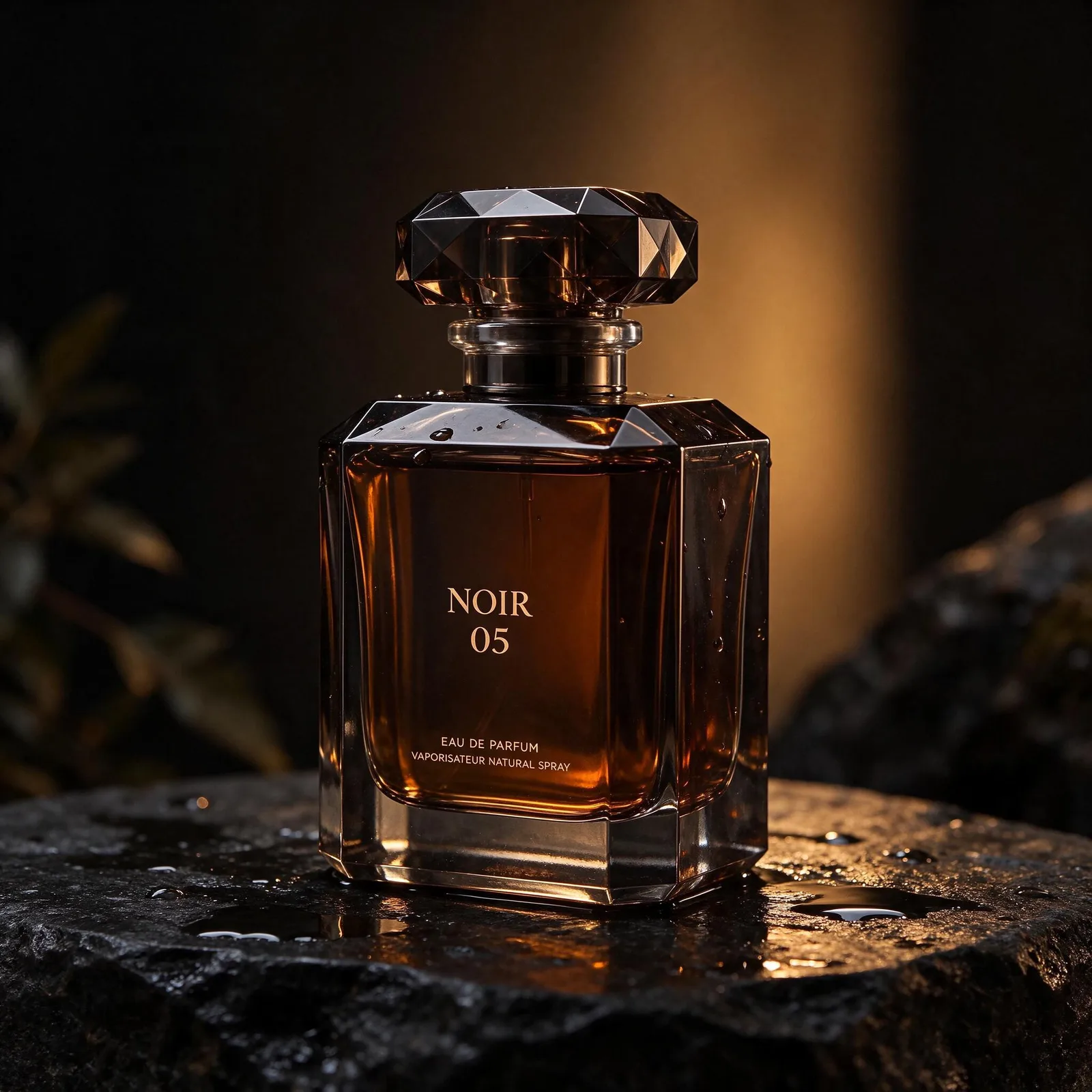



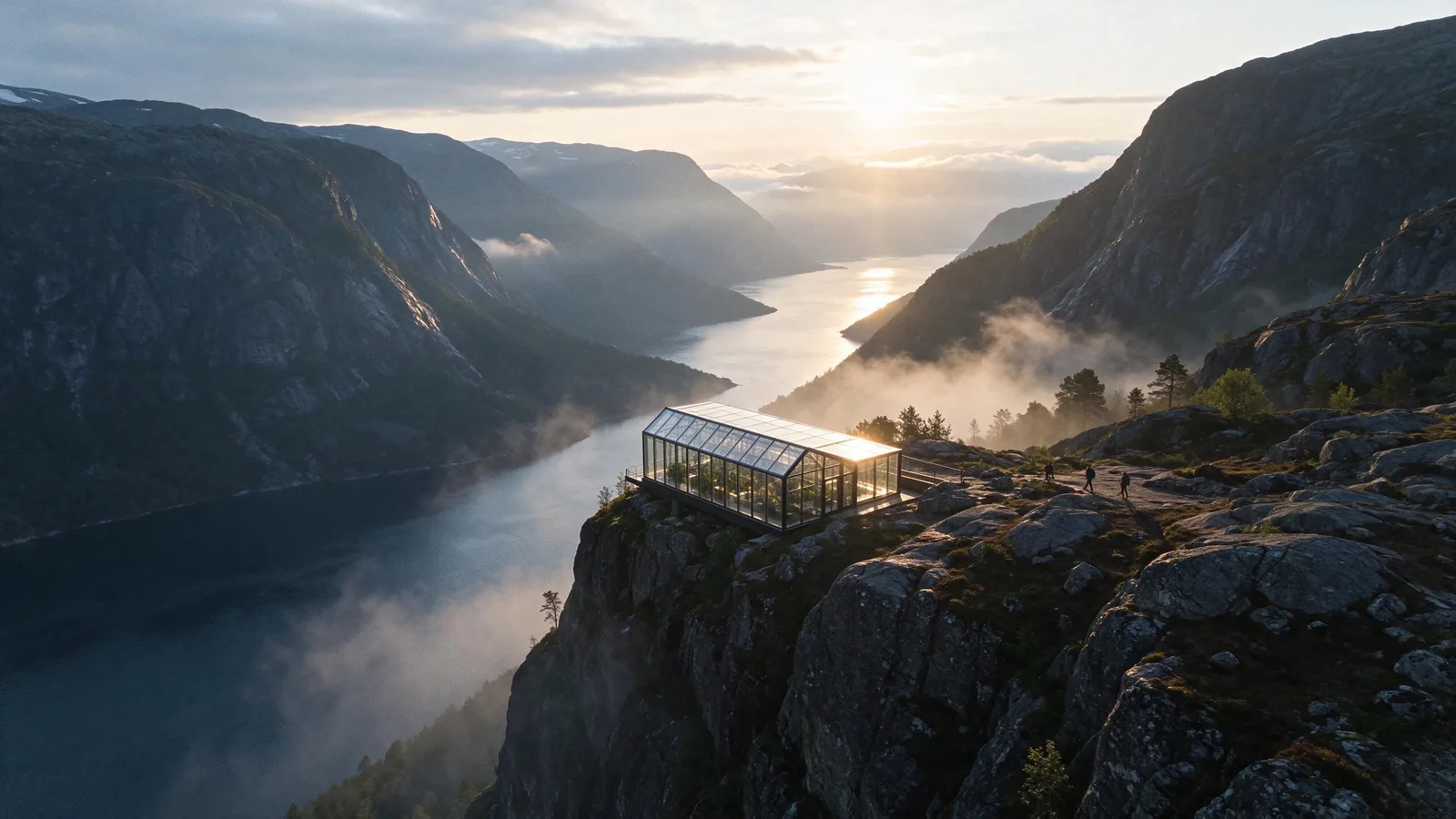
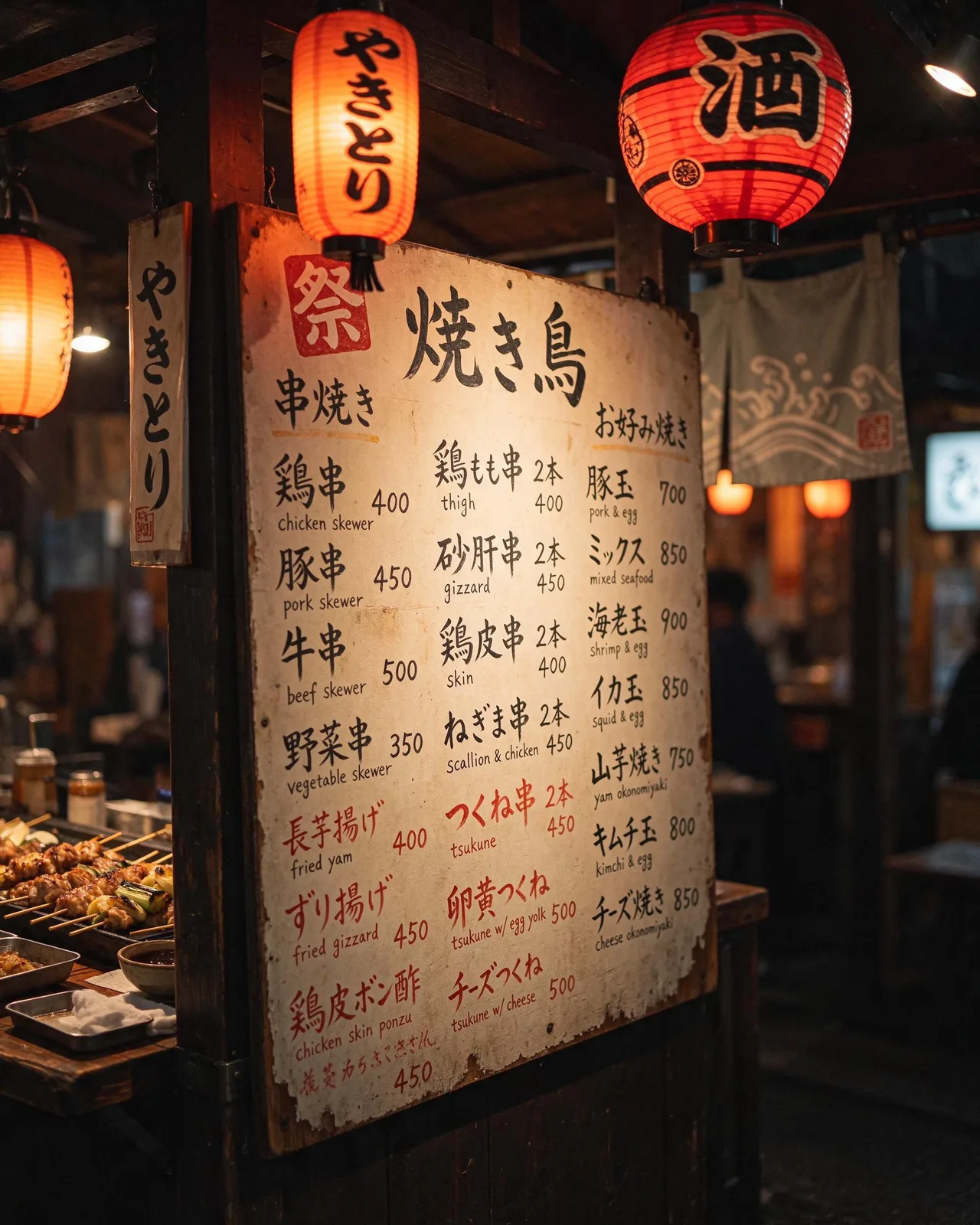
Layers: edit any part of a picture
Split an image into layers: the background, each object and each line of text. Move, resize, hide or reorder any layer, change the words, then export one finished PNG. A split costs credits, and the cost is shown before you split.
Seedream 5.5 vs Seedream 5.0 Pro
| Seedream 5.5 | Seedream 5.0 Pro | |
|---|---|---|
| Resolution | 1.5K, 2K | 1.5K, 2K |
| Max reference images | Up to 10 | Up to 10 |
| Transparent background (PNG) | Yes | No |
| Credits per image | 1 credit at 1.5K, 2 credits at 2K | 2 credits at 1.5K, 4 credits at 2K |
How to make a Seedream 5.5 image
- 1
Pick Seedream 5.5
Open the image studio, choose Seedream 5.5 in the model menu, then pick an aspect ratio and 1.5K or 2K.
- 2
Describe and add references
Write the subject, setting, light and style. Add up to 10 reference photos or a saved character, and switch on Transparent background for a cut-out.
- 3
Generate and keep editing
The cost is shown before you generate. Edit the result with a prompt as many times as you need, or send it to the video studio as a starting frame.
Prompt tips for every Seedream model are in the Seedream 5.0 and AI image generator guides.
Seedream 5.5 Unlimited, included with your plan
Every paid plan includes one window of unlimited Seedream 5.5 images, with no credits used, from 12 November to 12 December 2026. It unlocks with your first paid renewal on or after 12 November (new subscribers: with their first paid payment). Start it within 7 days of unlocking by pressing Unlimited in the Image studio and confirming Start Unlimited. One window per workspace; fair use applies. Image edits and Layers use credits, and $3 trials are not included.
Creator 3 hours (1.5K only), Pro 1 day, Max 1 week, Max x2 2 weeks, Max x3 30 days, Business 1 week.
Seedream 5.5 questions
What is Seedream 5.5?
How much does Seedream 5.5 cost?
Does Seedream 5.5 support 4K?
How do I get a transparent background?
How many reference images can Seedream 5.5 use?
Can I try Seedream 5.5 for free?
Are Seedream 5.5 images watermarked?
Is Seedream 5.5 Unlimited included in my plan?
What is Layers and what does it cost?
Try Seedream 5.5
Open the image studio and pick Seedream 5.5. New accounts get 125 free credits: 25 on sign-up + 100 for linking Discord.