
Video template
UGC Selfie Hook AI Video Effect
A creator holds the phone selfie-style and delivers an energetic first line to camera. The template sets the camera move, timing and look, so you only describe what should be in the shot.
- Seedance 2.0
- 5 seconds
- 9:16 default
- 19 credits at 720p
 Official BytePlus partnerBytePlus, a ByteDance company
On this page
How it works
Built on BytePlus, a ByteDance company. This template renders with Seedance 2.0 through BytePlus.
- 1
Open UGC Selfie Hook in the studio
The video studio opens with the template applied: Seedance 2.0, 5-second timing and 9:16 framing are set for you.
- 2
Describe your shot
Describe the subject and the setting you want in the shot. A reference photo or clip is optional.
- 3
Generate and download
The studio shows the credit cost before you start. The default 720p render is 19 credits.
What the UGC Selfie Hook template does
Templates package a tested prompt recipe with default settings. You add your own subject and scene, and the template keeps the model, timing and audio setting matched so the preset renders as designed.
Example prompt: Describe your subject, the location and the mood.
Great for
- Short social clips
- Ads and product content
- Short films and trailers
Questions
How many credits does the UGC Selfie Hook template cost?
Do I need to upload a photo?
Which AI model makes the UGC Selfie Hook video?
Do I need a subscription?
Related video effects

Superhero Landing
19 creditsSubject drops from sky, lands in crouch, cracks ground with dust burst.

Giant in the City
29 creditsGiant subject walks between skyscrapers, tiny cars visible below.
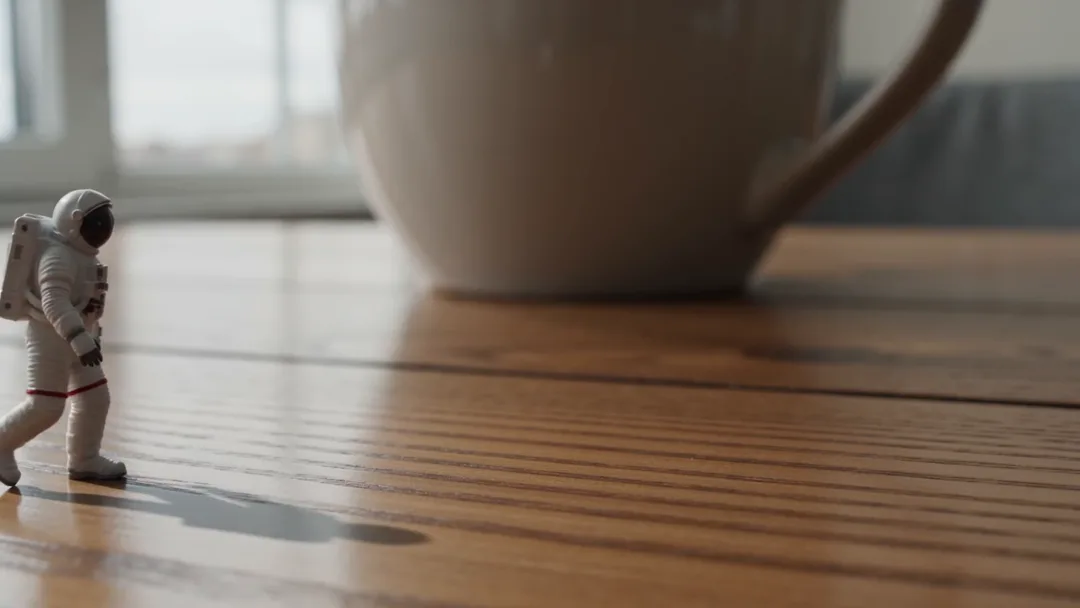
Tiny on the Desk
19 creditsTiny subject walks across a desk next to a huge coffee mug.
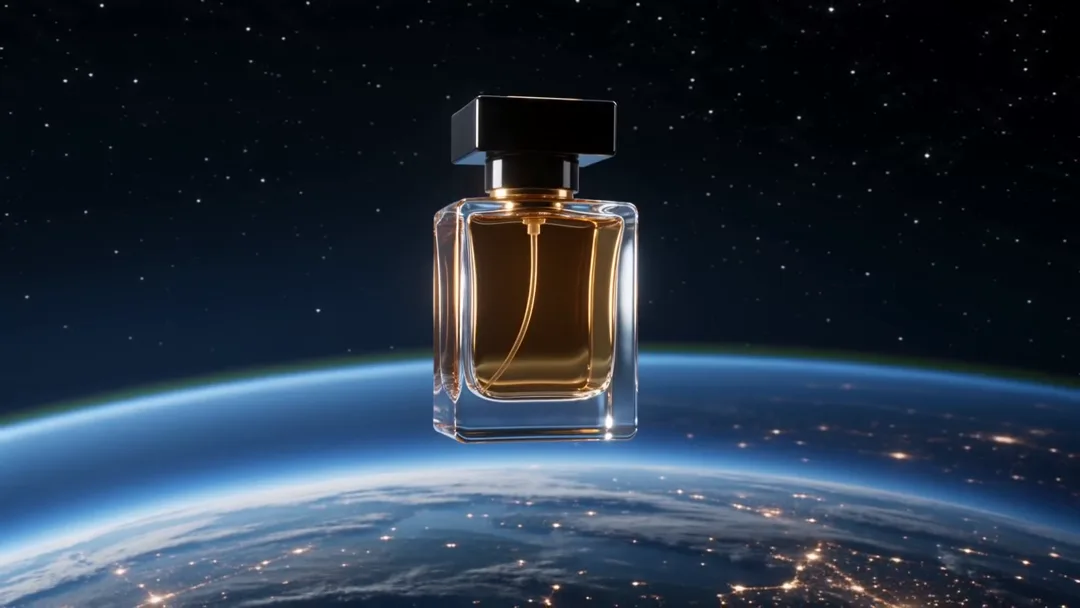
Product in Space
29 creditsProduct floats and rotates in space with Earth glowing below.
Make your own UGC Selfie Hook video
Open the template in the video studio, describe your shot and generate. Video templates need the Creator plan or above. New accounts get 110 free credits: 10 on sign-up + 100 for linking Discord. Use them to try the image studio first.