
Get started
Make a Kitsune or Kartoonz template in five steps
- 1
Make a result that works
Run Kitsune or Kartoonz until you have a result you would show a friend.
- 2
Save it as a template
Save the setup. The recipe is stored with it, and buyers never see it.
- 3
Choose the slots
Pick what a buyer swaps in, such as a character, a clip or a line of dialogue.
- 4
Add a real preview
Show a finished clip made with the template.
- 5
List it
List it free or set a price of at least 10 credits, with no maximum.
When it opens
The KreatorFlow Marketplace is opening soon. There is no date yet. Submit your strongest templates now to be in the launch line-up: we review every submission, and approved templates go live on day one. If you are reading this after it opened, it is live at kreatorflow.ai/marketplace. Kitsune and Kartoonz are two of the tools you can sell from.
Kitsune templates
Kitsune moves motion from one clip to another and swaps objects. A Kitsune template can package a motion setup so a buyer only adds their own character or clip. Use only people and likenesses you have permission to use.
Kartoonz templates
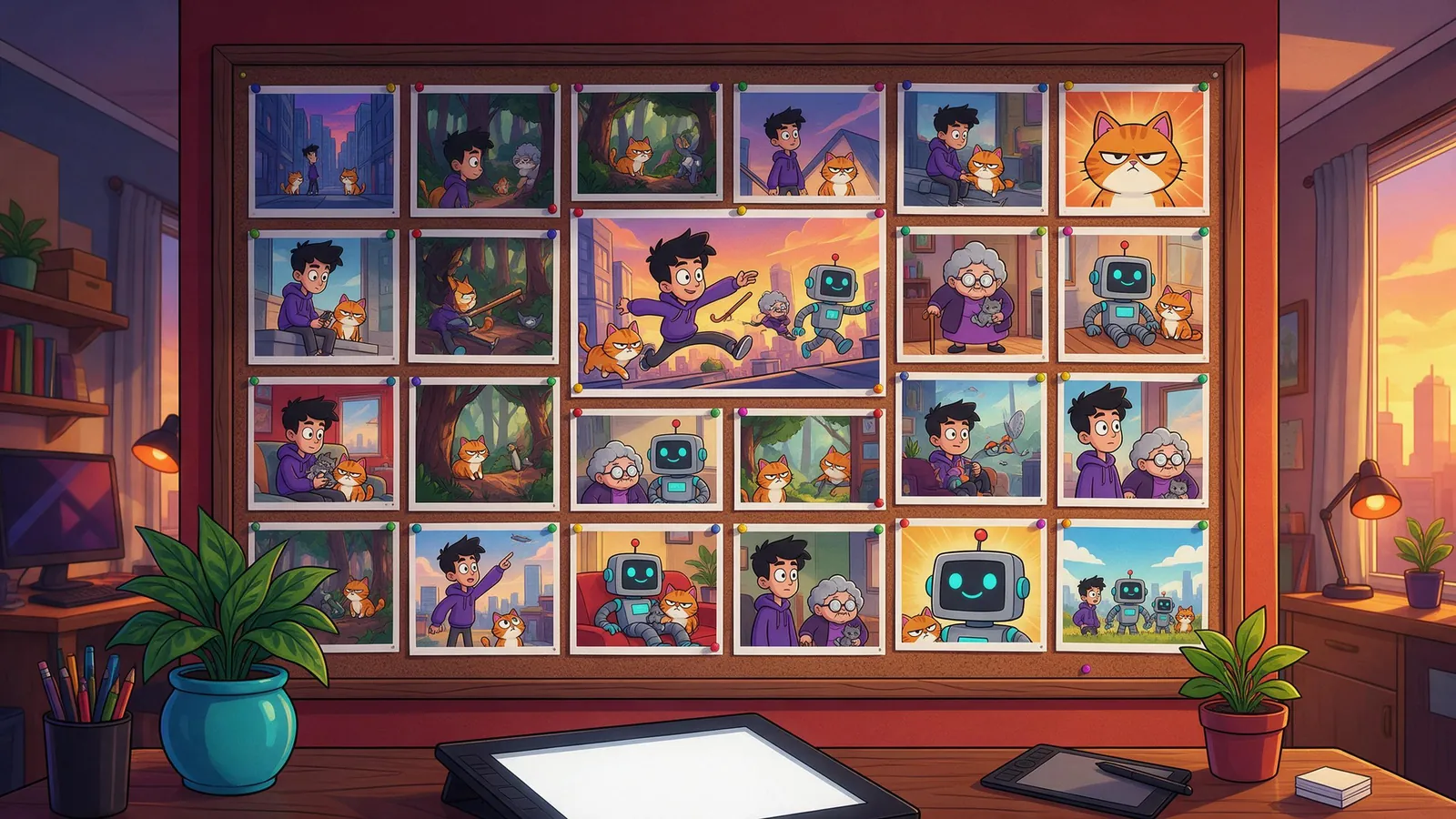
Kartoonz makes cartoons with characters that stay the same. A Kartoonz template can package a cast, a style and a scene setup so a buyer can start a story in one step.
Tips for both
Your secret stays yours: buyers never see your prompt or settings. Paid templates keep the recipe private, so a buyer cannot remix them or export them.
- One clear job per template
- A short, plain title
- A preview that shows the real result