

Try this in the studio
Keep one character across a long cartoon or a series
- 1
Save the character once
Make it in the character studio or upload a drawing you own, and keep it in your assets with a clear name.
- 2
Add it first, every time
In Kartoonz, add the same character images to every cartoon, the lead first. The first one you add leads the story and keeps its look throughout.
- 3
Describe the voice in the idea
Say how each character sounds in your idea (for example: a calm, low voice; a fast, squeaky voice). It helps the voices stay close, but it is not a lock.
- 4
Keep the settings
Use the same style, shape and model for every part of a long story or every episode of a series.
- 5
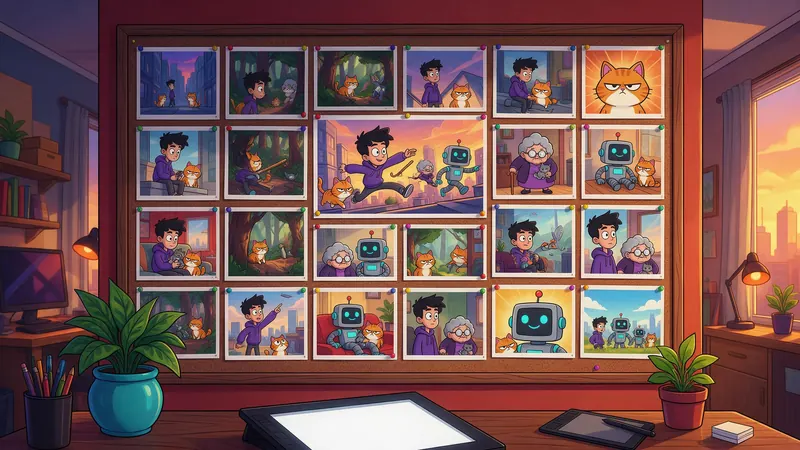
Edit the story before you spend
Shape the story first shows the whole story as text. Change any part, the lines included, before anything is made. Editing costs no credits.
A 6 minute cartoon, two ways
Kartoonz makes the whole animated cartoon. Lip Sync makes one character talk to a voice track you choose, for when the exact voice matters most. Credits from the code that charges each one.
| Way | What you get | Exact same voice? | Credits for 6 min |
|---|---|---|---|
| Kartoonz, Seedance 2.0 Mini | Full animated story, several characters, sound and captions | Close, not locked | 756 credits |
| Kartoonz, Seedance 2.0 | The same, with stronger likeness and motion | Close, not locked | 1,134 credits |
| Lip Sync, 720p | One character talking to your own voice track, up to 5 minutes per video | Yes, it is your audio | 1,200 credits |
What Kartoonz keeps the same
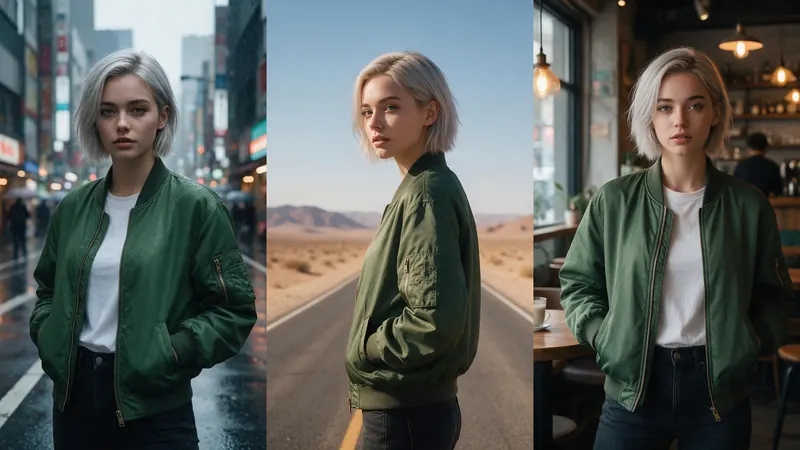
The look of your characters. Add saved characters or your own pictures (the lead first) and they star all the way through. With no character added, Kartoonz designs one from your idea and keeps it consistent for that cartoon.
The style, the shape and the captions you pick apply to the whole cartoon, from 15 seconds up to 8 minutes. A 6 minute cartoon is one finished video, not parts you join yourself.
Can I lock a character's voice?
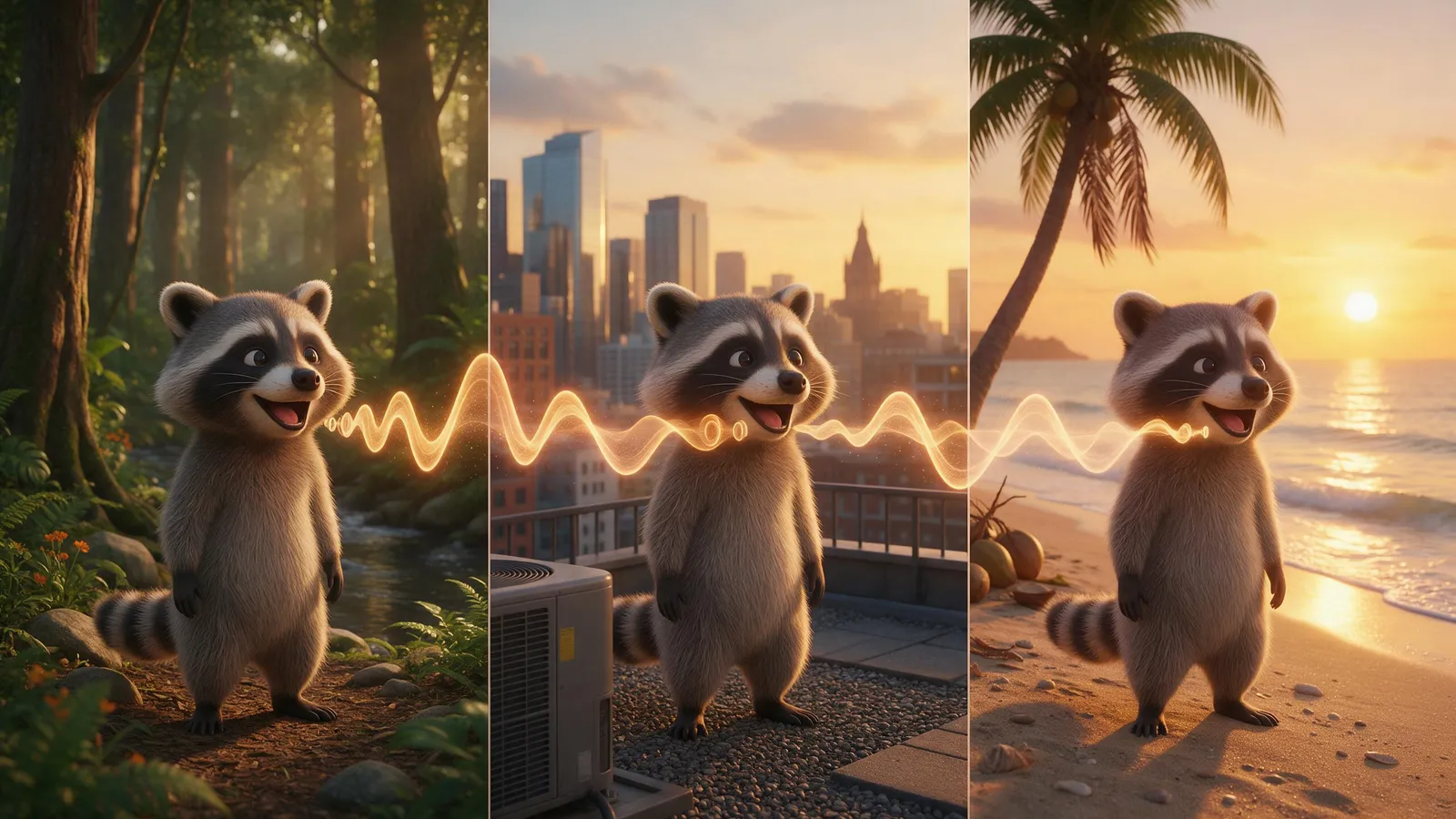
Not inside Kartoonz today. The voices are made with the cartoon, so they stay close, but we can't promise an identical voice (same pitch, tone and speed) across a long cartoon or from one episode to the next. There is no voice picker and no cloned voice option in Kartoonz.
If the exact voice matters, use Audio to make every line in one saved or cloned voice, then Lip Sync to make your character say it. Lip Sync takes up to 5 minutes of audio per video at 4 credits a second in 720p, so a 6 minute part is two Lip Sync videos joined in the Editor. Lip Sync makes the face, mouth and head move to the voice; it does not act out a story with several characters the way Kartoonz does.
Only clone a voice that is yours or that you have permission to use.
Editing scenes, voices and mouths
Before you make the cartoon: Shape the story first shows the full story as text, and you can change what happens and what each character says. If a part could not be made, Kartoonz offers to let you reword it and try again, and everything already made is kept.
After it is made: a finished cartoon is one video. You can trim it, cut it and join parts in the video Editor, and download it with or without subtitles. You can't change one character's voice or mouth movement inside a finished cartoon.
Across a series
Kartoonz does not remember earlier cartoons, so start each idea with a one-line recap and add the same characters in the same order. Seedance 2.5 and Seedance 2.0 hold likeness and motion best. Keep one model for the whole series.
Frequently asked questions
Can a 6 minute AI cartoon keep the same character voice?
Kartoonz keeps the voices close for the whole 6 minutes but can't promise an identical voice. For one exact voice, make the lines in Audio with a saved or cloned voice and use Lip Sync on your character.
Will my character look the same the whole time?
Yes. Add the saved character first and it leads the story and keeps its look from start to end. Use the same character images in every cartoon of a series.
Can I pick or clone a voice in Kartoonz?
No. Kartoonz has no voice picker or cloned voices. Voice cloning is in Audio, and Lip Sync makes your character speak that voice.
Can I edit a scene before the cartoon is made?
Yes. Shape the story first shows the whole story as text so you can change what happens and the lines, at no cost, before anything is animated.
Can I change the voice or mouth of a cartoon I already made?
No. A finished cartoon is one video. You can trim, cut and join it in the Editor, but not swap one character's voice or mouth movement.
How much is a 6 minute cartoon?
756 credits on Seedance 2.0 Mini, 908 credits on Seedance 2.0 Fast, 1,134 credits on Seedance 2.0 and 1,512 credits on Seedance 2.5, on the Creator, Pro, Max and Business plans.