
Music video maker
Kinetic typography video maker
Kinetic typography is moving text, and here the text moves with your song: each word is timed to the vocal and the looks hit on the beat. Choose from 100 templates (50 in 3D), change fonts and colours, and export 9:16, 1:1 and 16:9 at 1080p or 720p, 30 fps. You pay 1 credit per 10 seconds of video, per look.
- Words timed to the vocal
- Moves on the beat
- 100 templates
- 1 credit per 10 s
How to do it
- 1
Upload your song
Open the music video maker and add your song (MP3, WAV, M4A, AAC, FLAC, up to 10 minutes and 50 MB). The words are found, each one is timed to the vocal, and the beat is found too.
- 2
Check the lyrics
Kiryu looks up the real lyrics and lines them up when it finds a match. Play the song and fix any word or timing, or paste your own lyrics. This step is free.
- 3
Pick a look
Choose from 100 templates in 2D and 3D. Each preview shows its real shape, and the ones made for tall video are marked.
- 4
Make the video
Press Make video. The price is on the button: 1 credit per 10 seconds of video, per look. Editing afterwards is free, and you can talk to Kiryu to change colours, fonts, camera or the look of the chorus.
- 5
Export
Export 9:16, 1:1 and 16:9 at 1080p or 720p, 30 fps in your browser, for TikTok, Reels, Shorts or YouTube.
Looks you can pick
Each preview shows the template's real shape.
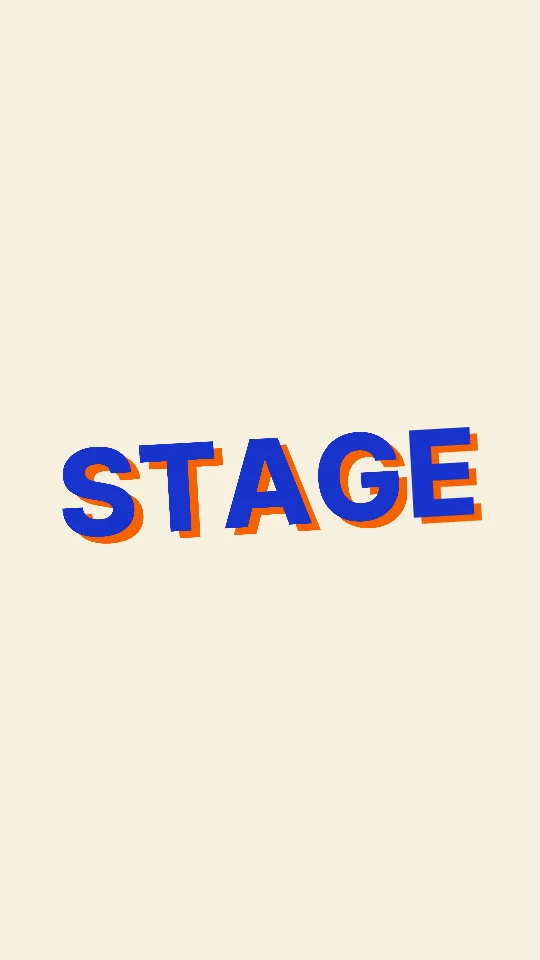
Paper Stage
Cut-paper sets that flip and fold on every hit
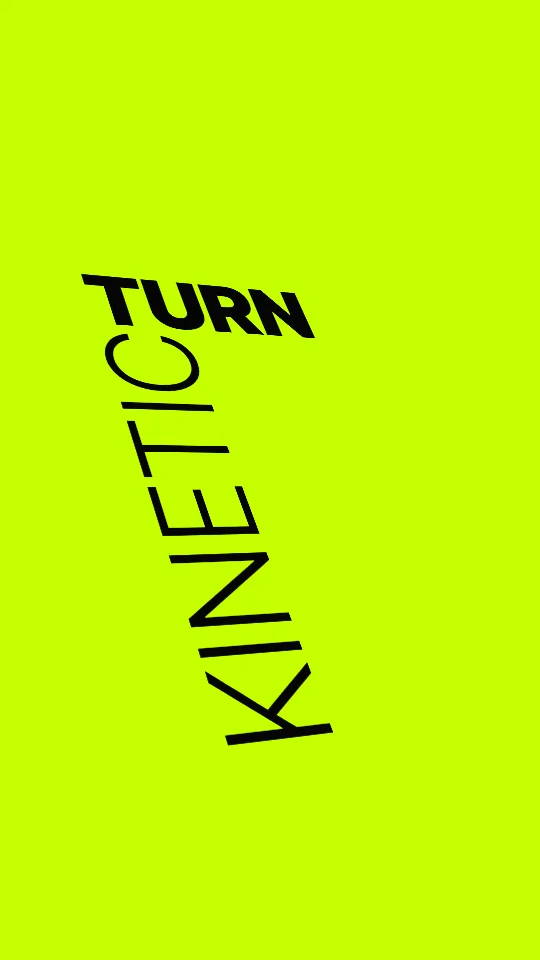
Kinetic Turn
Words spin into place on the beat
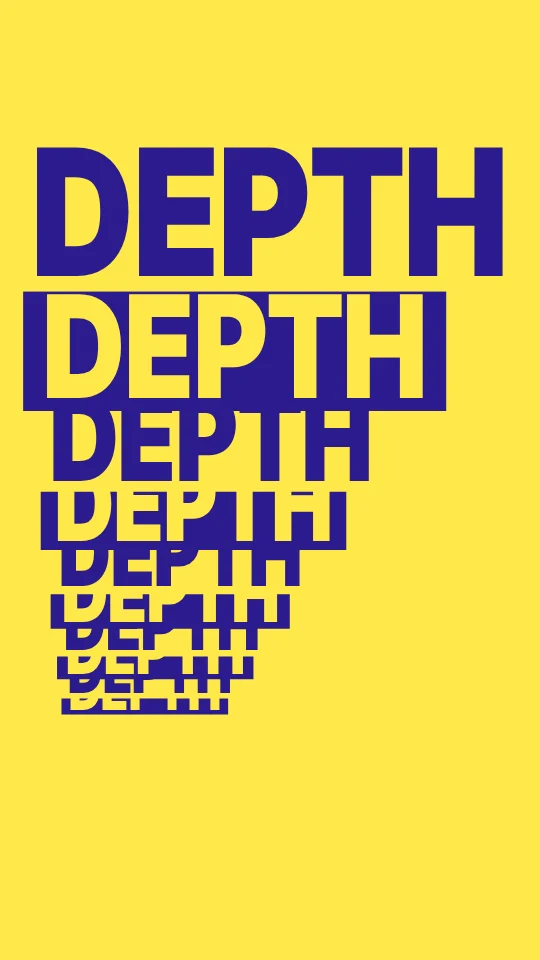
Depth Stack
Lines stack deep into the frame
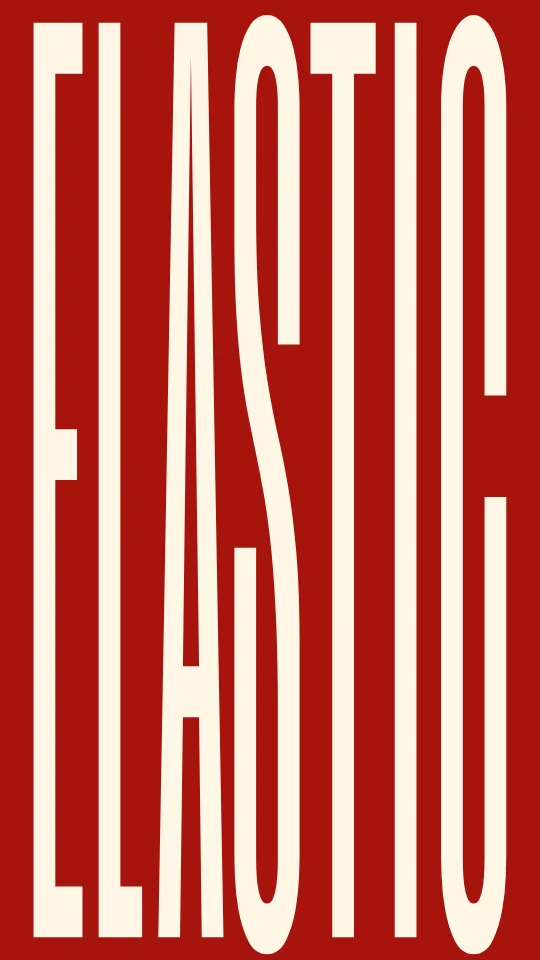
Elastic Fill
Tall type that stretches to fill the screen

Redacted
Black bars lift to reveal each word

Front Page
Your lyrics as tomorrow's headline
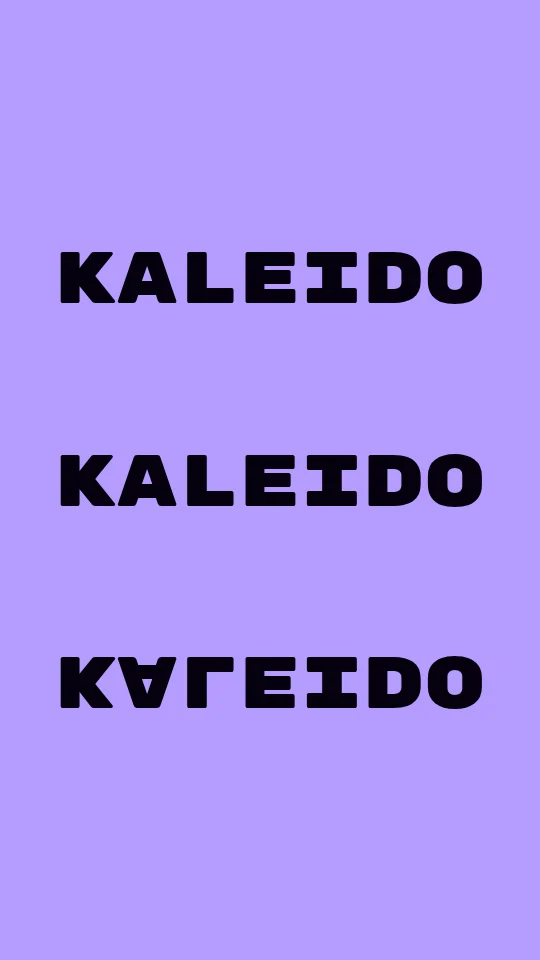
Kaleido
Mirrored type that turns like a kaleidoscope
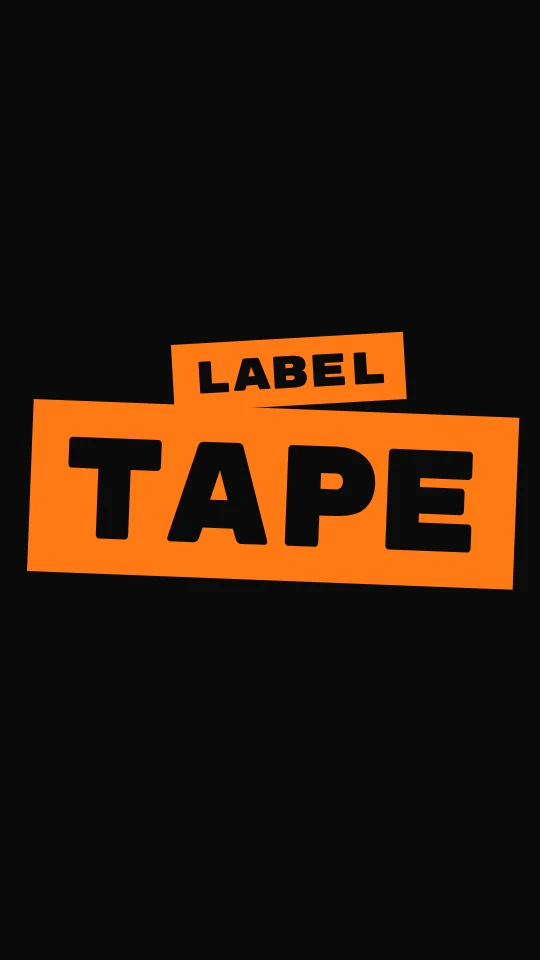
Label Tape
Words punched out on strips of label tape
Kinetic typography from a song, not keyframes
In a video editor, kinetic type means keying every word by hand. Here the song does the timing: every word is found in the vocal and the template moves it on the beat. You change the look by talking to Kiryu, such as bigger words on the chorus or a slower camera.
Questions
Do I need to keyframe anything?
Can I use it without music?
Which sizes can I export?
What does a music video cost?
Do I need the rights to the song?
More on music videos
Make your music video
Free plan: 1 video a month, paid with credits. Listening, editing and export cost nothing.