How it works
One photo. One voice. It speaks.
Turn a still photo into a talking video. The lips match every word, and the face and body move naturally with the voice.
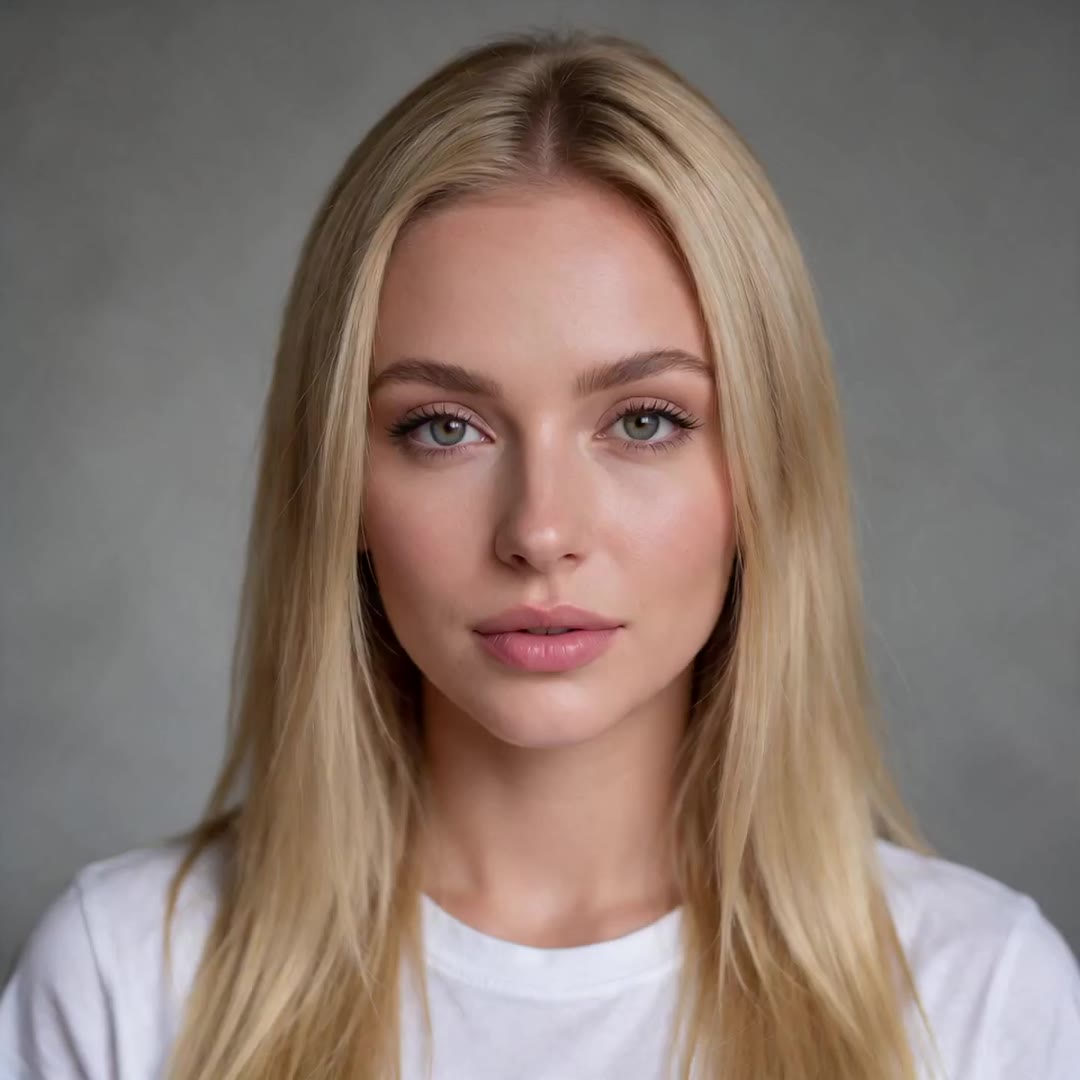
“Hey, it's me. I made this whole video from one photo and a voice track. No camera, no studio, just KreatorFlow.”
- 1
Add a photo
One clear photo of a person, a character or even a pet. Face toward the camera and not too small in the frame.
- 2
Give it a voice
Type a line and pick one of our voices, or upload your own MP3 or WAV (4 seconds to 5 minutes). Speech or singing both work.
- 3
It speaks
Lips, expression and gestures follow the voice. 720p is 4 credits per second, 1080p 6. If it fails, your credits come back.
The best photos look like this one
One face, clearly visible, mouth not covered, good light. Close-ups and half-body shots work best. This is the photo used for the example above.
- The video is as long as the voice, so a 10-second line makes a 10-second video.
- Add a direction like “slow push-in, she laughs and waves” to guide gestures and the camera.
- Only use photos of yourself or of people who agreed. Available on any paid plan or credit pack.