UNLIMITED Seedream 5.5 · Live on every paid plan

See how
Templates

Make your own

Save something you made so you can make it again in one tap. You can also share it so other people can use it too.

How it works

  1. 1

    Open something you made

    In Video or Image, open a result you like.

  2. 2

    Tap ⋯, then Make this a template

    It opens three short steps. We already picked the part people will change.

  3. 3

    Check it and tap Save

    Name it, choose who can see it, save. Then use it, or share the link.

Three ways to make one

A camera move from Stage

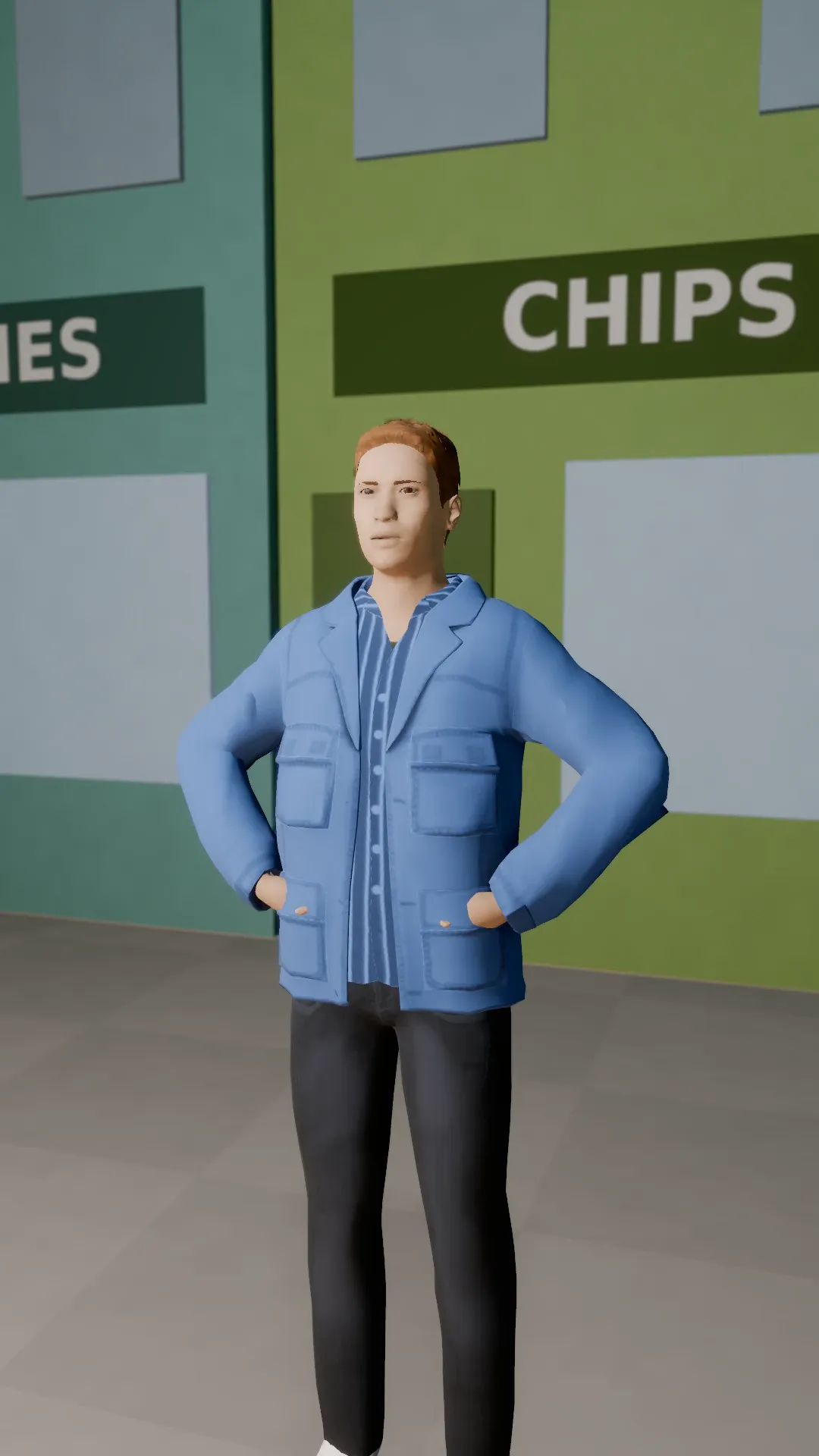
Set up a shot in Stage and move the camera the way you like: a drone rise, an orbit, a crash zoom. Tap Make this a template. Anyone can then put that exact move on their own shot.

Stage is our 3D scene maker.

Works in Stage and Video

Something you made

Open a video or image you're proud of and tap Make this a template. Pick the words people can change. Everything else comes with it, so the next person only changes those words.

Video makes moving clips, Image makes pictures, and Kartoonz turns a story into a cartoon.

Works in Video, Image and Kartoonz

A look

Keep a style you love (cartoon, clay figures, old black-and-white film) as a Look. You can use the same Look in every tool that supports it.

Kartoonz turns a story into a cartoon.

Works in Image, Video and Kartoonz

Your templates

Everything you save lands here. You choose who can see each one.

Sign in to make your own and keep them on every device.