
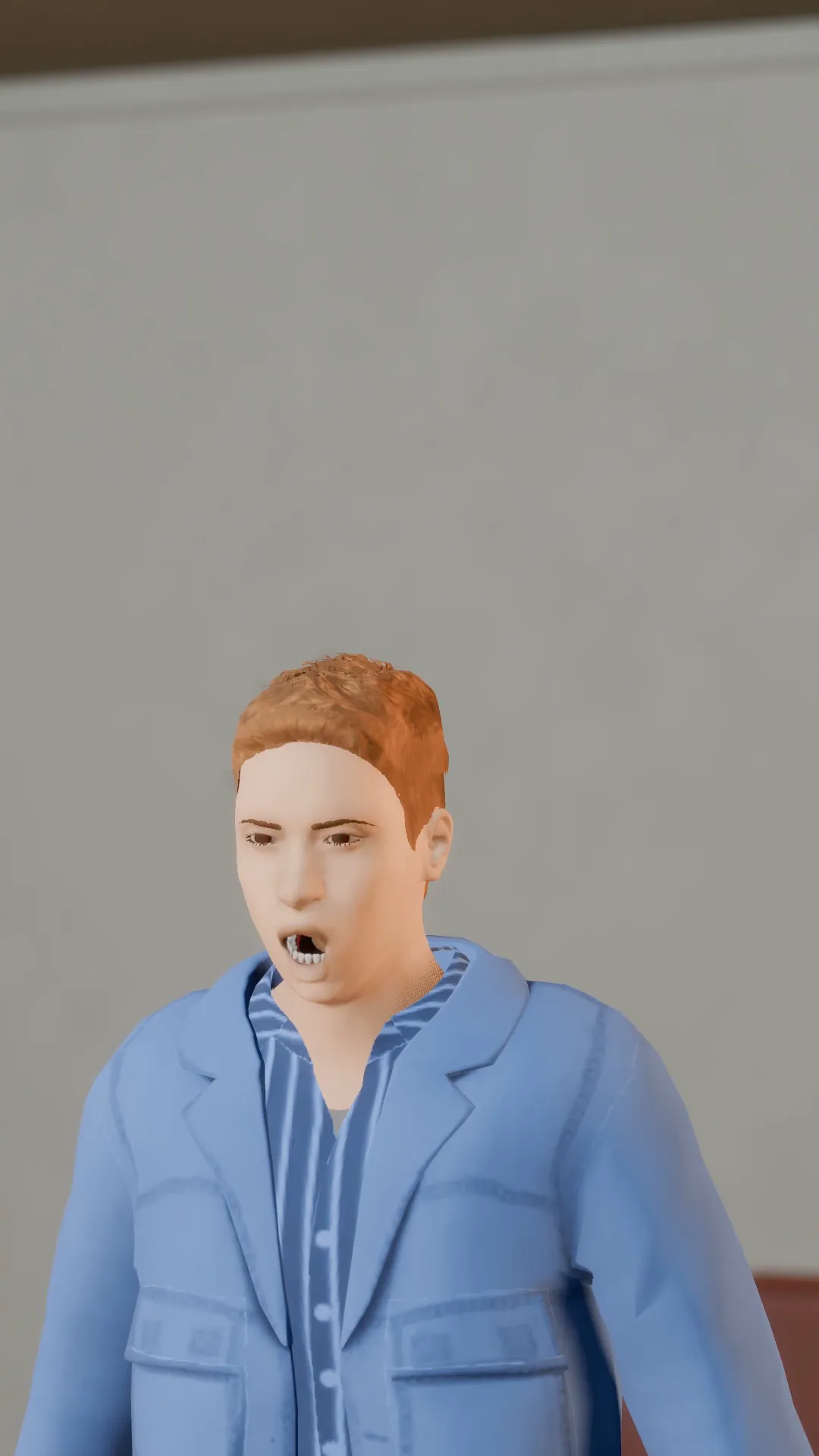
Stage template
Crash zoom Template for Stage
A sudden zoom straight into the face. Comedy gasp, horror sting, plot twist.
- Stage template
- Portrait (9:16)
- 3 second move
 Official BytePlus partnerBytePlus, a ByteDance company
Last updated
On this page
What the Crash zoom template makes
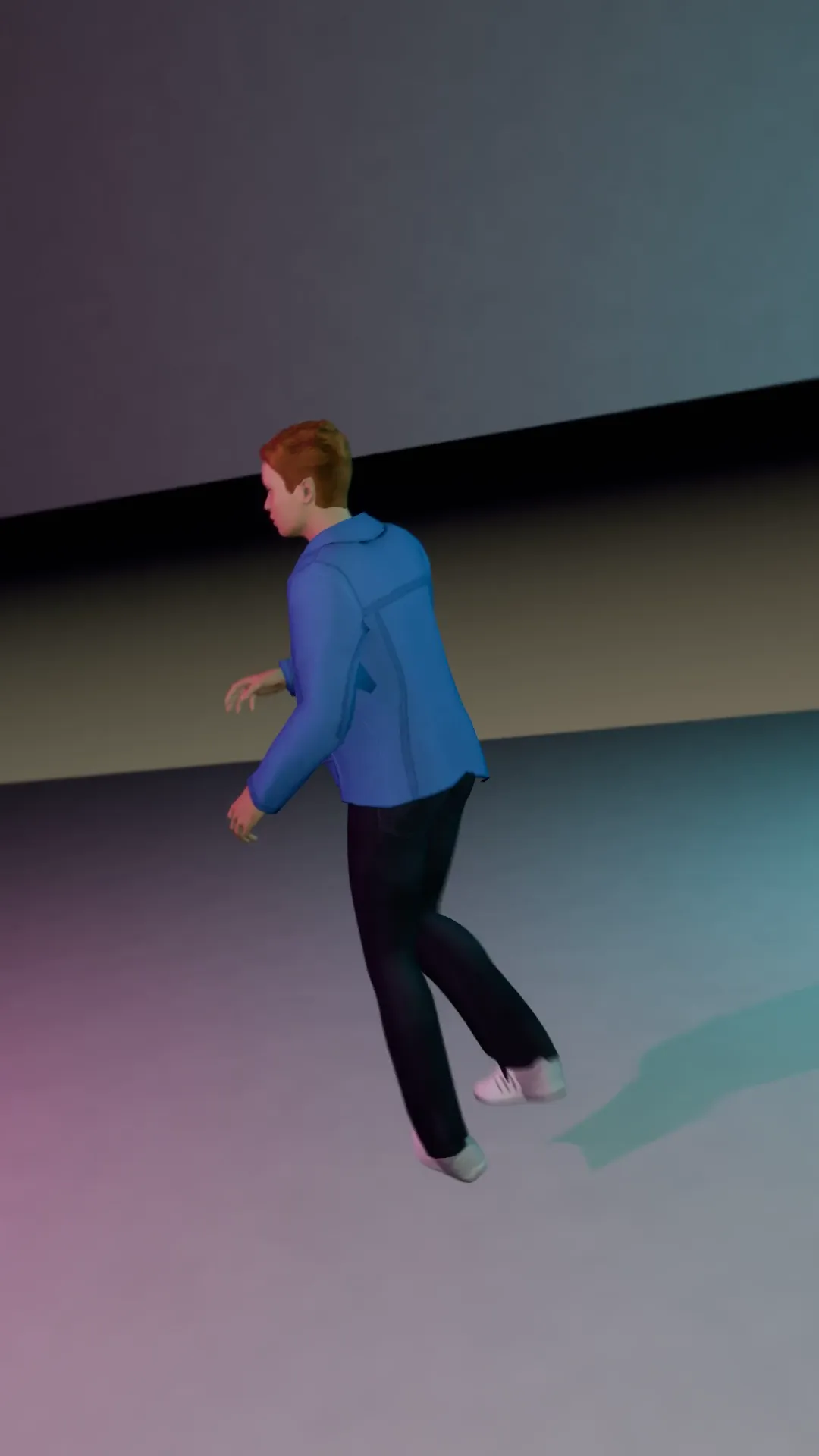
This template creates a sudden zoom straight into the face. It works for comedy gasps, horror stings, or plot twists. The move lasts three seconds. It fits vertical 9:16 frames. You apply it to a selected shot in Stage. It also opens in the video studio to move the camera around your photo.
Ideas to try
- Comedy gasp reaction
- Horror sting moment
- Plot twist reveal
How it works
Opens in Stage.
- 1
Open scene in Stage
Start by opening your scene in the Stage tool.
- 2
Pick and apply shot
Select the shot and apply the Crash zoom template.
- 3
Preview and adjust
Preview the move and adjust the camera if you want.
Questions
What shape does this template suit?
How long is the move?
Can I change the camera position?
Is Stage free?
More Stage templates
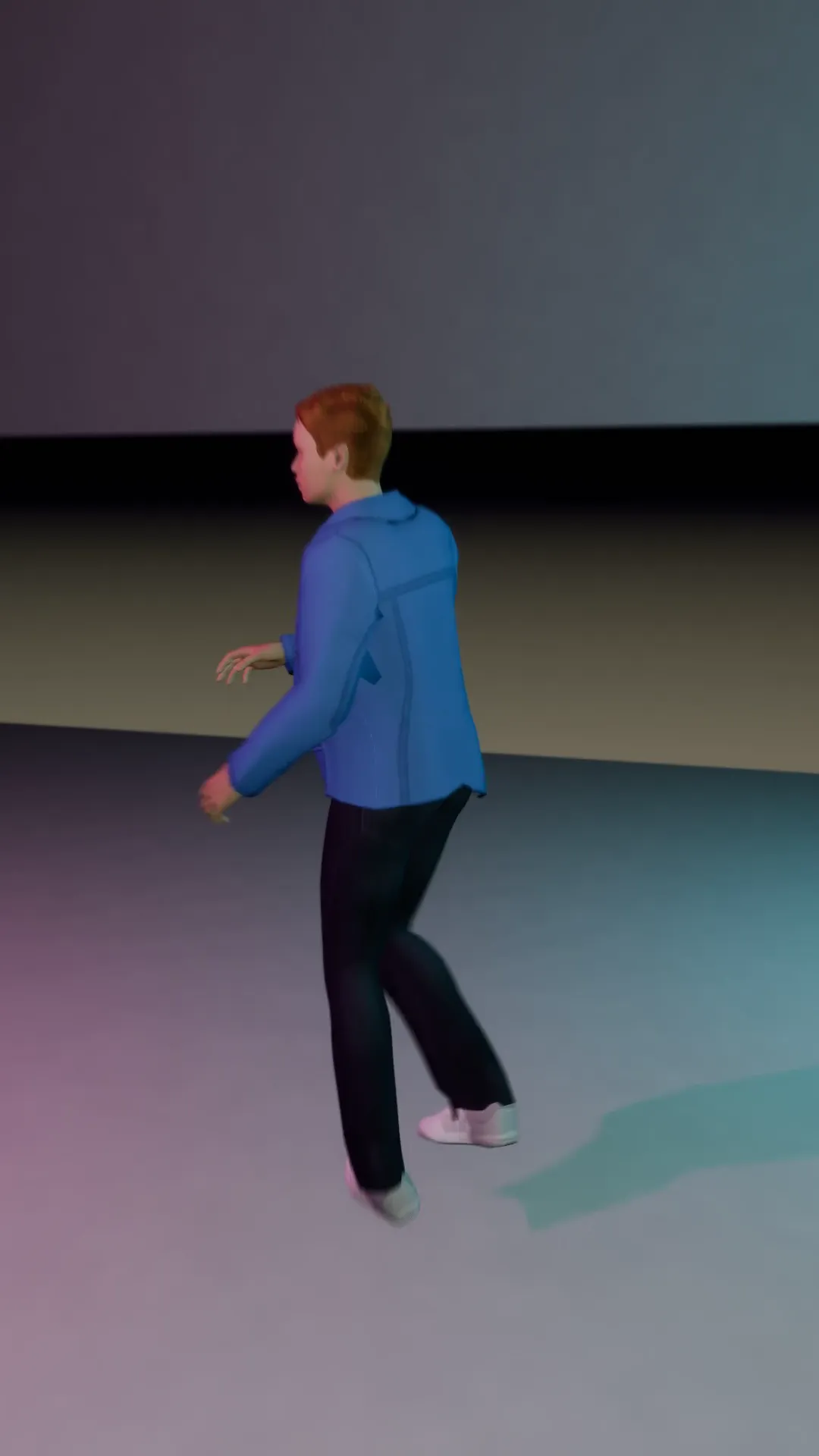
Snap zoom
9:16
A hard snap in on the beat. Use it on every hit of the music.
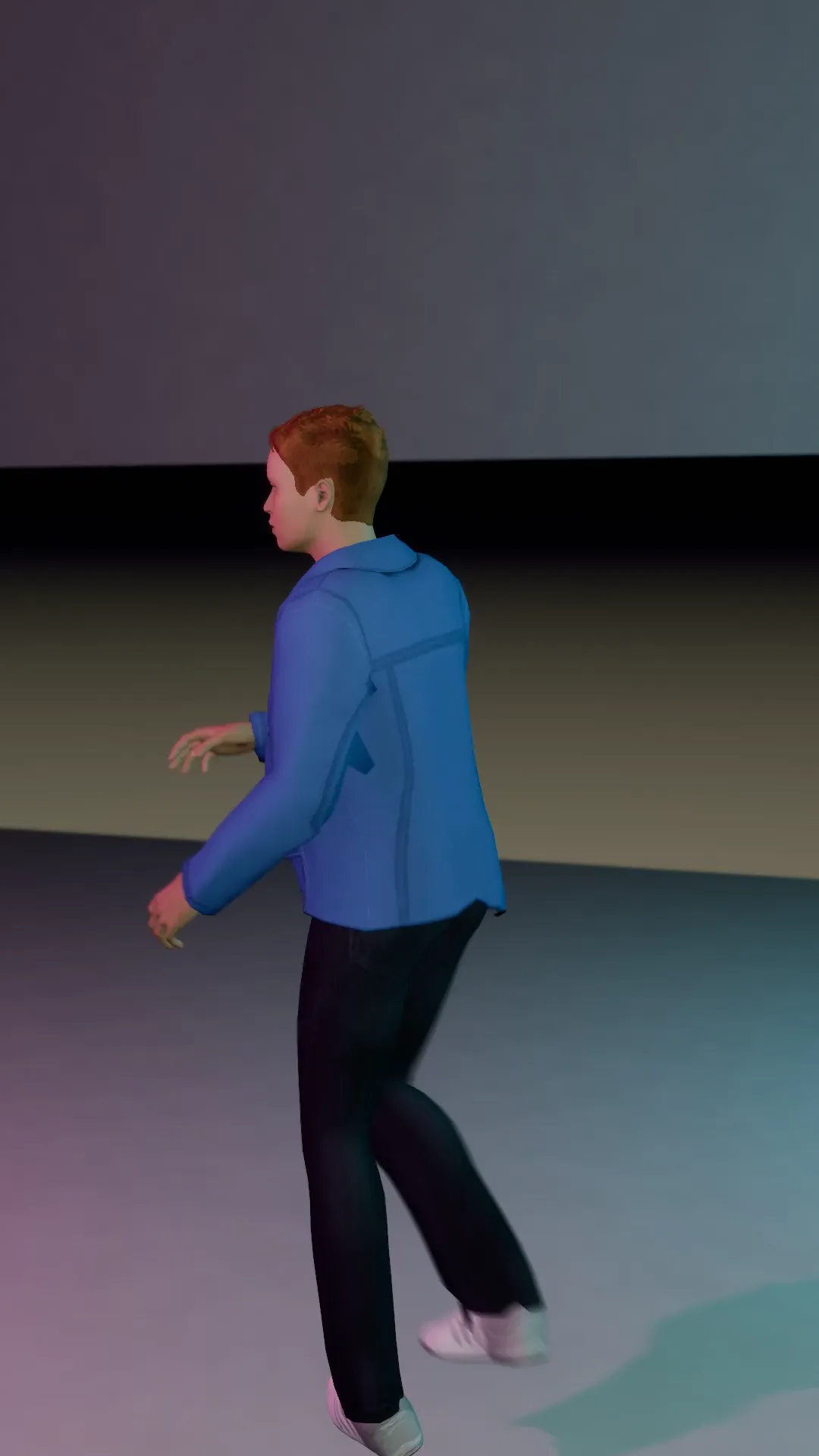
Step zoom
9:16
The zoom climbs in steps on the build, one jump per beat, then holds.
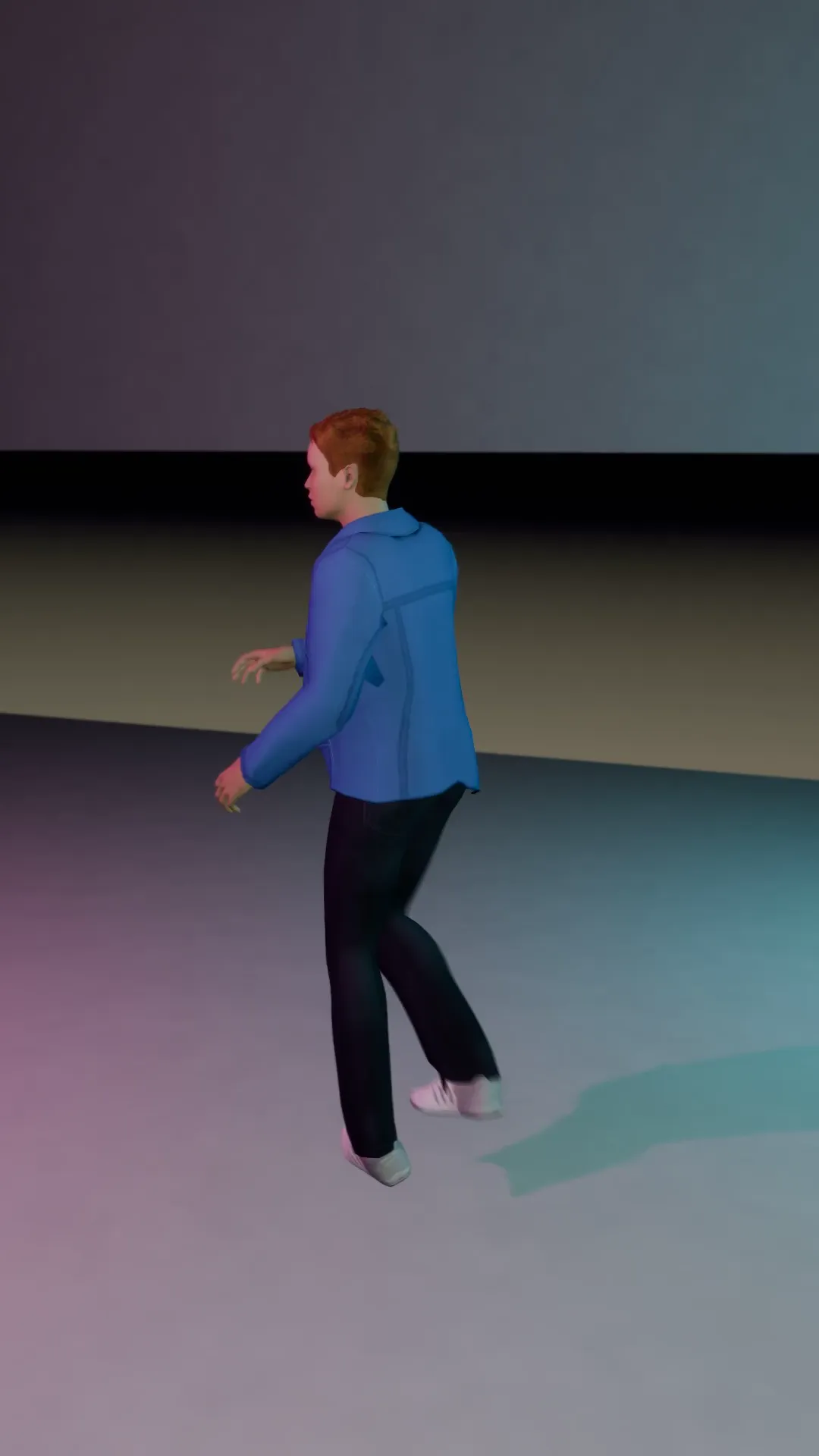
Barrel roll
9:16
The frame rolls a full turn around the lens axis on the drop.
Dutch swing
9:16
The horizon tilts and swings back and forth: unease, chaos, a party going wrong.
Try Crash zoom
Open the template in Stage, make it yours and preview it. Planning in Stage is free.