
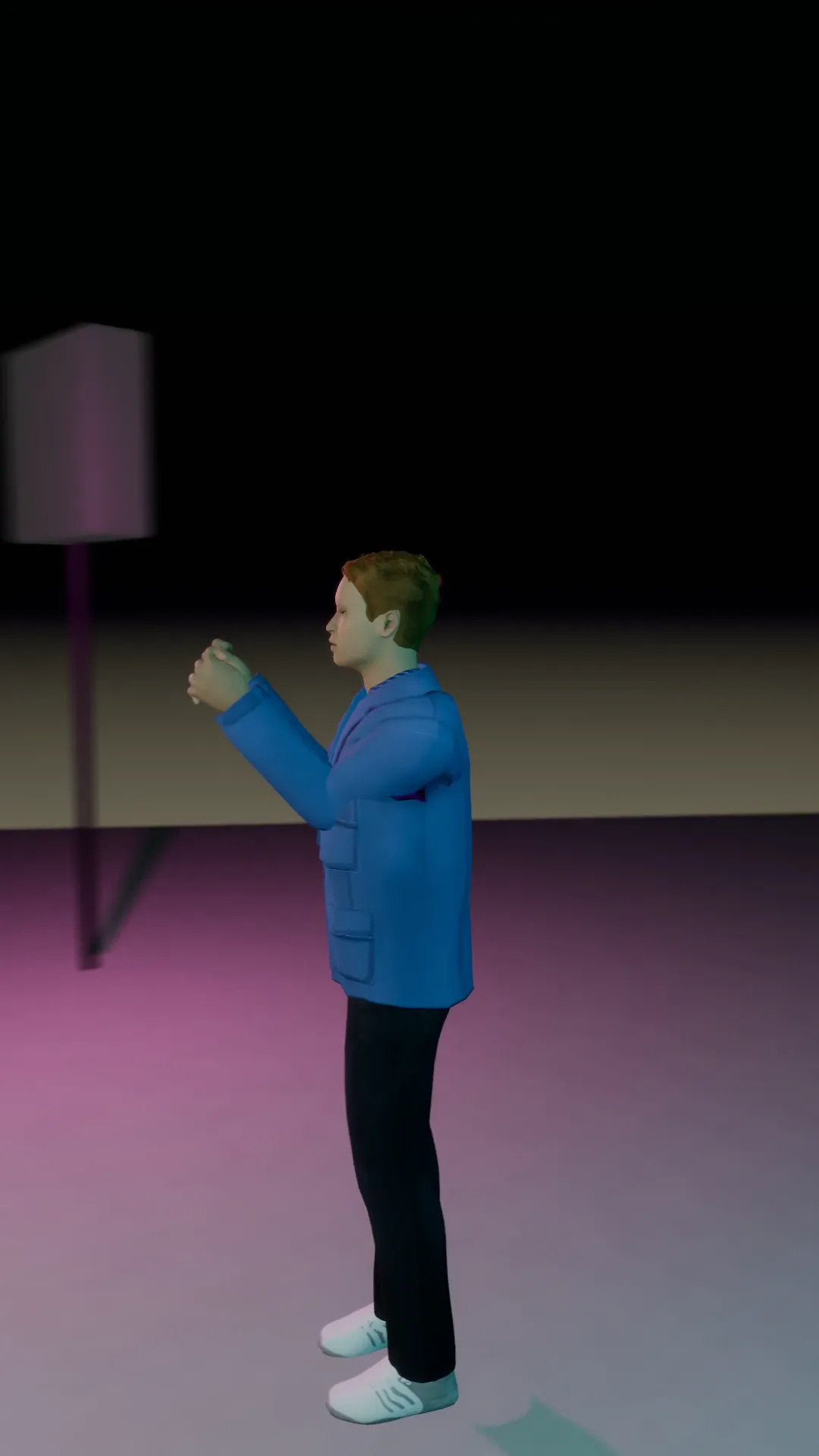
Stage template
Half orbit reveal Template for Stage
A 180 degree arc from one side of the subject to the other, ending on a clean front view.
- Stage template
- Portrait (9:16)
- 4 second move
 Official BytePlus partnerBytePlus, a ByteDance company
Last updated
On this page
What the Half orbit reveal template makes
This template creates a smooth 180 degree arc camera move. It starts on one side of your subject and ends on a clean front view. The move lasts four seconds and fits a vertical 9:16 frame. You can use it in Stage or the video studio with your own photos.
Ideas to try
- Showcase product details from multiple angles
- Create engaging social media video intros
- Highlight character design in 3D scenes
How it works
Opens in Stage.
- 1
Open scene in Stage
Select the shot you want to animate.
- 2
Apply the template
Choose Half orbit reveal from the list.
- 3
Preview the move
Watch the four second arc in action.
- 4
Adjust camera if needed
Fine tune the view in the video studio.
Questions
What is the frame size?
How long is the camera move?
Can I use my own photos?
Is Stage free?
More Stage templates
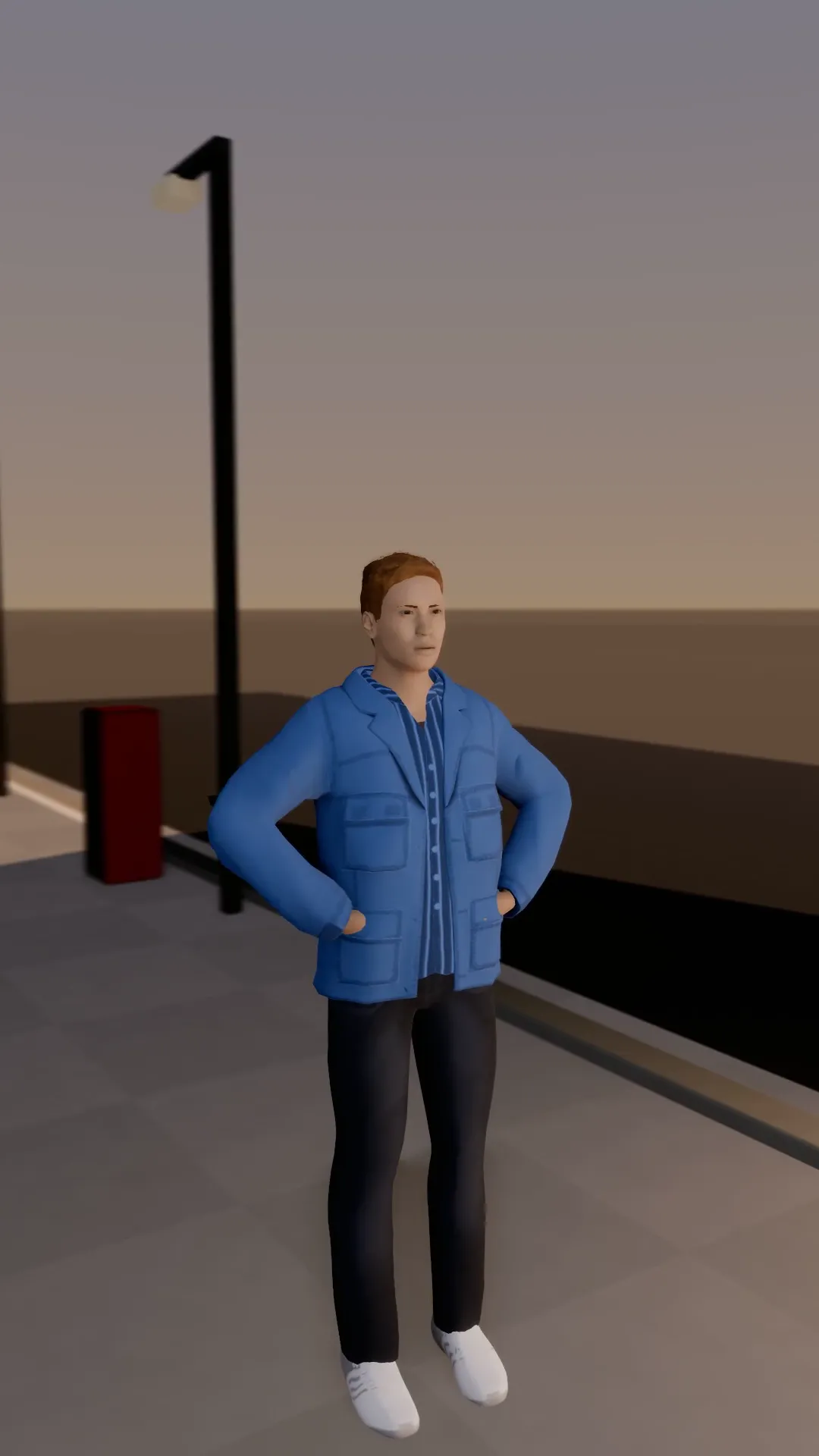
Orbit and push in
9:16
An arc around the subject that tightens into a push-in for the last second. Builds to the face.
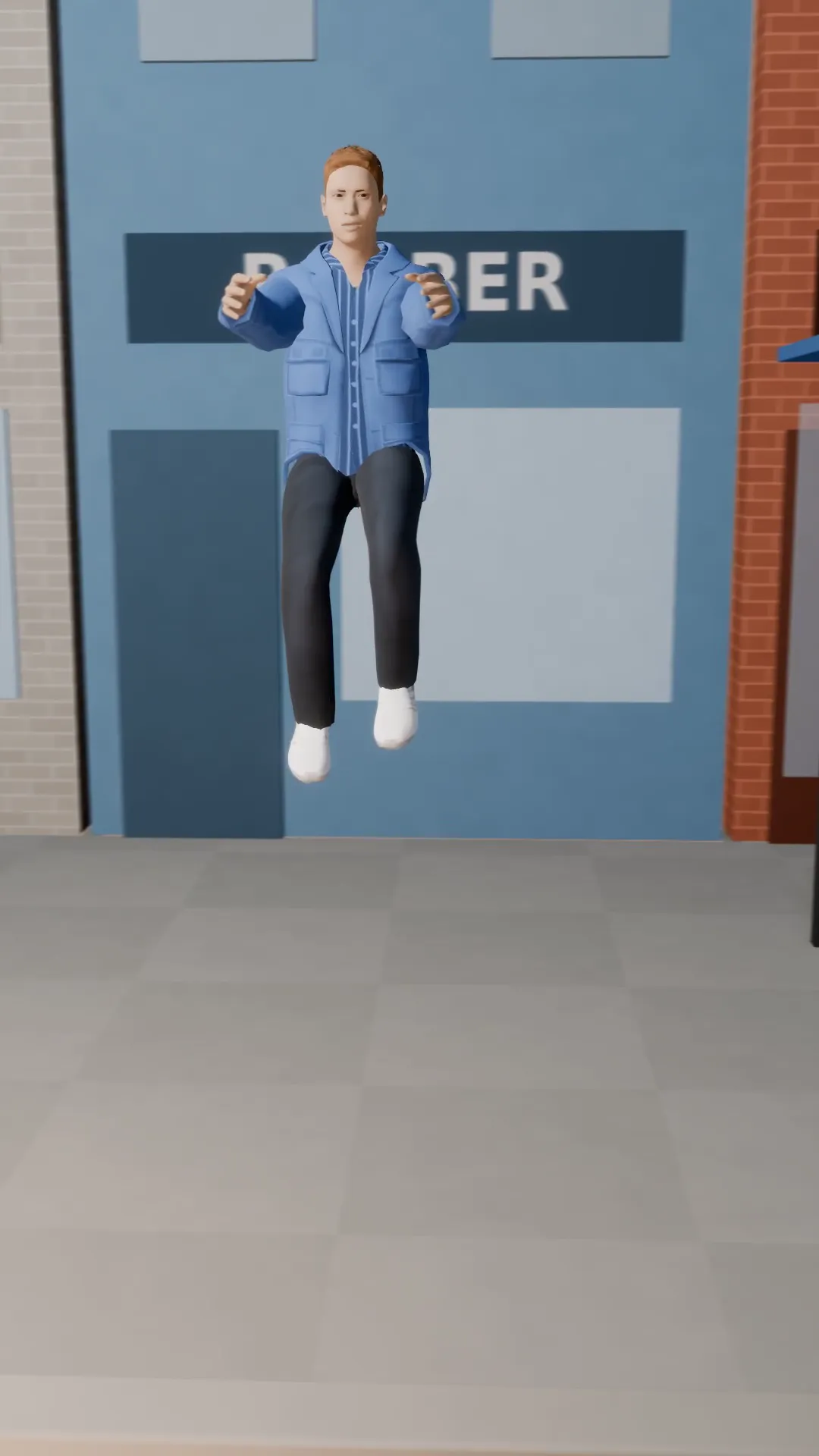
Bullet time
9:16
The subject jumps, time almost stops, and the camera sweeps round them in the air.
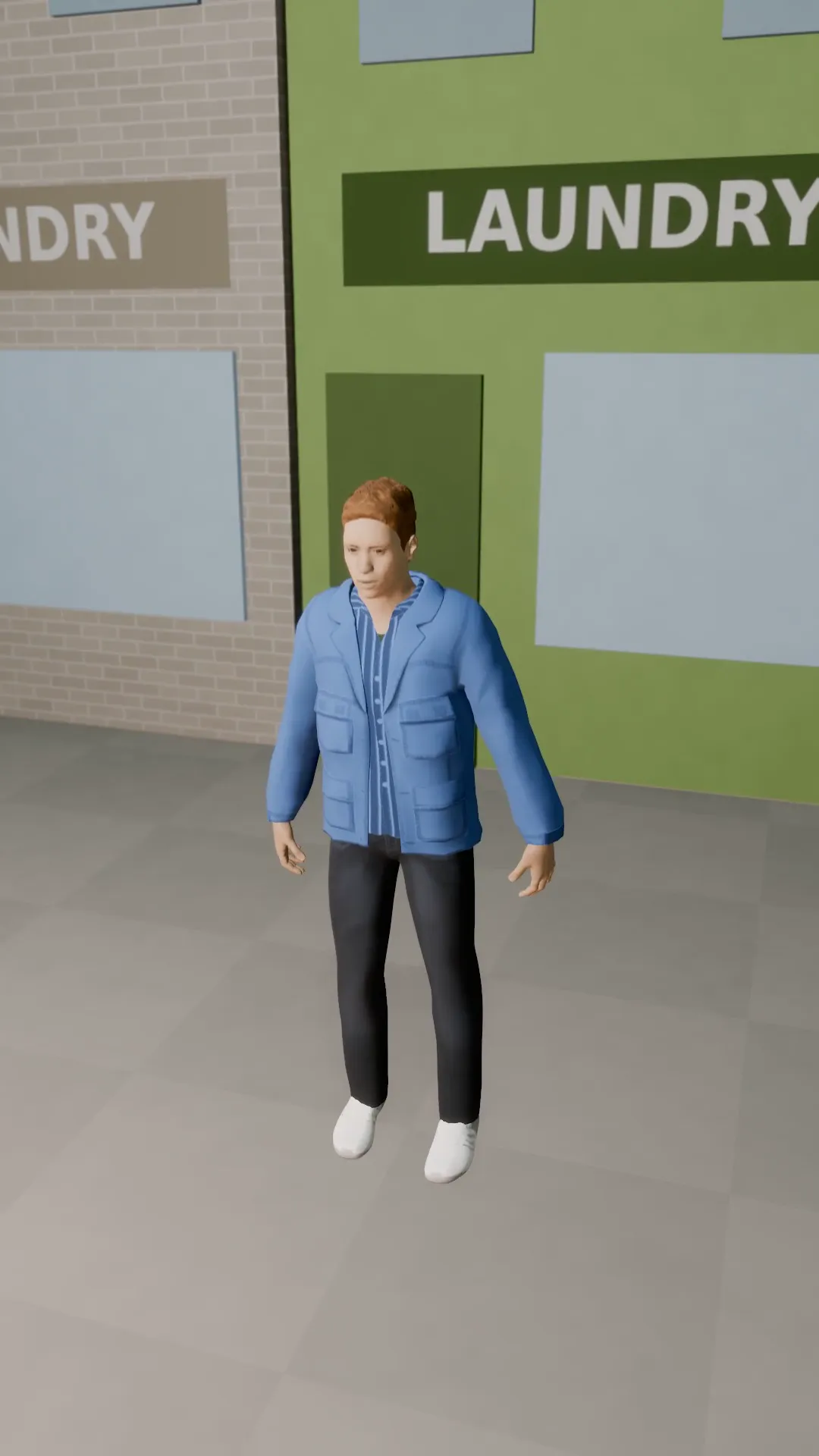
Crane up
9:16
The camera rises straight up and away from the subject to show the whole place.
Crane down
9:16
The camera lowers from high above the scene down to the subject at eye level.
Try Half orbit reveal
Open the template in Stage, make it yours and preview it. Planning in Stage is free.