
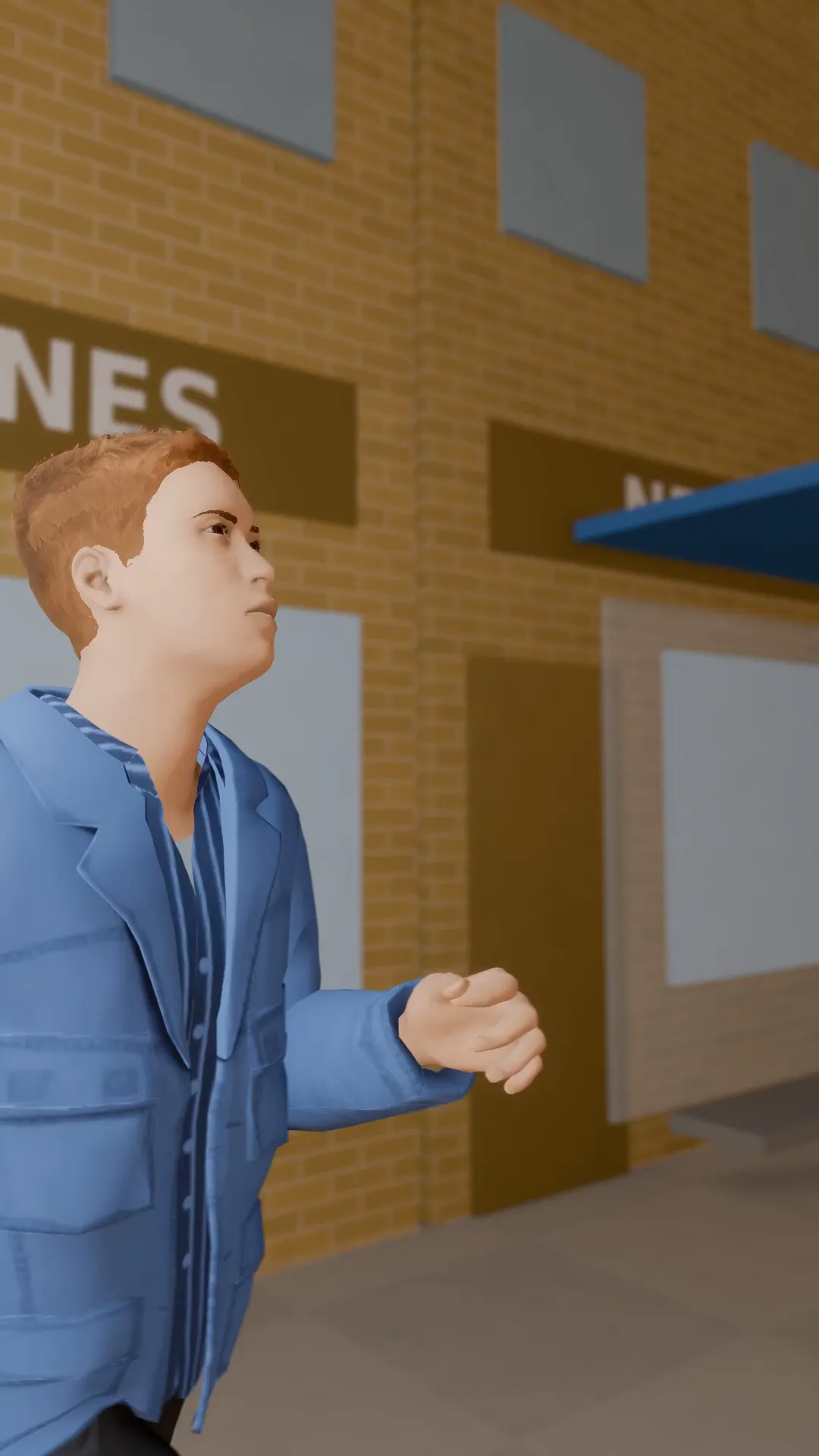
Stage template
Run and gun Template for Stage
A handheld camera chasing a runner down the street, shaky and close. Raw action energy.
- Stage template
- Portrait (9:16)
- 4 second move
 Official BytePlus partnerBytePlus, a ByteDance company
Last updated
On this page
What the Run and gun template makes
This template creates a shaky, close-up camera move that chases a runner down the street. It adds raw action energy to your scene. The 4-second clip fits a vertical 9:16 frame. You can apply it in Stage or view it in the video studio.
Ideas to try
- Action sports highlight reel
- Urban street photography showcase
- Dynamic social media story intro
How it works
Opens in Stage.
- 1
Open your scene
Open a scene in Stage and pick the shot you want to animate.
- 2
Apply the template
Apply the Run and gun template to your selected shot.
- 3
Preview and adjust
Preview the move and adjust the camera if you want.
Questions
How long is the camera move?
What aspect ratio does this use?
Can I edit the camera position?
Is Stage free?
More Stage templates
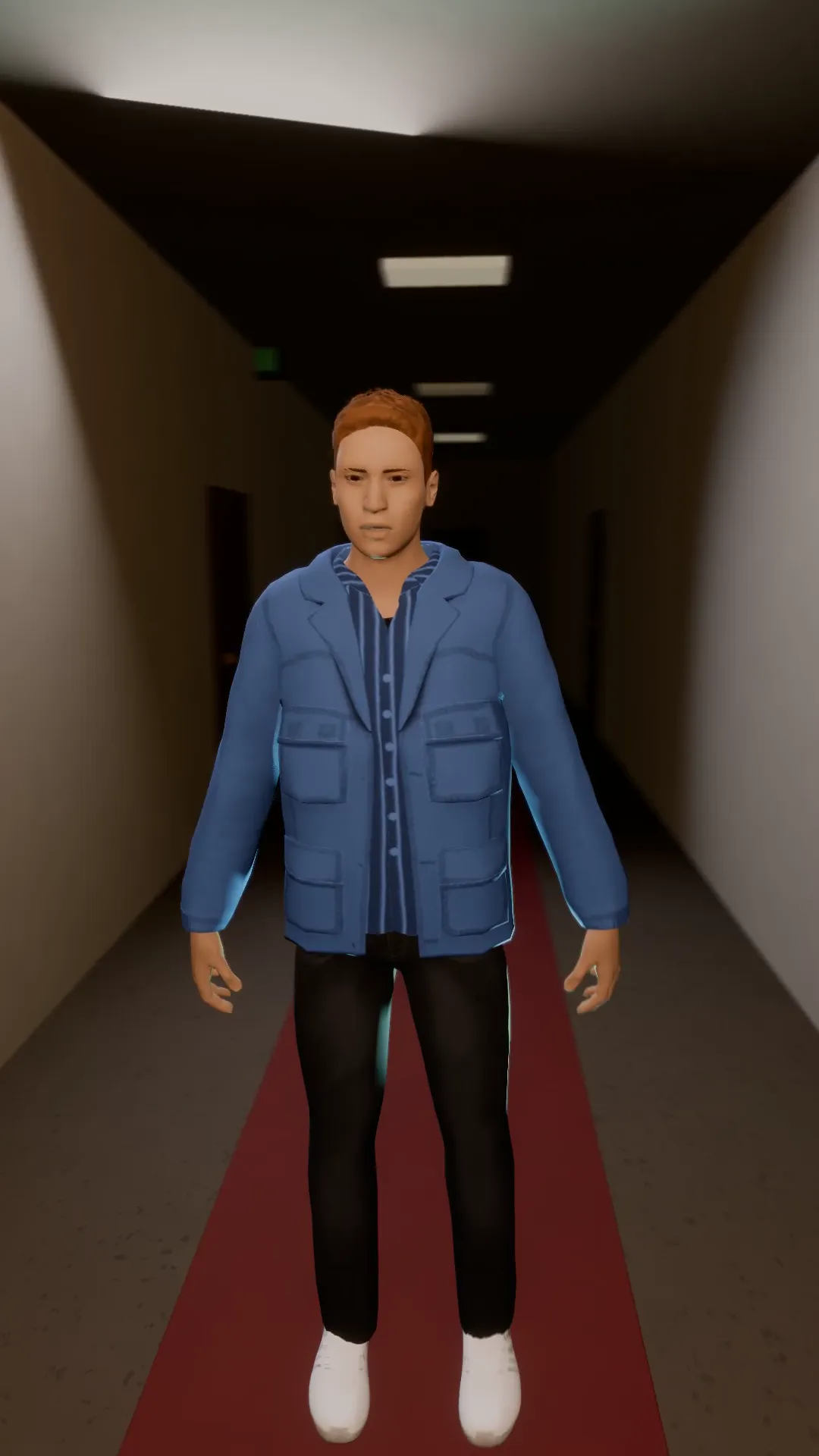
Vertigo orbit
9:16
A dolly zoom and an orbit at once: the room stretches and turns around a frozen subject.
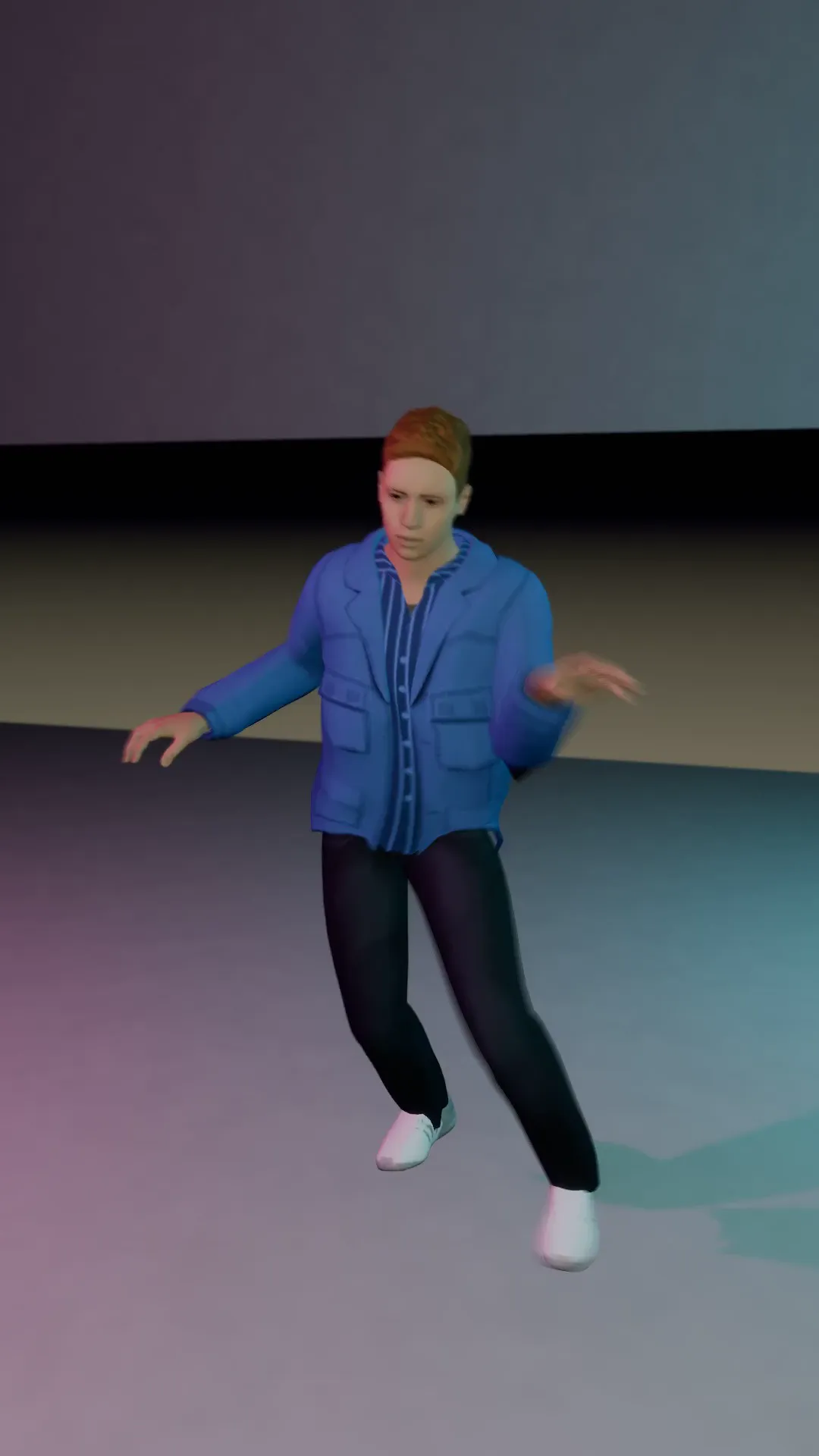
Roll zoom drop
9:16
A quarter roll and a snap zoom landing together on the beat. Made for the drop.
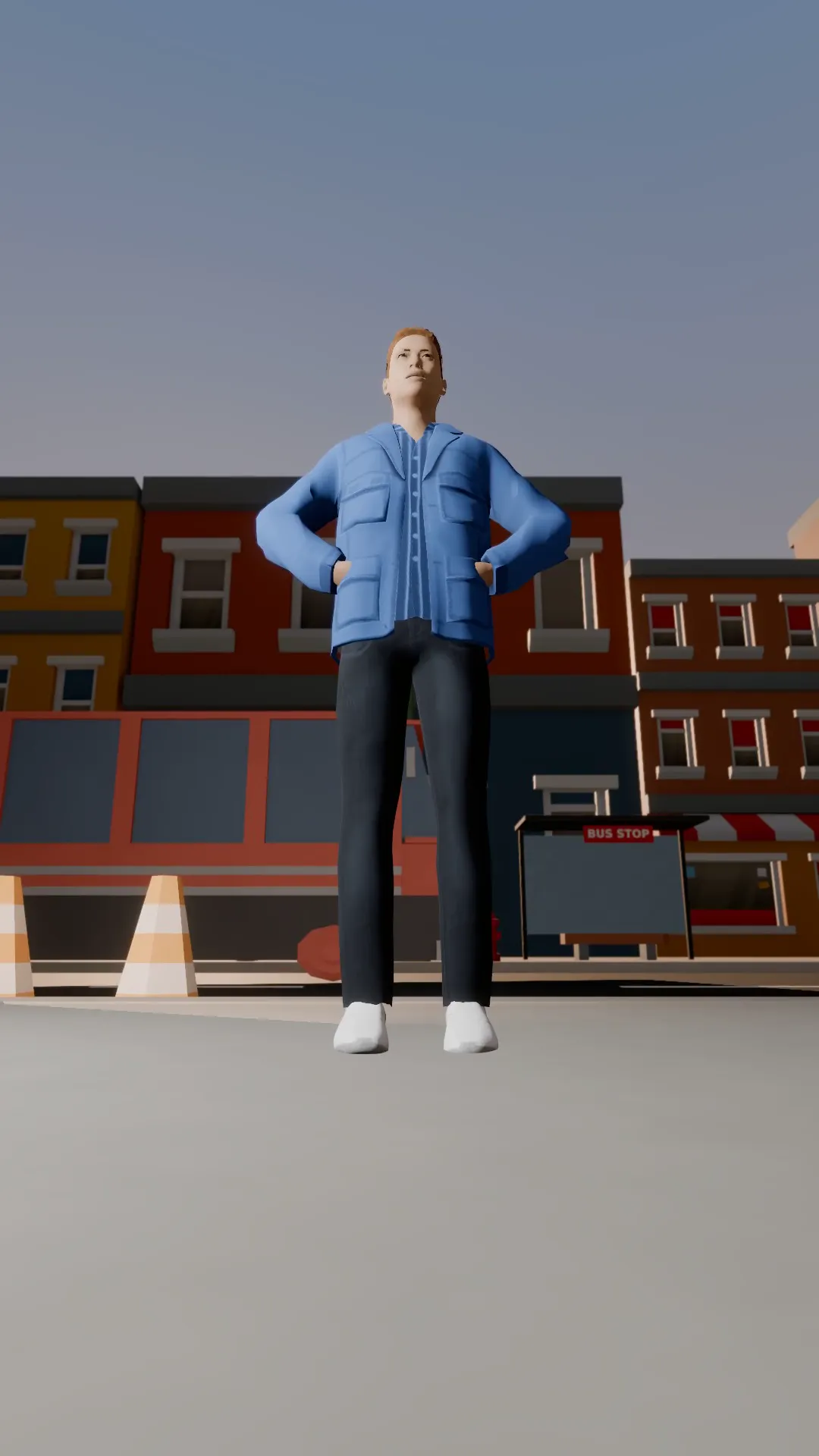
Hero rise
9:16
Start on the boots from a low angle, then the camera rises past the subject and keeps climbing. The intro shot for anyone who owns the street.
Walk and talk
9:16
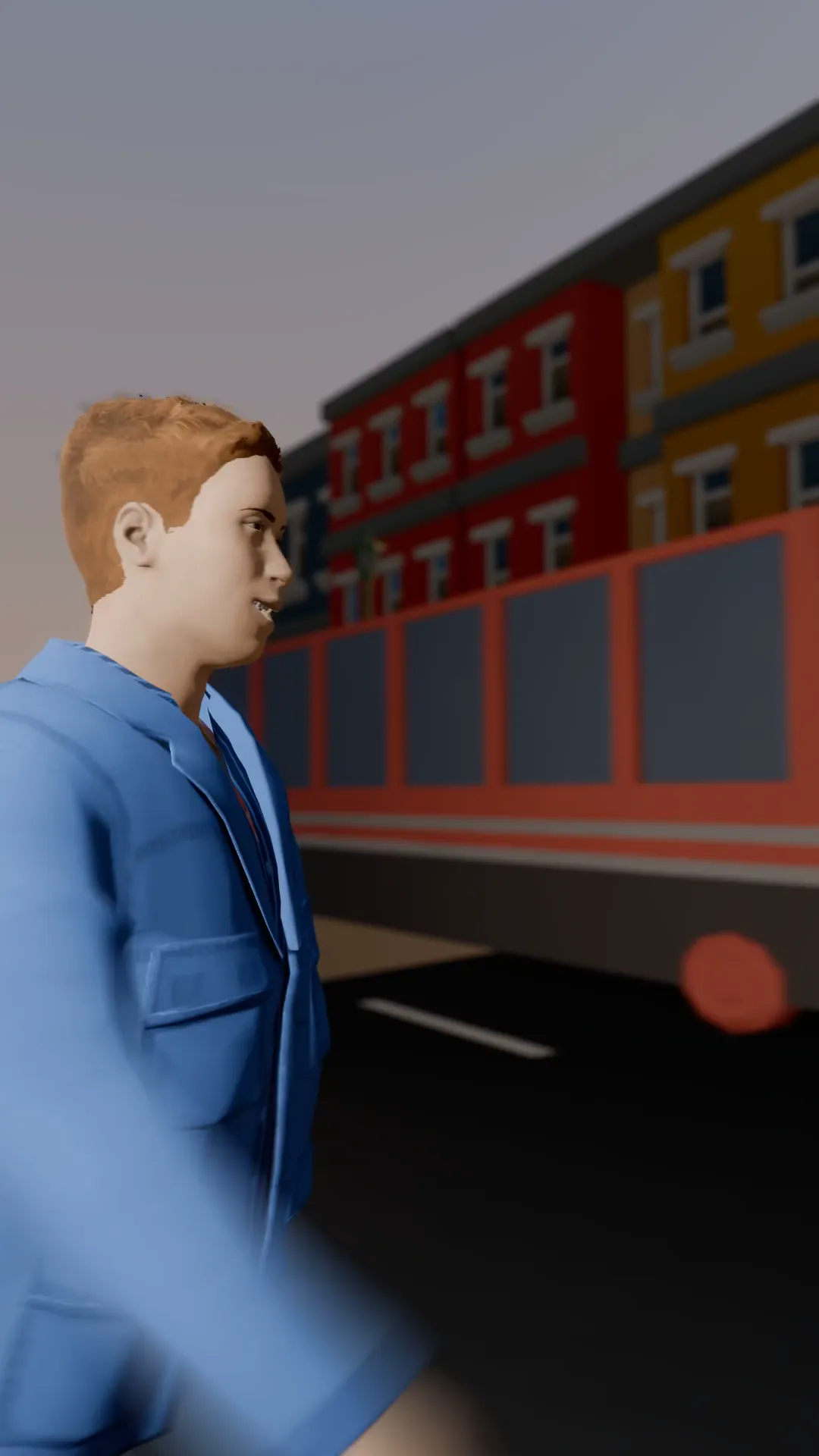
A handheld camera tracks a person walking down the street as they talk. The vlog opener everyone copies.
Try Run and gun
Open the template in Stage, make it yours and preview it. Planning in Stage is free.