
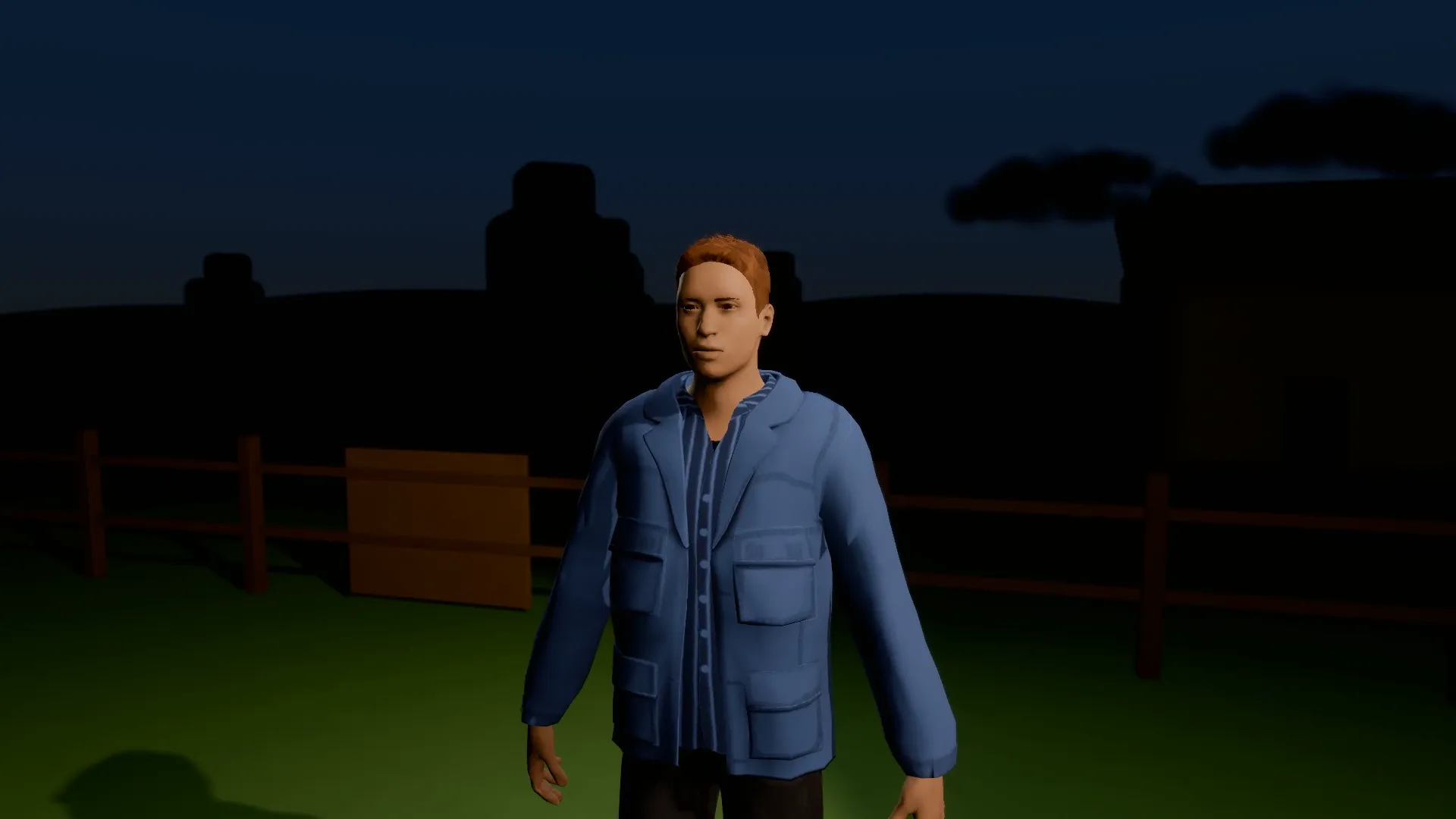
Stage template
Abduction beam Template for Stage
A saucer over a dark field, a beam of light and one very surprised farmer drifting up into it.
- Stage template
- Landscape (16:9)
- 1 character to swap
- 2 text lines to rewrite
 Official BytePlus partnerBytePlus, a ByteDance company
Last updated
On this page
What the Abduction beam template makes
This template creates a sci-fi scene with a saucer over a dark field. A beam of light lifts a surprised farmer into the air. It is a ready 3D setup for night shots. You can change the text and swap the character. The final output is a 16:9 video clip.
Ideas to try
- Create a short UFO abduction scene
- Plan a night time sci-fi shot
- Storyboard a farmer encounter
How it works
Opens in Stage.
- 1
Open the scene
Launch Stage and load the Abduction beam template.
- 2
Customize elements
Edit the two text lines and swap the farmer character.
- 3
Adjust the view
Move the camera to frame the saucer and beam.
- 4
Preview and export
Watch the animation and generate the final video.
Questions
What do I need to start?
Who is it for?
Can I change the words or characters?
How long is the move?
Is Stage free?
More Stage templates
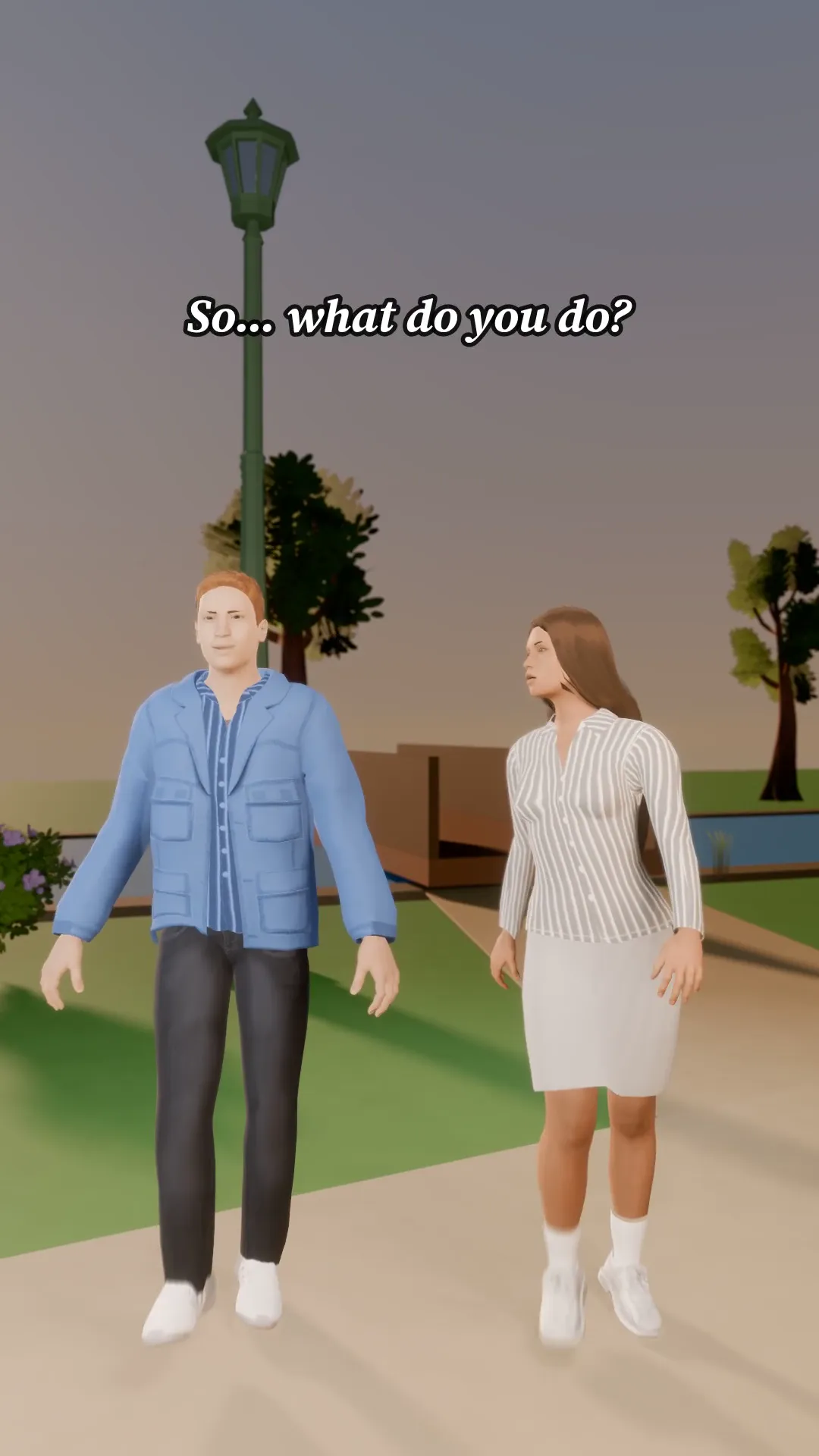
First date walk
9:16
Two people, one park path and a very awkward silence. A walk-and-talk with a hook and a twist line.
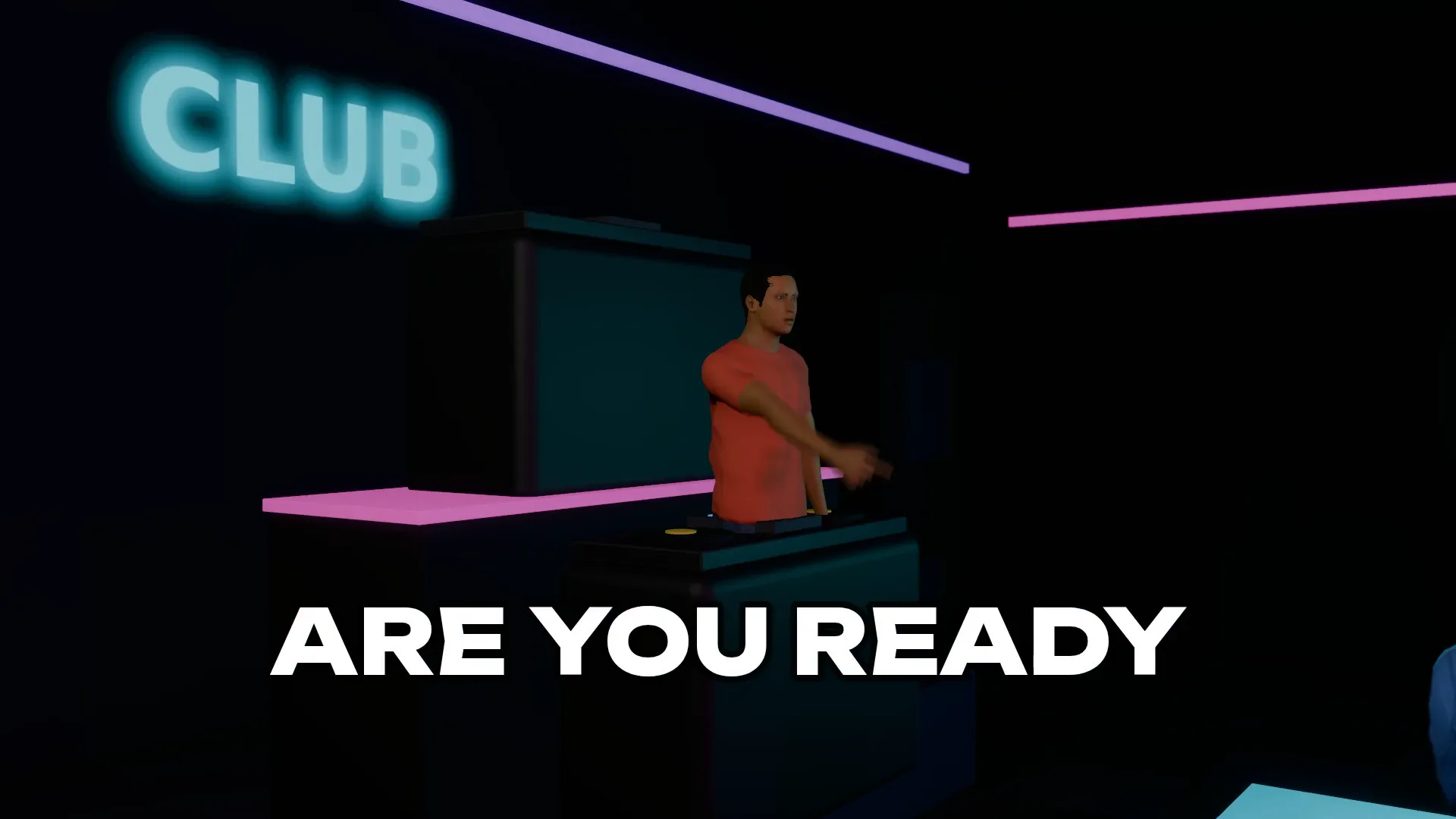
Nightclub drop
16:9
A DJ on the booth, a packed floor of dancers and a beat that drops with confetti and a snap zoom. Your artist, your lyric.
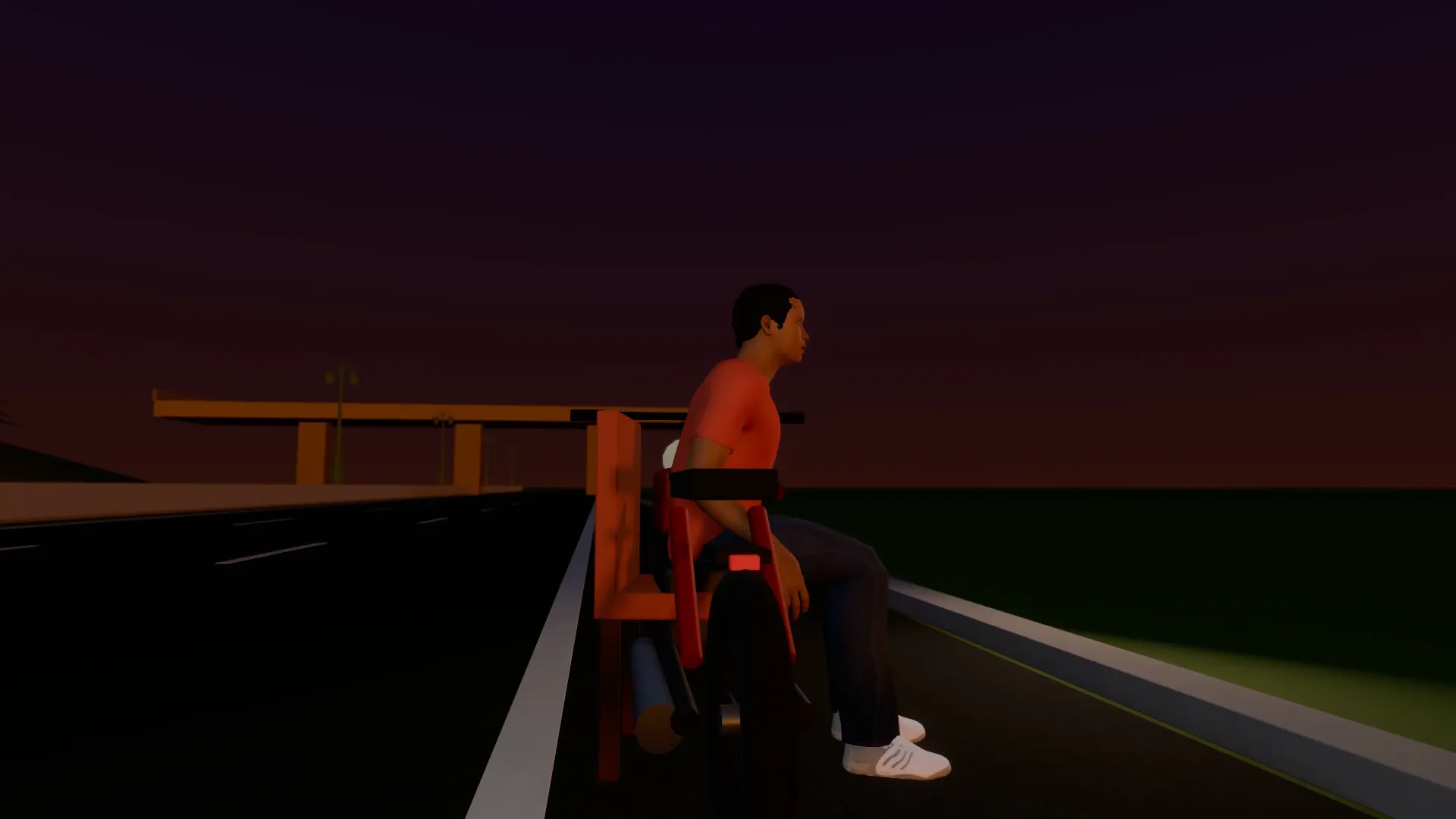
Highway rider
16:9
A rider on a motorbike under a low sun on an empty highway. Slow low angles, a lyric that lands on the horizon.
Garage car reveal
16:9
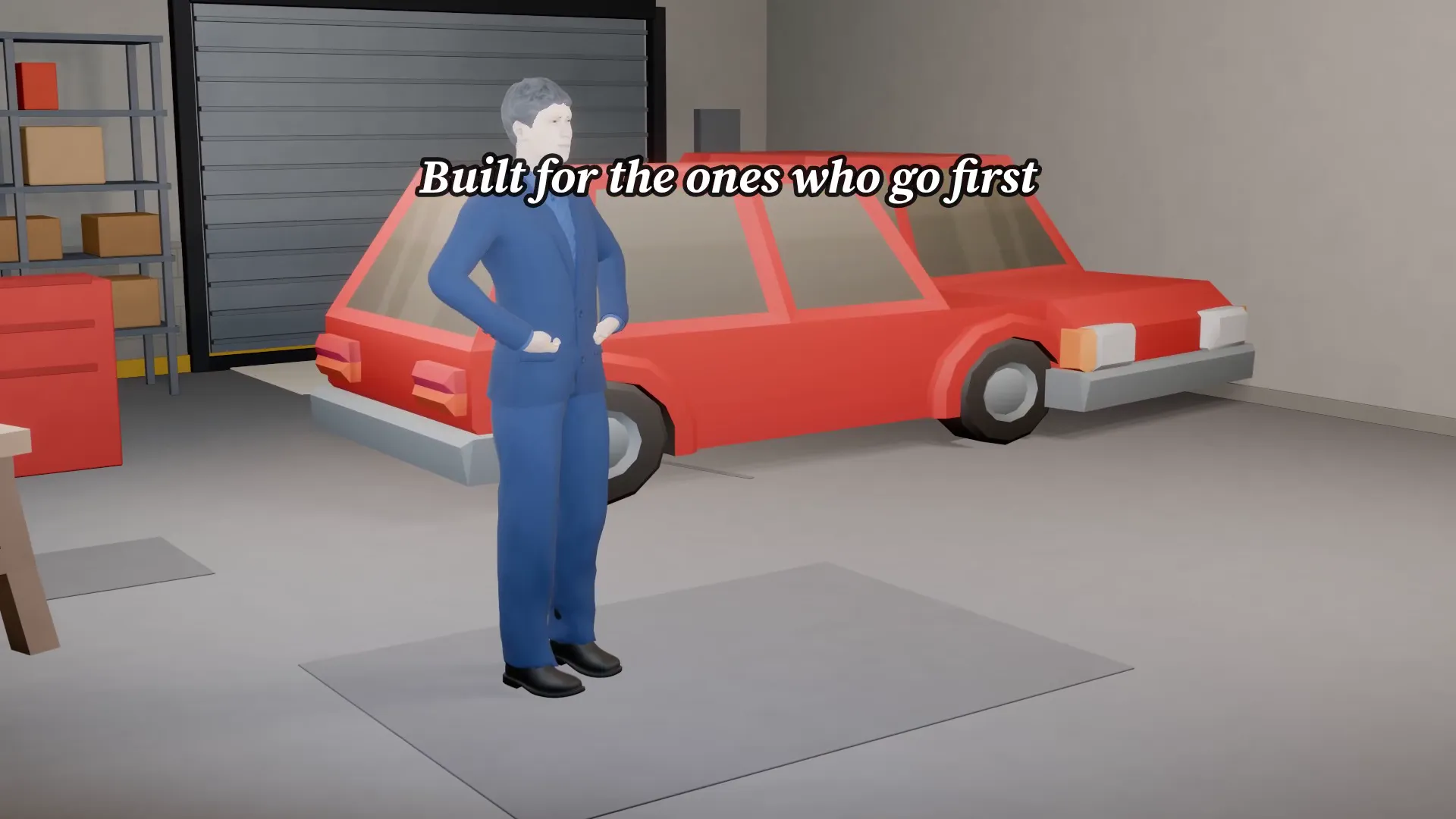
A car in a bright garage and the camera sweeps the paint. Your model, your tagline.
Try Abduction beam
Open the template in Stage, make it yours and preview it. Planning in Stage is free.