
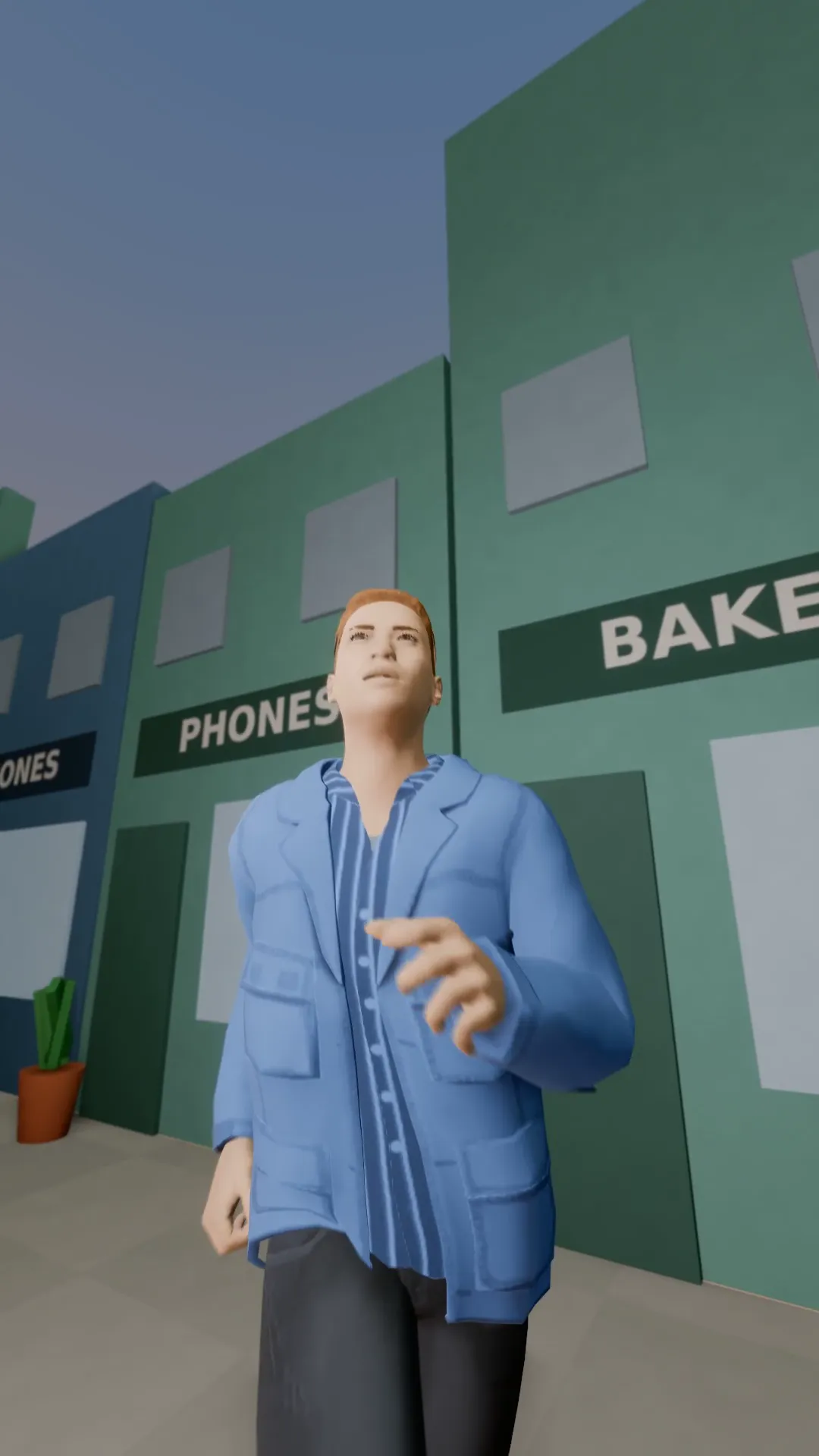
Stage template
Snorricam Template for Stage
A camera rigged to the runner's chest: the face stays locked while the world swings behind.
- Stage template
- Portrait (9:16)
- 4 second move
 Official BytePlus partnerBytePlus, a ByteDance company
Last updated
On this page
What the Snorricam template makes
This template creates a dynamic 9:16 camera move where the subject's face remains locked in place while the background swings around. It is designed for video studios to apply a ready-made shot to a selected scene or photo, offering a specific visual effect where the world moves behind a steady subject.
Ideas to try
- Create intense character moments
- Highlight a subject in motion
- Add drama to static photos
How it works
Opens in Stage.
- 1
Open your scene
Launch the Stage tool and load your project.
- 2
Select the shot
Pick the specific shot you want to animate.
- 3
Apply the template
Choose the Snorricam template from the list.
- 4
Preview and adjust
Watch the move and tweak the camera if needed.
Questions
What is the video format?
How long is the animation?
Can I use my own photo?
Is Stage free?
More Stage templates
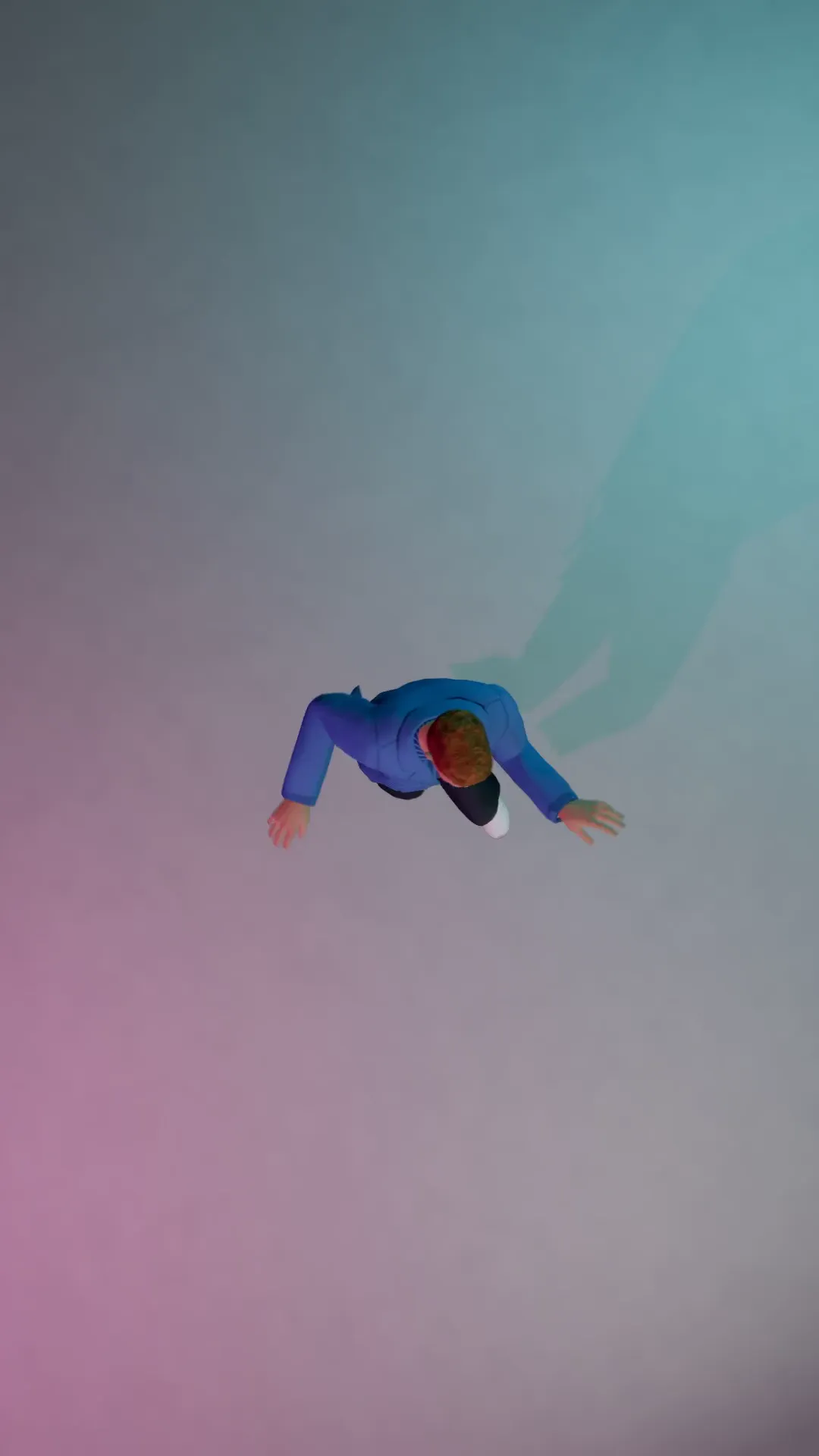
Bird's-eye dance
9:16
Straight down from above on a dancer, the frame slowly turning.
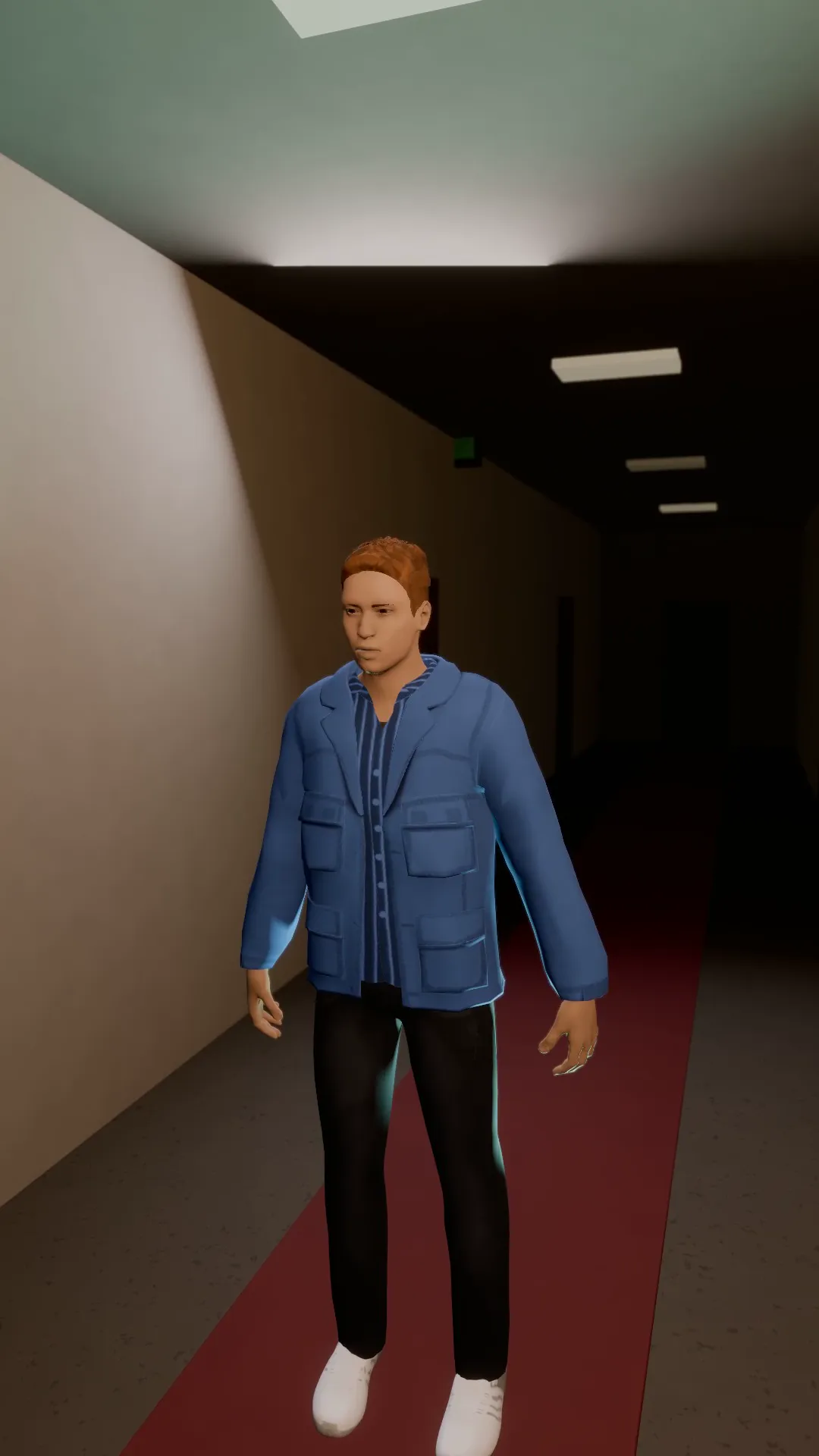
Dolly zoom
9:16
The camera pulls back while the lens zooms in: the subject stays the same size and the world stretches behind. Vertigo.

Reverse dolly zoom
9:16
The opposite vertigo: the camera pushes in while the lens widens and the room swallows the subject.
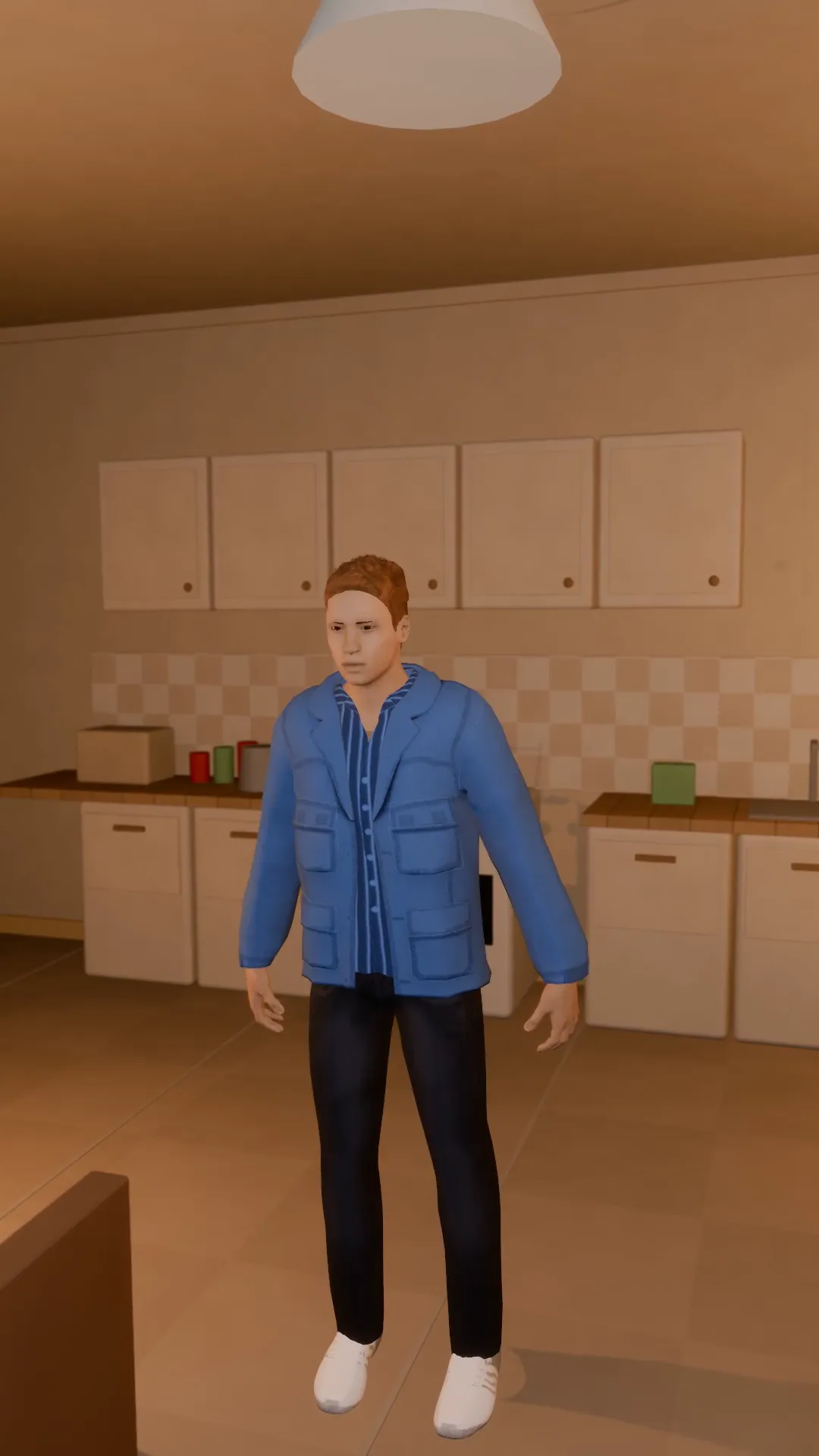
Handheld documentary
9:16
A shoulder-held camera that breathes and drifts. Real, raw, close.
Try Snorricam
Open the template in Stage, make it yours and preview it. Planning in Stage is free.