
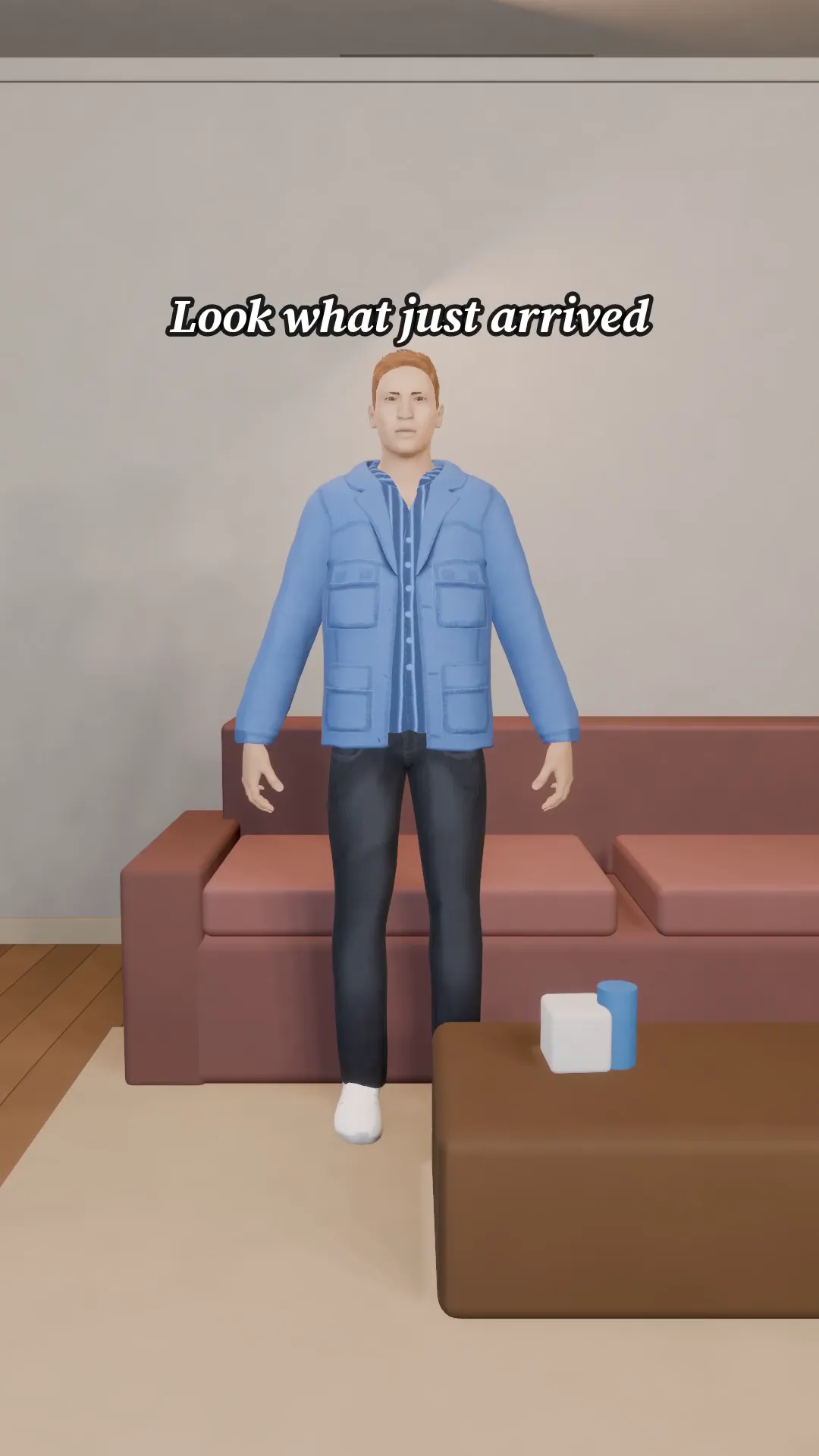
Stage template
Unboxing Template for Stage
A gift box on a table, a nervous open and a big reaction. Say what is inside.
- Stage template
- Portrait (9:16)
- 1 character to swap
- 2 text lines to rewrite
 Official BytePlus partnerBytePlus, a ByteDance company
Last updated
On this page
What the Unboxing template makes
This template creates a 9:16 unboxing scene. It shows a gift box on a table, a nervous opening, and a big reaction. You can swap one character and rewrite two text lines. It helps you show what is inside the package clearly.
Ideas to try
- Show a surprise gift reveal
- Display product features with emotion
- Create a quick reaction video for social media
How it works
Opens in Stage.
- 1
Open the scene
Launch the Stage tool to load the unboxing layout.
- 2
Customize details
Swap the character and edit the two text lines.
- 3
Preview and export
Move the camera, preview the shot, and generate the video.
Questions
Can I change the text on screen?
Who can I use this for?
What format is the video?
Is Stage free?
More Stage templates
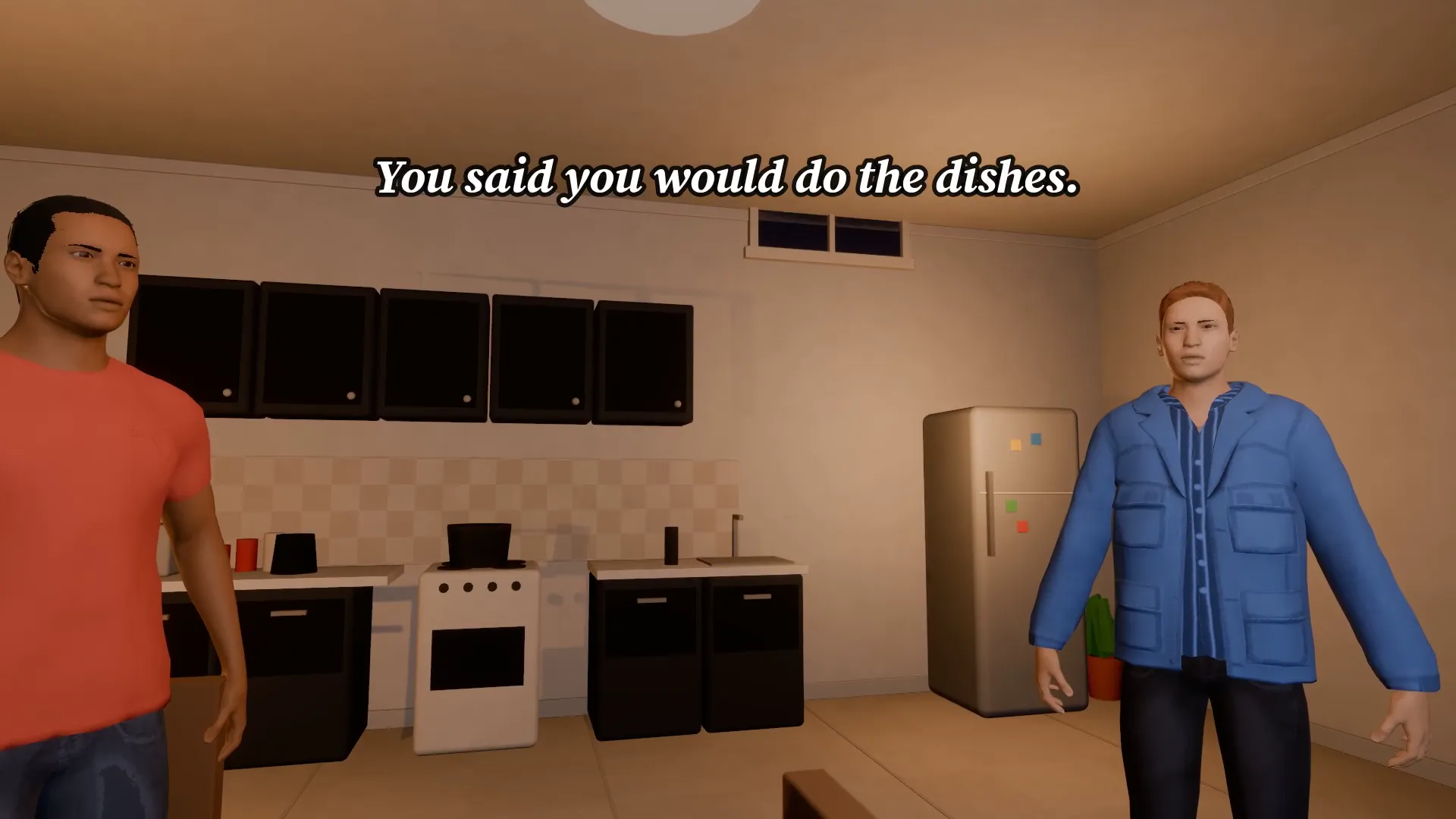
Kitchen argument
16:9
Two people argue over a kitchen table: low angle, slow push-in, every line a caption.
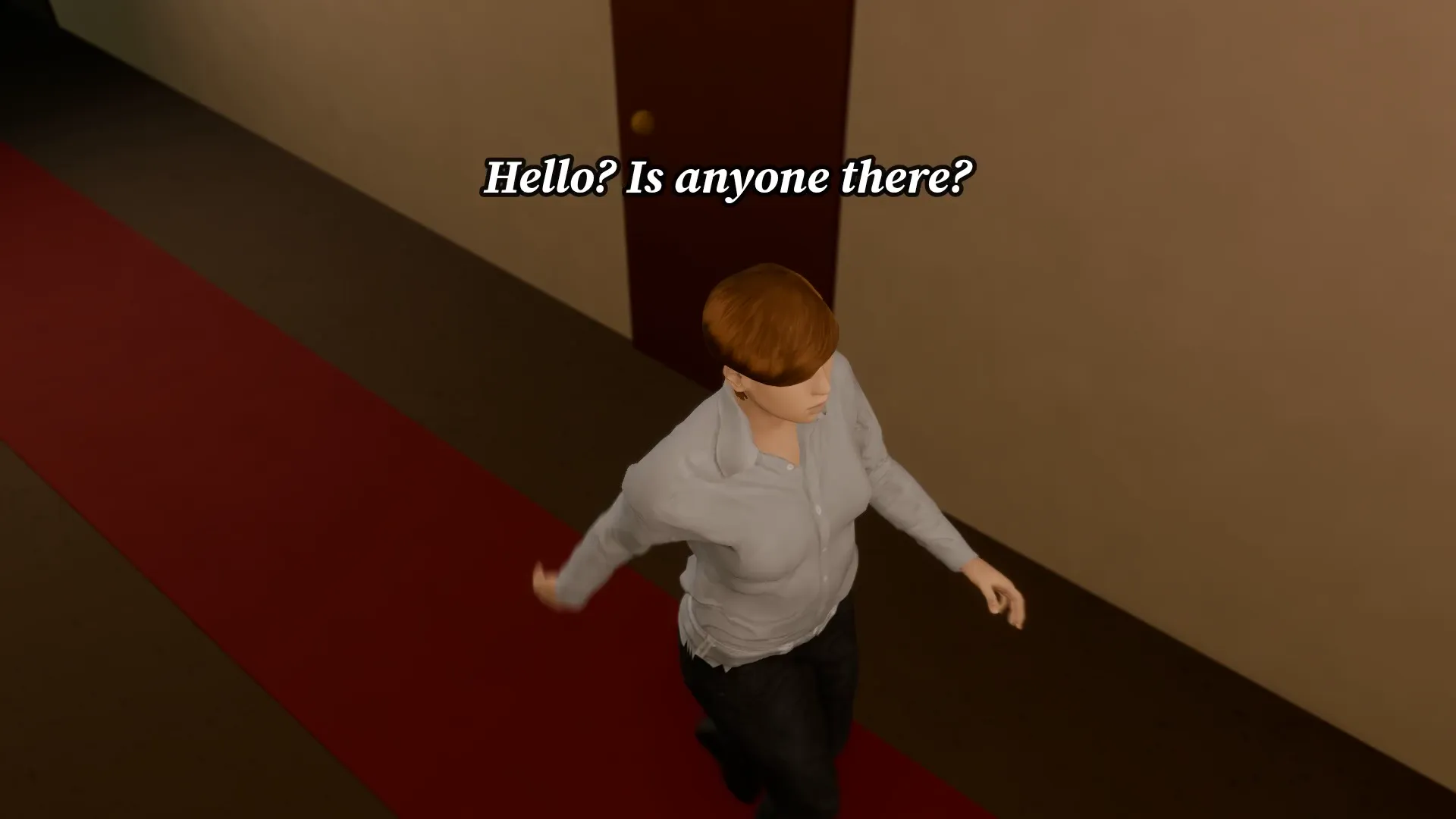
Hallway ghost
16:9
A flickering hallway, a slow turn and a ghost behind them. Lightning does the rest.
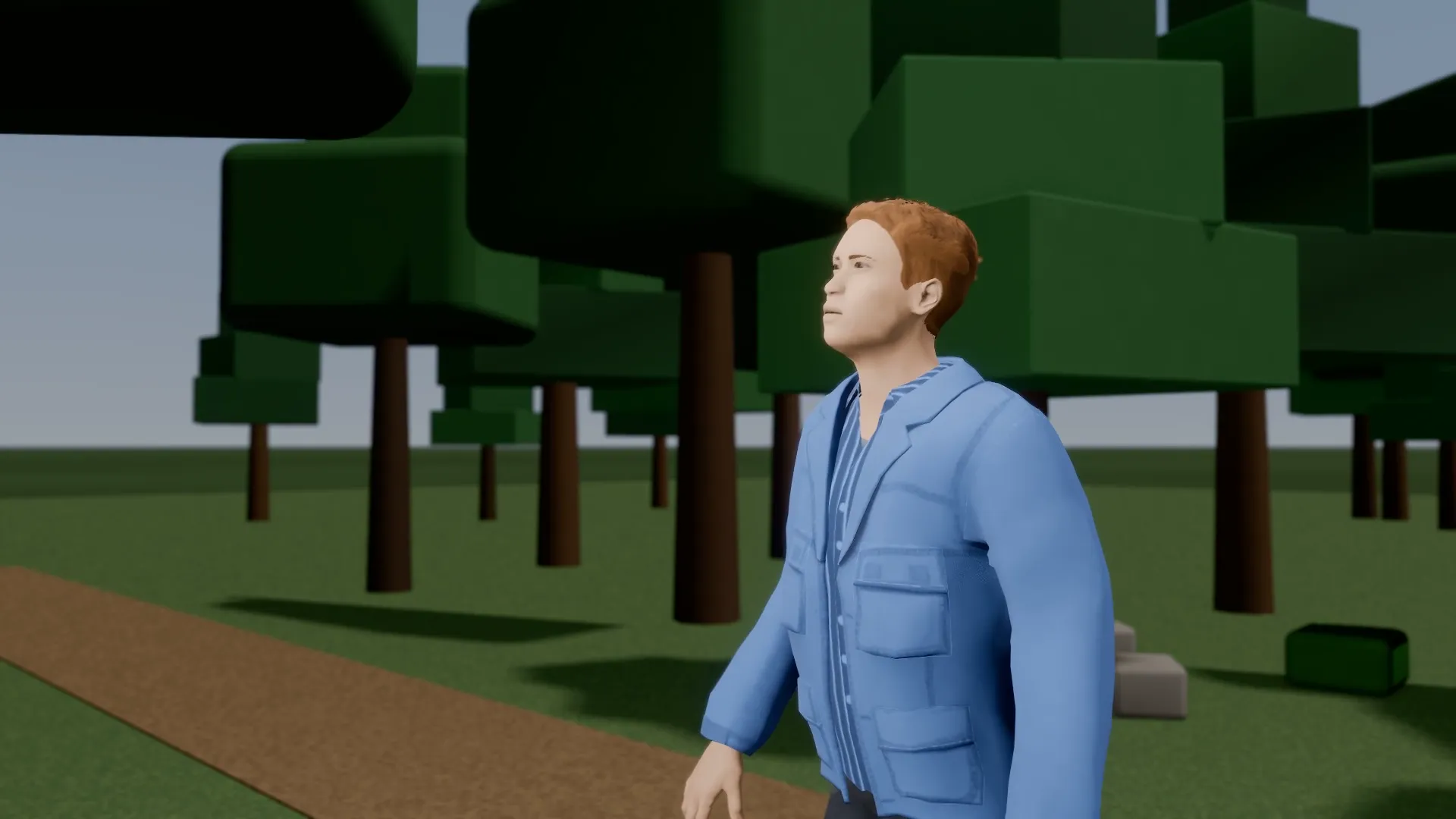
Night in the woods
16:9
A camper hears something in the forest. Noir light, a slow dutch tilt and a jump scare.
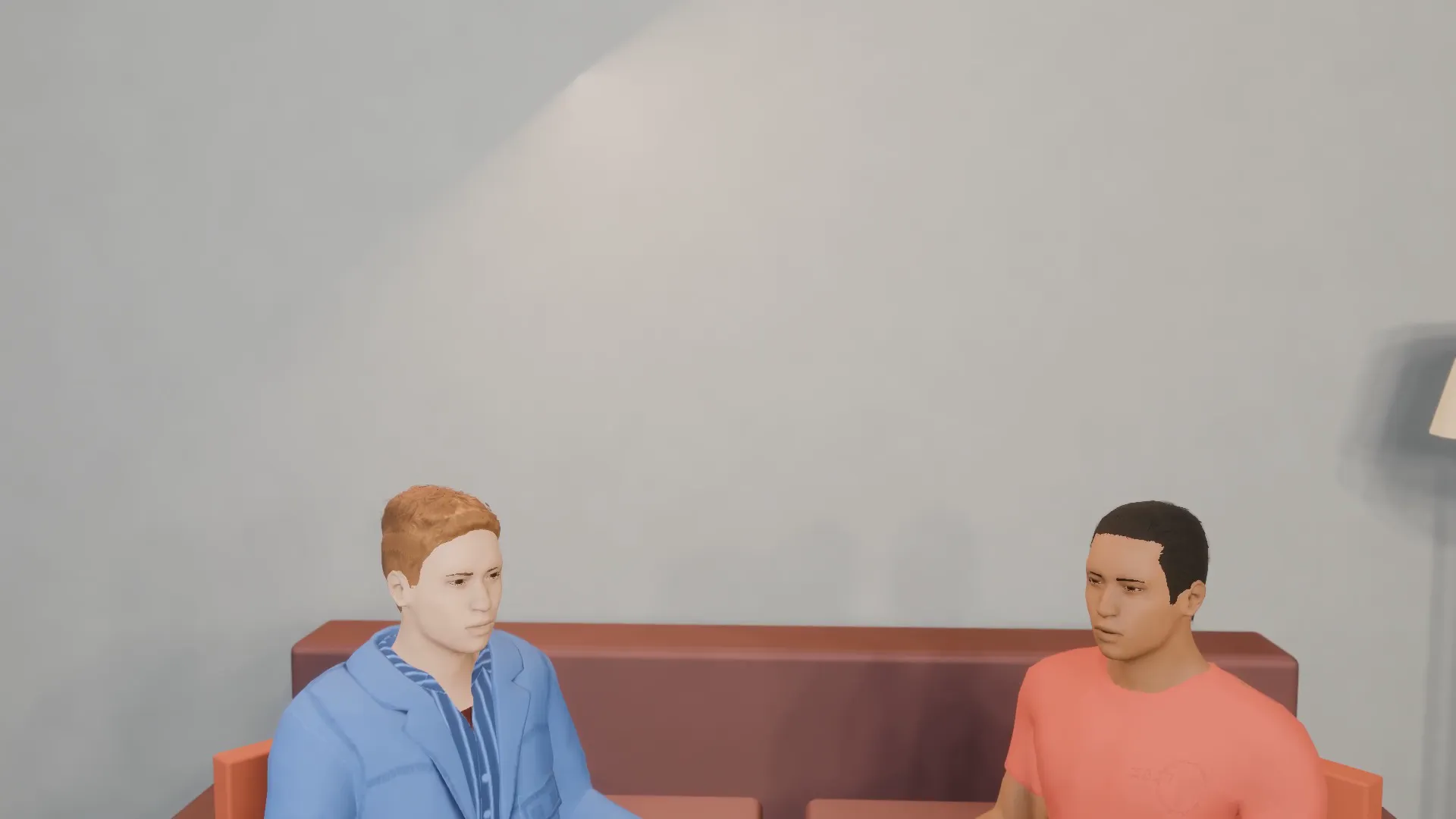
Sitcom roommates
16:9
A sitcom sofa scene with a setup line, a beat of silence and a reaction shot. Perfect for a laugh track.
Try Unboxing
Open the template in Stage, make it yours and preview it. Planning in Stage is free.