

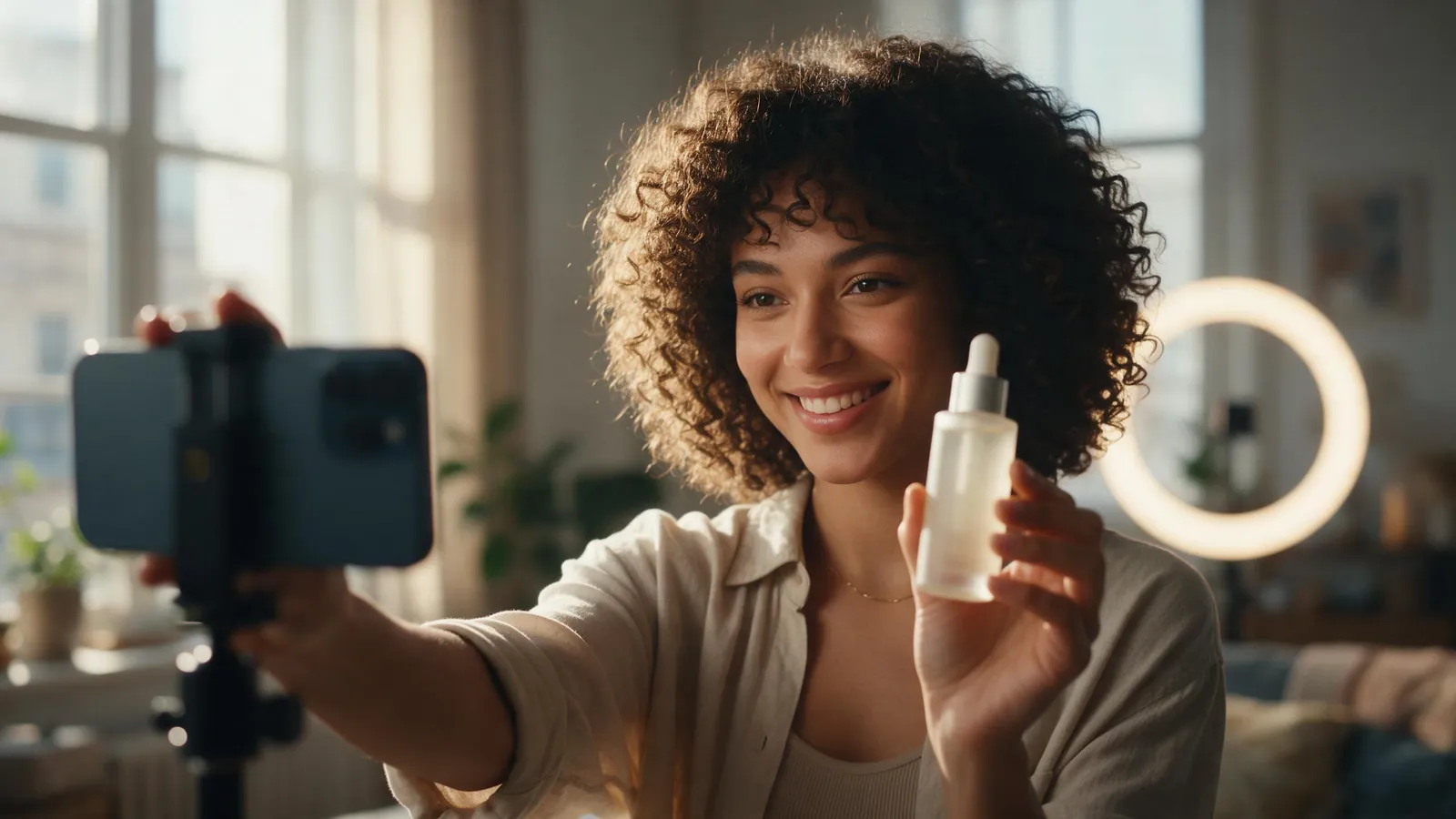


Try this in the studio
From photo to video in five steps
- 1
Pick a good photo
Use a sharp, front-facing photo in even light, with the whole face visible and no heavy filter. It must be you, or someone who agreed.
- 2
Open the studio and choose Seedance 2.5
Pick Seedance 2.5 in the model menu and add the photo as the first frame or as a reference image.
- 3
Describe what happens
Write the action and the camera move in one or two sentences, for example: she turns to the camera and smiles, slow push in.
- 4
Save the face if you will reuse it
Save the photo as a character and call it by its @handle in later prompts, so the same person appears in every clip.
- 5
Check the cost and generate
The studio shows the credits first. If a job fails, the credits come back automatically.
Are real faces allowed?
Yes. KreatorFlow lets you use a photo of yourself, or of someone who agreed, in the video studio and on the Seedance API. Many AI sites block real faces on Seedance 2.5 and show an error instead of a video.
What makes a photo work well
The result starts from your photo, so a clear photo gives a clear video. Avoid sunglasses, hands over the face, group shots and photos that are small or blurry.
- One person, face fully visible
- Good, even light
- At least a few hundred pixels across the face
- No heavy beauty filter
On the API
Send the photo as a reference image or first frame with POST /v1/videos. For a face you reuse, register it once with POST /v1/characters and pass its id on later jobs. A declined job is not charged.
The one rule
Use only a photo of yourself or of someone who agreed. Never use a video to mislead, harass or impersonate a real person.