

Image template
Album Cover AI Image Template
Design a square album cover with striking art direction and the album title for a music release.
- Image template
- Square (1:1)
- From 4 credits per image
 Official BytePlus partnerBytePlus, a ByteDance company
Last updated
On this page
What the Album Cover template makes
Create a square album cover with striking art direction and your album title. Upload a photo and optionally add genre details to define the visual style. This template helps you produce a professional-looking music release image quickly and easily within the image studio.
Ideas to try
- Design a rock album cover with bold colors
- Create a jazz record sleeve with vintage vibes
- Produce a pop music cover with modern aesthetics
How it works
Opens in the image studio.
- 1
Open the template
Press Use this template to open Album Cover in the image studio.
- 2
Upload your photo
Add your required image file to the designated field.
- 3
Add genre details
Enter optional text to specify the genre aesthetic you want.
- 4
Generate and save
Click generate to create the image and then save your result.
Questions
What file do I need to upload?
Can I change the album title?
Is this template for square images?
How much does Album Cover cost?
More image templates
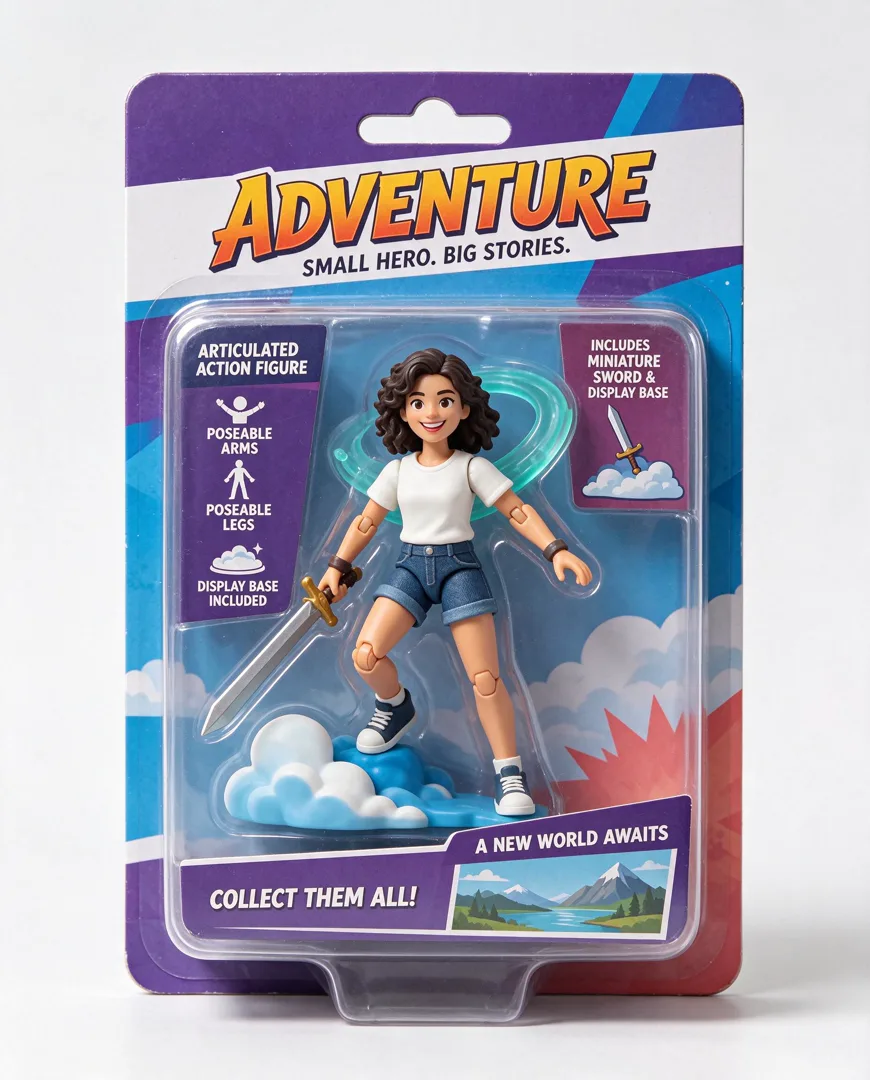
Action Figure in Box
4:5
Transform the person into a collectible action figure sealed in retail blister packaging with accessories.
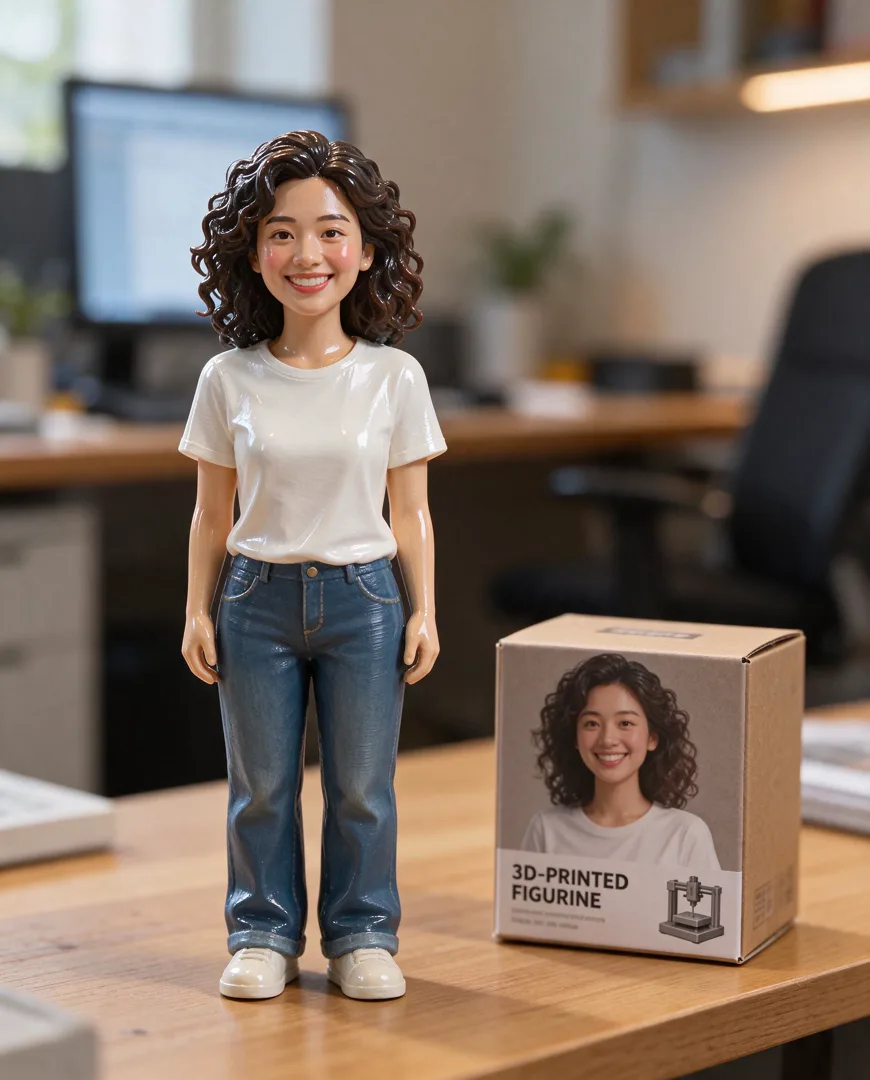
3D Figurine on Desk
4:5
Render the person as a glossy 3D-printed figurine standing on a desk next to its packaging box.

Billboard Mockup
16:9
Show the design on a huge city billboard, photographed from the street for a realistic urban context.

Storefront Logo
16:9
Render the logo as a real sign on a shopfront, photographed in daylight for a realistic business look.
Try Album Cover
Open the template in the image studio, add what it asks for and generate. New accounts get 110 free credits: 10 on sign-up + 100 for linking Discord.