Seedream 4.5
AI image generator with Seedream
Describe an image and Seedream renders it, from photoreal portraits and product shots to illustration and concept art. Add reference photos for control, keep characters consistent, and export up to 4K.
- Seedream 4.5
- Up to 4K
- 14 reference images
- 1 credit per image
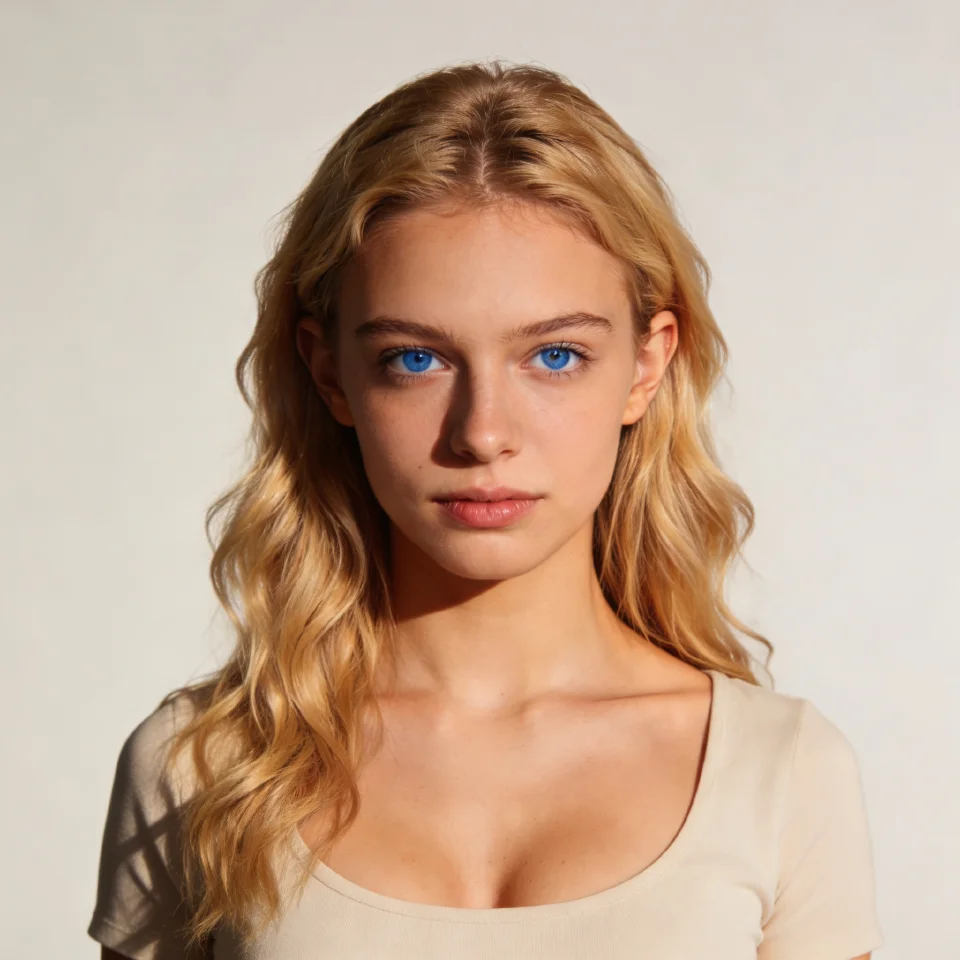
Seedream 4.5
KreatorFlow runs ByteDance's Seedream 4.5 image model. As a BytePlus partner, KreatorFlow is built on BytePlus ModelArk, ByteDance's official AI platform. Seedream 4.5 handles detailed prompts and multiple reference images and renders up to 4K, so it suits portraits, product photography, posters and anything you plan to print or crop.
An image costs the same at 1K, 2K and 4K. A common workflow is to explore ideas in a batch at 1K or 2K, then render the chosen direction again at 4K.
What the image studio can do
1K, 2K and 4K output
Pick the resolution per generation. Use 1K or 2K while exploring and 4K for final assets.
14 reference images
Guide faces, products, outfits, compositions and styles with your own photos or earlier generations.
Nine aspect ratios
Auto, 1:1, 3:4, 4:3, 2:3, 3:2, 9:16, 16:9, 21:9, from square posts to vertical stories and cinematic banners.
Batches of up to 4
Generate several variations of a prompt at once and keep the best one.
Consistent characters
Save a character once and reuse them with an @handle so the same face appears across images and videos.
Image templates
Start from ready-made recipes like portrait, product shot and logo variation, then add your own reference.
How to generate an image
- 1
Write your prompt
Describe the subject, setting, lighting and style. Plain sentences work best; there are no special keywords to learn.
- 2
Add references (optional)
Upload photos or pick a saved character to lock in a face, product or look.
- 3
Choose model and size
Pick a resolution, an aspect ratio and a batch size. The credit cost is shown before you generate.
What people make with it
- Portraits, headshots and profile pictures
- Product photography for stores and ads
- Thumbnails, posters and social graphics
- Concept art, storyboards and mood boards
- Characters for comics, games and videos
- Starting frames for image to video clips
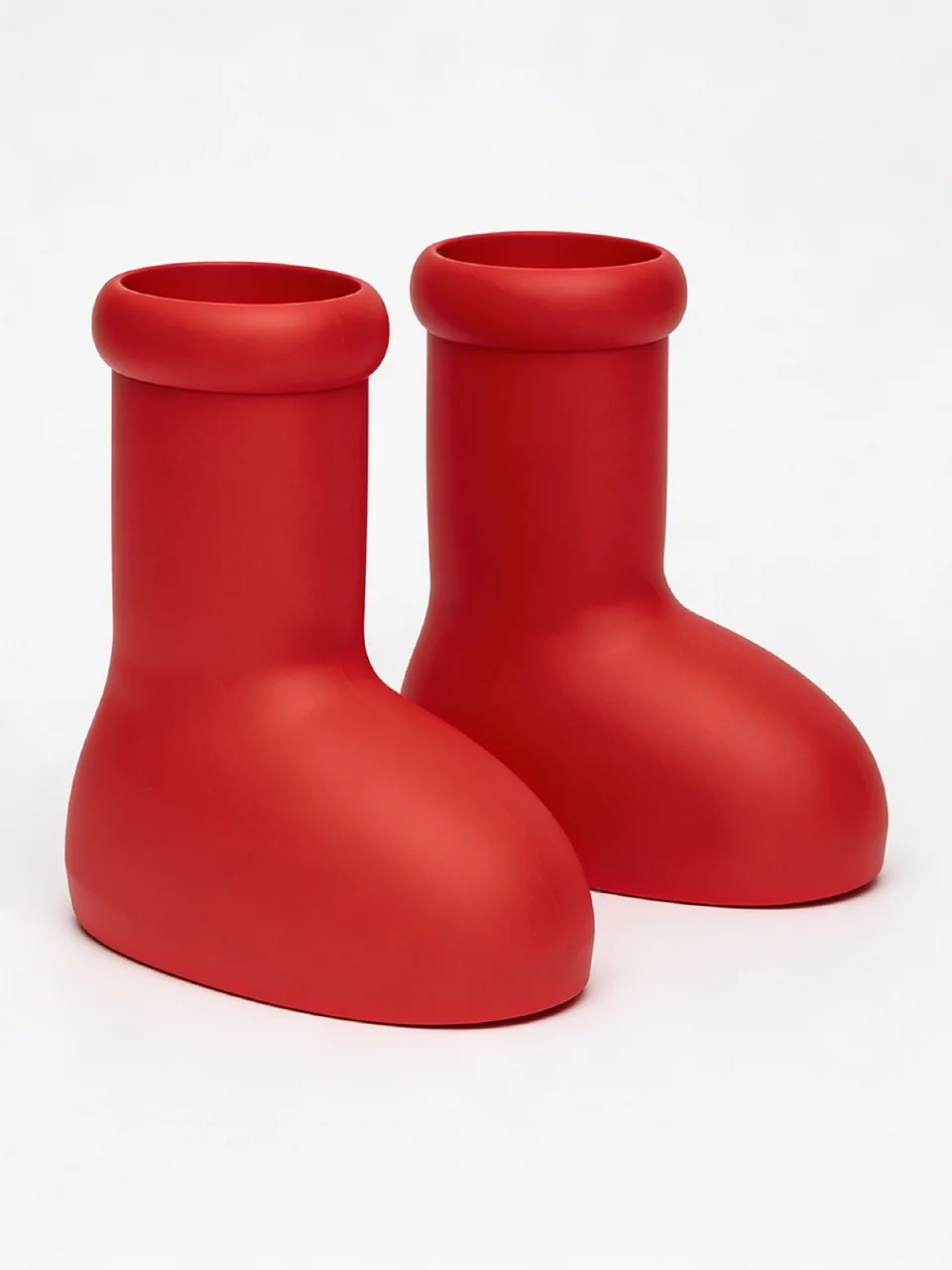
From image to video
Every image you create is saved to your assets, where you can reuse it as a reference or as the starting point for a video. Pick it in the video studio and animate it with Seedance 2.0, or apply one of the AI video effects such as a dolly zoom or a bullet time orbit. See the image to video guide for how it works.
Prompt tips
Lead with the subject, then add the setting, the light and the camera or style. For example: "a ceramic coffee cup on a walnut table, soft window light from the left, shallow depth of field, editorial product photo". If a detail matters, such as a logo or a face, give it as a reference image instead of trying to describe it. Change one thing at a time between generations so you can see what each change does.
AI image generator questions
Which image models can I use?
The image studio runs Seedream 4.5 from ByteDance. It is the default for everything from quick drafts to detailed, high-resolution work.
How much does an AI image cost?
Seedream 4.5 costs 1 credit per image at 1K, 2K or 4K. Image templates add 1 credit. The studio shows the total before you generate, including batches.
What resolution are the images?
You choose 1K, 2K or 4K. Seedream 4.5 renders up to 4K, and the price per image is the same at every resolution.
Can I use my own photos as references?
Yes. Add up to 14 reference images to guide a face, product, outfit, layout or style, or call a saved character by its @handle.
Do I need a subscription?
No. New accounts get 10 one-time starter credits, and credit packs start at $8 for 160 credits. Monthly plans include more credits and storage.
Create your first image
Open the image studio and try Seedream 4.5. New accounts get 10 starter credits.