
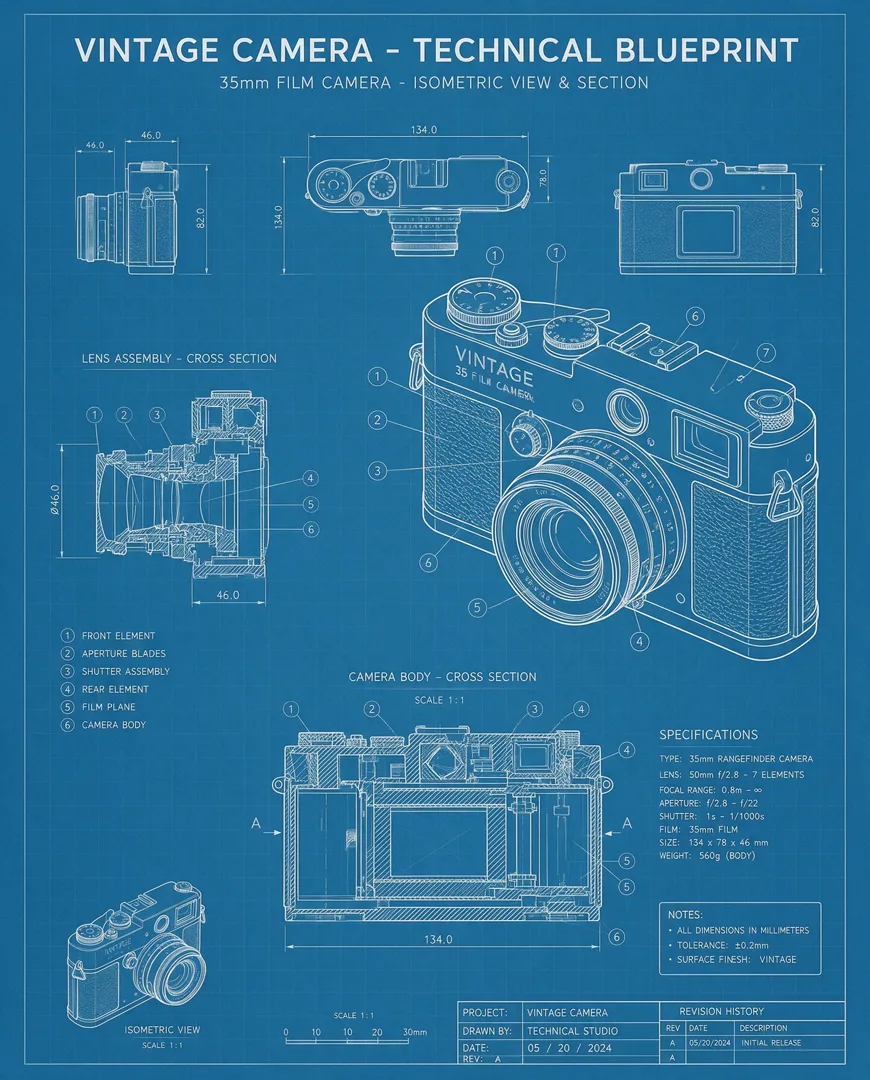
Image template
Blueprint Sketch AI Image Template
Transforms any object into a precise technical blueprint with white lines on blue paper.
- Image template
- Portrait (4:5)
- From 3 credits per image
 Official BytePlus partnerBytePlus, a ByteDance company
Last updated
On this page
What the Blueprint Sketch template makes
This template turns your object into a precise technical blueprint. It uses white lines on blue paper to show the shape clearly. You enter the object name, then generate the image. The result is a clean, schematic view of your item. It is ready for use in design or documentation workflows.
Ideas to try
- Show product structure clearly
- Create technical documentation visuals
- Display object details simply
How it works
Opens in the image studio.
- 1
Open the template
Press Use this template to open Blueprint Sketch in the image studio.
- 2
Enter object name
Type the name of the object you want to visualize.
- 3
Generate and save
Click generate to create the blueprint, then save the image.
Questions
What shape is the image?
Do I need to describe the object?
Can I change the colors?
How much does Blueprint Sketch cost?
More image templates
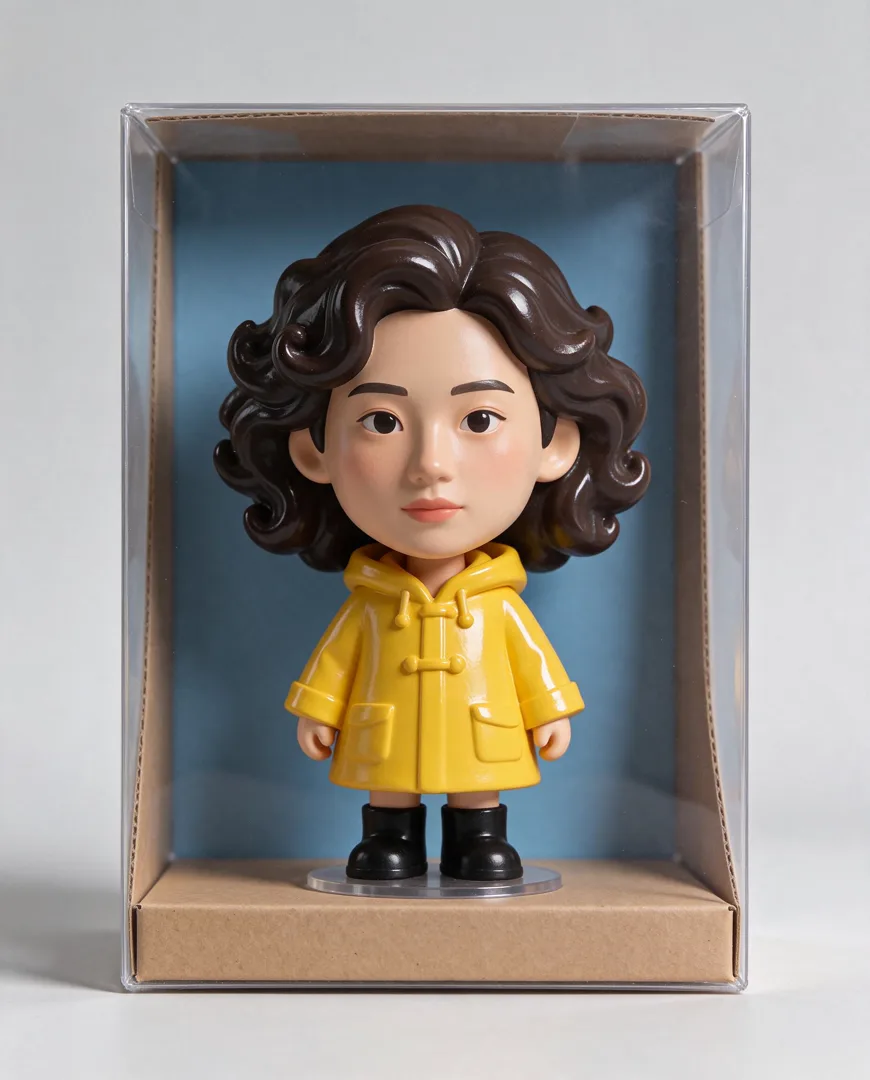
Big-Head Vinyl Figure
4:5
Transforms a person into a stylized big-head vinyl collectible figure displayed in a box.

Knitted Doll
1:1
Renders the subject as a hand-knitted wool doll with visible stitches and texture.
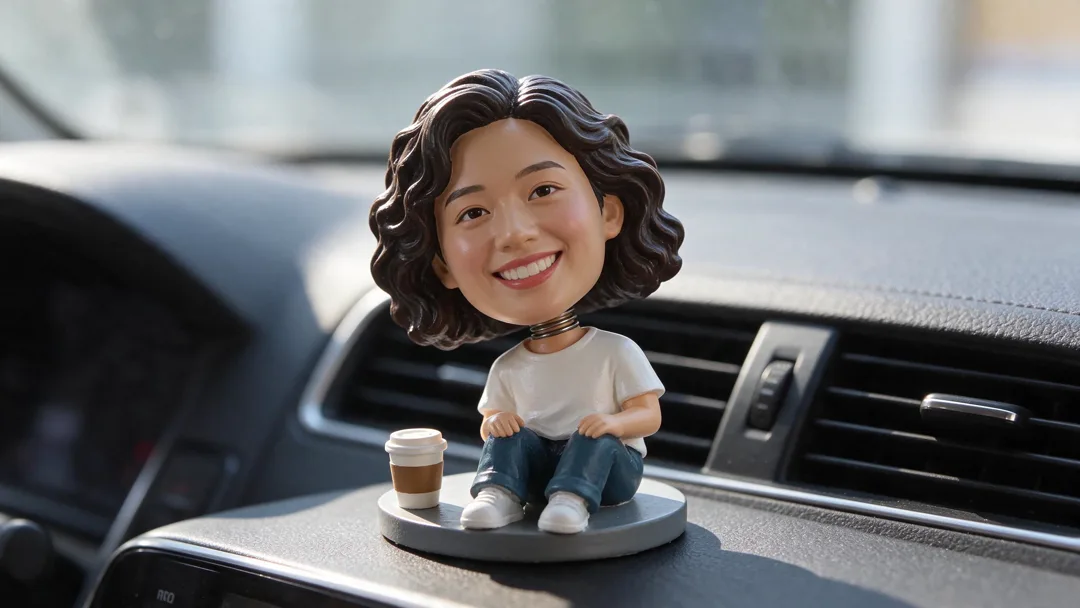
Bobblehead
16:9
Turns you into a big-headed nodding toy on a dashboard.

Watercolour Storybook
3:4
Transforms the scene into a soft, dreamy watercolour illustration for a children's storybook.
Try Blueprint Sketch
Open the template in the image studio, add what it asks for and generate. New accounts get 110 free credits: 10 on sign-up + 100 for linking Discord.