
Image template
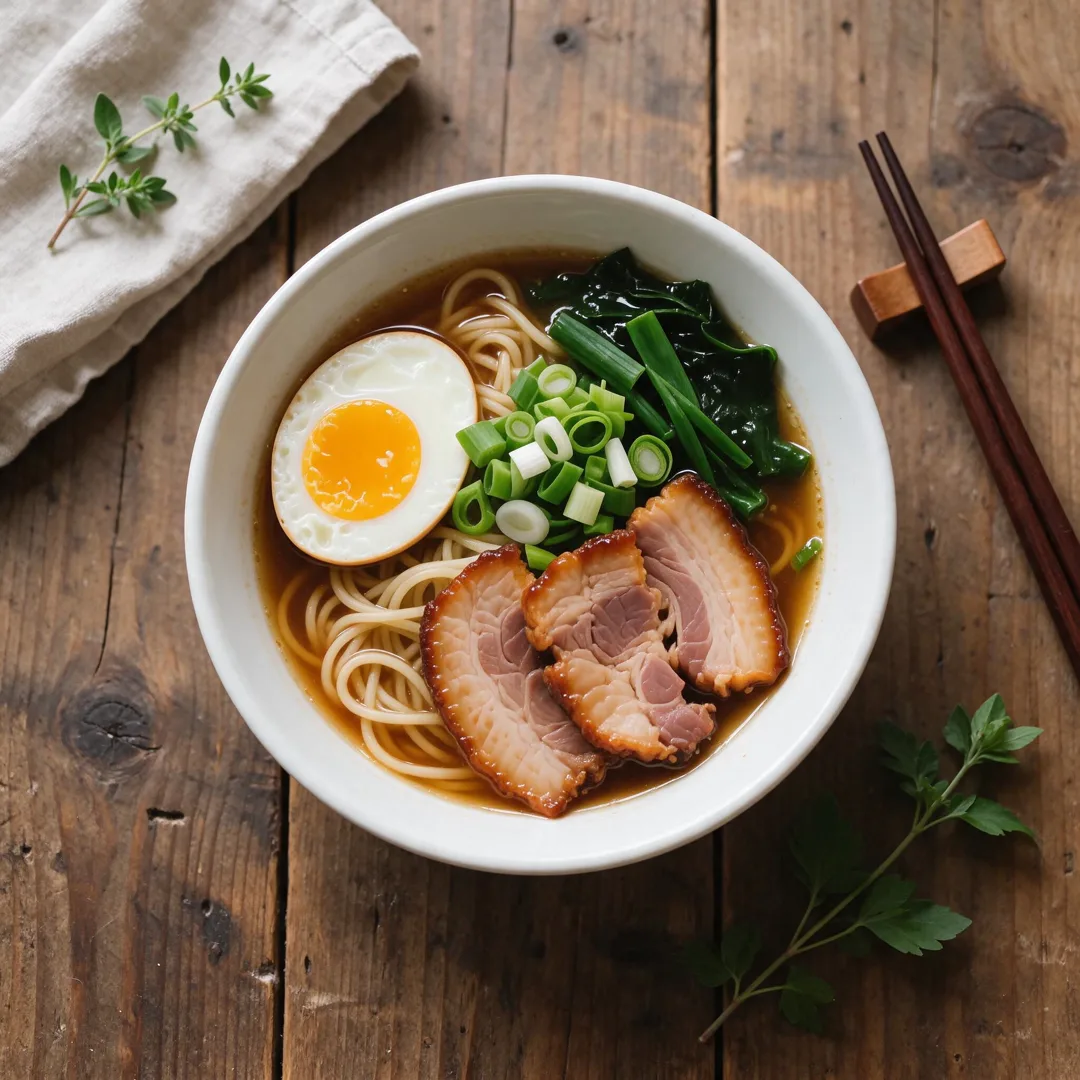
Food Flat-Lay AI Image Template
Styles the food as an overhead flat-lay on a textured table with natural lighting.
- Image template
- Square (1:1)
- From 4 credits per image
 Official BytePlus partnerBytePlus, a ByteDance company
Last updated
On this page
What the Food Flat-Lay template makes
This template creates an overhead flat-lay of your food on a textured table with natural lighting. You upload a photo of the dish and optionally add text for props. The result is a styled 1:1 image ready for social media or menus. It works well for restaurants, food bloggers, and home cooks who want clean, professional shots without complex editing.
Ideas to try
- Restaurant menu photos
- Food blog headers
- Social media posts for dishes
- Product shots for online shops
How it works
Opens in the image studio.
- 1
Open the template
Press Use this template to open Food Flat-Lay in the image studio.
- 2
Add your dish
Upload a clear photo of the food you want to feature.
- 3
Add props text
Type optional text for background items like napkins or cutlery.
- 4
Generate and save
Click generate to create the image, then save it to your device.
Questions
What do I need to start?
What shape does it suit?
Can I change the words?
Where does it open?
How much does Food Flat-Lay cost?
More image templates
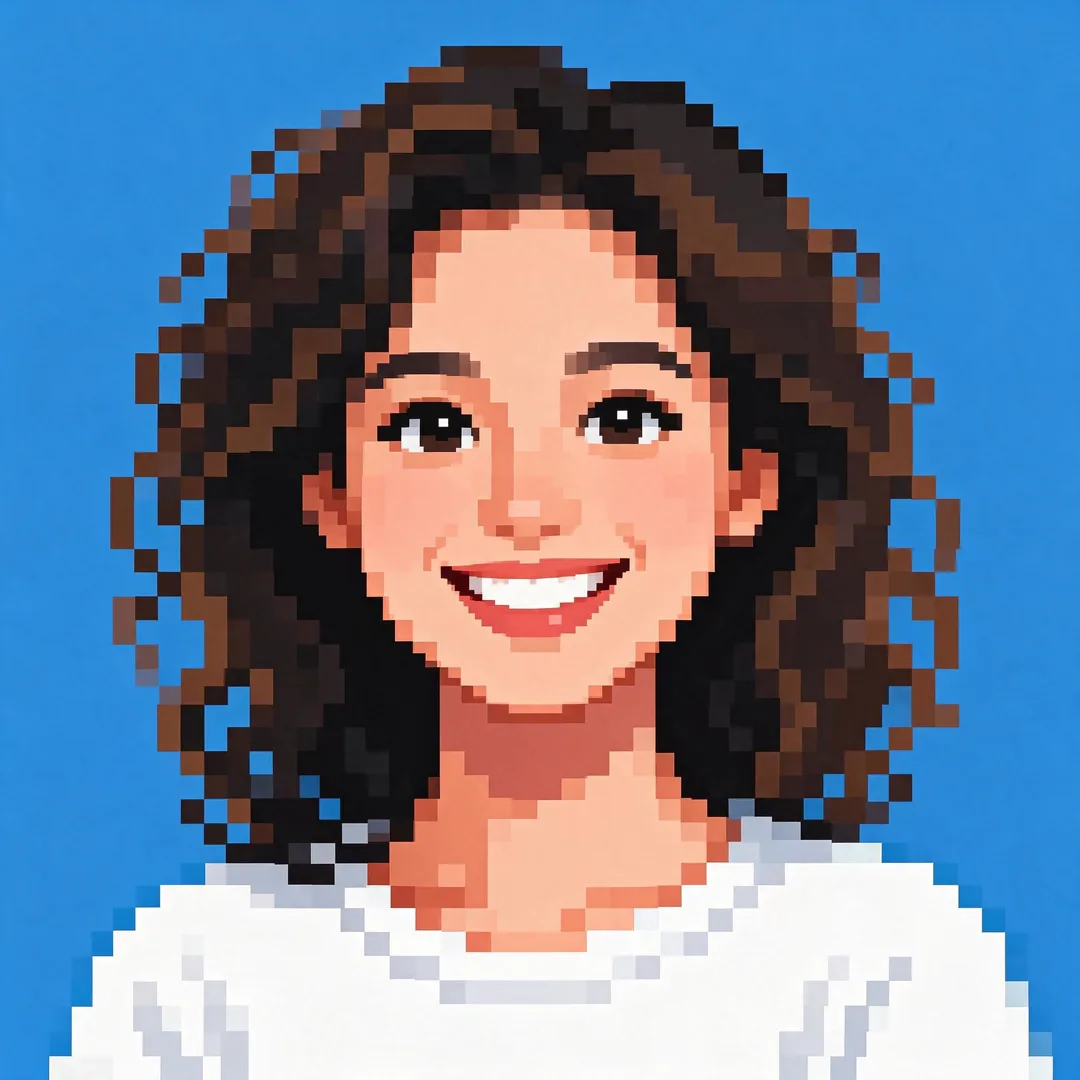
Pixel Art
1:1
Render the subject as detailed 16-bit pixel art with a retro gaming aesthetic and vibrant colors.
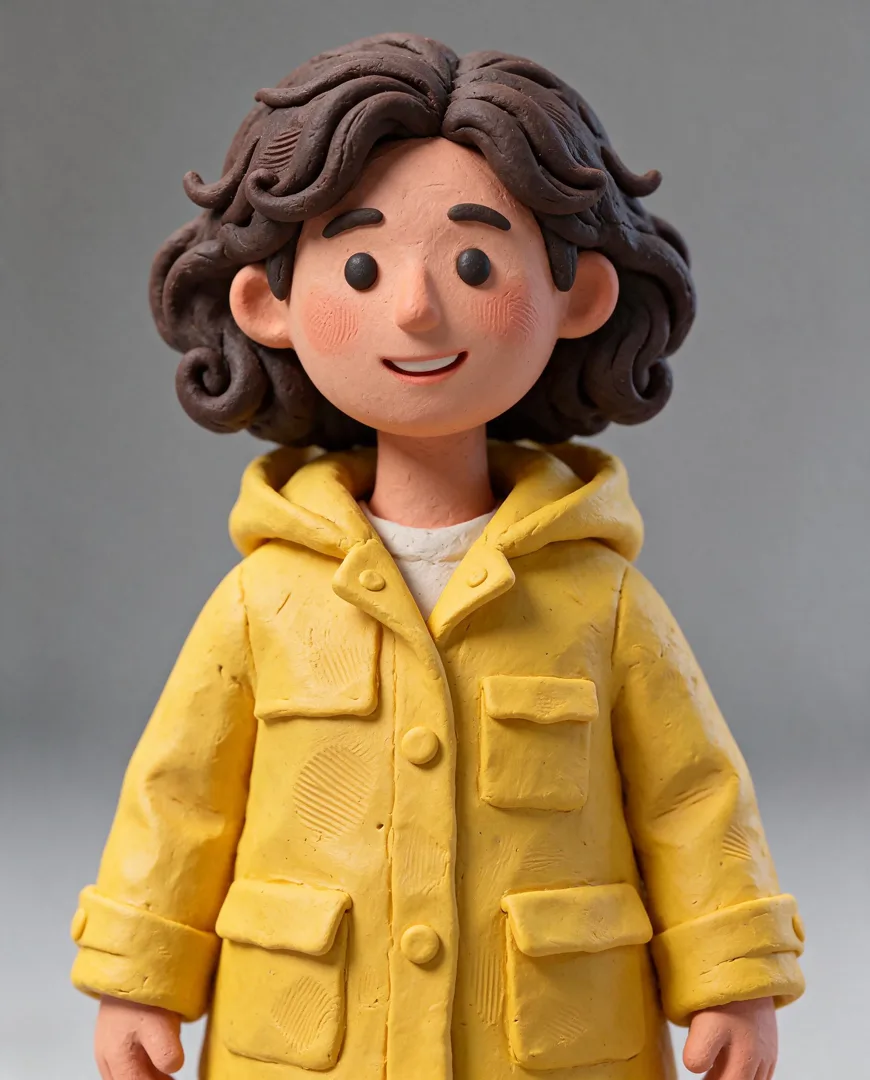
Claymation Portrait
4:5
Create a handmade clay character of the subject with visible fingerprints in the clay for a tactile, stop-motion look.

Painted Anime Film
16:9
Transforms the scene into a hand-painted anime film still with soft watercolor skies and cel-shaded lighting.
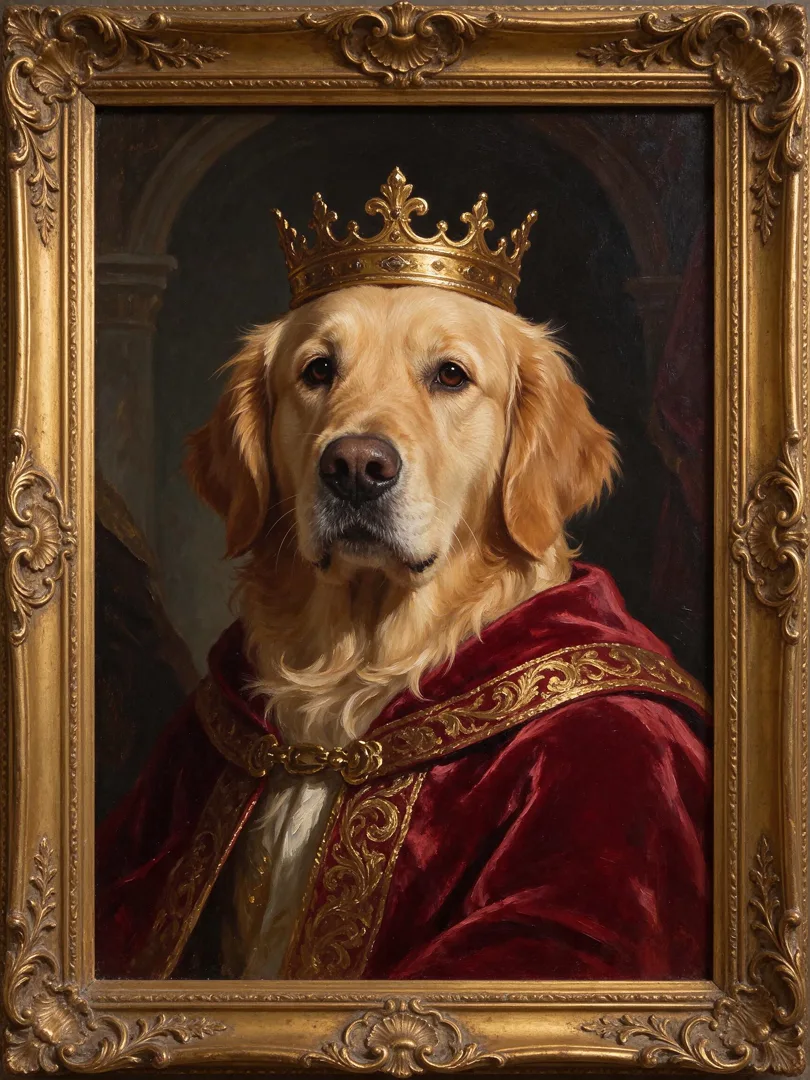
Royal Pet Portrait
3:4
Styles the pet as a royal oil painting in a gold frame, wearing a velvet robe and crown.
Try Food Flat-Lay
Open the template in the image studio, add what it asks for and generate. New accounts get 110 free credits: 10 on sign-up + 100 for linking Discord.