
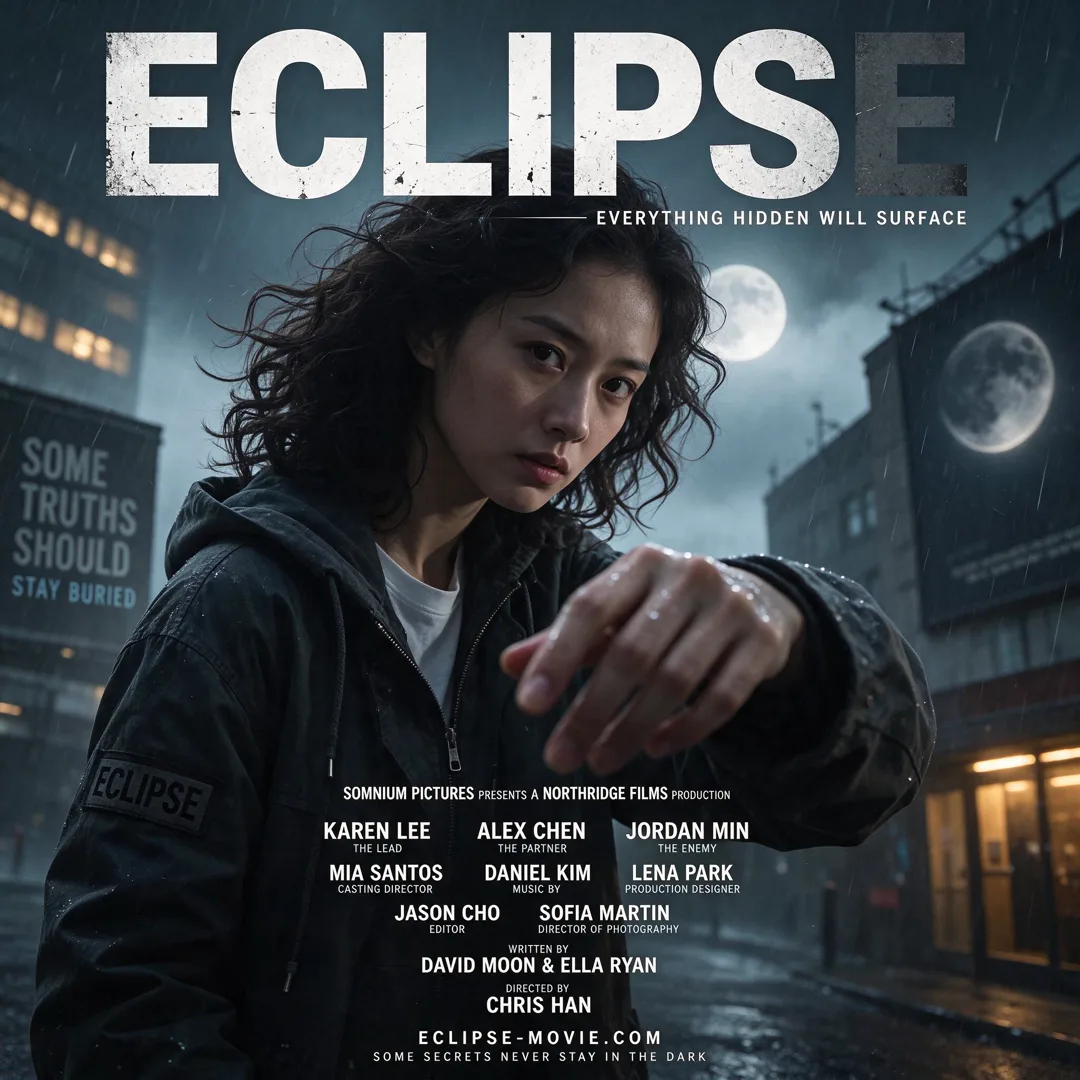
Image template
Movie Poster AI Image Template
Create a cinematic movie poster with the person, dramatic lighting, title, and credits block for a dramatic effect.
- Image template
- Portrait (2:3)
- From 4 credits per image
 Official BytePlus partnerBytePlus, a ByteDance company
Last updated
On this page
What the Movie Poster template makes
This template creates a cinematic movie poster using your photo, dramatic lighting, a title, and a block of small print. It is designed for a dramatic effect. The output is a 2:3 image. You provide your photo and an optional title. The tool handles the rest to produce a finished poster look.
Ideas to try
- Create a dramatic poster for a personal photo
- Design a movie-style image with a custom title
- Generate a cinematic portrait with lighting effects
How it works
Opens in the image studio.
- 1
Open the template
Press Use this template to open Movie Poster in the image studio.
- 2
Add your details
Upload your photo and type an optional movie title.
- 3
Generate and save
Click generate to create the image and save the result.
Questions
What do I need to start?
What shape or size does it suit?
Can I change the words?
Who is it for?
How much does Movie Poster cost?
More image templates

Professional Headshot
3:4
Create a polished studio headshot with neutral backdrop and suit-ready lighting for professional profiles.
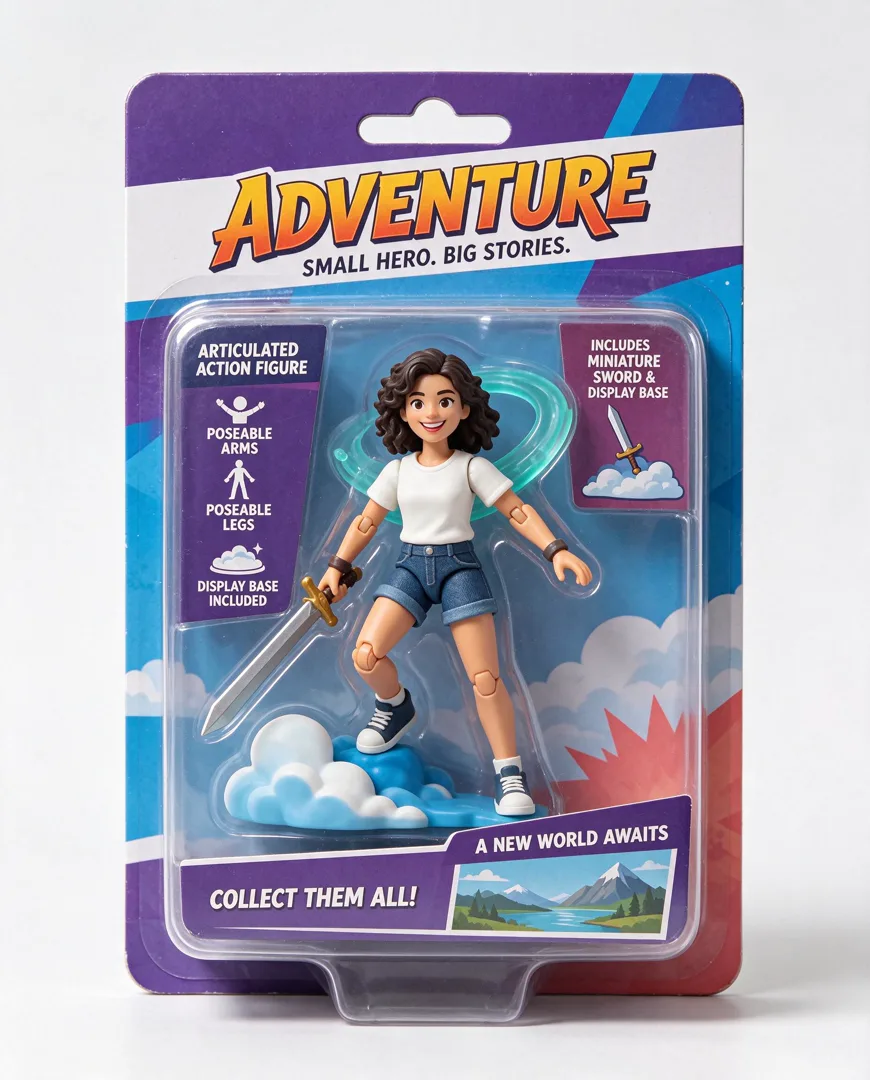
Action Figure in Box
4:5
Transform the person into a collectible action figure sealed in retail blister packaging with accessories.
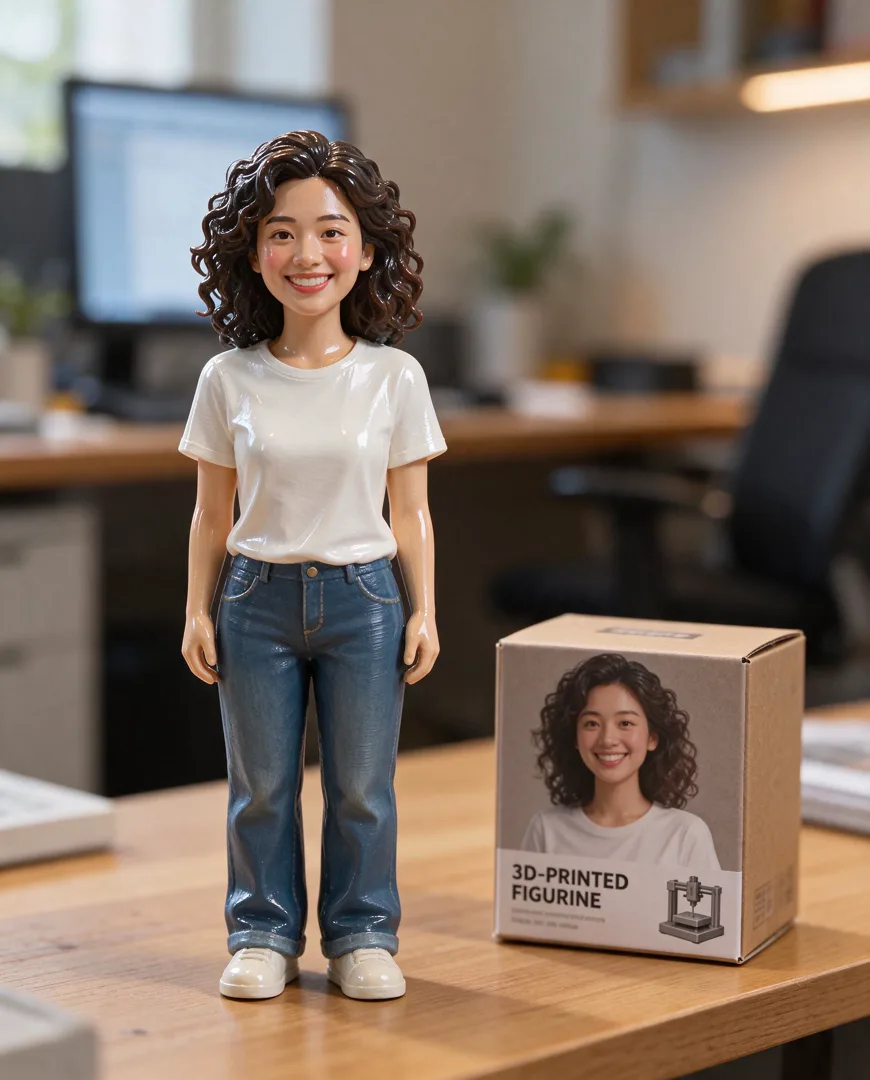
3D Figurine on Desk
4:5
Render the person as a glossy 3D-printed figurine standing on a desk next to its packaging box.

Billboard Mockup
16:9
Show the design on a huge city billboard, photographed from the street for a realistic urban context.
Try Movie Poster
Open the template in the image studio, add what it asks for and generate. New accounts get 110 free credits: 10 on sign-up + 100 for linking Discord.