
Image template
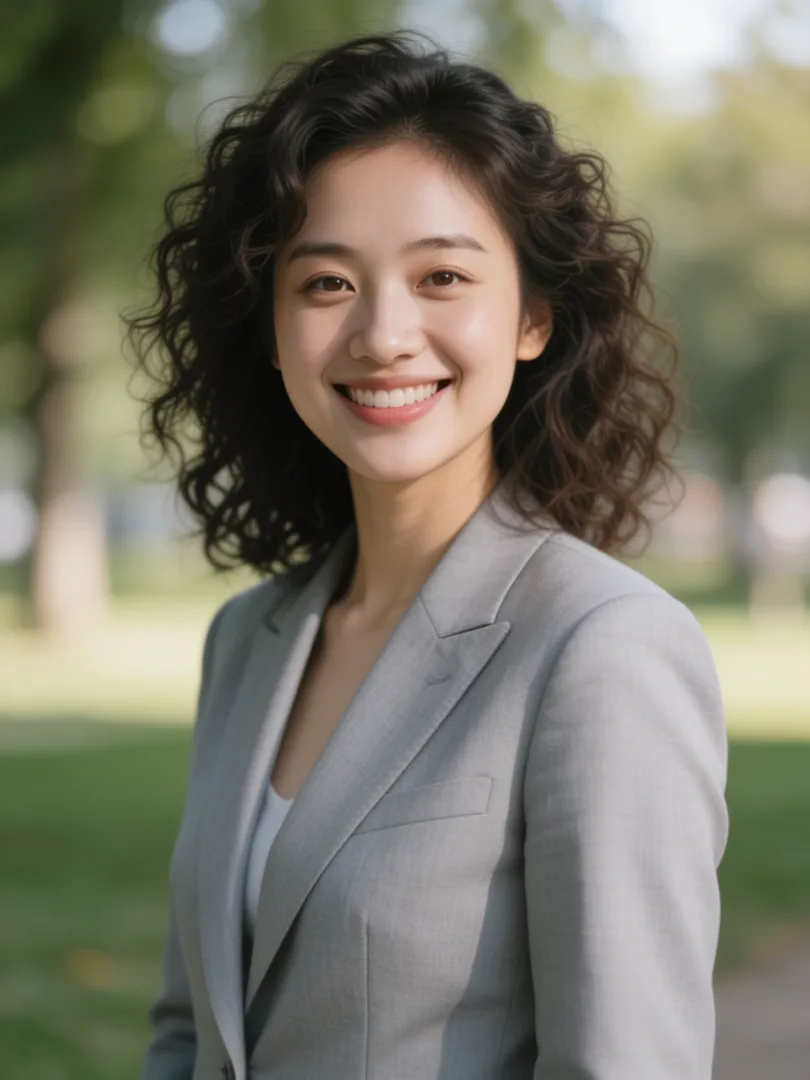
Outdoor LinkedIn Headshot AI Image Template
A friendly professional headshot outdoors with a soft, blurred background.
- Image template
- Portrait (3:4)
- From 4 credits per image
 Official BytePlus partnerBytePlus, a ByteDance company
Last updated
On this page
What the Outdoor LinkedIn Headshot template makes
This template creates a friendly professional headshot set outdoors. It features a soft, blurred background to keep the focus on you. You upload your photo and optionally describe your outfit. The result is a 3:4 image ready for your LinkedIn profile.
Ideas to try
- Update your LinkedIn profile with a natural look
- Create a consistent brand image for social media
- Showcase your professional attire in a relaxed setting
How it works
Opens in the image studio.
- 1
Open the template
Press Use this template to open Outdoor LinkedIn Headshot in the image studio.
- 2
Upload your photo
Add your required image file to the tool.
- 3
Add outfit details
Type your desired outfit description if you wish.
- 4
Generate and save
Create the image and download it to your device.
Questions
What shape is the final image?
Can I change my clothes in the photo?
Which models support this template?
How much does Outdoor LinkedIn Headshot cost?
More image templates
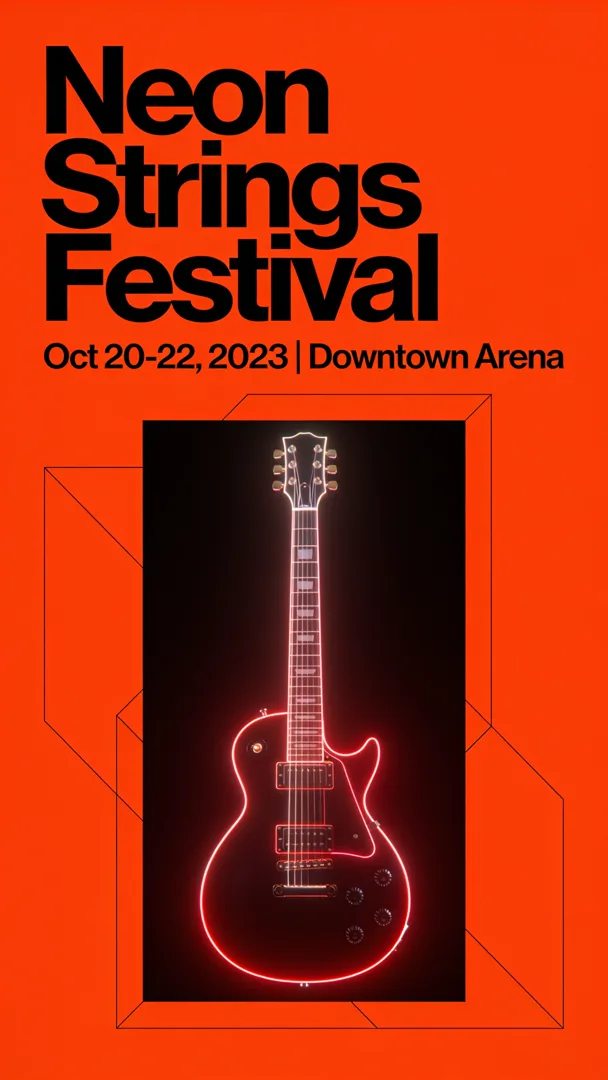
Event Flyer
9:16
A bold, high-contrast event flyer featuring the event name, date, and a central visual element.
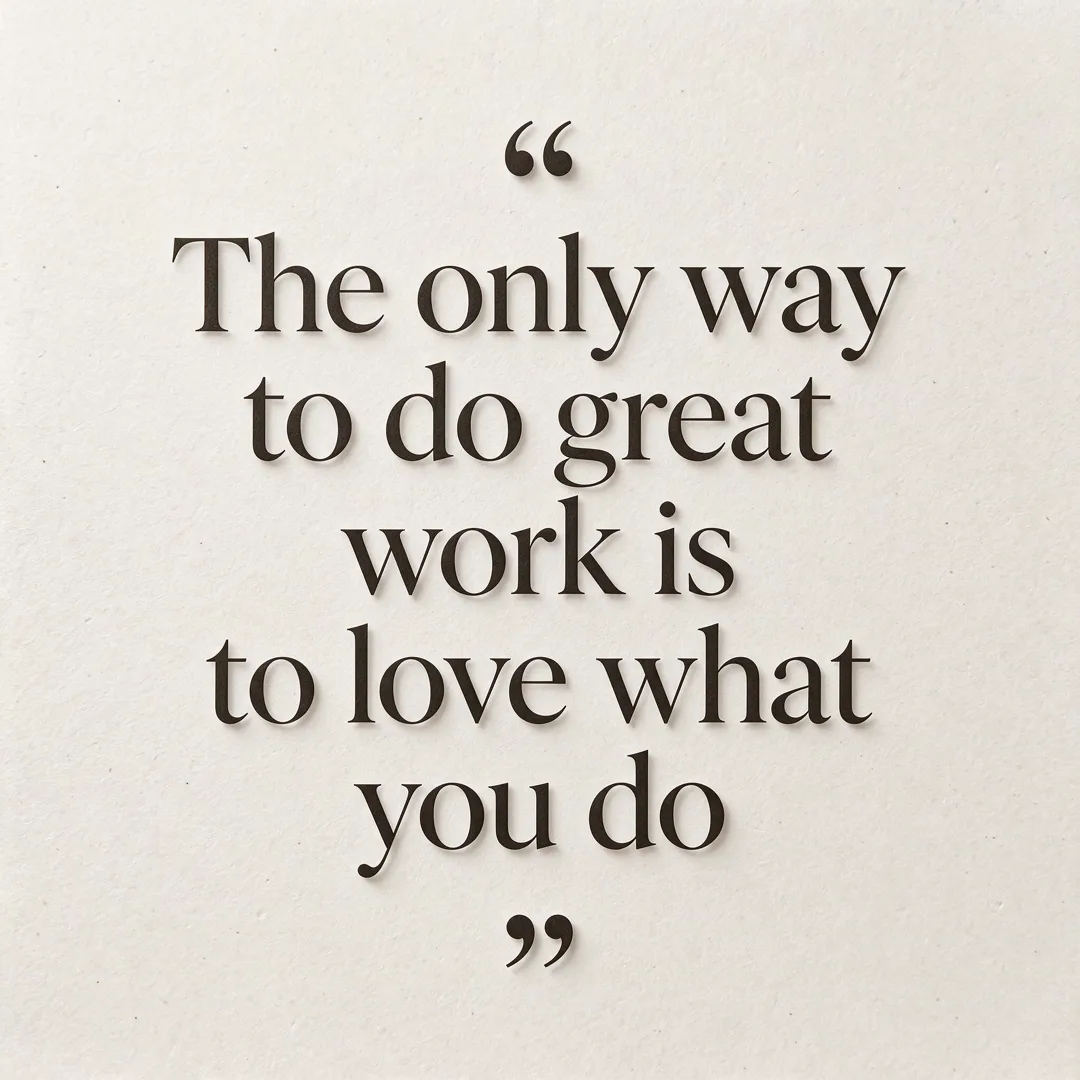
Quote Card
1:1
A minimalist social media card with an elegant quote centered on a clean background.
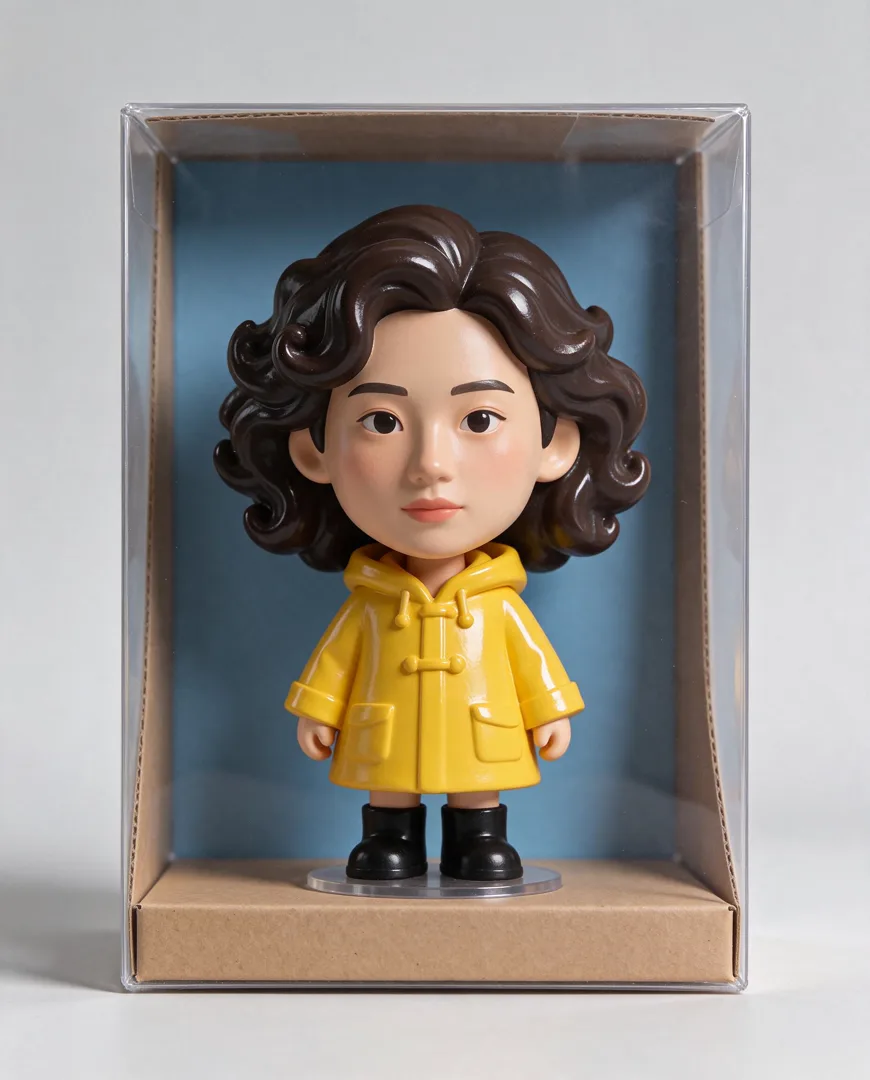
Big-Head Vinyl Figure
4:5
Transforms a person into a stylized big-head vinyl collectible figure displayed in a box.

Knitted Doll
1:1
Renders the subject as a hand-knitted wool doll with visible stitches and texture.
Try Outdoor LinkedIn Headshot
Open the template in the image studio, add what it asks for and generate. New accounts get 110 free credits: 10 on sign-up + 100 for linking Discord.