
Image template
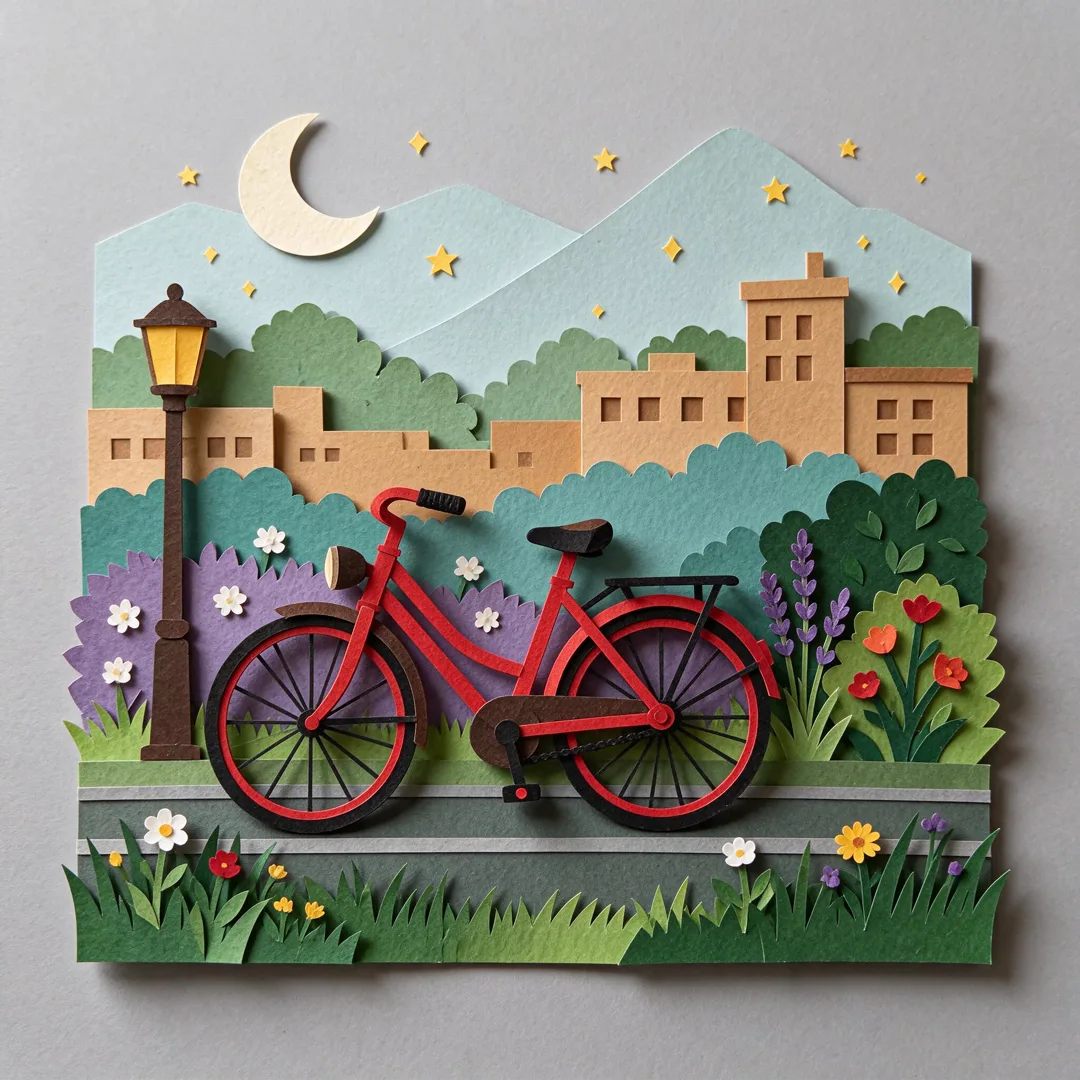
Paper Cutout Layers AI Image Template
Creates a diorama-style scene with layered paper cutouts and visible depth shadows.
- Image template
- Square (1:1)
- From 3 credits per image
 Official BytePlus partnerBytePlus, a ByteDance company
Last updated
On this page
What the Paper Cutout Layers template makes
This template creates a diorama-style scene using layered paper cutouts and visible depth shadows. You provide a main subject text to define the focus of the image. The result is a flat, craft-like visual with distinct layers and realistic shadowing for depth.
Ideas to try
- Design a whimsical storybook illustration
- Create a unique social media post
- Build a simple educational diagram
How it works
Opens in the image studio.
- 1
Open the template
Press Use this template to open Paper Cutout Layers in the image studio.
- 2
Enter your subject
Type the main subject text into the required field.
- 3
Generate and save
Click generate to create the image, then save your result.
Questions
What do I need to start?
Who is it for?
What shape does it suit?
How much does Paper Cutout Layers cost?
More image templates
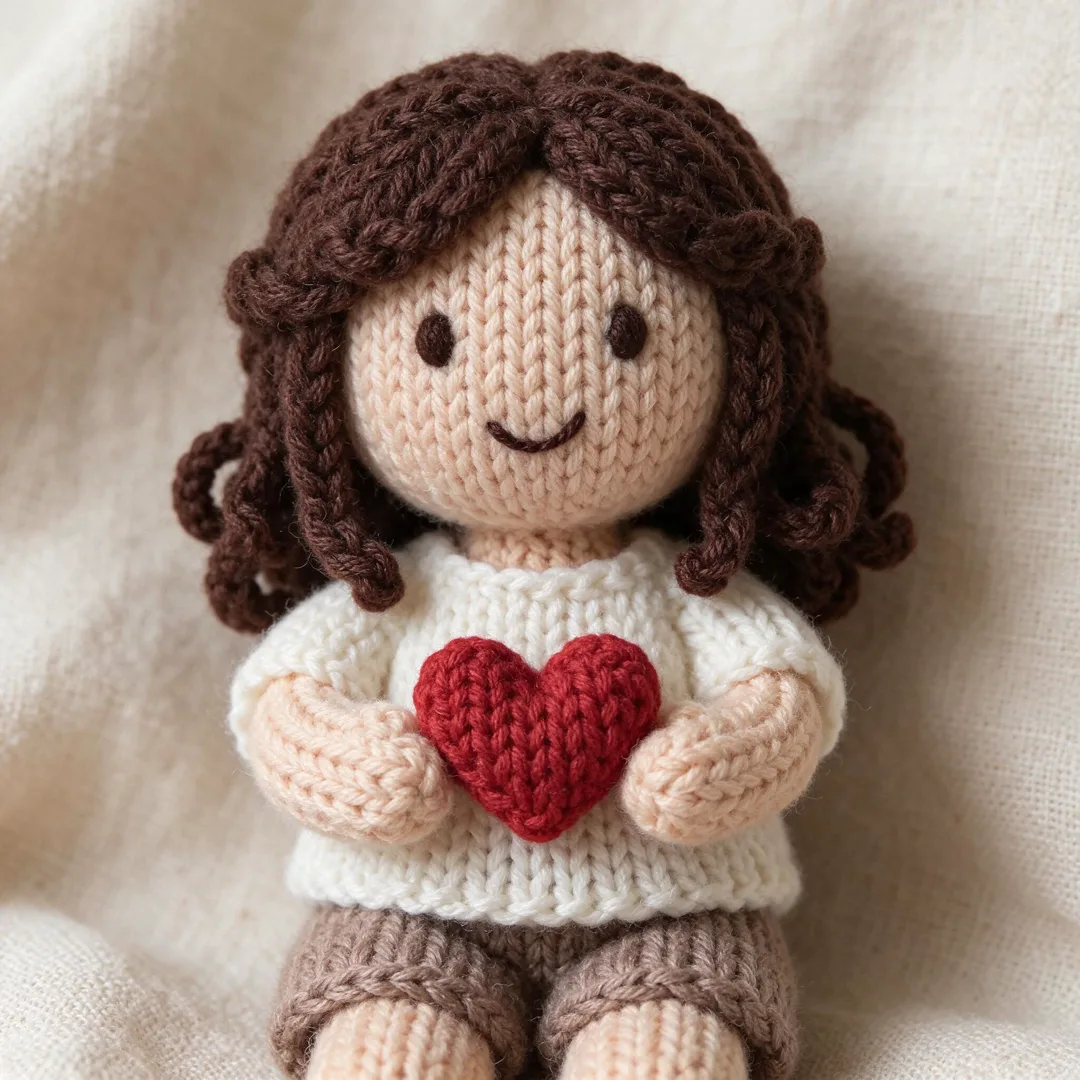
Knitted Doll
1:1
Renders the subject as a hand-knitted wool doll with visible stitches and texture.
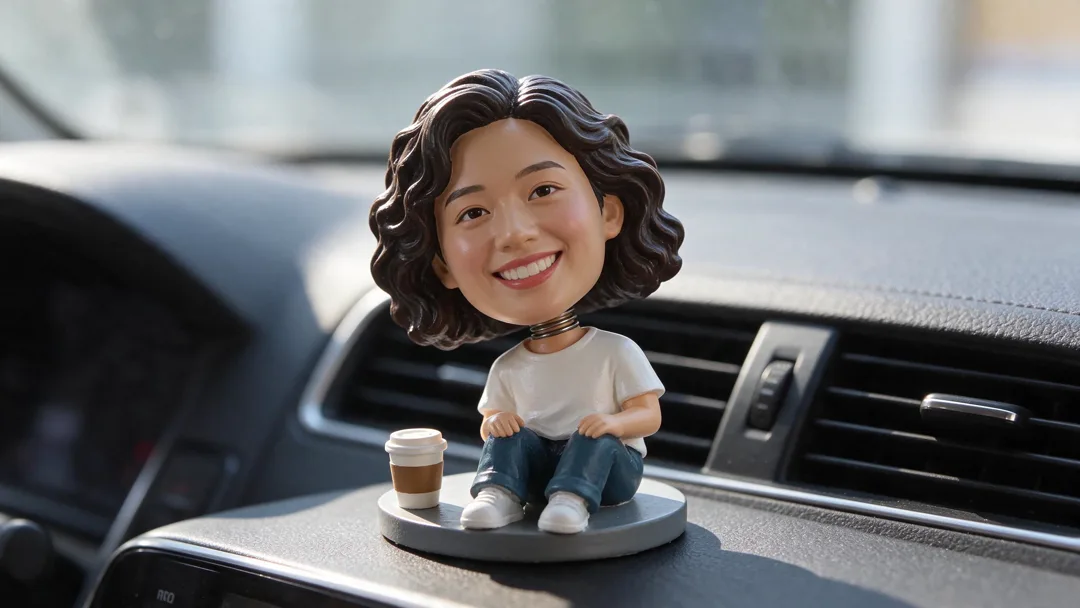
Bobblehead
16:9
Turns you into a big-headed nodding toy on a dashboard.
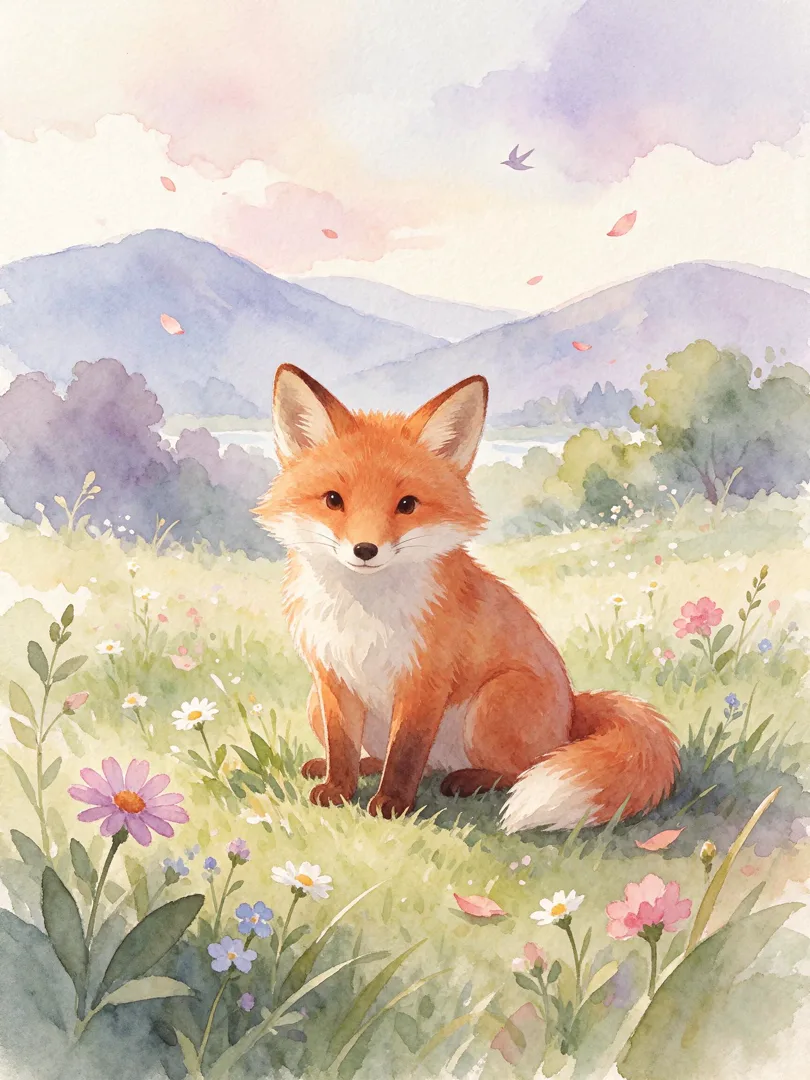
Watercolour Storybook
3:4
Transforms the scene into a soft, dreamy watercolour illustration for a children's storybook.
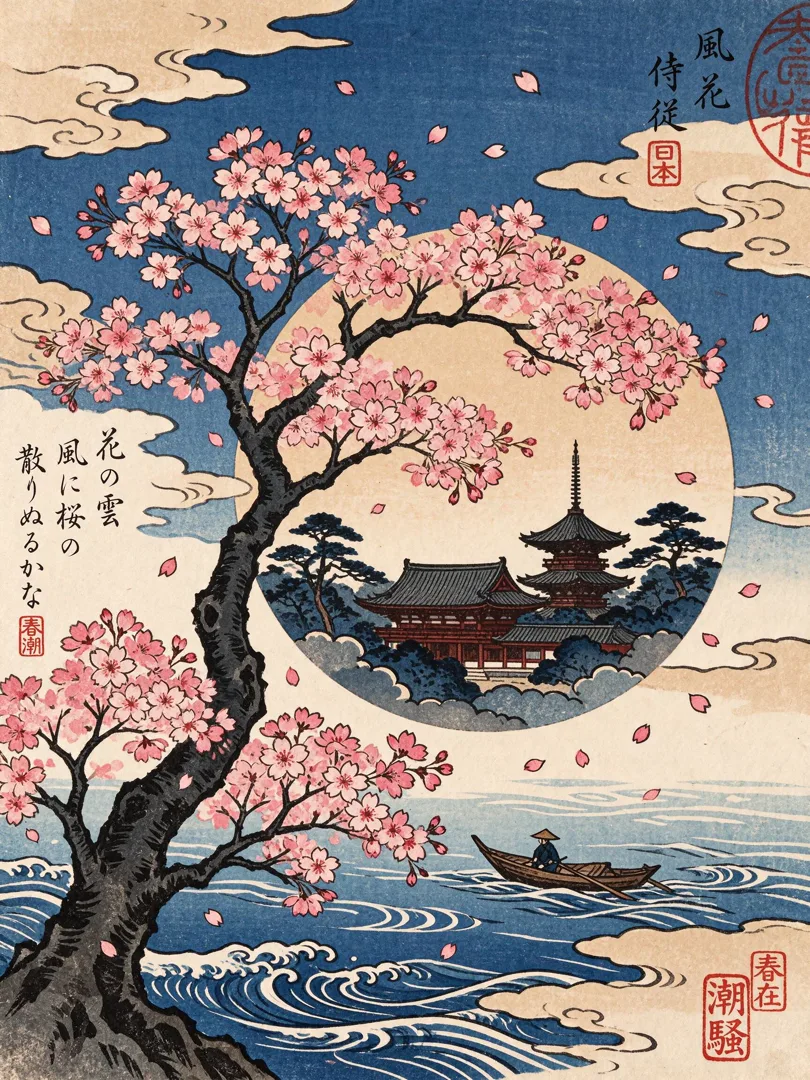
Woodblock Print
3:4
Renders the scene as a traditional Japanese woodblock print with bold lines and flat colors.
Try Paper Cutout Layers
Open the template in the image studio, add what it asks for and generate. New accounts get 110 free credits: 10 on sign-up + 100 for linking Discord.