
Image template
Phone Screen Mockup AI Image Template
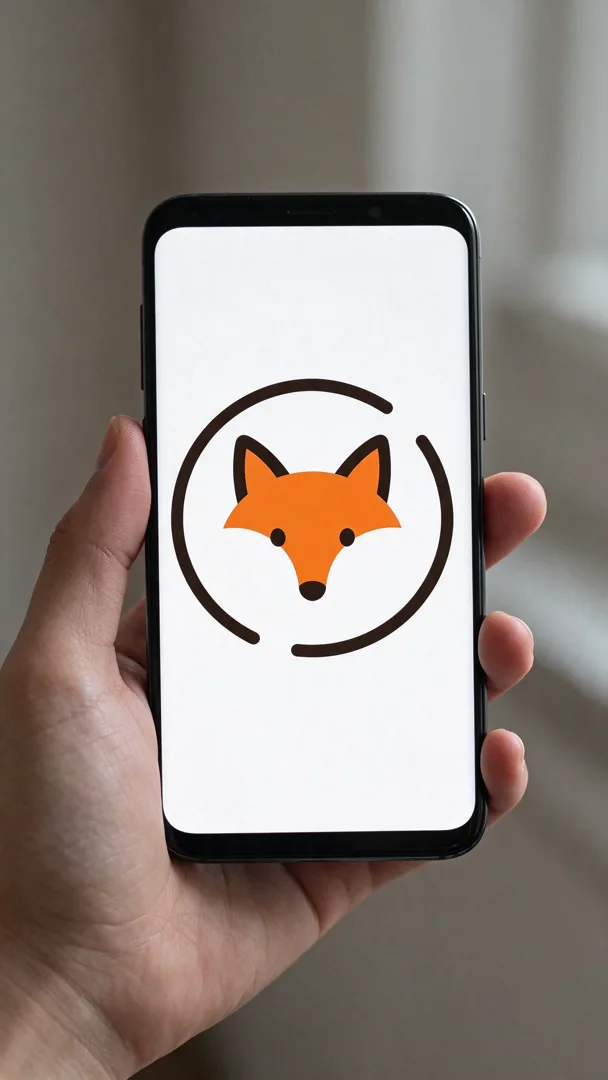
A design shown on a phone screen held in a hand, with a blurred background.
- Image template
- Portrait (9:16)
- From 4 credits per image
 Official BytePlus partnerBytePlus, a ByteDance company
Last updated
On this page
What the Phone Screen Mockup template makes
This template creates a phone screen mockup held in a hand with a blurred background. It is designed for 9:16 vertical images. You must add your logo to the scene. The result is a clean product shot for your app or service. It works well for social media posts or website banners.
Ideas to try
- Showcase your app interface on a phone
- Display your brand logo in a realistic setting
- Create a vertical banner for social media
- Present your product on a mobile device
How it works
Opens in the image studio.
- 1
Open the template
Press Use this template to open Phone Screen Mockup in the image studio.
- 2
Add your logo
Upload your required logo image to the designated spot.
- 3
Generate the image
Click the generate button to create the final picture.
- 4
Save your work
Download and save the resulting image to your device.
Questions
What do I need to start?
What shape does this suit?
Can I change the words?
Who is it for?
How much does Phone Screen Mockup cost?
More image templates

Black and White Studio Portrait
4:5
A classic monochrome studio portrait with high contrast and soft, directional lighting.

Golden Hour Field Portrait
16:9
A warm, backlit portrait in a grassy field during sunset with lens flare.

Podcast Cover
1:1
A square podcast cover with the host and bold, readable title text.

Book Cover
2:3
A striking book cover with an illustration and the title in elegant typography.
Try Phone Screen Mockup
Open the template in the image studio, add what it asks for and generate. New accounts get 110 free credits: 10 on sign-up + 100 for linking Discord.