
Image template
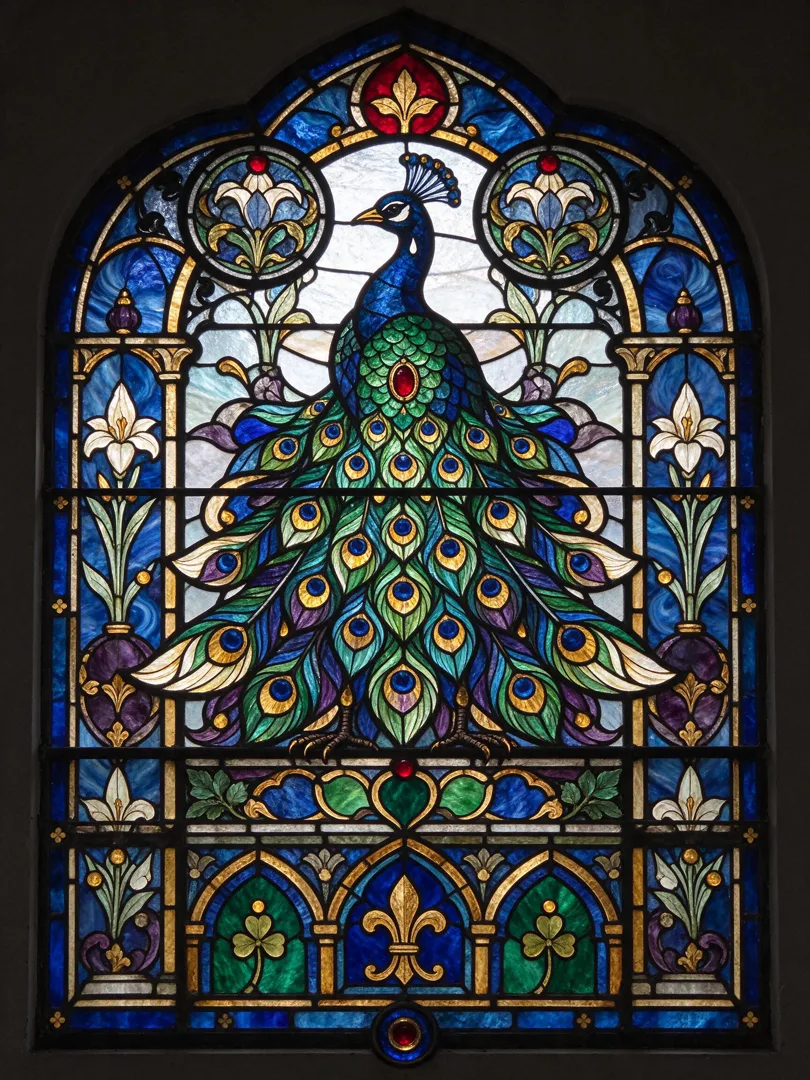
Stained Glass AI Image Template
Depicts the subject as a colorful stained glass window with lead lines and vibrant hues.
- Image template
- Portrait (3:4)
- From 3 credits per image
 Official BytePlus partnerBytePlus, a ByteDance company
Last updated
On this page
What the Stained Glass template makes
This template turns your subject into a colorful stained glass window. It uses lead lines and vibrant hues to create a distinct look. The image shape is 3:4. You simply add your subject text to start the process in the image studio.
Ideas to try
- Create a portrait with a classic stained glass look
- Design a logo with vibrant, lead-lined colors
- Make a decorative image for a website header
How it works
Opens in the image studio.
- 1
Open the template
Press Use this template to open Stained Glass in the image studio.
- 2
Add your subject
Enter the required text describing your subject.
- 3
Generate the image
Click the generate button to create your picture.
- 4
Save the result
Download or save the final stained glass image.
Questions
What is the image shape?
What do I need to provide?
Which models work with this?
How much does Stained Glass cost?
More image templates
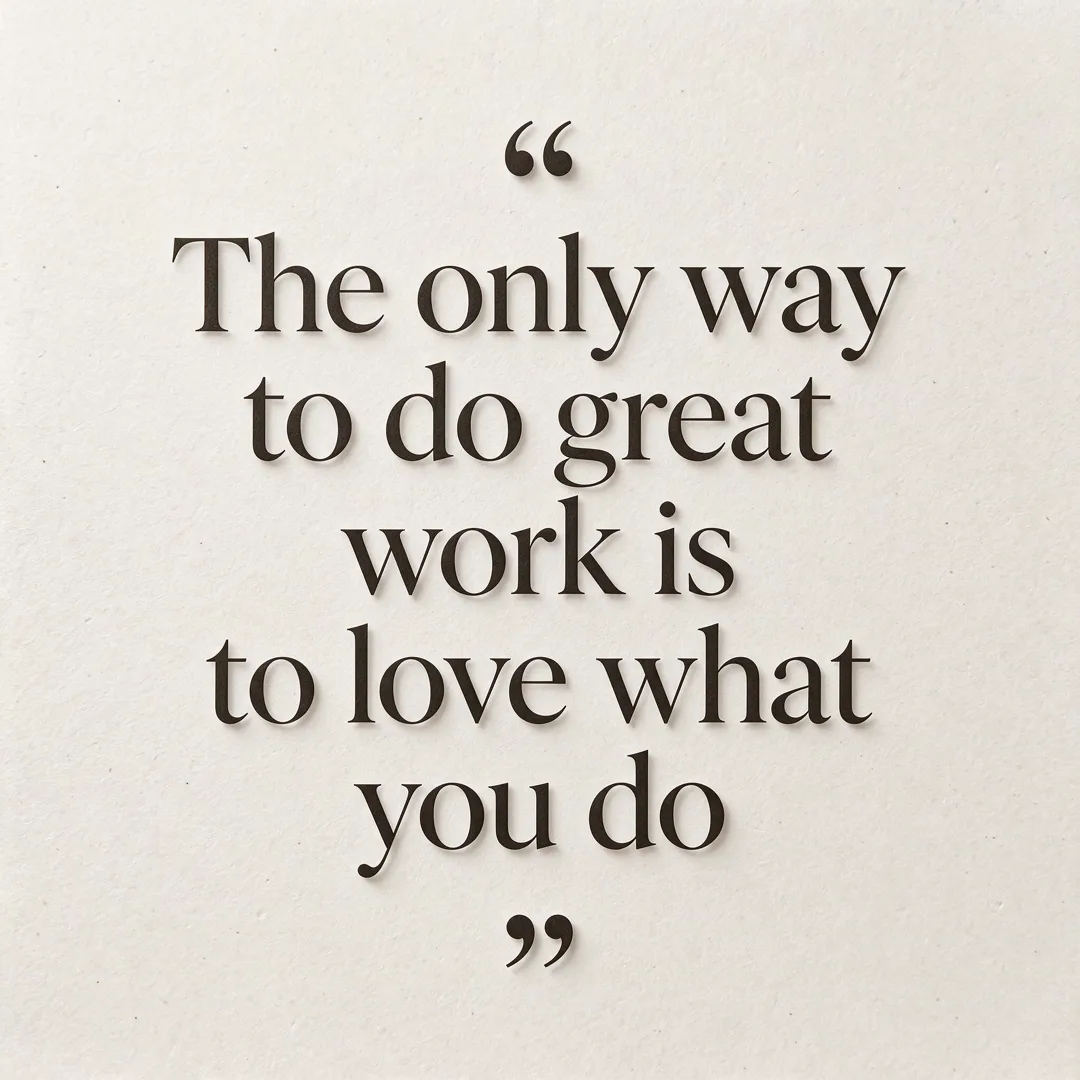
Quote Card
1:1
A minimalist social media card with an elegant quote centered on a clean background.
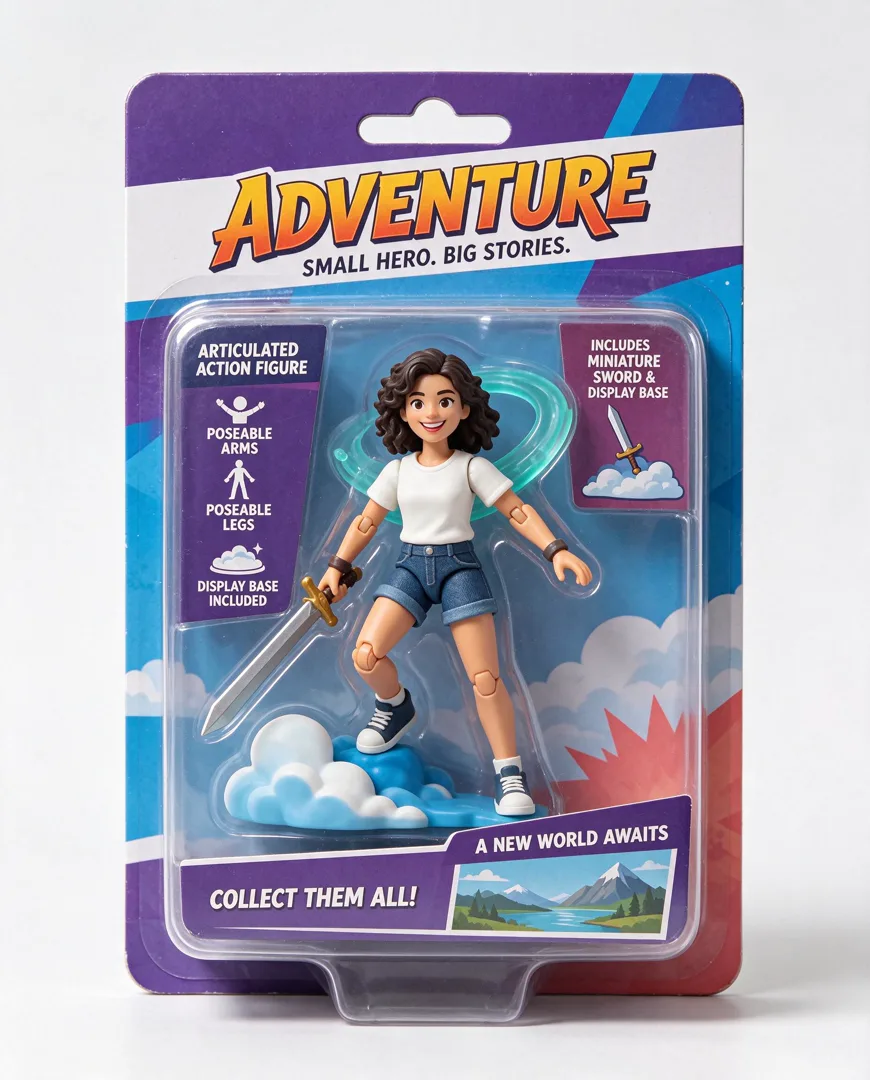
Action Figure in Box
4:5
Transform the person into a collectible action figure sealed in retail blister packaging with accessories.
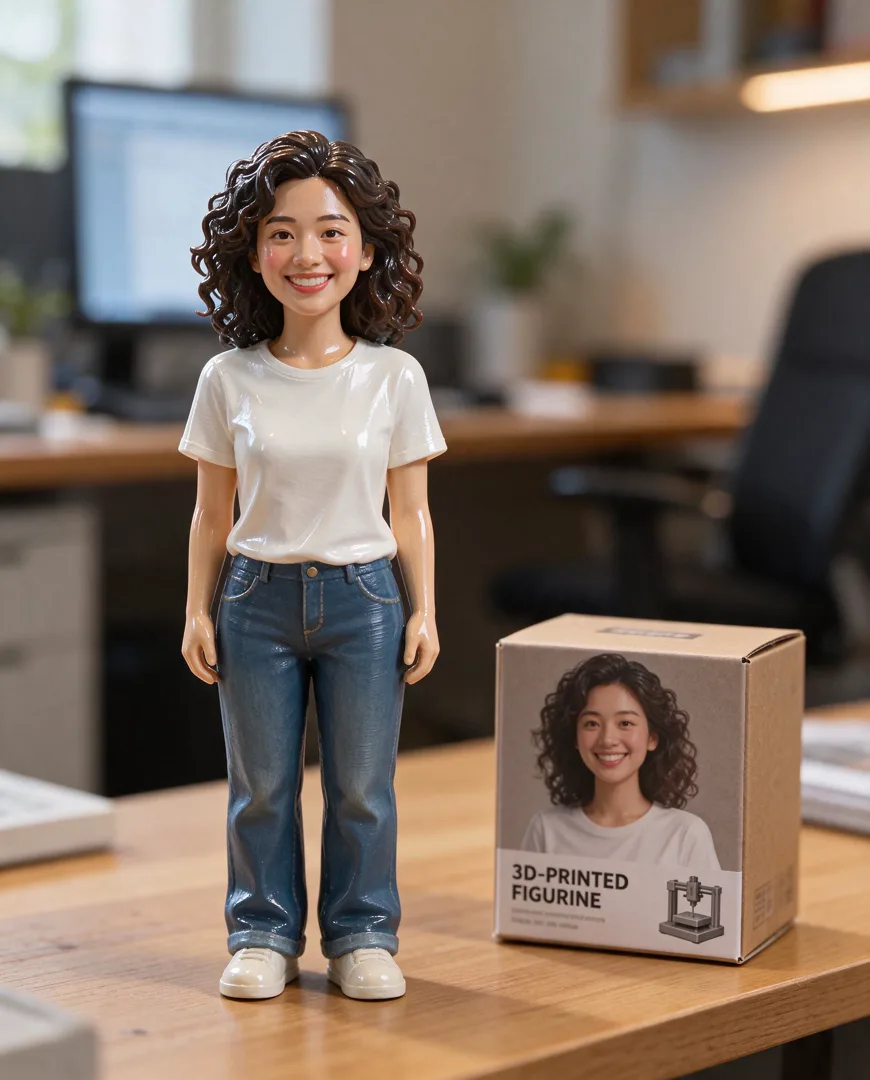
3D Figurine on Desk
4:5
Render the person as a glossy 3D-printed figurine standing on a desk next to its packaging box.
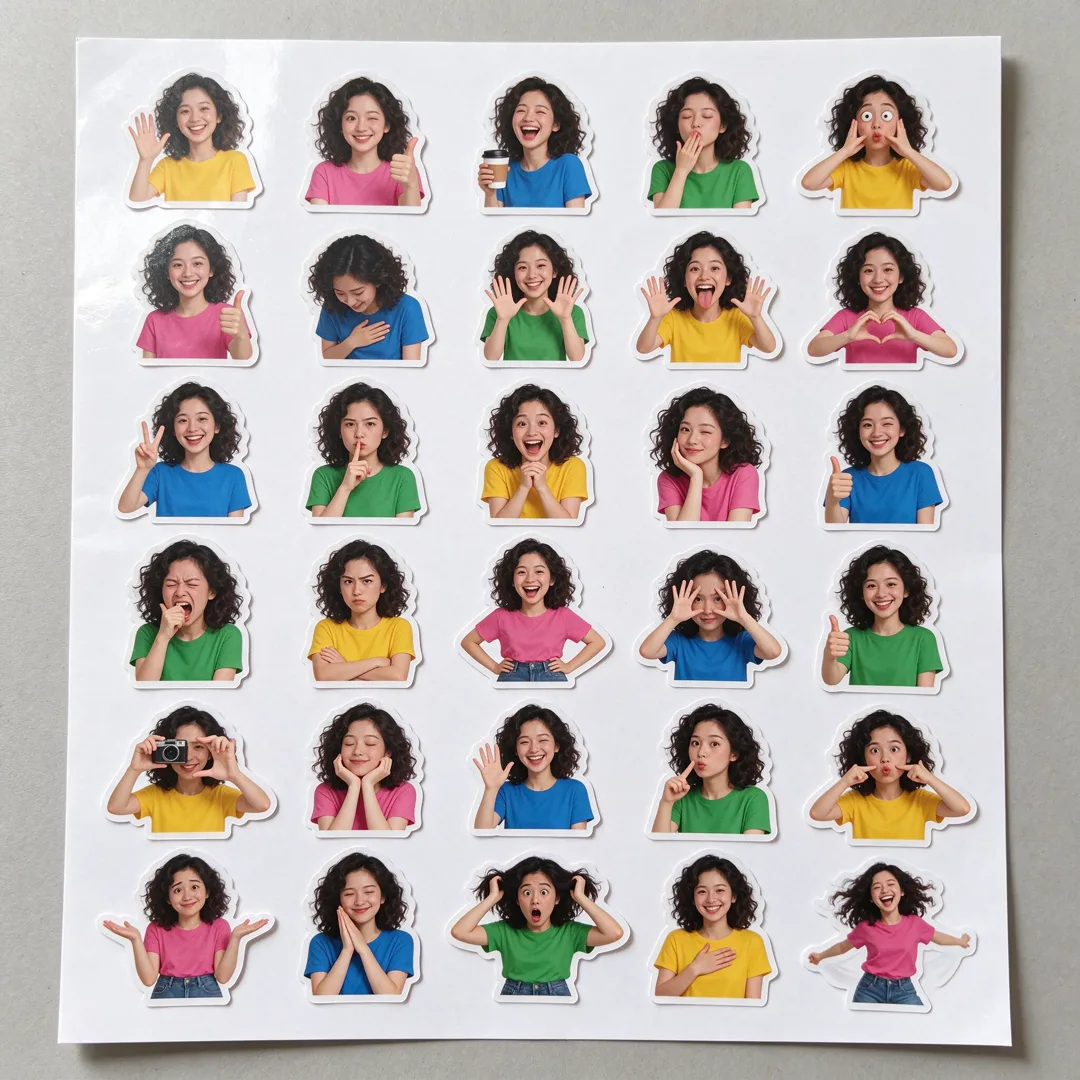
Sticker Sheet
1:1
Turn the subject into a sheet of cute die-cut stickers in different poses for a playful, collectible look.
Try Stained Glass
Open the template in the image studio, add what it asks for and generate. New accounts get 110 free credits: 10 on sign-up + 100 for linking Discord.