

Image template
Vintage Polaroid AI Image Template
Converts the photo into a faded 1970s instant photo with a white border and film grain.
- Image template
- Square (1:1)
- From 4 credits per image
 Official BytePlus partnerBytePlus, a ByteDance company
Last updated
On this page
What the Vintage Polaroid template makes
This template turns your photo into a faded 1970s instant picture. It adds a white border and film grain. The result is a 1:1 square image. You upload your photo to start. The tool handles the rest. You get a nostalgic look with minimal effort. It works well for personal memories.
Ideas to try
- Create a retro family album cover
- Design a vintage social media post
- Add a nostalgic touch to a digital scrapbook
How it works
Opens in the image studio.
- 1
Open the template
Press Use this template to open Vintage Polaroid in the image studio.
- 2
Upload your photo
Add your required image to the input field.
- 3
Generate the image
Let the system process the photo.
- 4
Save your result
Download the finished 1:1 image.
Questions
What shape is the output?
Do I need to write text?
Which models work?
How much does Vintage Polaroid cost?
More image templates
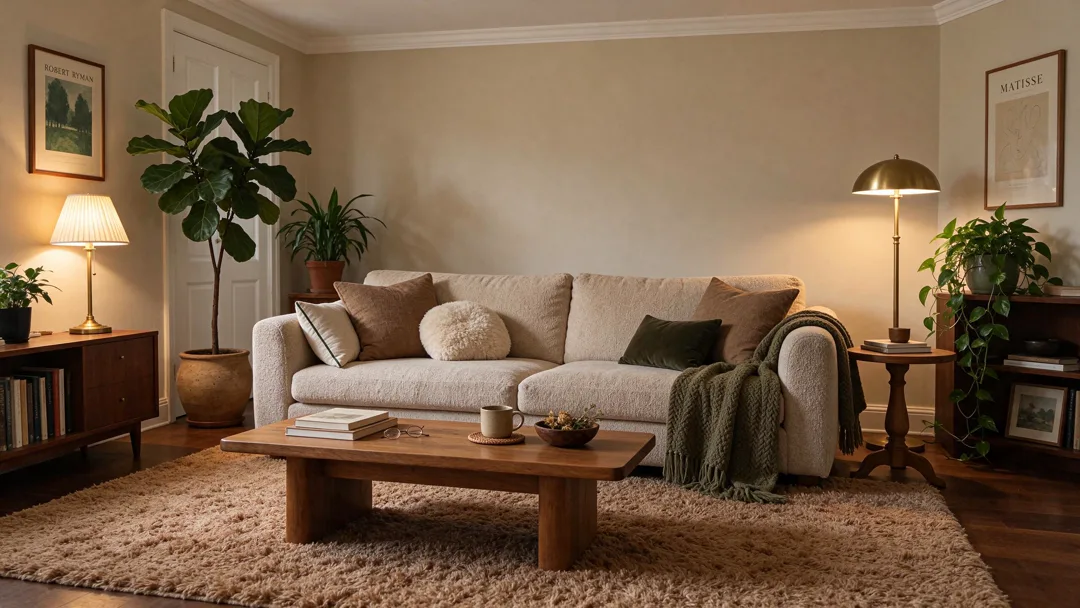
Cozy Room Interior
16:9
Generates a warm, inviting room with soft lamps, plants, and comfortable furniture.
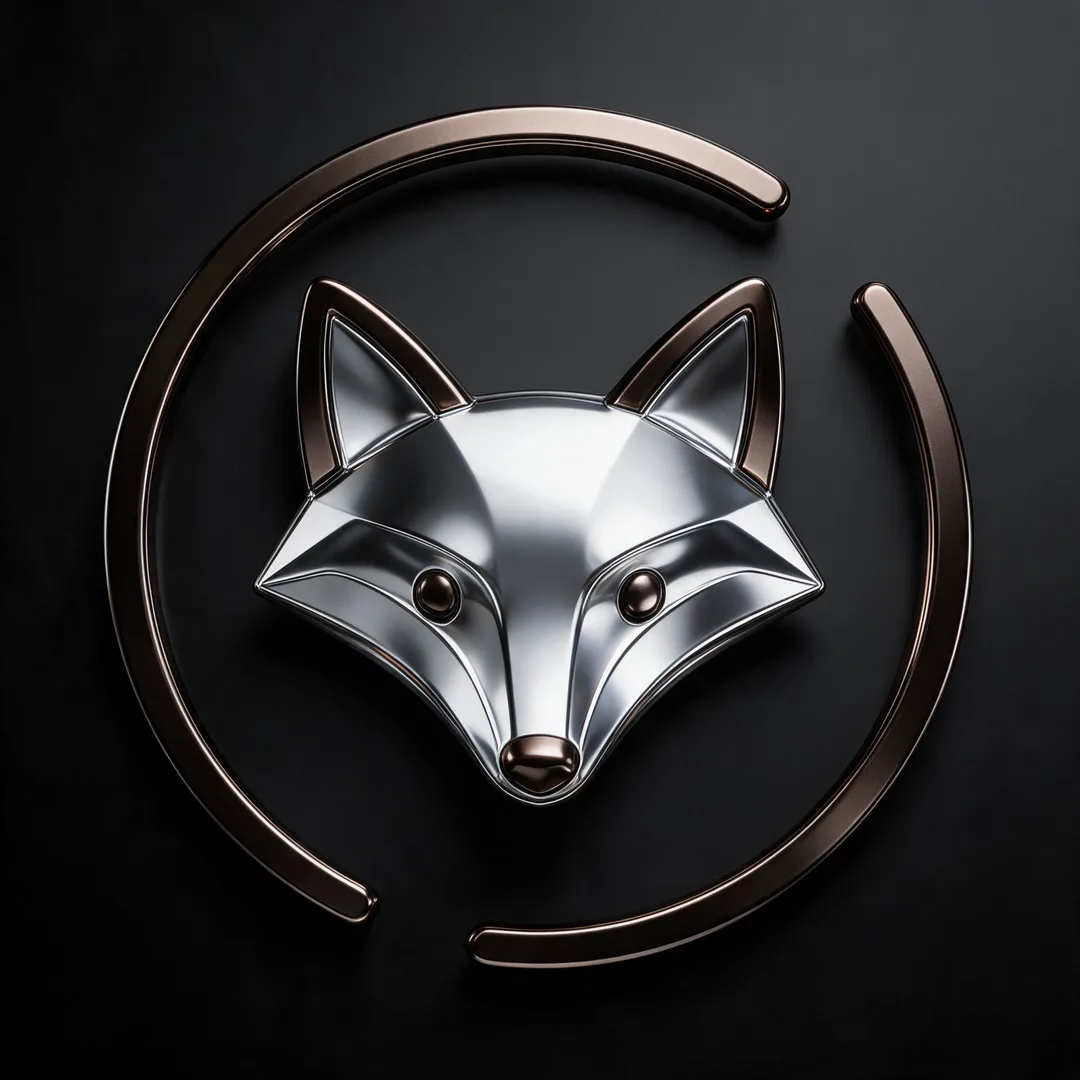
3D Chrome Logo
1:1
Renders a logo as shiny, reflective 3D chrome lettering on a dark background.
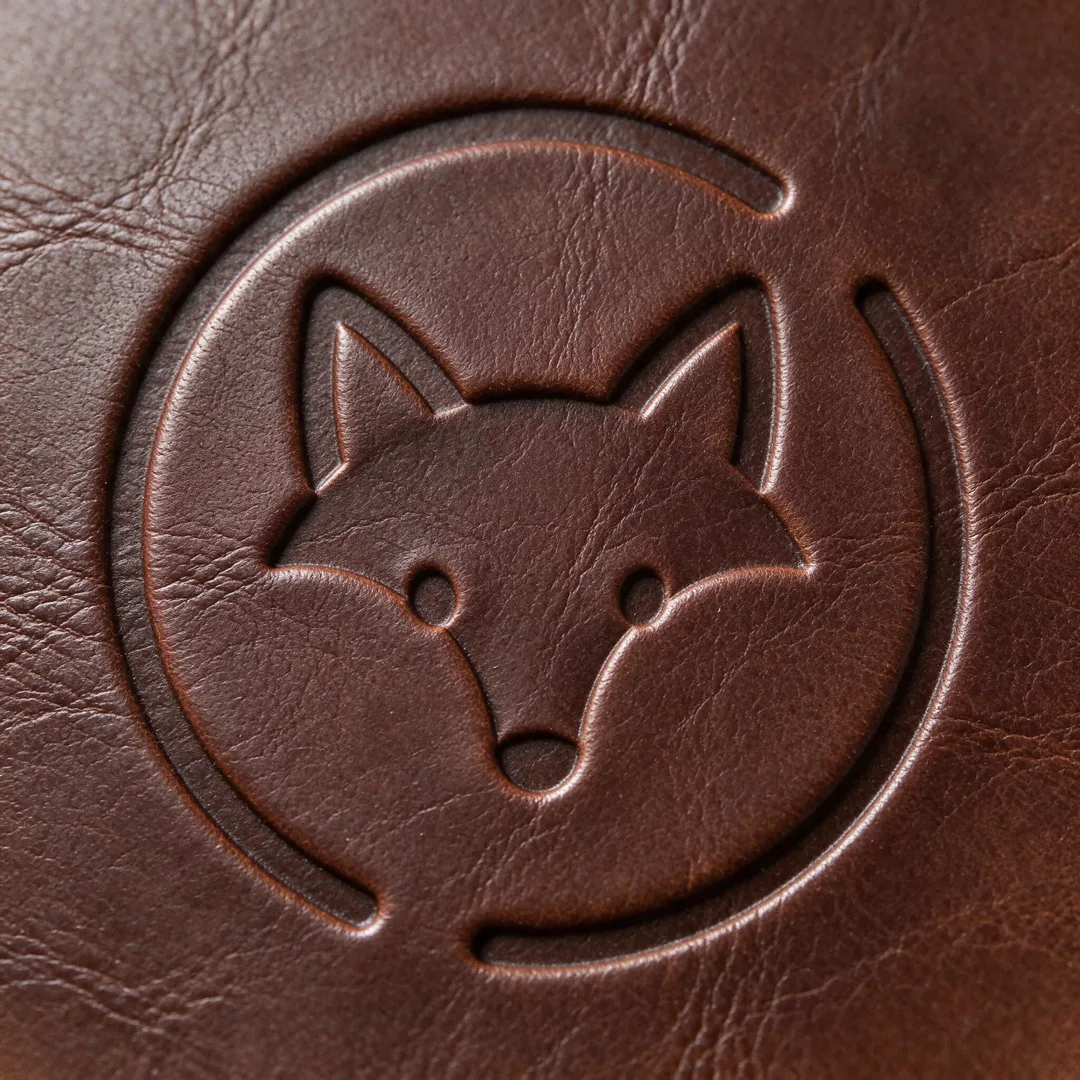
Embossed Leather Logo
1:1
Shows a logo embossed into brown leather with realistic texture and depth.
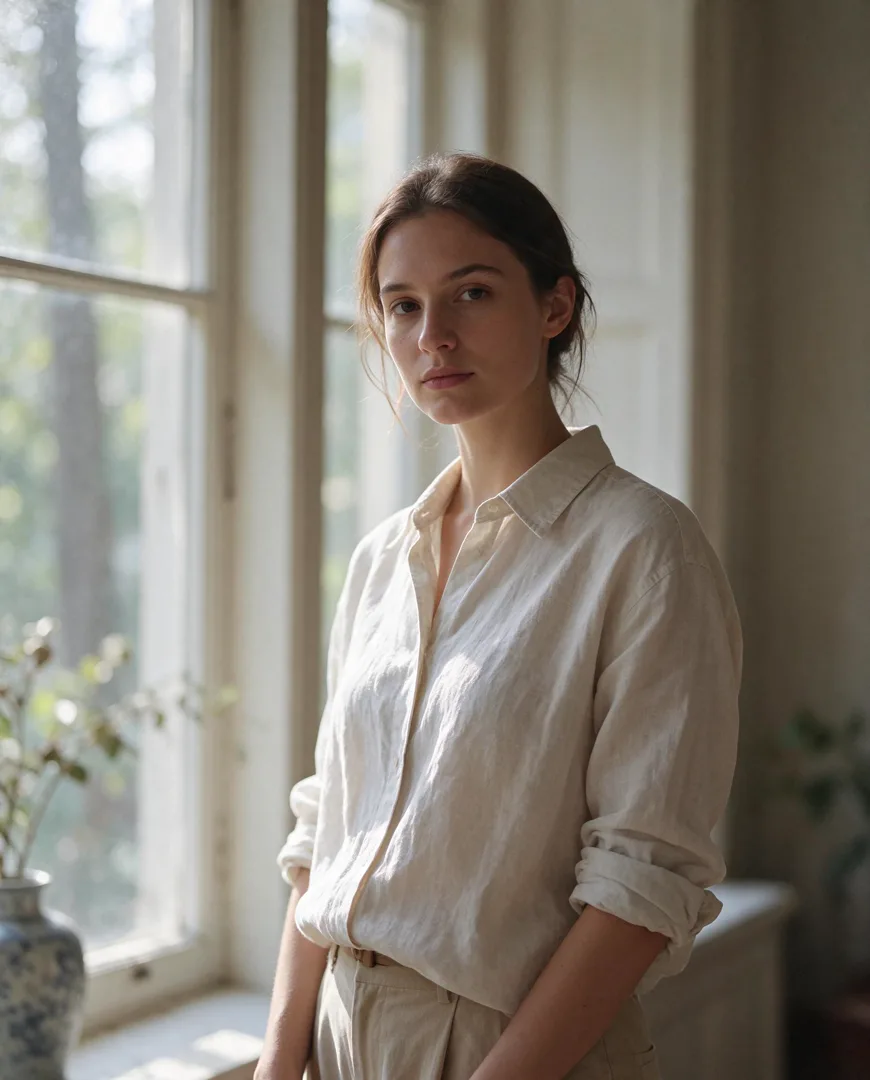
Old Money Aesthetic
4:5
A quiet-luxury portrait in linen clothing with soft, natural yacht-club lighting.
Try Vintage Polaroid
Open the template in the image studio, add what it asks for and generate. New accounts get 110 free credits: 10 on sign-up + 100 for linking Discord.