
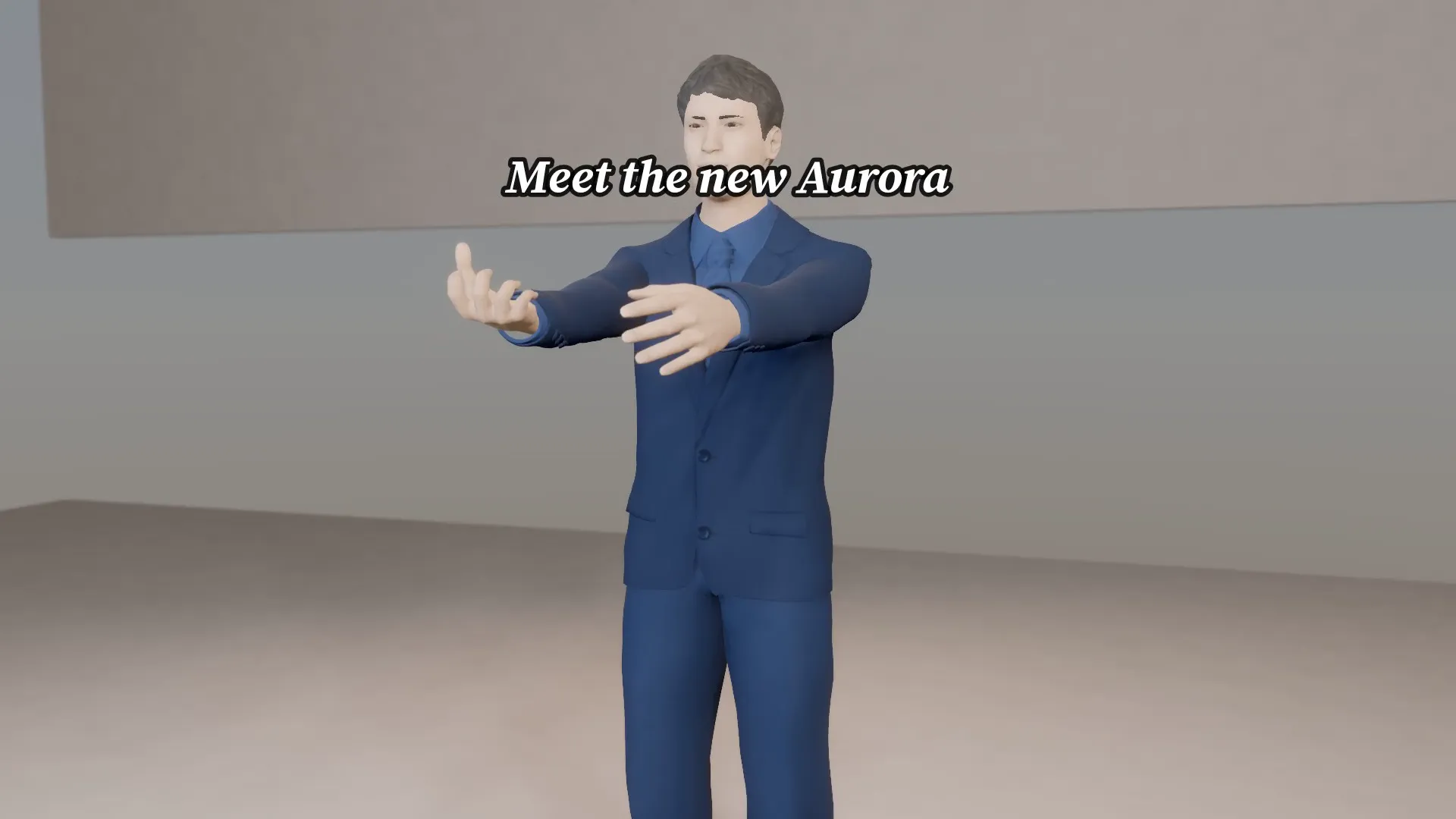
Stage template
Product bottle reveal Template for Stage
A glossy bottle on a pedestal, lights snap on and the camera orbits. Your product name and tagline on the card.
- Stage template
- Landscape (16:9)
- 1 character to swap
- 2 text lines to rewrite
 Official BytePlus partnerBytePlus, a ByteDance company
Last updated
On this page
What the Product bottle reveal template makes
This template creates a glossy product bottle reveal. A bottle sits on a pedestal while lights snap on and the camera orbits. You add your product name and tagline to the card. It is a ready 3D scene for product ads in a 16:9 frame.
Ideas to try
- Showcase a new perfume launch
- Highlight a premium skincare item
- Promote a limited edition beverage
How it works
Opens in Stage.
- 1
Open the scene
Launch Stage and load the product bottle reveal template.
- 2
Edit details
Change the on-screen text and swap the character if needed.
- 3
Move the camera
Adjust the camera angle to frame the bottle perfectly.
- 4
Preview and export
Preview the animation and then generate the final video.
Questions
What shape does this template suit?
Can I change the words on the card?
Who is this template for?
Is Stage free?
More Stage templates
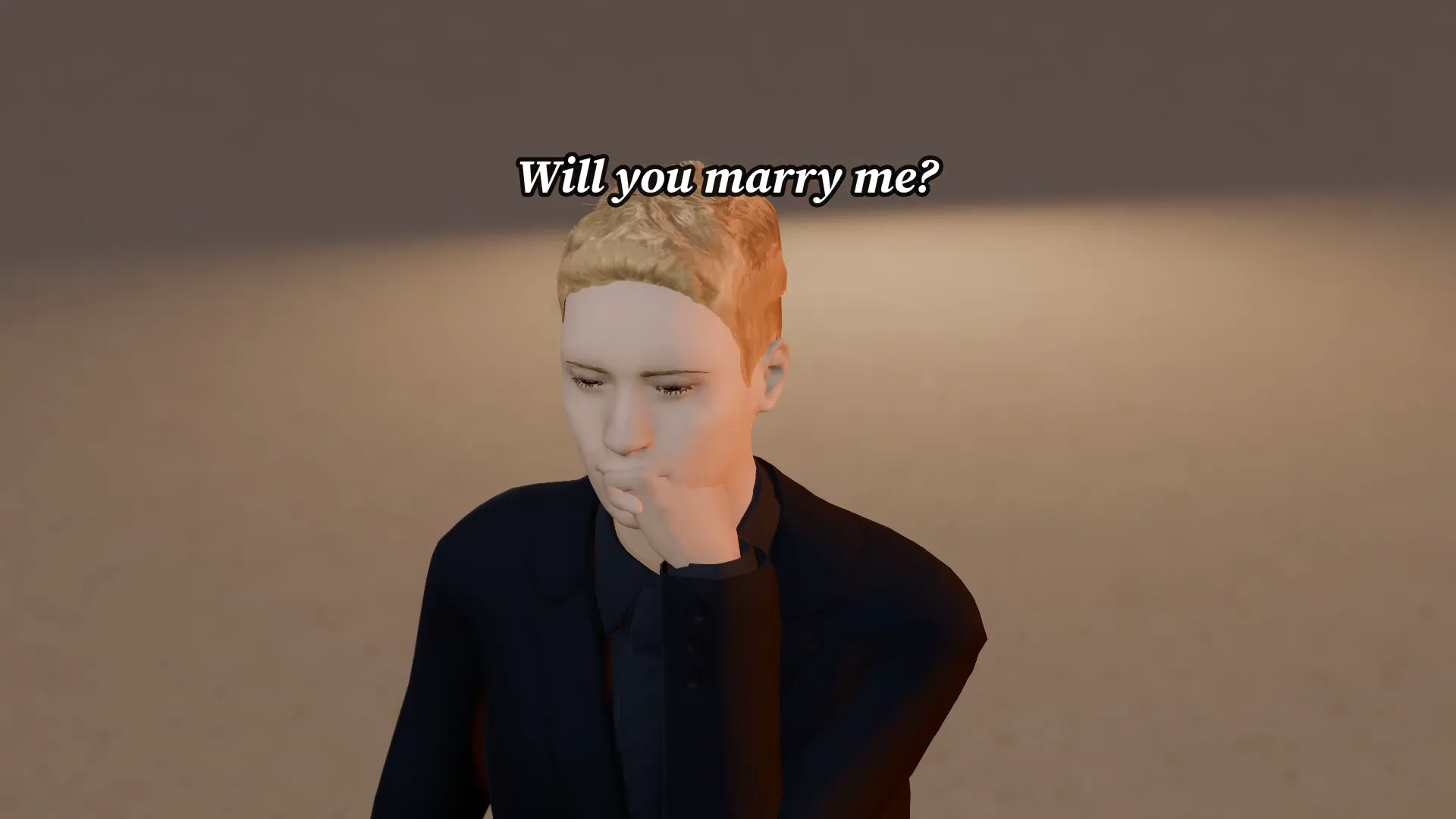
Beach proposal
16:9
A knee, a ring and a yes. A soft sunset reveal with your words in the caption.
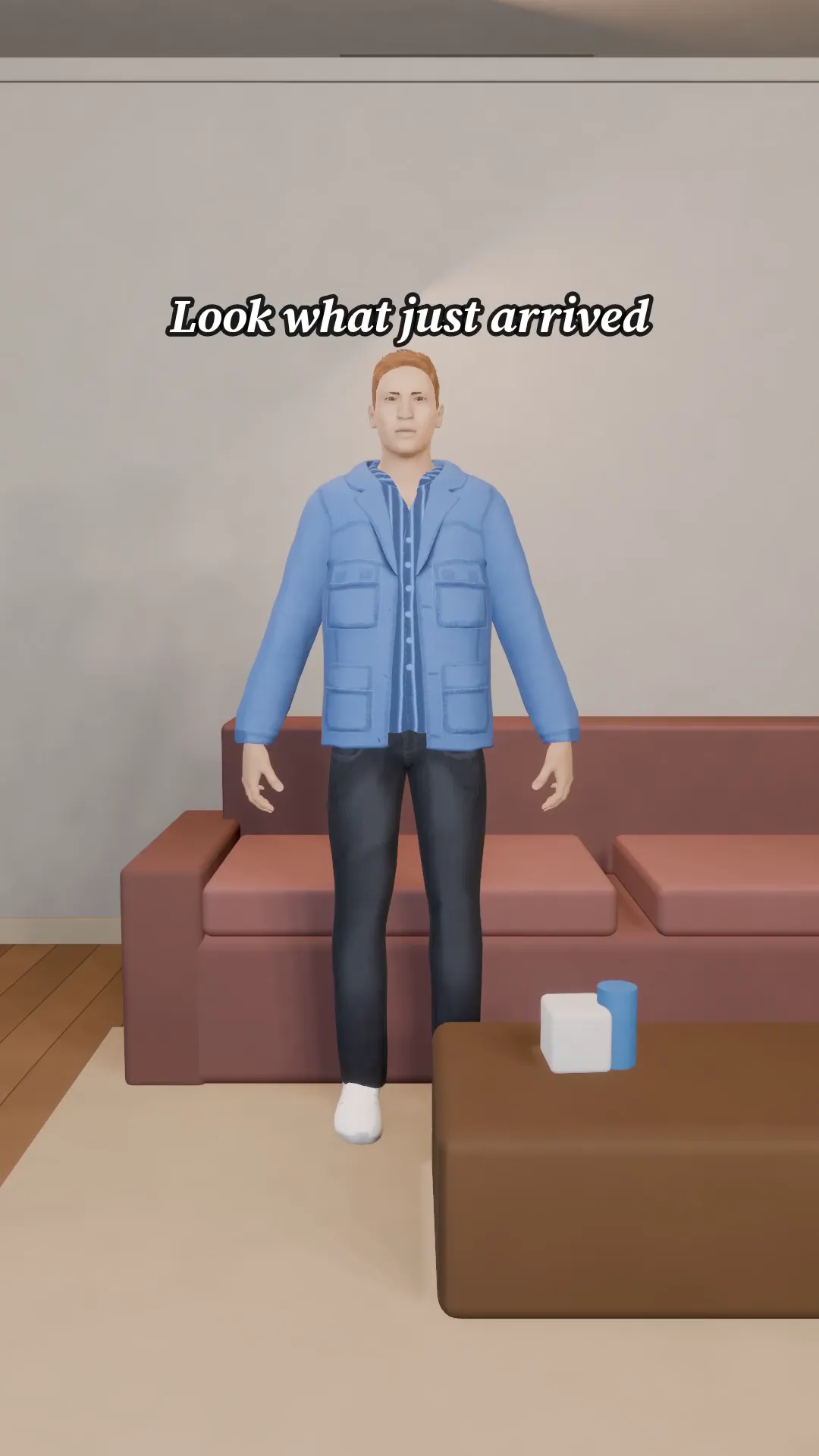
Unboxing
9:16
A gift box on a table, a nervous open and a big reaction. Say what is inside.
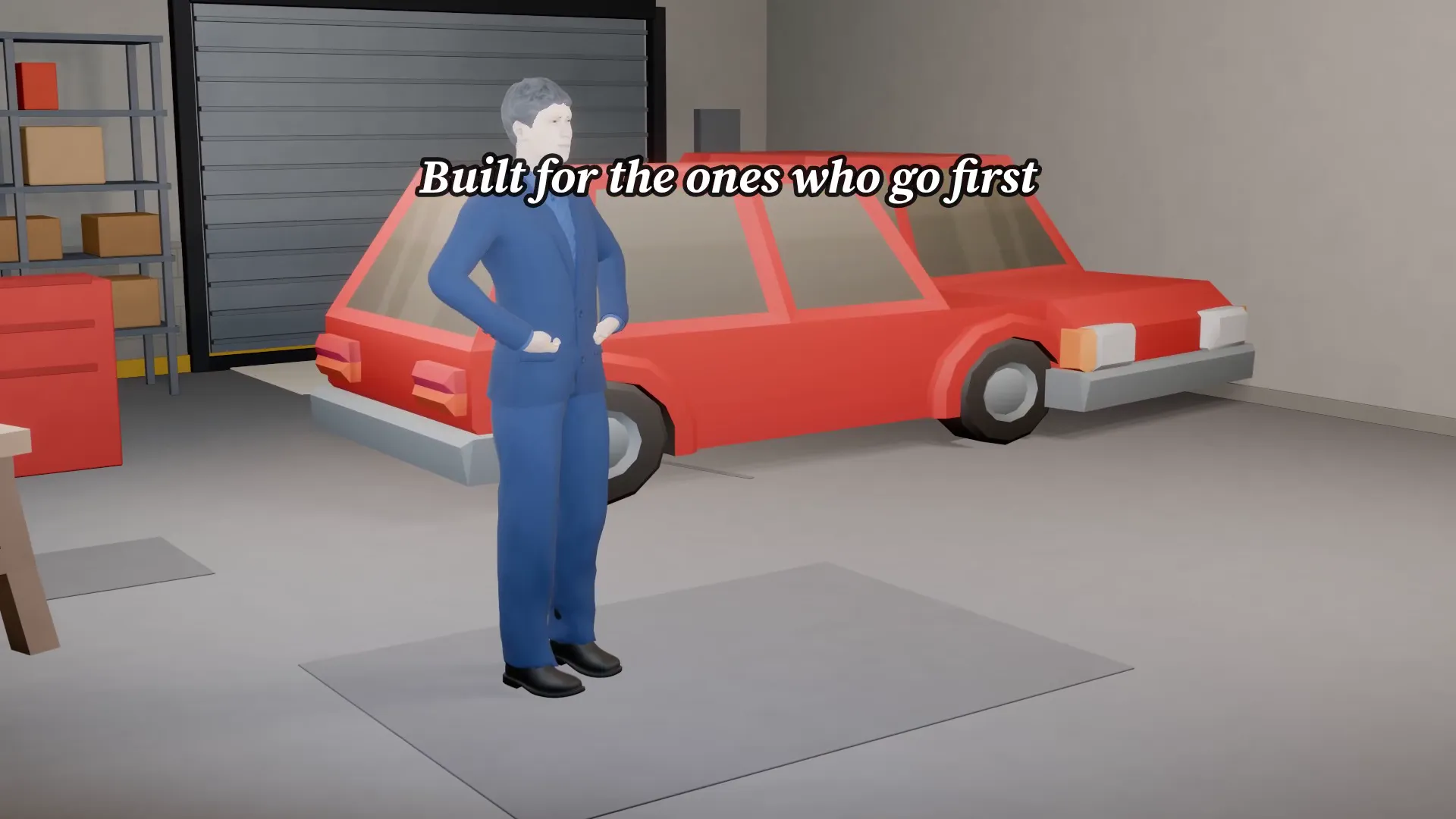
Garage car reveal
16:9
A car in a bright garage and the camera sweeps the paint. Your model, your tagline.
Before and after
9:16
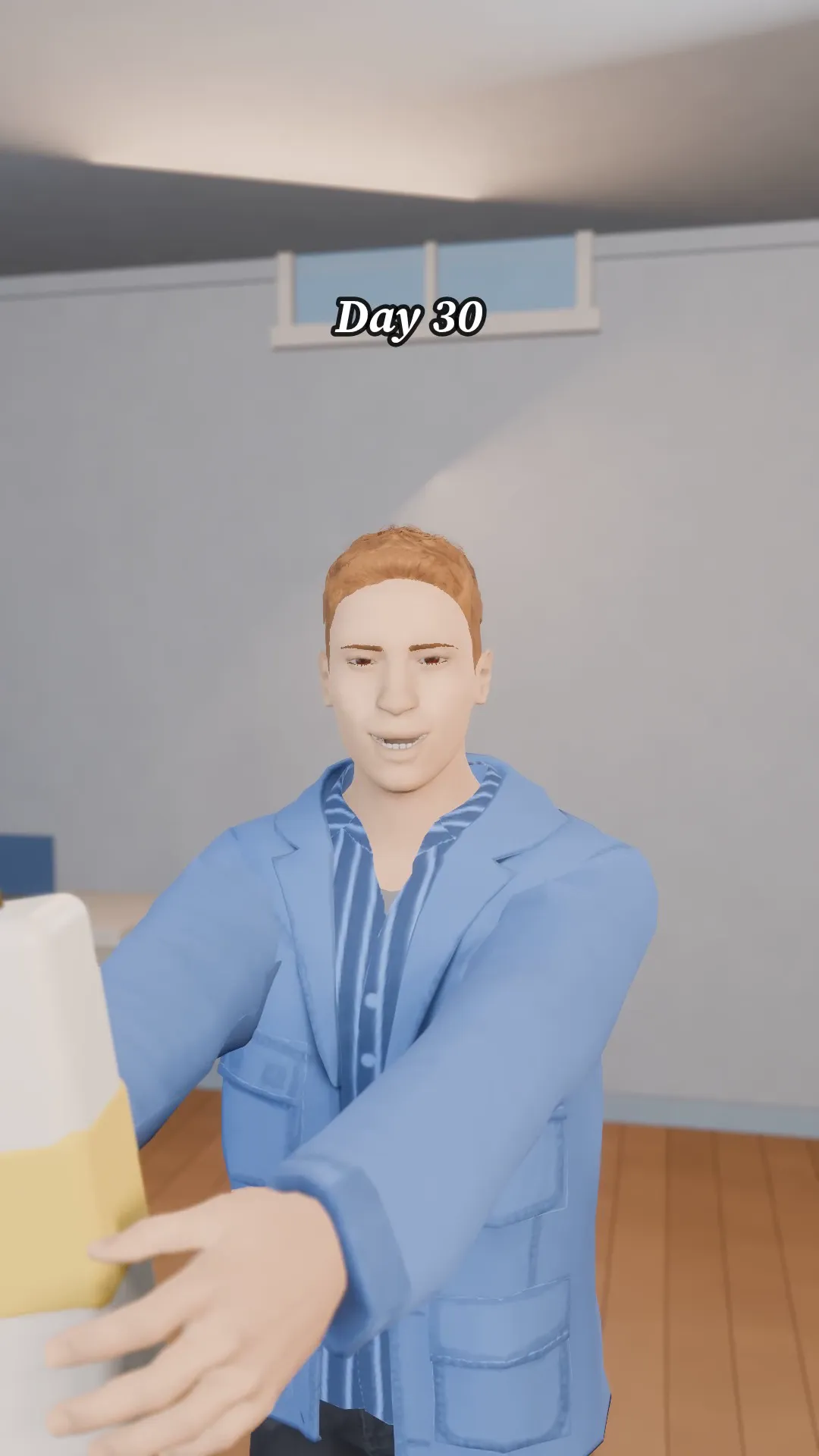
A tired face, a product in the hand and a bright new look. Your product, your two captions.
Try Product bottle reveal
Open the template in Stage, make it yours and preview it. Planning in Stage is free.