
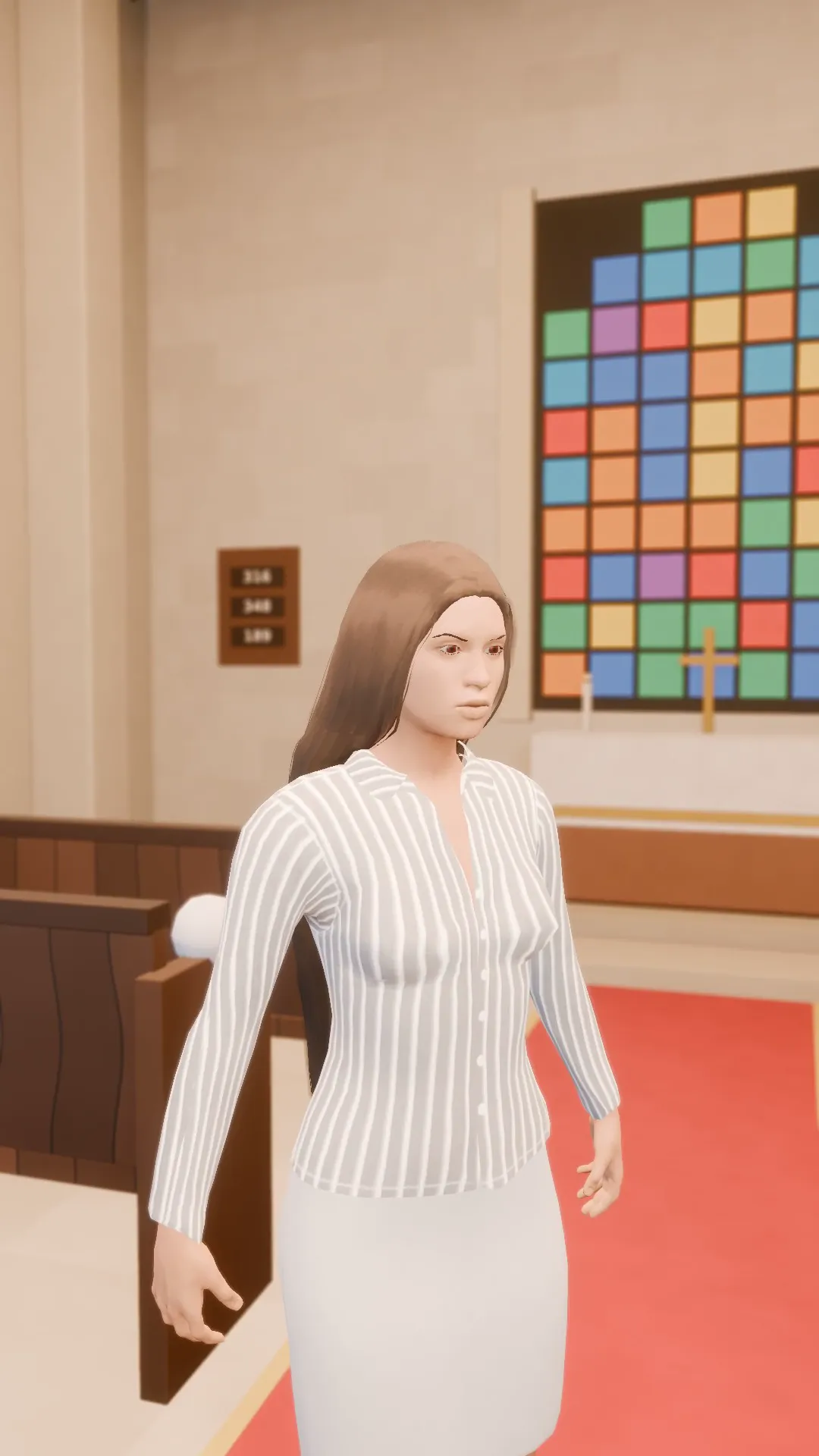
Stage template
Aisle crane Template for Stage
A person walking up the aisle: a slow push, then the camera lifts to show the whole church. Wedding edits, done.
- Stage template
- Portrait (9:16)
- 5 second move
 Official BytePlus partnerBytePlus, a ByteDance company
Last updated
On this page
What the Aisle crane template makes
This template creates a slow camera push followed by a lift to reveal a full church view. It is designed for wedding video edits featuring a person walking up the aisle. The move lasts five seconds and fits vertical 9:16 frames. You can apply it to any shot in Stage or use it in the video studio with your own photos.
Ideas to try
- Wedding ceremony highlight reel
- Aisle walk slow motion clip
- Church interior reveal shot
How it works
Opens in Stage.
- 1
Open your scene
Launch Stage and load your wedding footage.
- 2
Select the shot
Pick the specific clip of the aisle walk.
- 3
Apply the template
Choose the Aisle crane option from the menu.
- 4
Preview and adjust
Watch the move and tweak the camera position if needed.
Questions
What is the video aspect ratio?
How long is the camera move?
Can I use my own photos?
Is Stage free?
More Stage templates
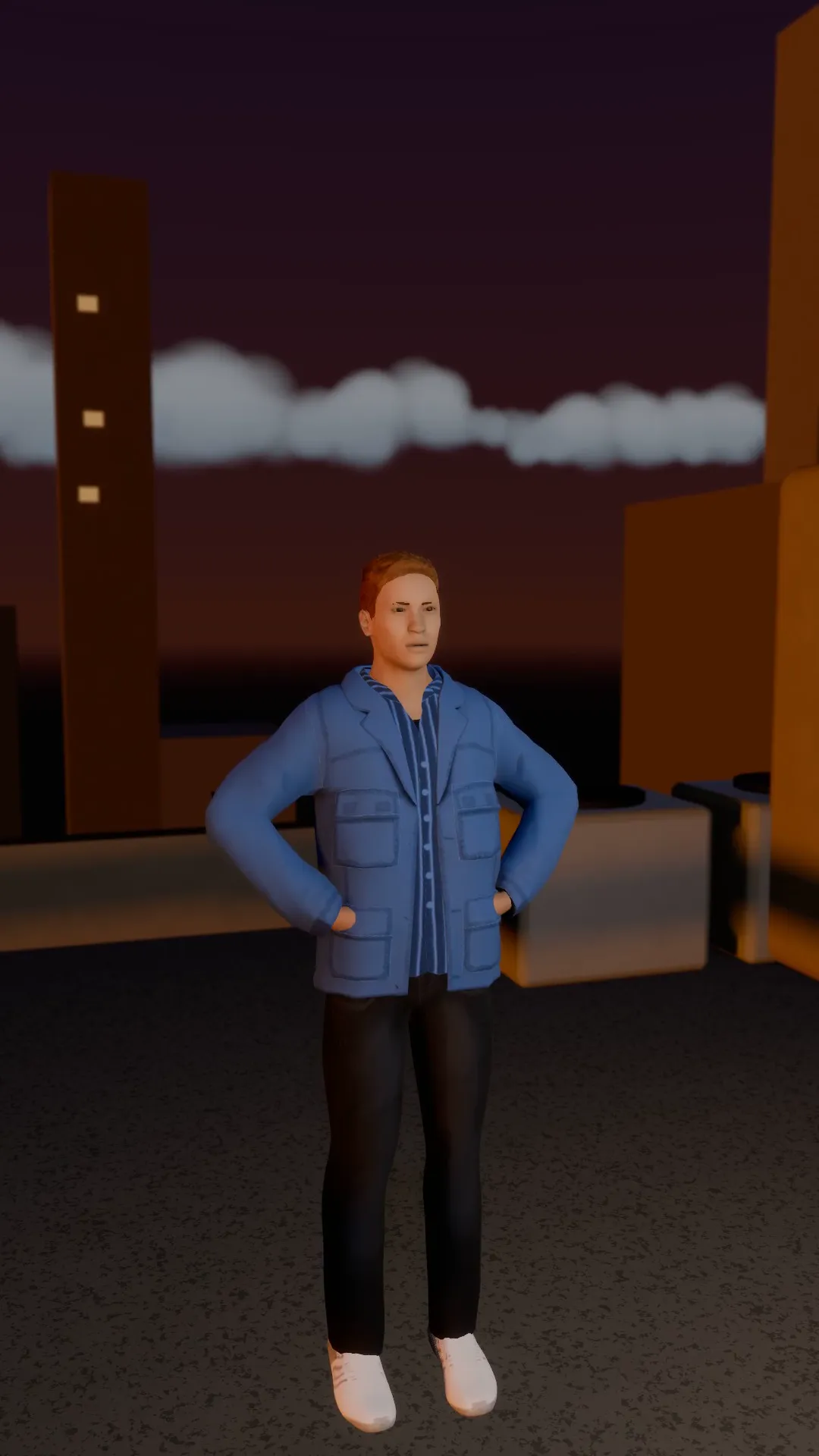
Rooftop skyline orbit
9:16
A half orbit at sunset on a rooftop, rising as it goes. The skyline turns behind the subject.
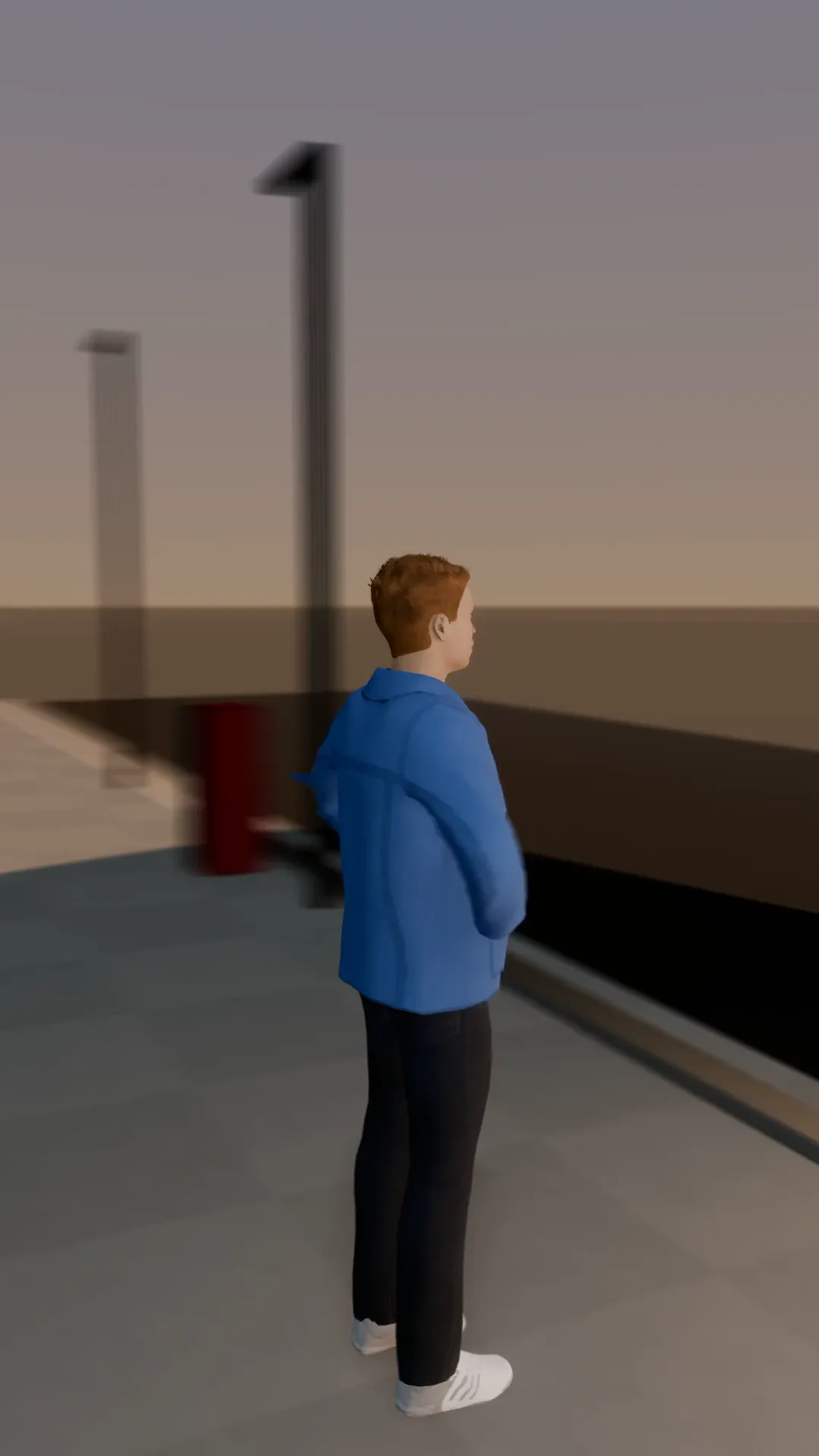
Full orbit
9:16
The camera circles the subject all the way round, eye level, at a steady speed. The classic hero turn.
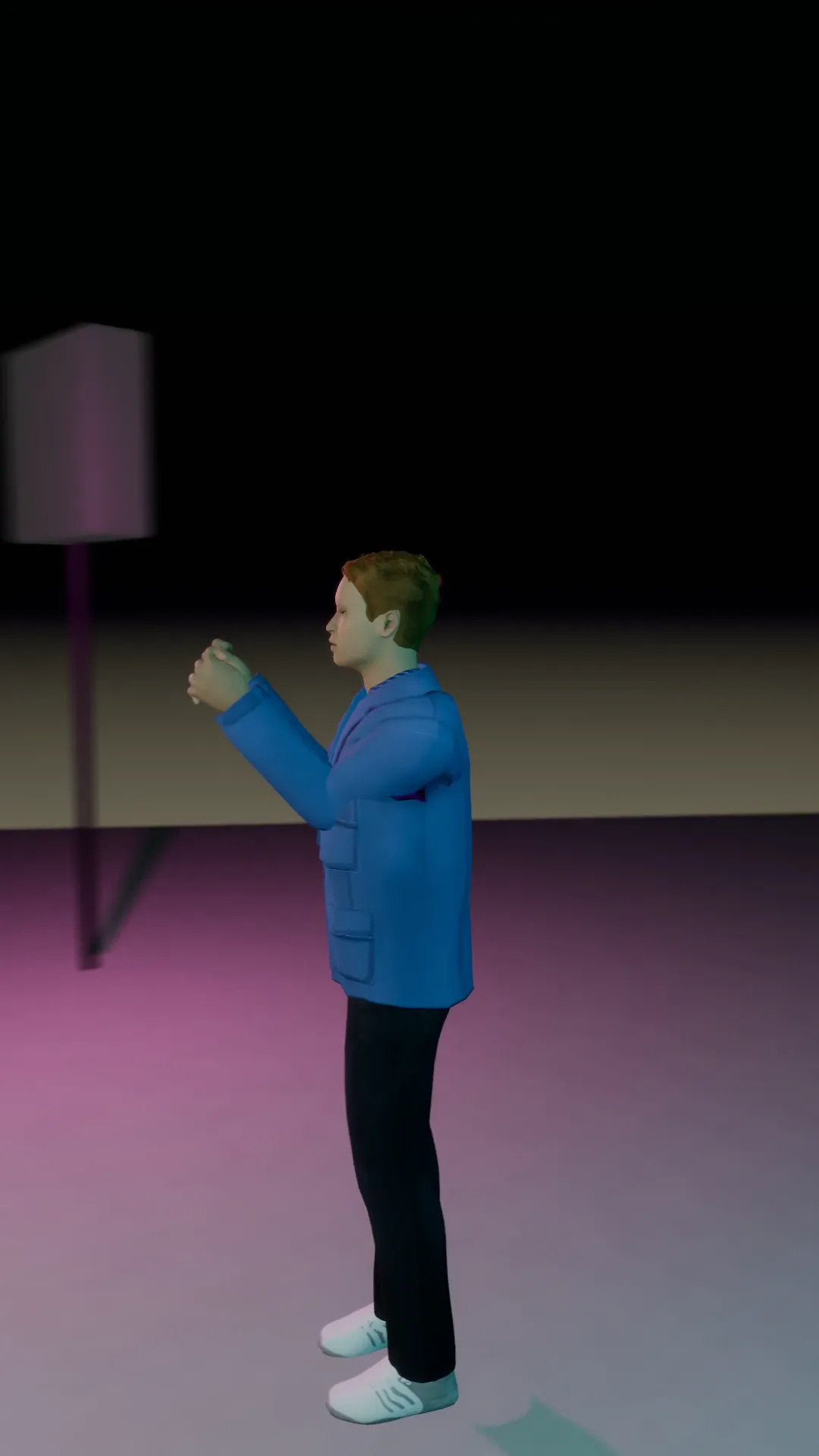
Half orbit reveal
9:16
A 180 degree arc from one side of the subject to the other, ending on a clean front view.
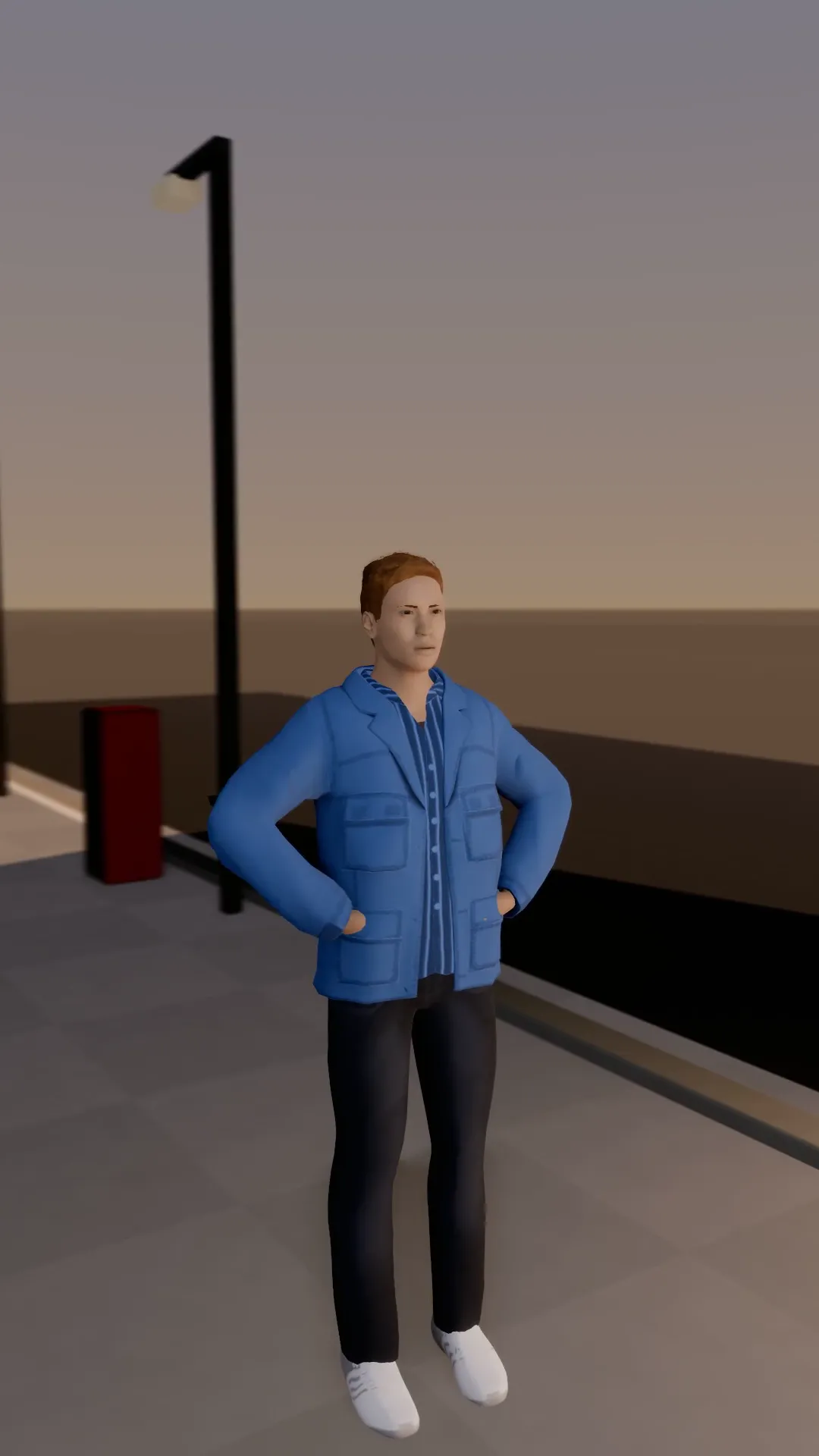
Orbit and push in
9:16
An arc around the subject that tightens into a push-in for the last second. Builds to the face.
Try Aisle crane
Open the template in Stage, make it yours and preview it. Planning in Stage is free.