
Stage template
Street sprint Template for Stage
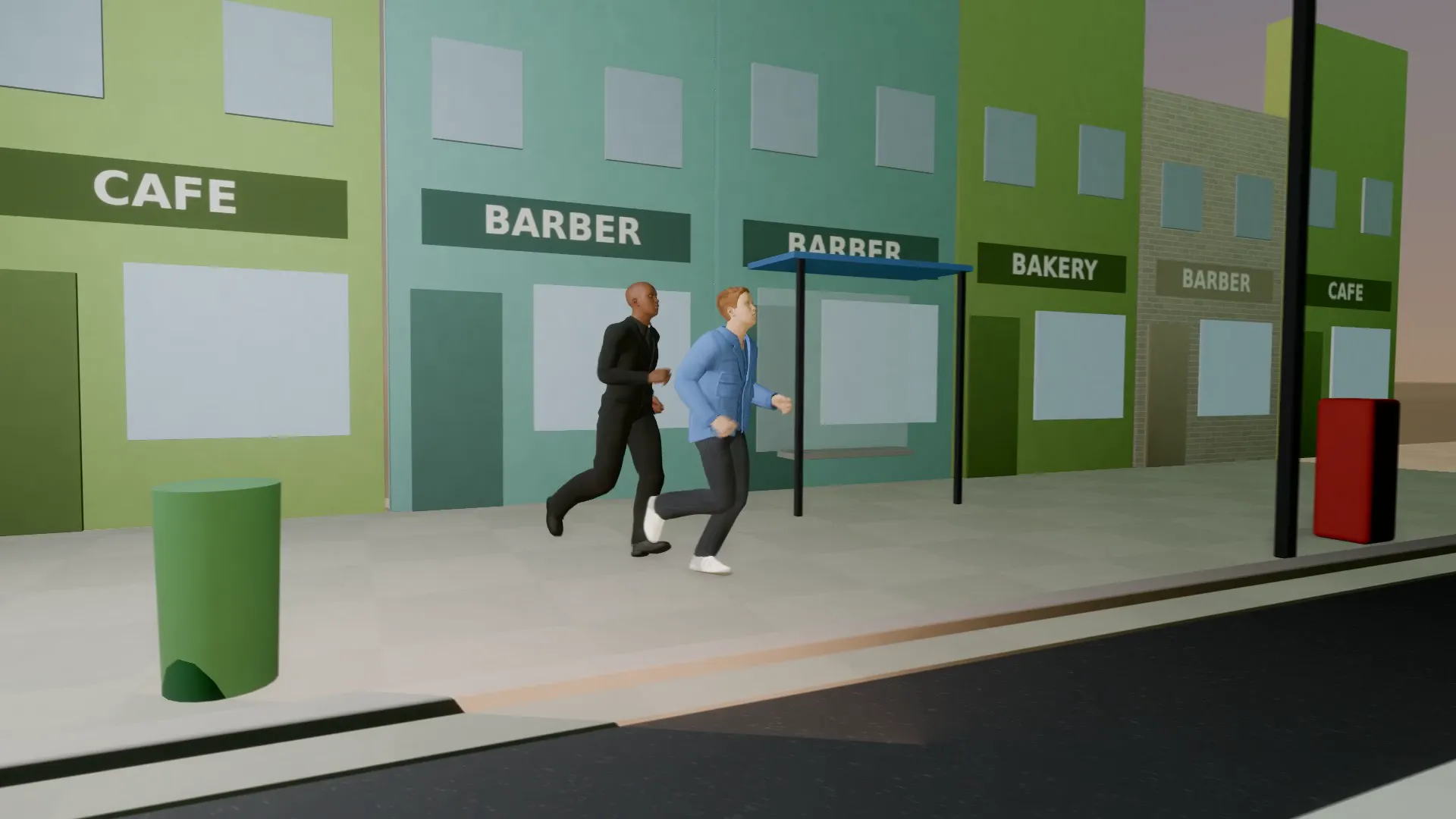
A runner and a pursuer sprint through the street: a tracking shot, a handheld close-up and a caption for every beat.
- Stage template
- Landscape (16:9)
- 2 characters to swap
- 2 text lines to rewrite
 Official BytePlus partnerBytePlus, a ByteDance company
Last updated
On this page
What the Street sprint template makes
This template creates a 3D chase scene in a street setting. It features a runner and a pursuer sprinting through the environment. The shot includes a tracking view, a handheld close-up, and two lines of on-screen text for each beat. It is designed for quick action sequences.
Ideas to try
- Create a short action clip for social media
- Plan a dynamic street chase sequence
- Build a quick 3D scene for a game trailer
How it works
Opens in Stage.
- 1
Open the scene
Launch the template in the Stage tool to load the 3D environment.
- 2
Customize elements
Swap the two characters and rewrite the two lines of on-screen text.
- 3
Adjust camera
Move the camera to frame the tracking shot and handheld close-up.
- 4
Preview and export
Preview the animation and generate the final video file.
Questions
Who can I change in the scene?
Can I edit the text?
What aspect ratio does it use?
Is Stage free?
More Stage templates
Last train
16:9
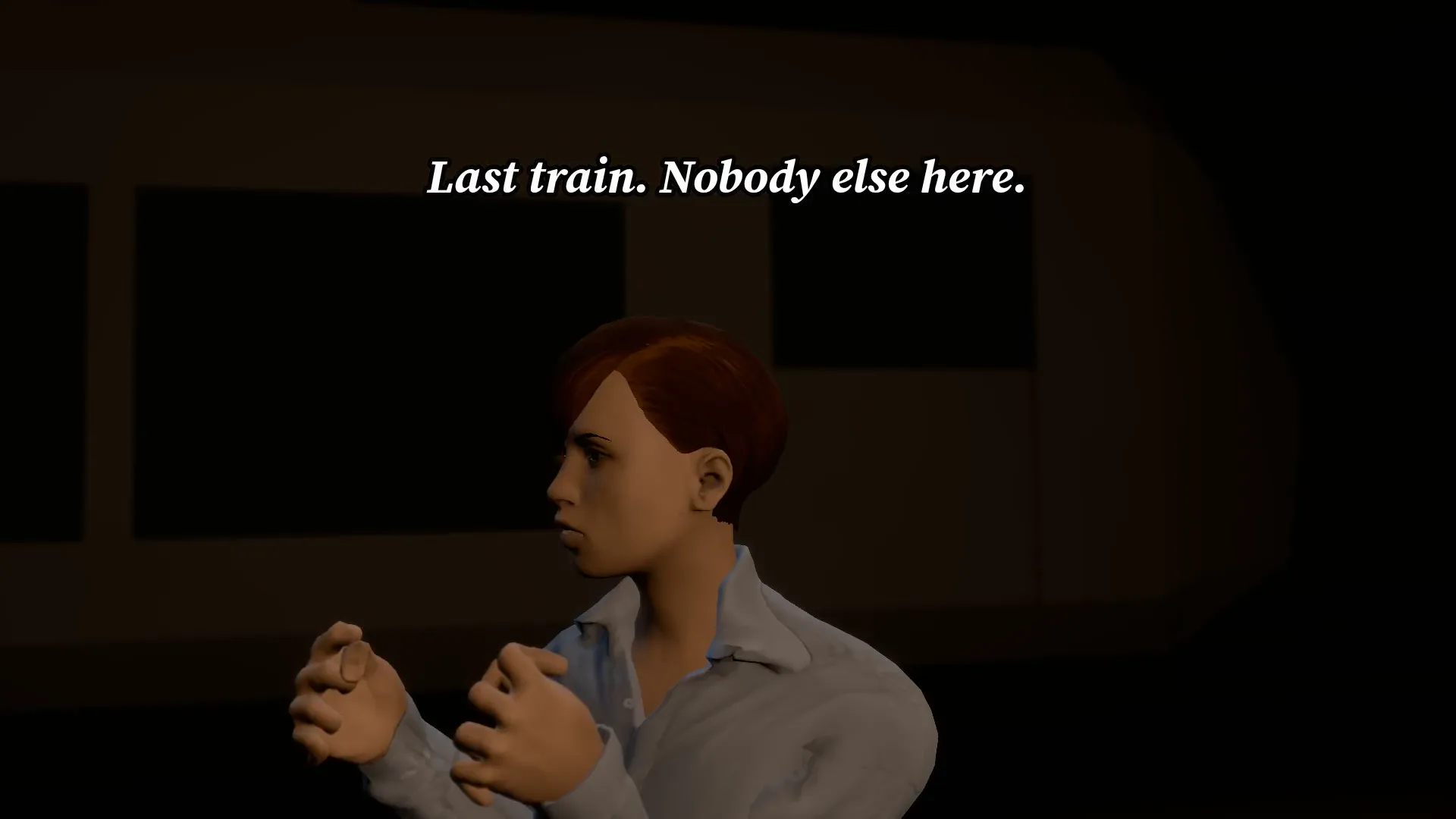
An empty subway platform, a flickering light and a figure at the far end. Do not look twice.
Abduction beam
16:9
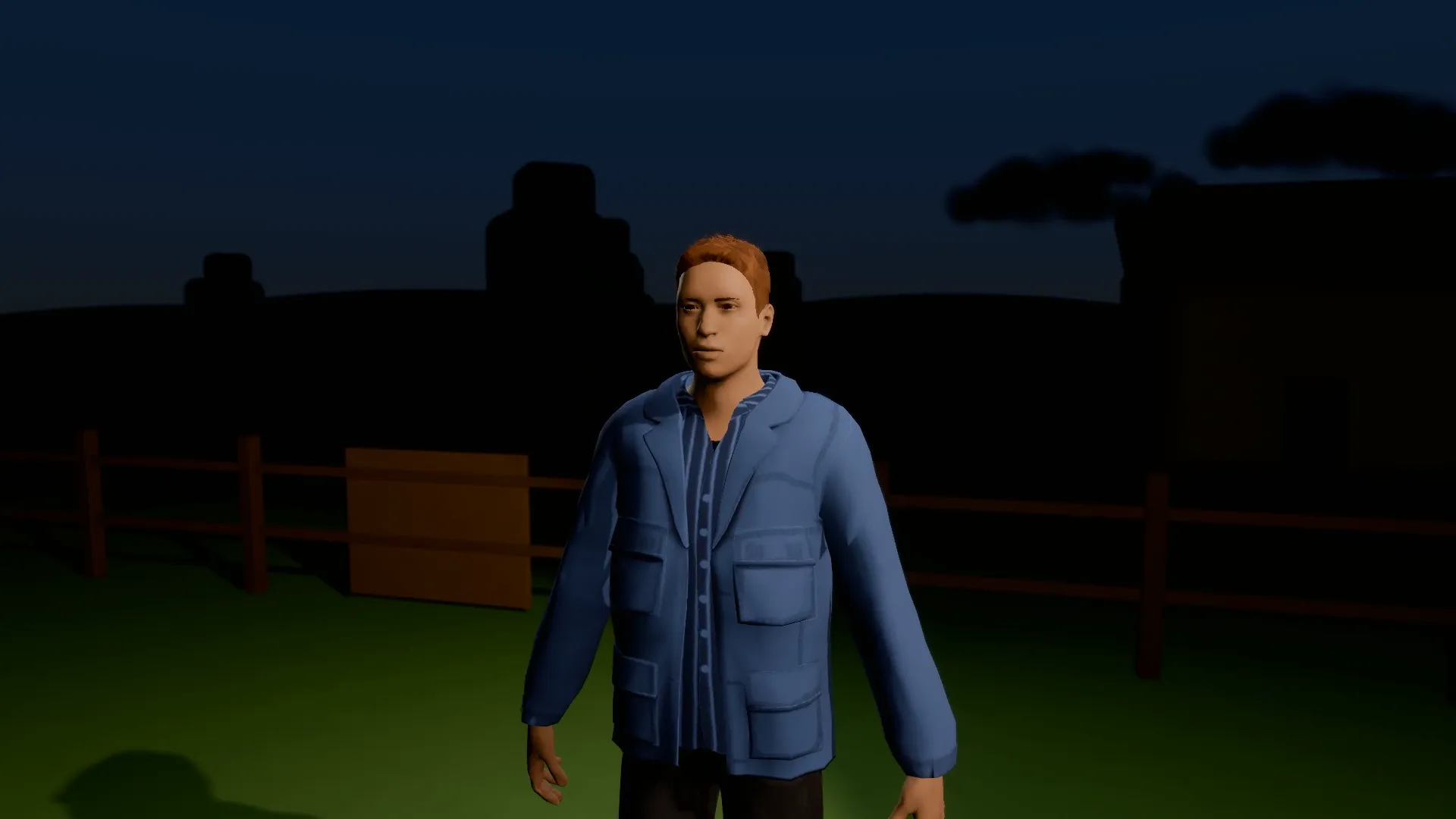
A saucer over a dark field, a beam of light and one very surprised farmer drifting up into it.
Who ate my leftovers
9:16
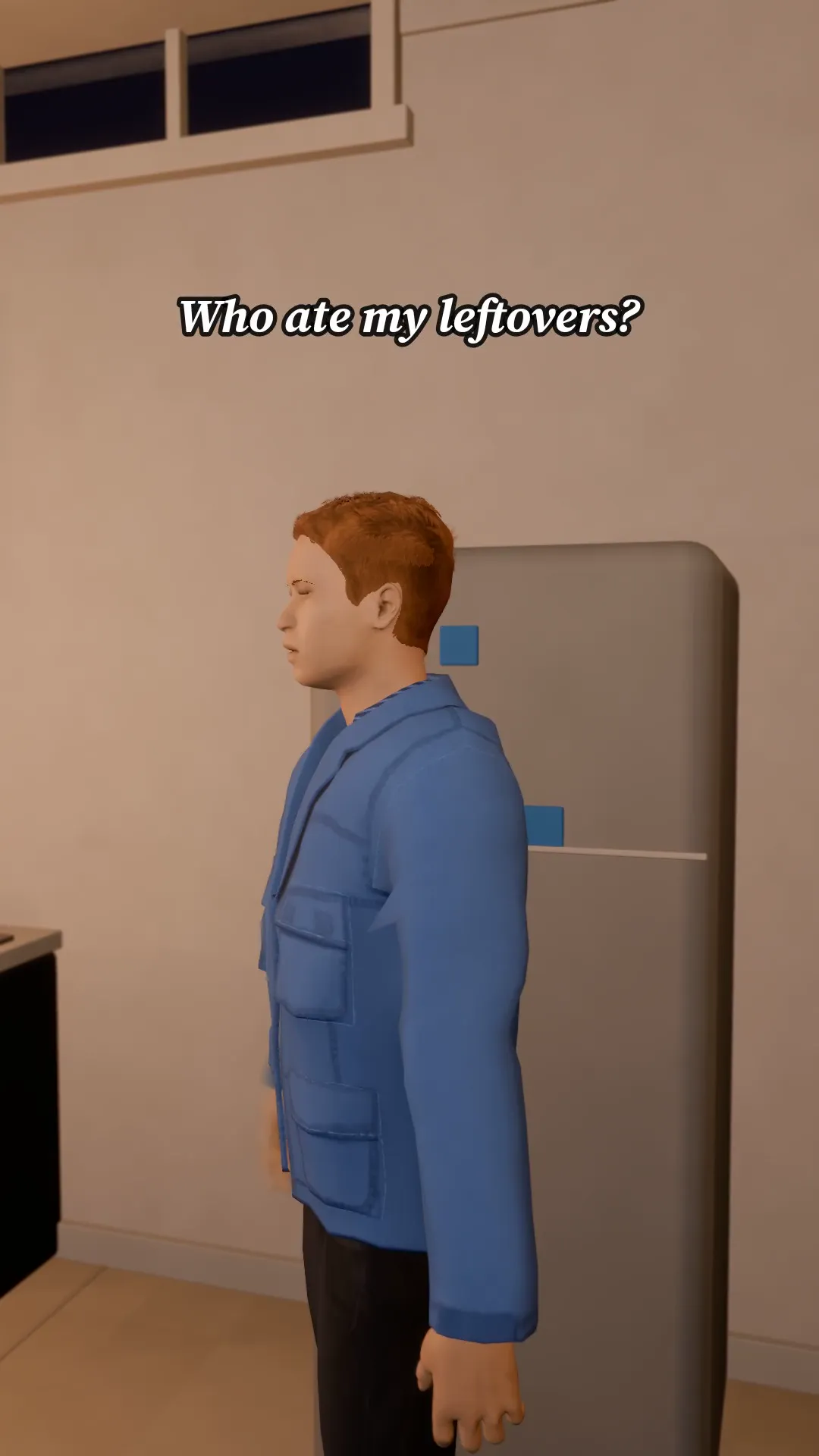
Two flatmates, one fridge, one very guilty face. Swap in your own people and your own accusation.
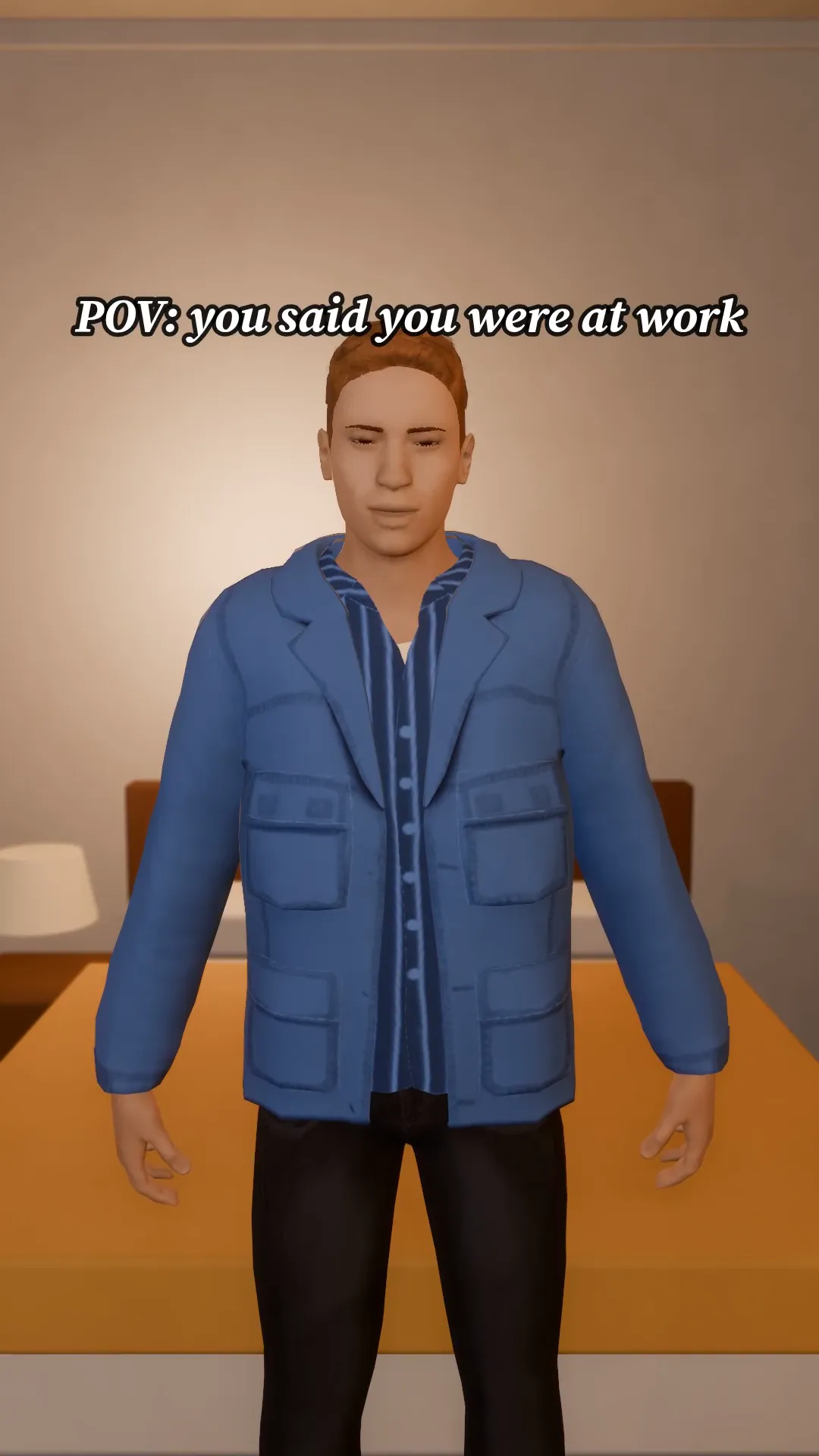
POV you got caught
9:16
A POV hook in the bedroom: the door opens, the face drops, the caption sells it.
Try Street sprint
Open the template in Stage, make it yours and preview it. Planning in Stage is free.