
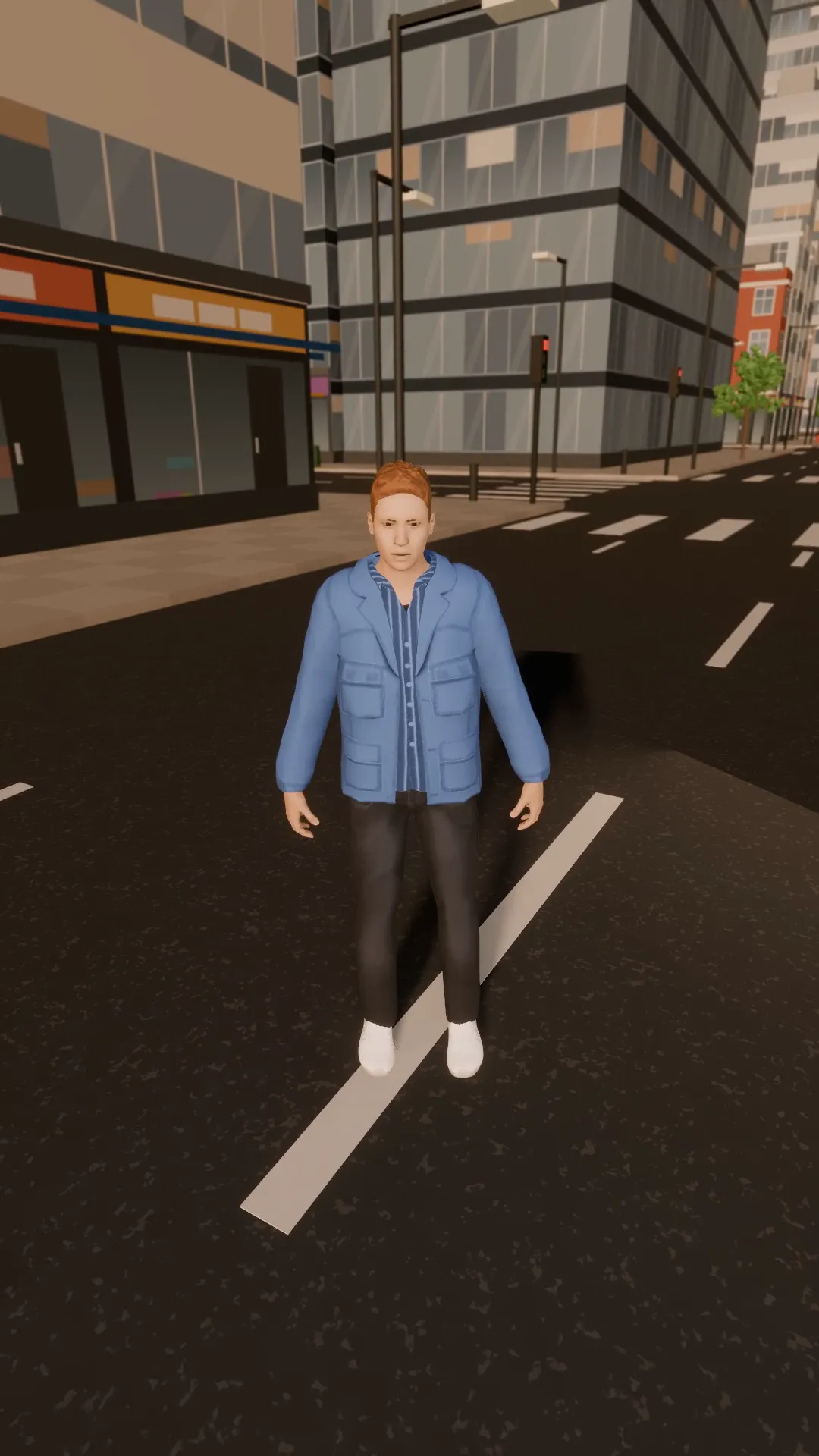
Stage template
City drone flyover Template for Stage
A high drone pass over the rooftops, easing down toward the subject.
- Stage template
- Portrait (9:16)
- 5 second move
 Official BytePlus partnerBytePlus, a ByteDance company
Last updated
On this page
What the City drone flyover template makes
This template creates a high drone pass over rooftops that eases down toward a subject. It applies a ready-made camera move to a selected shot in Stage. The result is a 5-second vertical video. You can preview the move and adjust the camera if needed.
Ideas to try
- Showcase a building exterior
- Reveal a city landmark
- Highlight a rooftop venue
How it works
Opens in Stage.
- 1
Open your scene
Open a scene in Stage and pick the shot.
- 2
Apply the template
Apply the City drone flyover template to the shot.
- 3
Preview and adjust
Preview the move and adjust the camera if you want.
Questions
What shape does this video suit?
How long is the move?
Can I change the camera position?
Is Stage free?
More Stage templates
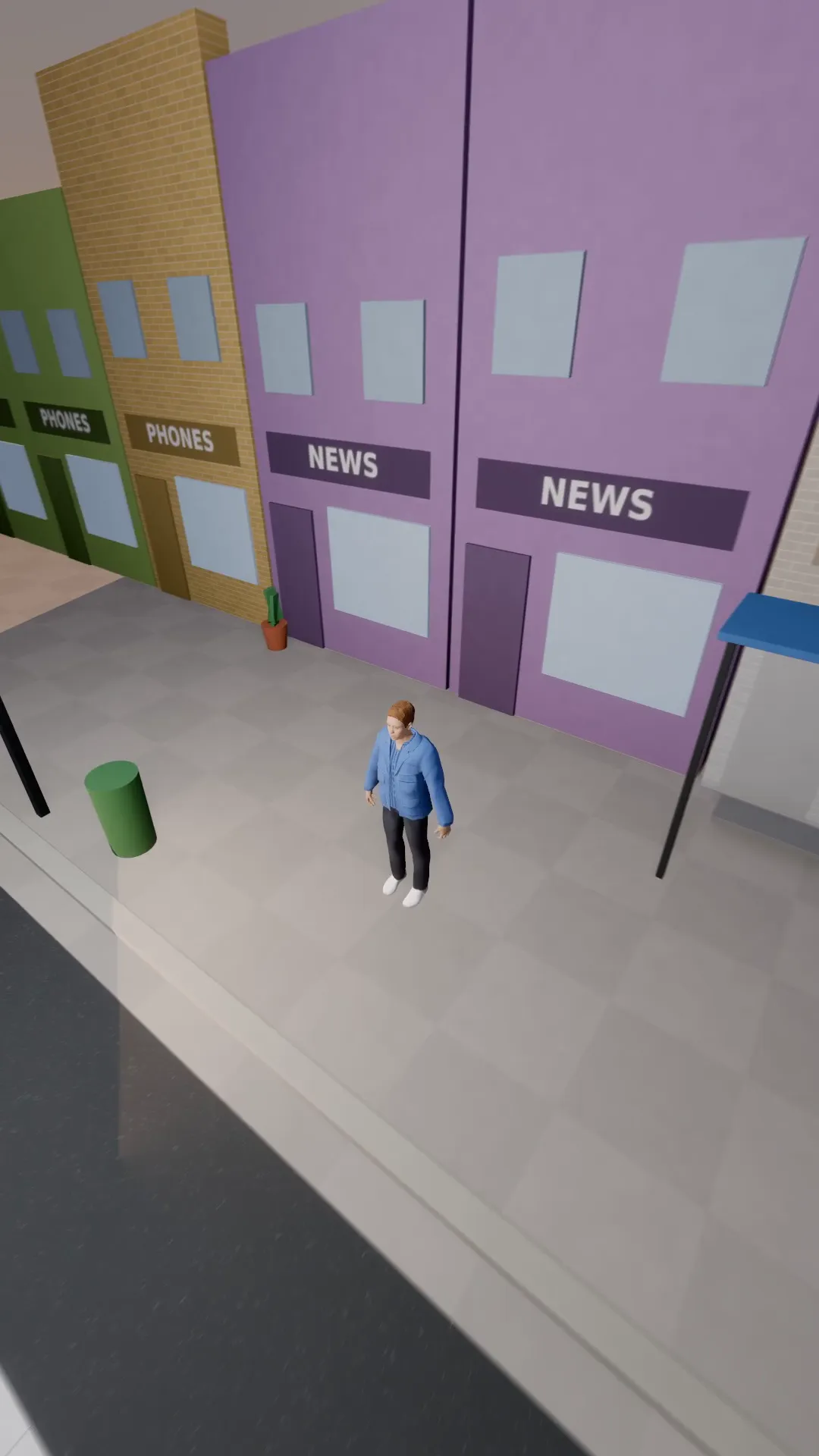
FPV dive
9:16
A fast first-person drone dive down onto the subject, ending on a wave.
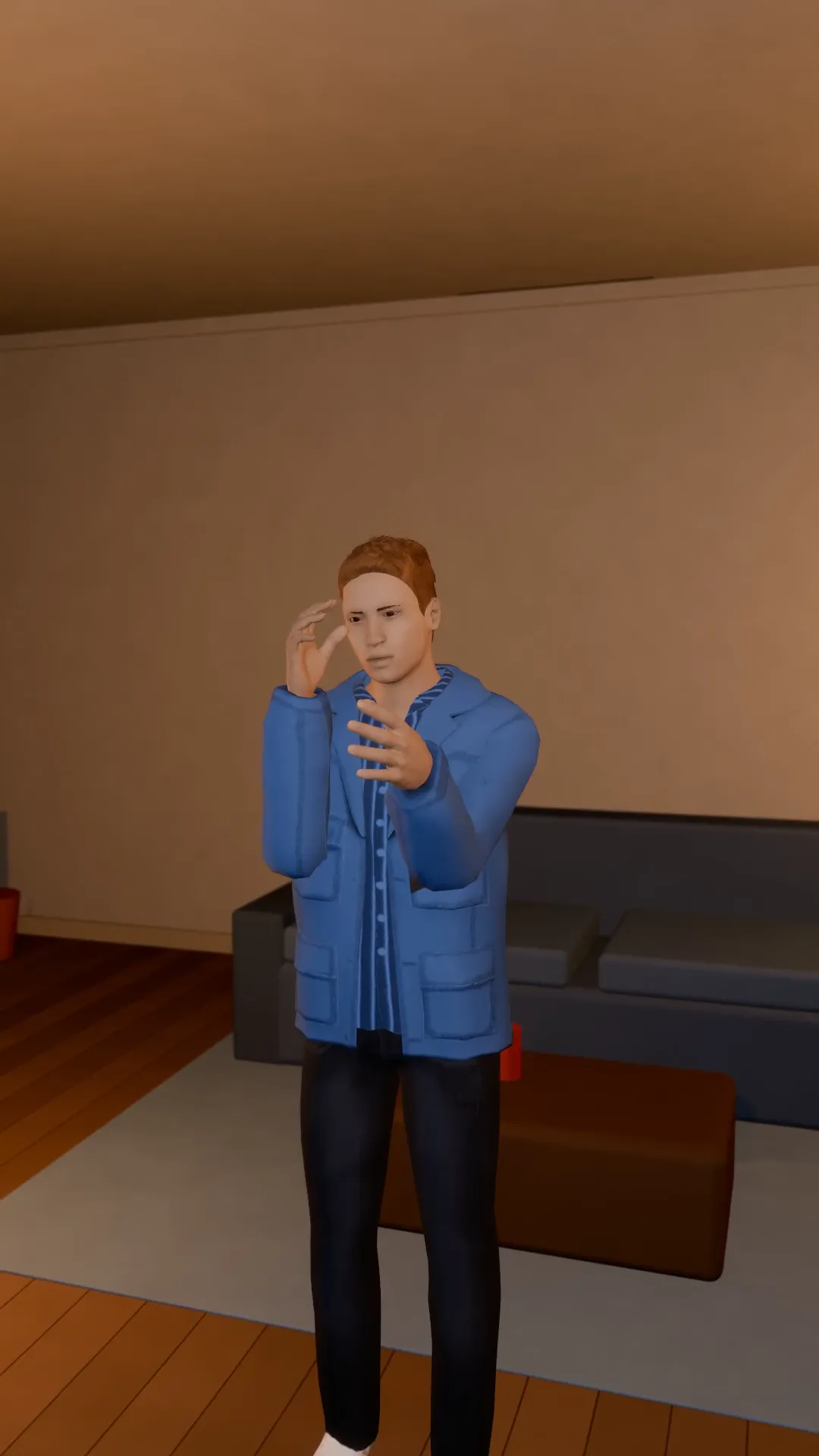
Slow push in
9:16
A slow, steady push toward the subject. Tension, focus, the emotional beat.
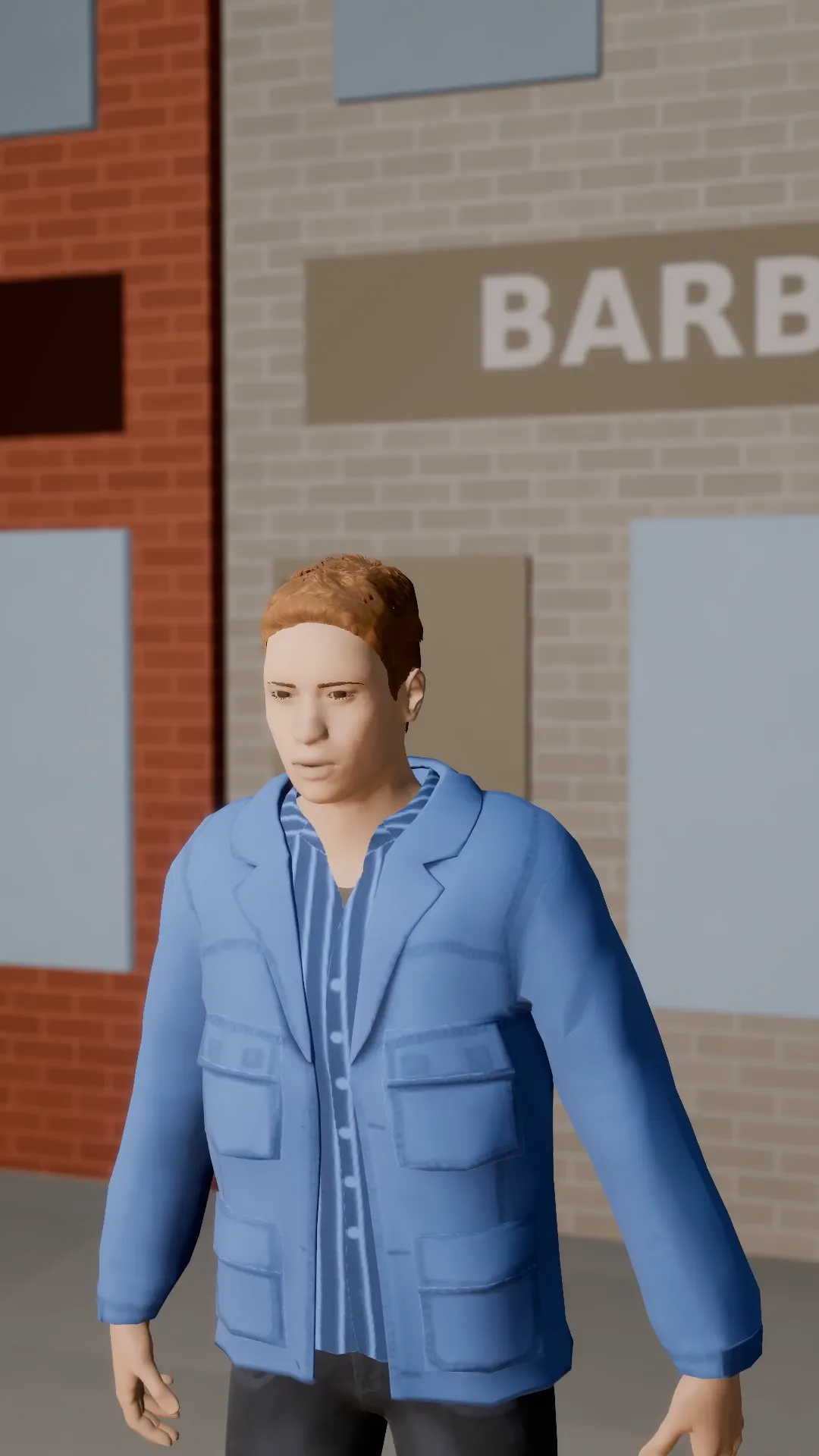
Pull-out reveal
9:16
Start tight on the subject and pull back to show where they are, and who is with them.
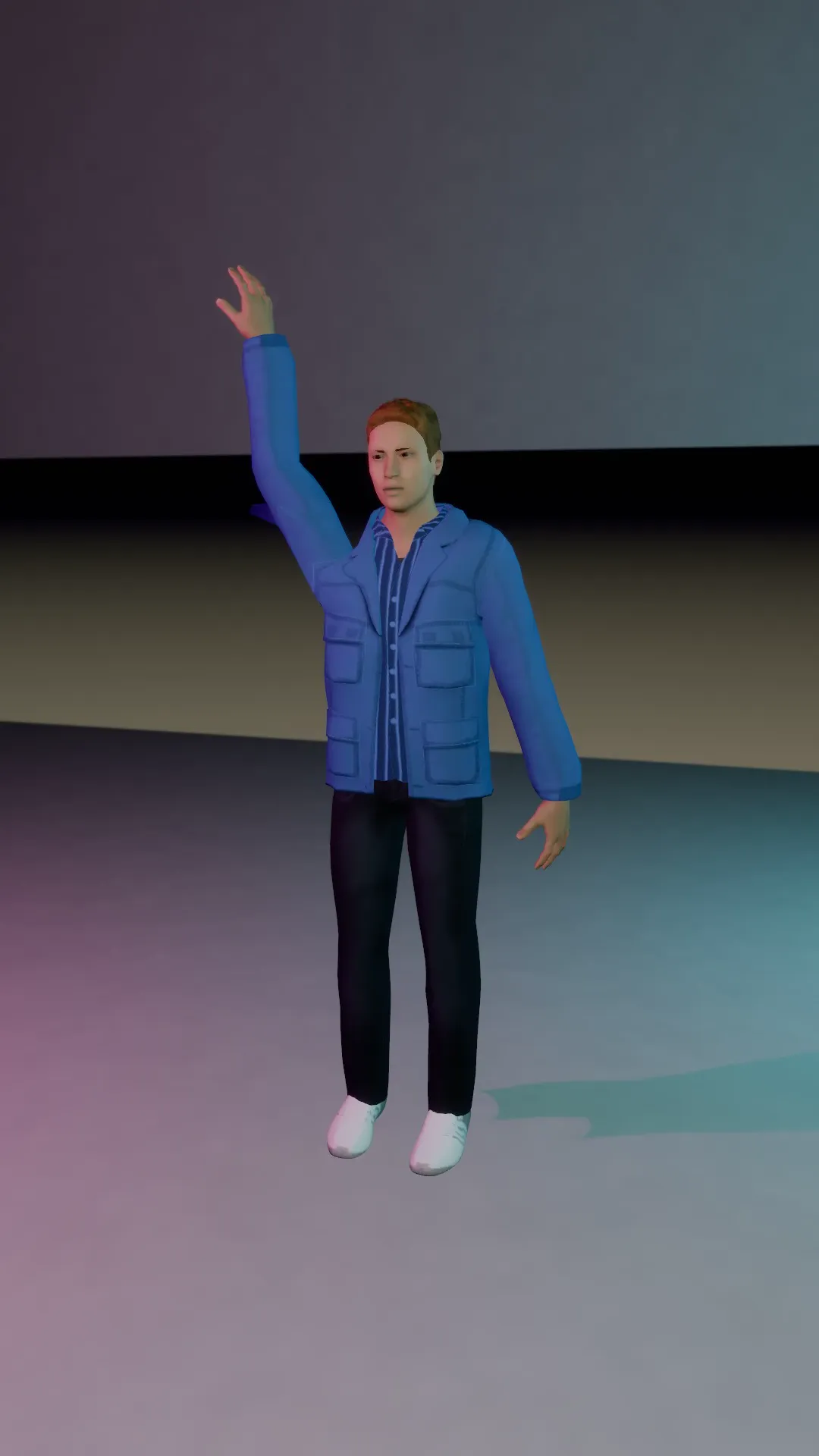
Whip pan
9:16
The camera whips sideways off the subject at speed. Cut it on the blur to change scene.
Try City drone flyover
Open the template in Stage, make it yours and preview it. Planning in Stage is free.