
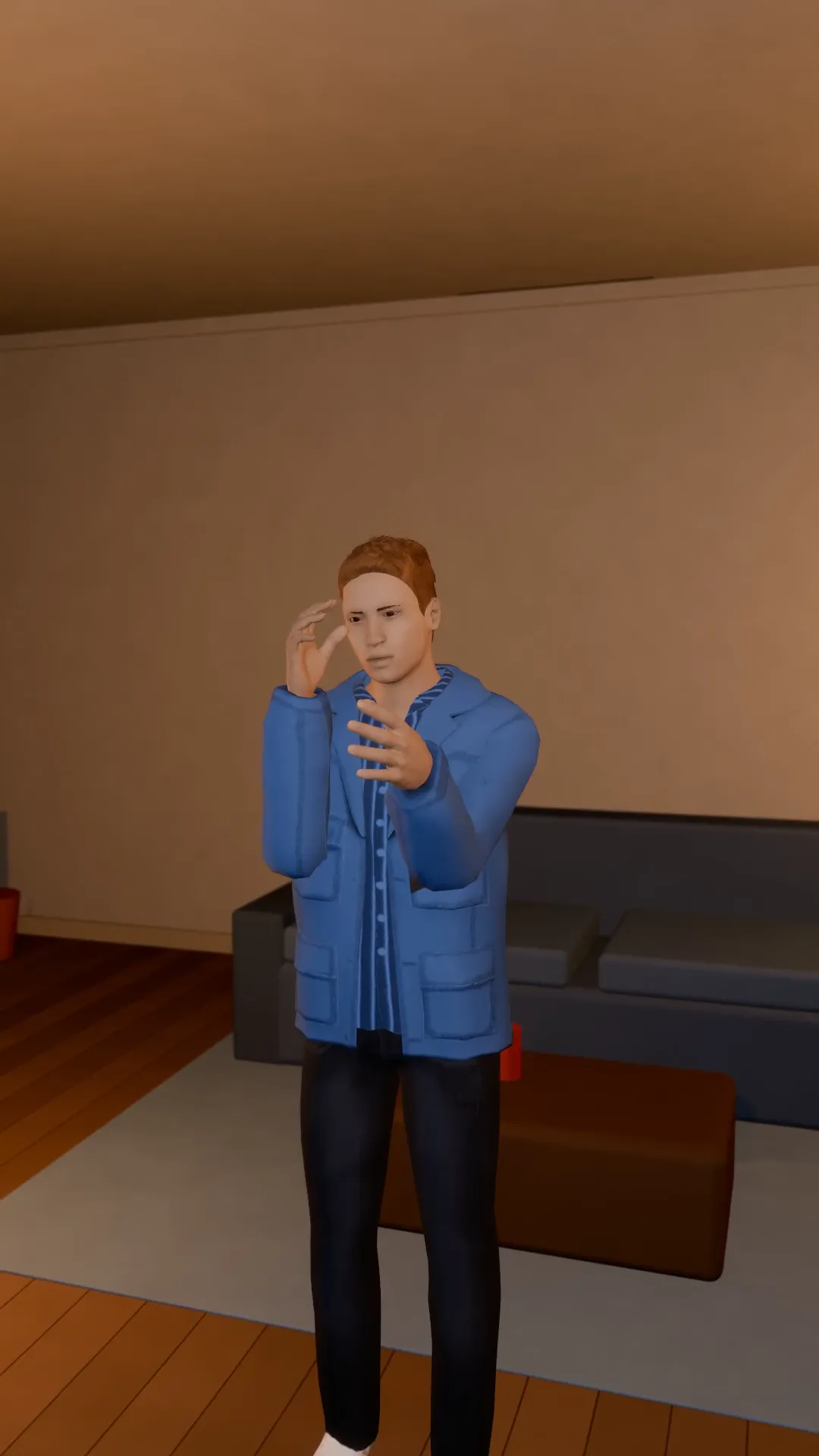
Stage template
Slow push in Template for Stage
A slow, steady push toward the subject. Tension, focus, the emotional beat.
- Stage template
- Portrait (9:16)
- 4 second move
 Official BytePlus partnerBytePlus, a ByteDance company
Last updated
On this page
What the Slow push in template makes
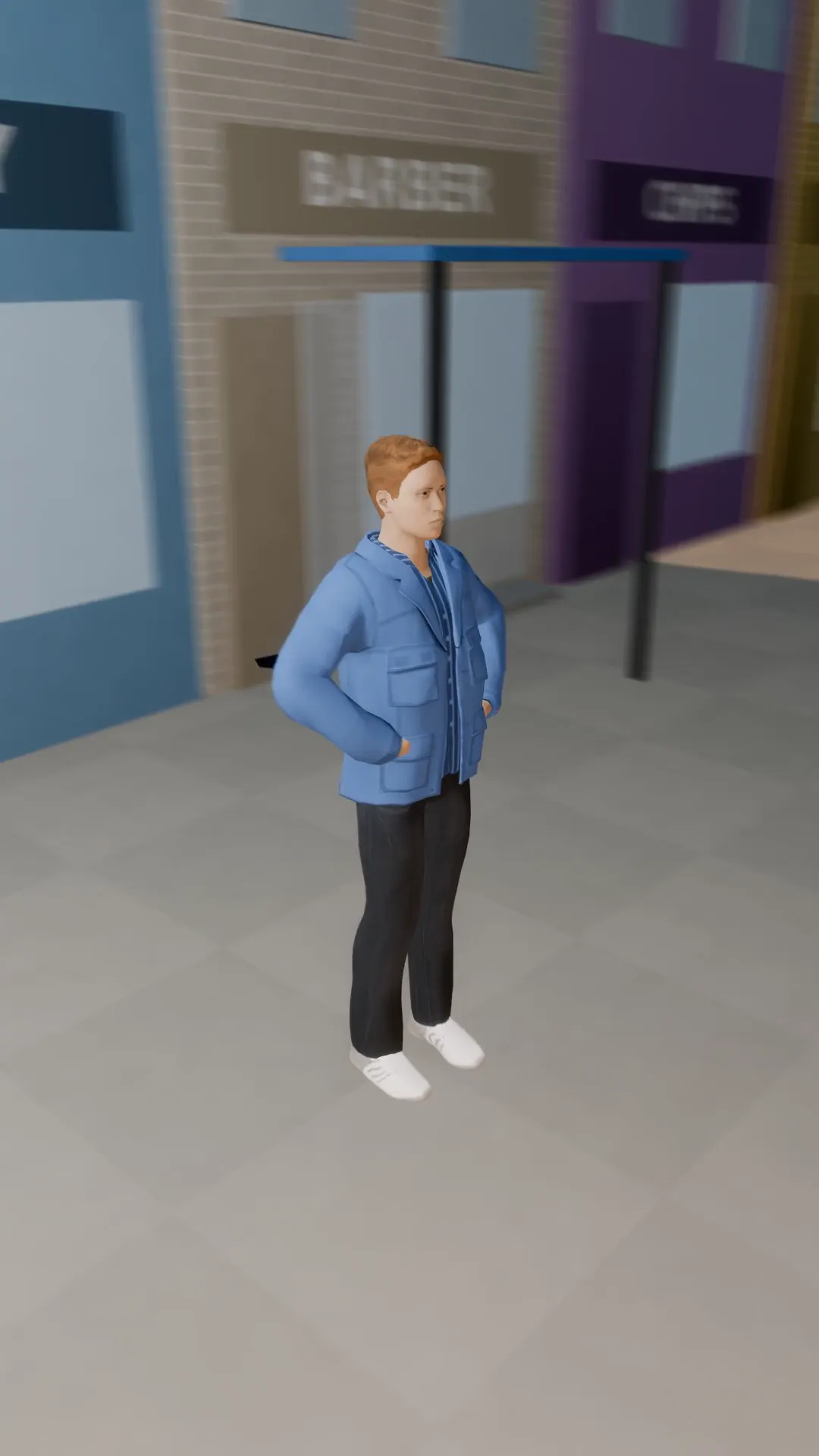
This template creates a slow, steady push toward the subject. It builds tension and focus for the emotional beat. The camera moves around your photo in a video studio. The move lasts four seconds. It fits a 9:16 vertical frame. You can adjust the camera after previewing the move in Stage.
Ideas to try
- Focus on a character's face
- Highlight a product detail
- Build emotional tension
How it works
Opens in Stage.
- 1
Open your scene
Open a scene in Stage and pick the shot.
- 2
Apply the template
Apply the slow push in template to the shot.
- 3
Preview and adjust
Preview the move and adjust the camera if you want.
Questions
What shape does this fit?
How long is the move?
Can I change the camera?
Is Stage free?
More Stage templates
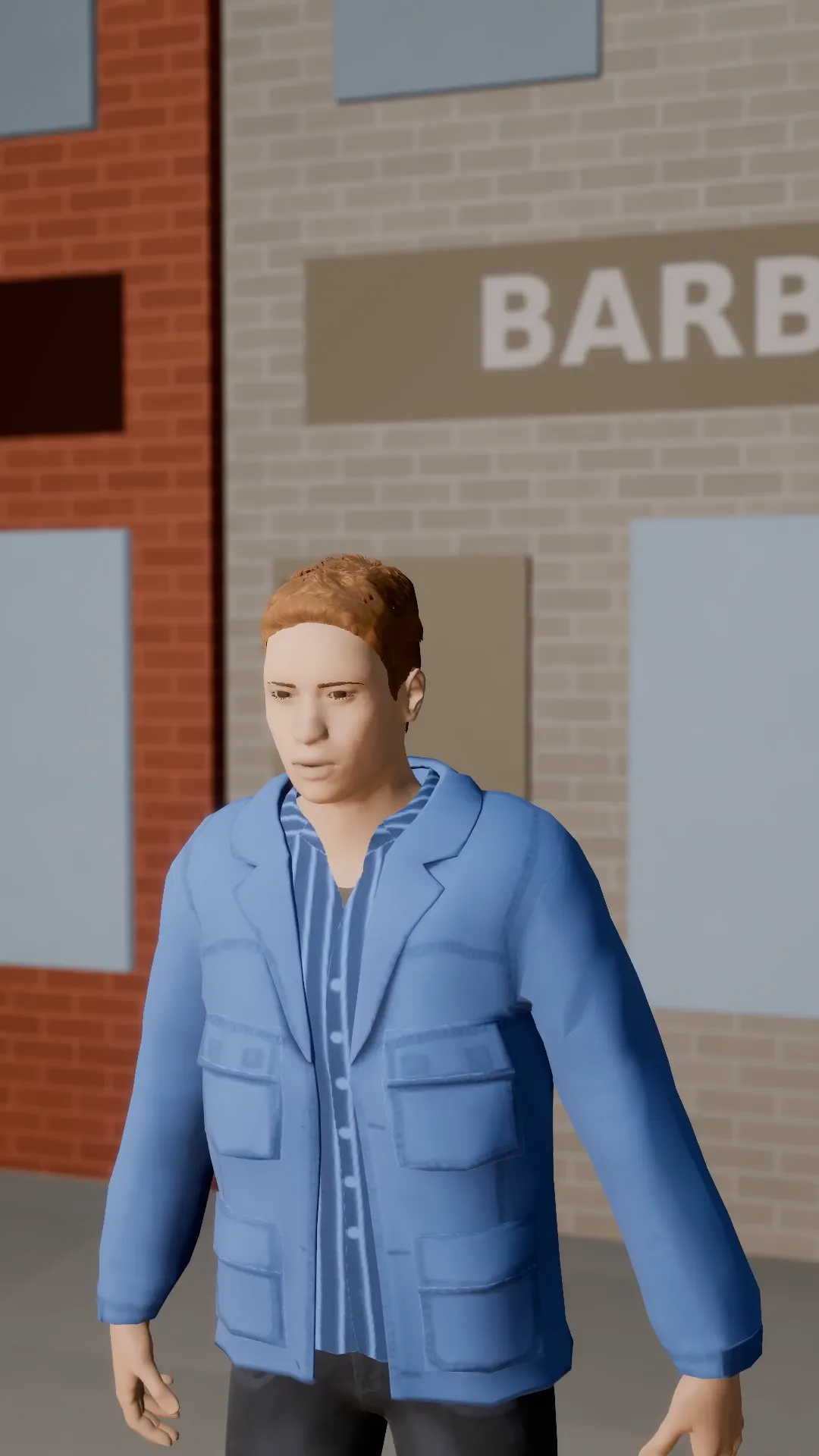
Pull-out reveal
9:16
Start tight on the subject and pull back to show where they are, and who is with them.
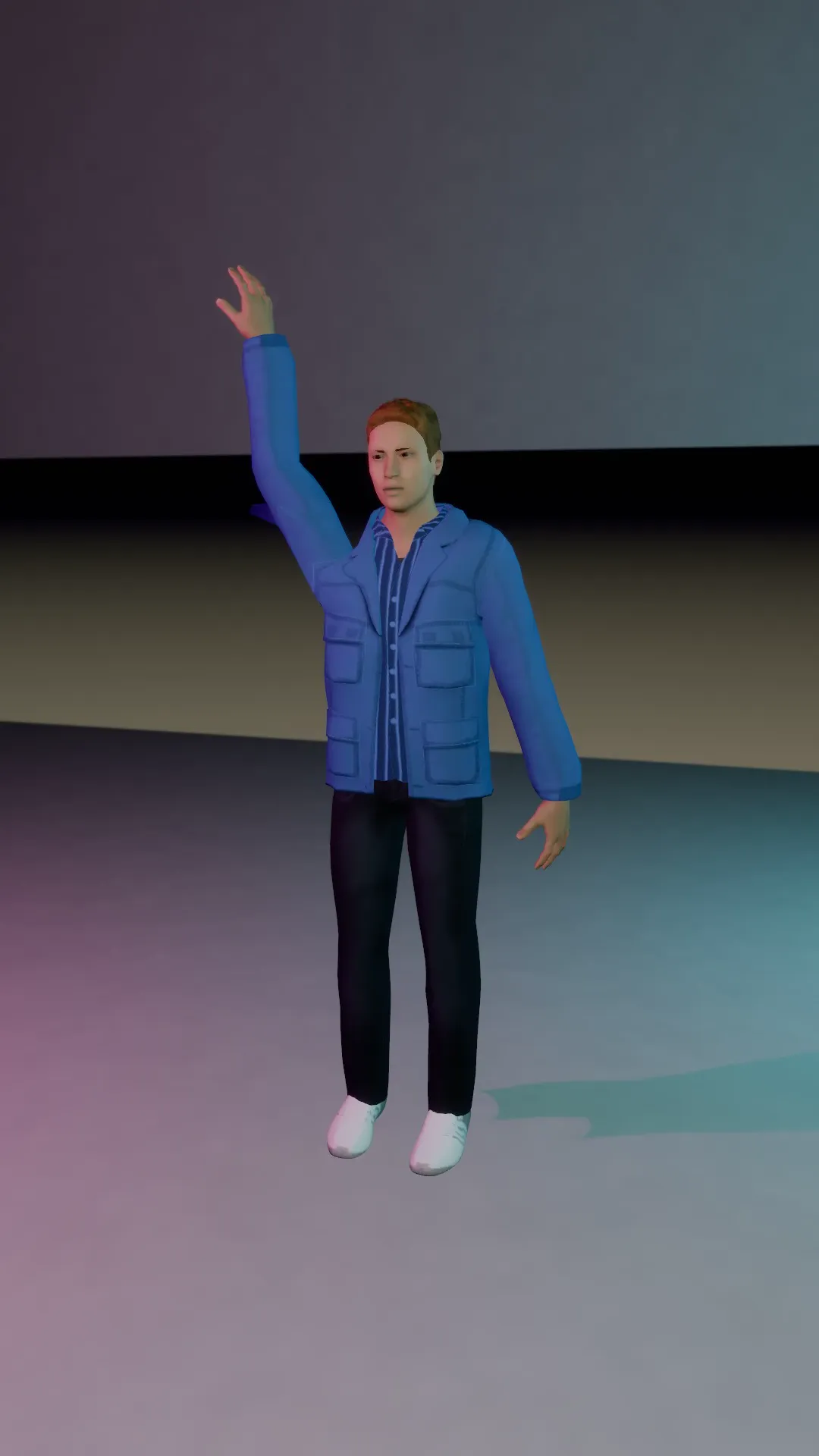
Whip pan
9:16
The camera whips sideways off the subject at speed. Cut it on the blur to change scene.
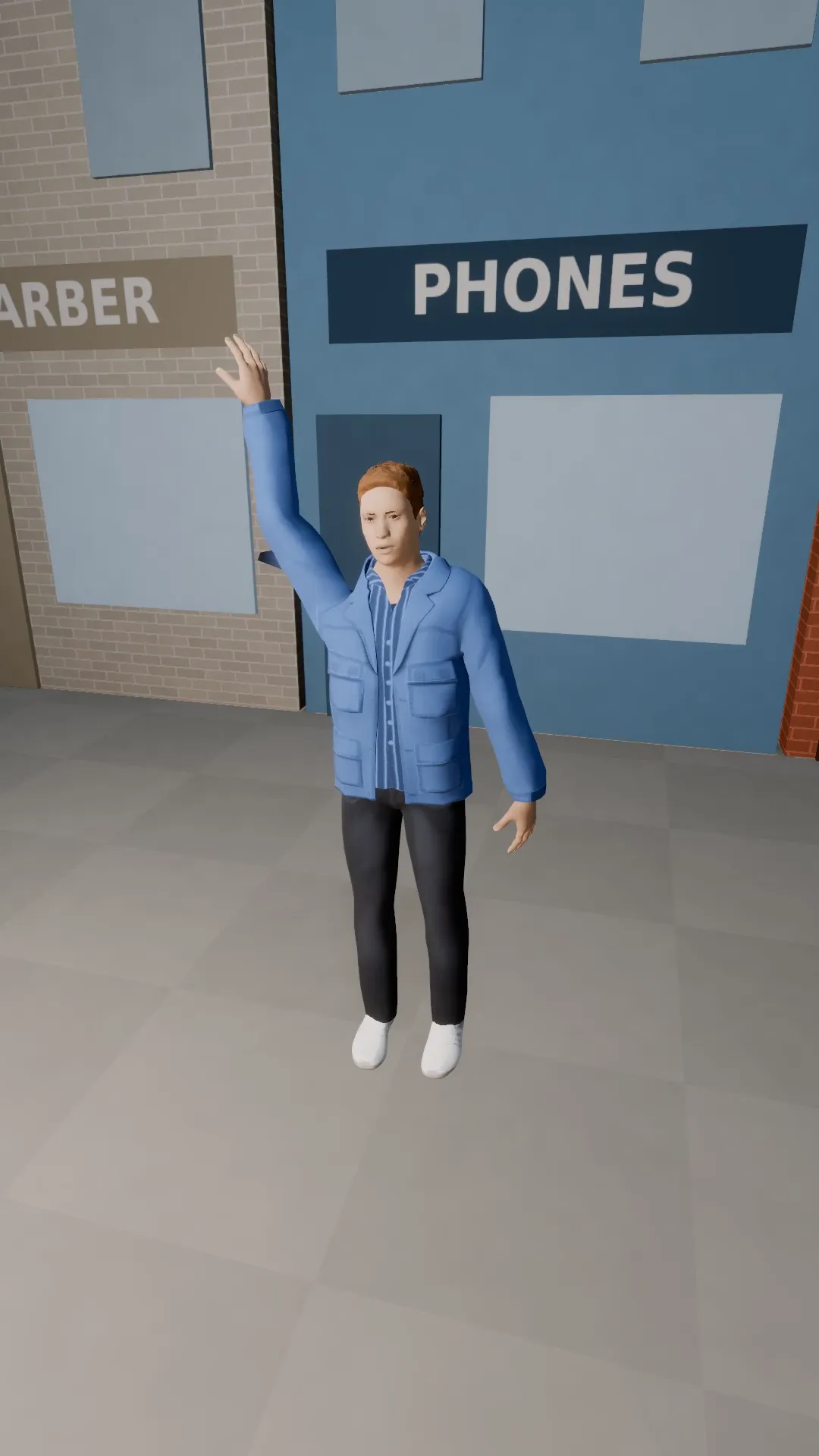
Whip in
9:16
The opposite of a whip out: the shot arrives from a blur and settles on the subject.
Spiral crane up
9:16
A rising spiral around the subject: a crane and an orbit at once, the music video hero shot.
Try Slow push in
Open the template in Stage, make it yours and preview it. Planning in Stage is free.