
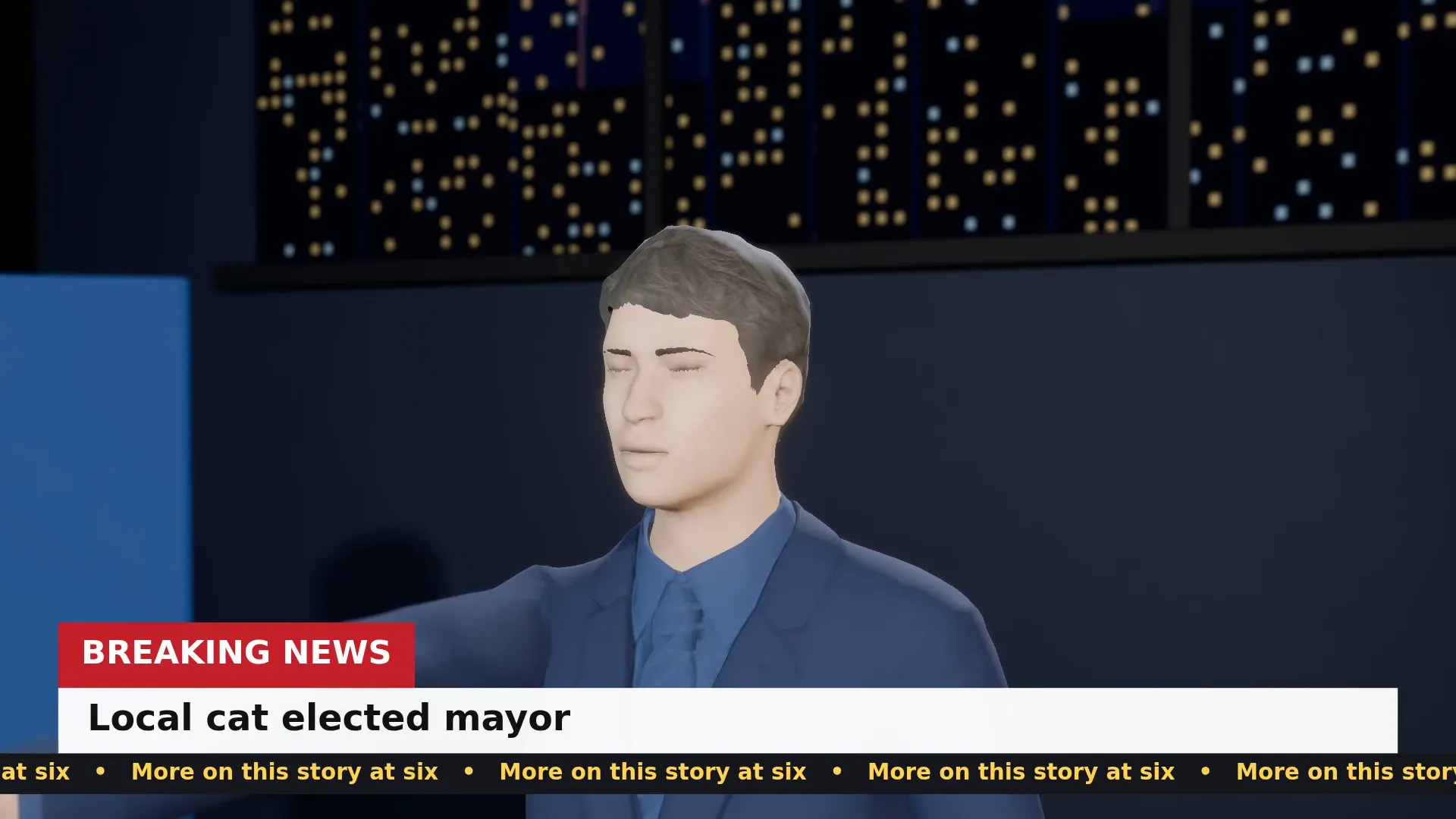
Stage template
Breaking news desk Template for Stage
An anchor, a breaking-news bar and a ticker. Write the headline and read the future.
- Stage template
- Landscape (16:9)
- 1 character to swap
- 2 text lines to rewrite
 Official BytePlus partnerBytePlus, a ByteDance company
Last updated
On this page
What the Breaking news desk template makes
This template creates a 3D news studio scene. It features an anchor, a breaking news bar, and a scrolling ticker. You can swap one character and edit two lines of text. The layout fits a standard 16:9 frame for video production.
Ideas to try
- Create a mock news broadcast intro
- Design a fictional news anchor scene
- Build a simple studio background for video
How it works
Opens in Stage.
- 1
Open the scene
Launch the Stage tool and load the Breaking news desk template.
- 2
Edit text and character
Change the two on-screen text lines and swap the single anchor character.
- 3
Preview and export
Move the camera to set the shot, preview the animation, and generate the final video.
Questions
What do I need to start?
What shape or size does it suit?
Can I change the words or characters?
Who is it for?
Is Stage free?
More Stage templates
Beach sunset ballad
16:9
A slow, warm music video moment on the shore with a title card on the final line.
Product bottle reveal
16:9
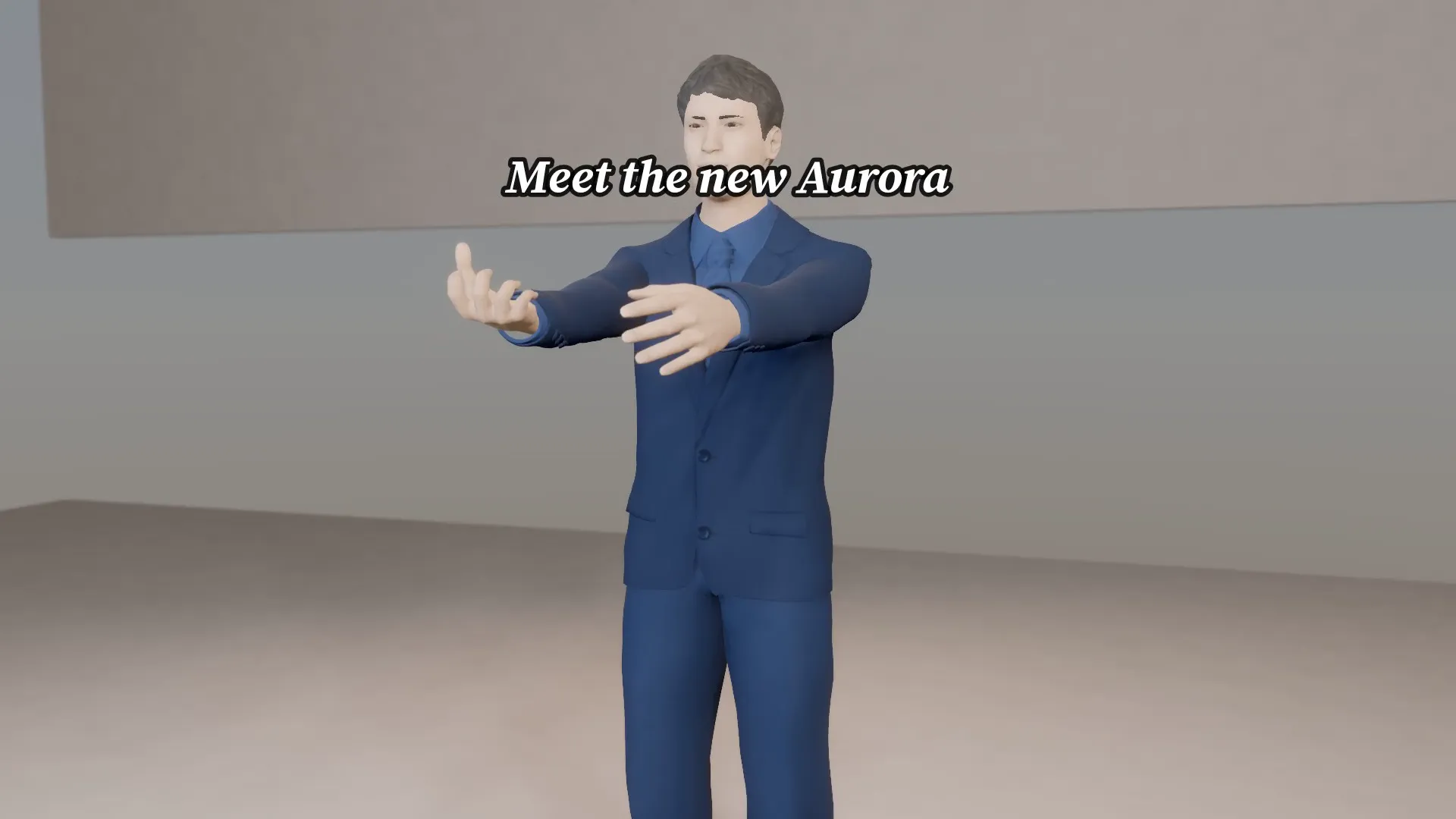
A glossy bottle on a pedestal, lights snap on and the camera orbits. Your product name and tagline on the card.
Sneaker drop
9:16
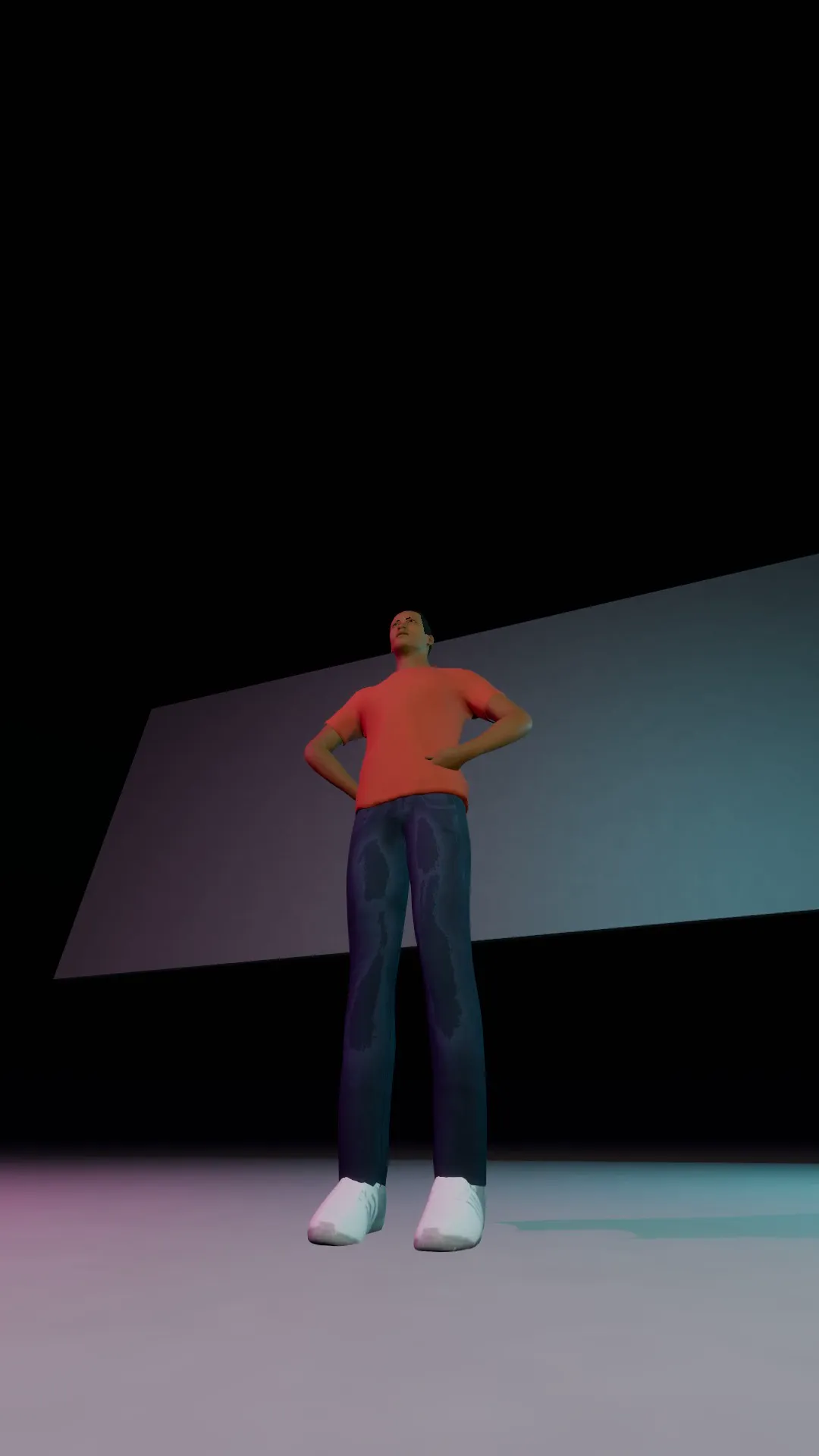
A fast, loud ad for a sneaker launch: low angles, snap zooms and a bold drop-date caption.
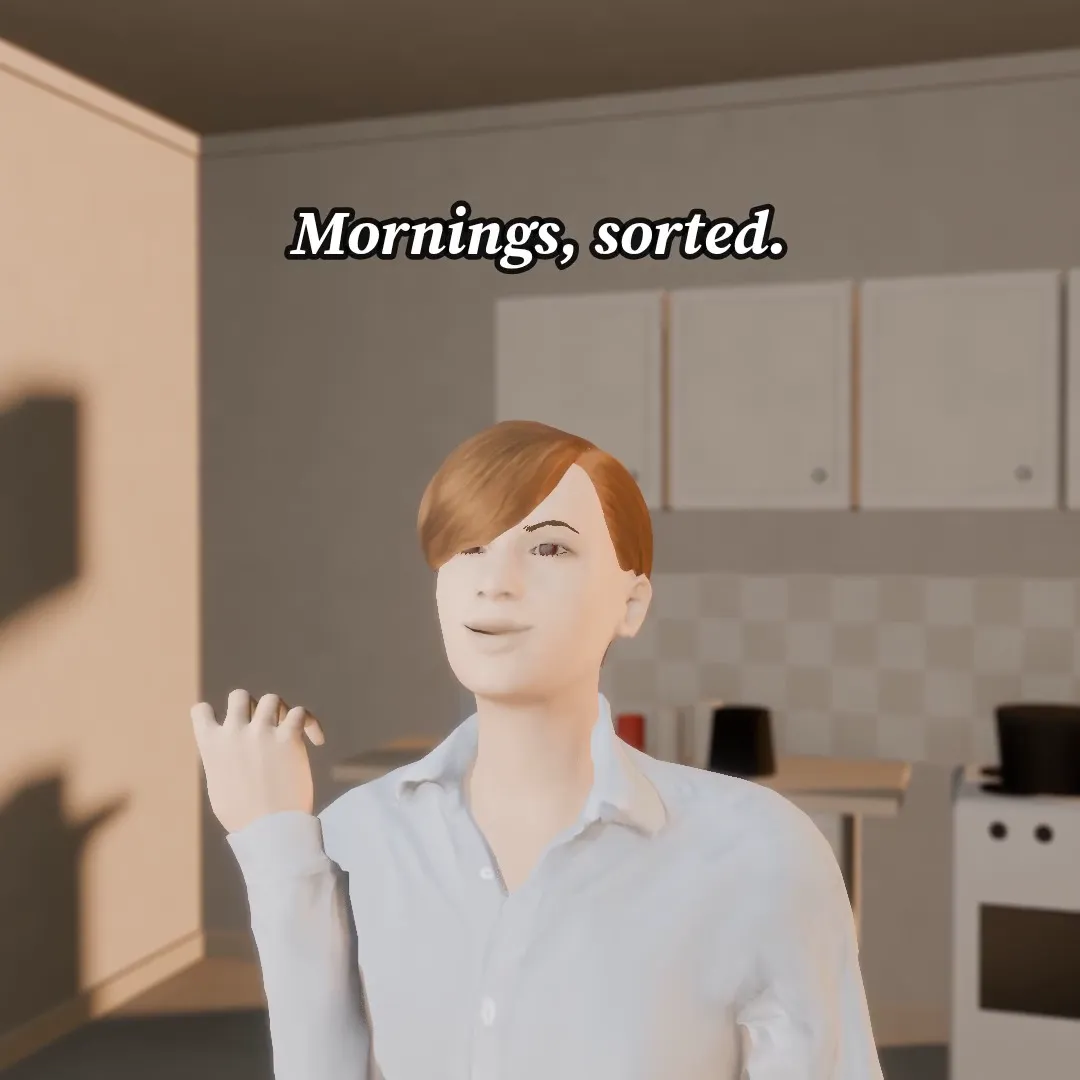
Morning coffee ad
1:1
A warm kitchen ad: someone takes the first sip and the whole day turns on. Swap the brand line.
Try Breaking news desk
Open the template in Stage, make it yours and preview it. Planning in Stage is free.