
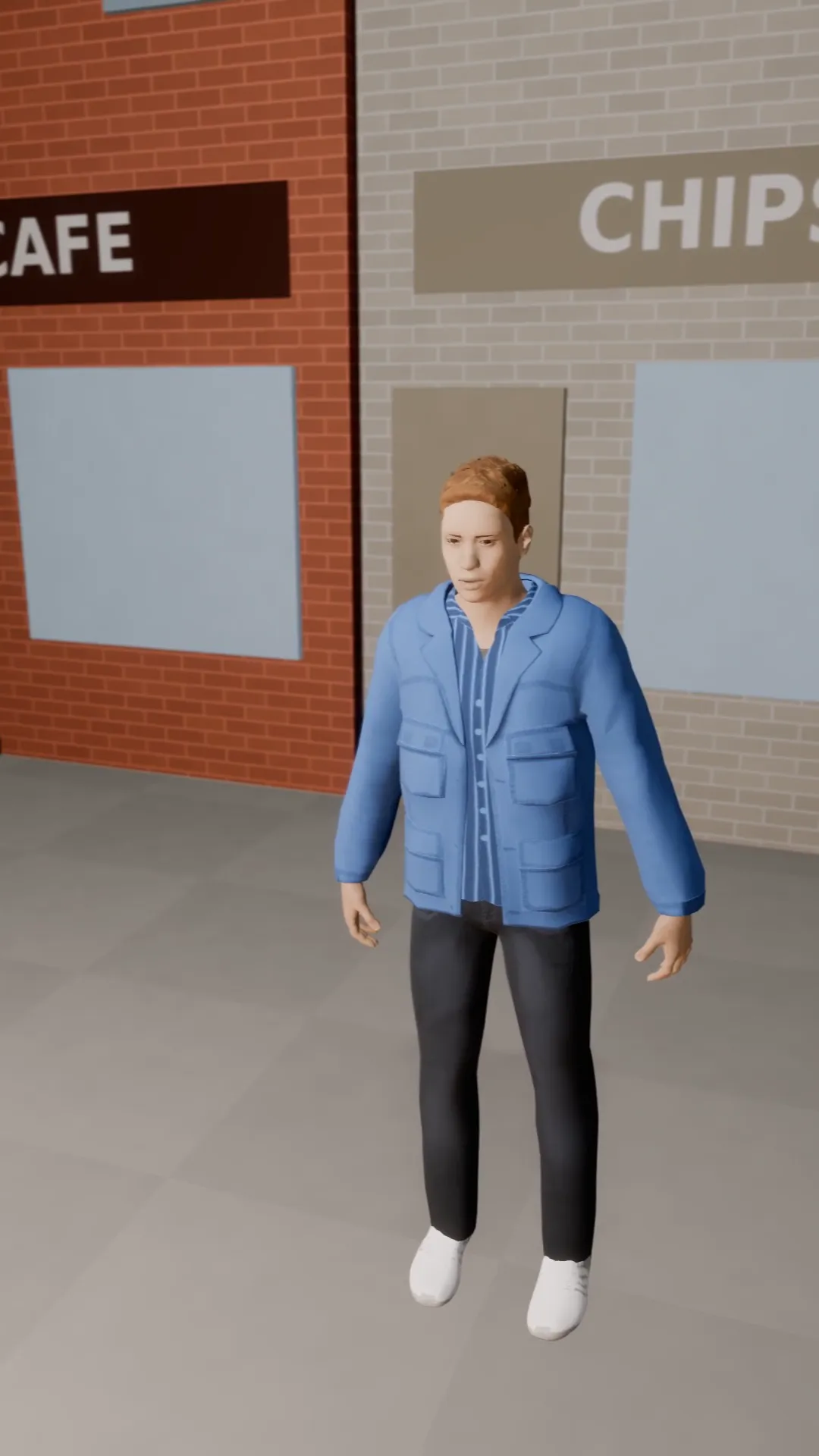
Stage template
Pan left reveal Template for Stage
The camera stays put and pans left off an empty street to find the subject waiting. A slow, calm reveal.
- Stage template
- Portrait (9:16)
- 4 second move
 Official BytePlus partnerBytePlus, a ByteDance company
Last updated
On this page
What the Pan left reveal template makes
This template pans the camera left off an empty street to reveal a subject. It creates a slow, calm reveal in a 9:16 frame. The camera stays put while moving left. You can use it in Stage or the video studio. It takes four seconds to complete the move.
Ideas to try
- Cinematic street scene intro
- Quiet character entrance
- Slow mood building shot
How it works
Opens in Stage.
- 1
Open your scene
Start by opening a scene in Stage.
- 2
Select your shot
Pick the specific shot you want to animate.
- 3
Apply the template
Choose the Pan left reveal template from the list.
- 4
Preview and adjust
Watch the move and tweak the camera position if needed.
Questions
Can I change the camera movement speed?
Does this work with my own photos?
What aspect ratio does it use?
Is Stage free?
More Stage templates
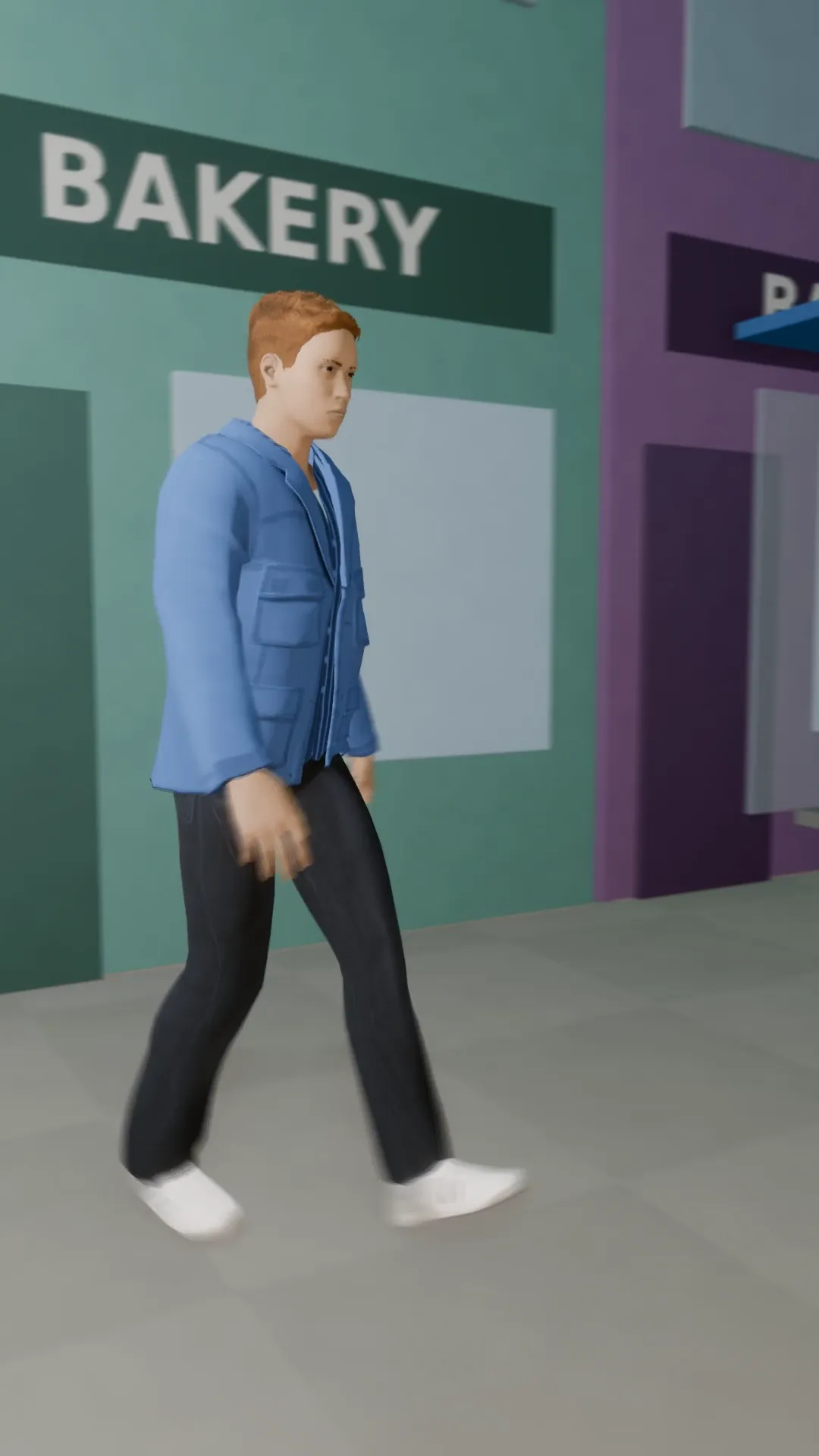
Pan right follow
9:16
A tripod pan that keeps a walking subject in frame as they cross from left to right.
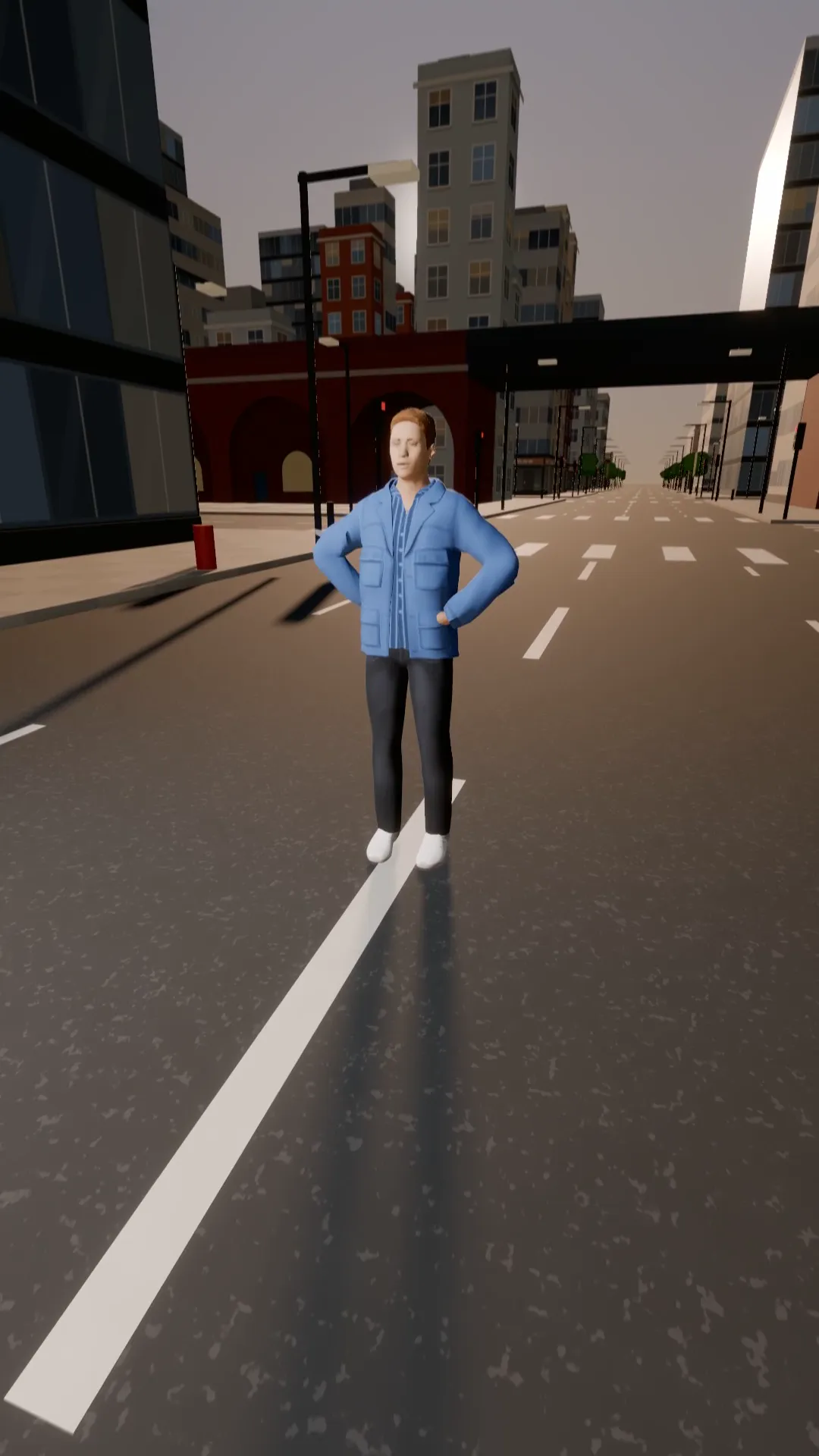
Tilt down drop
9:16
Start on the sky and tilt down the buildings to land on the subject. Establishing shot to hero.
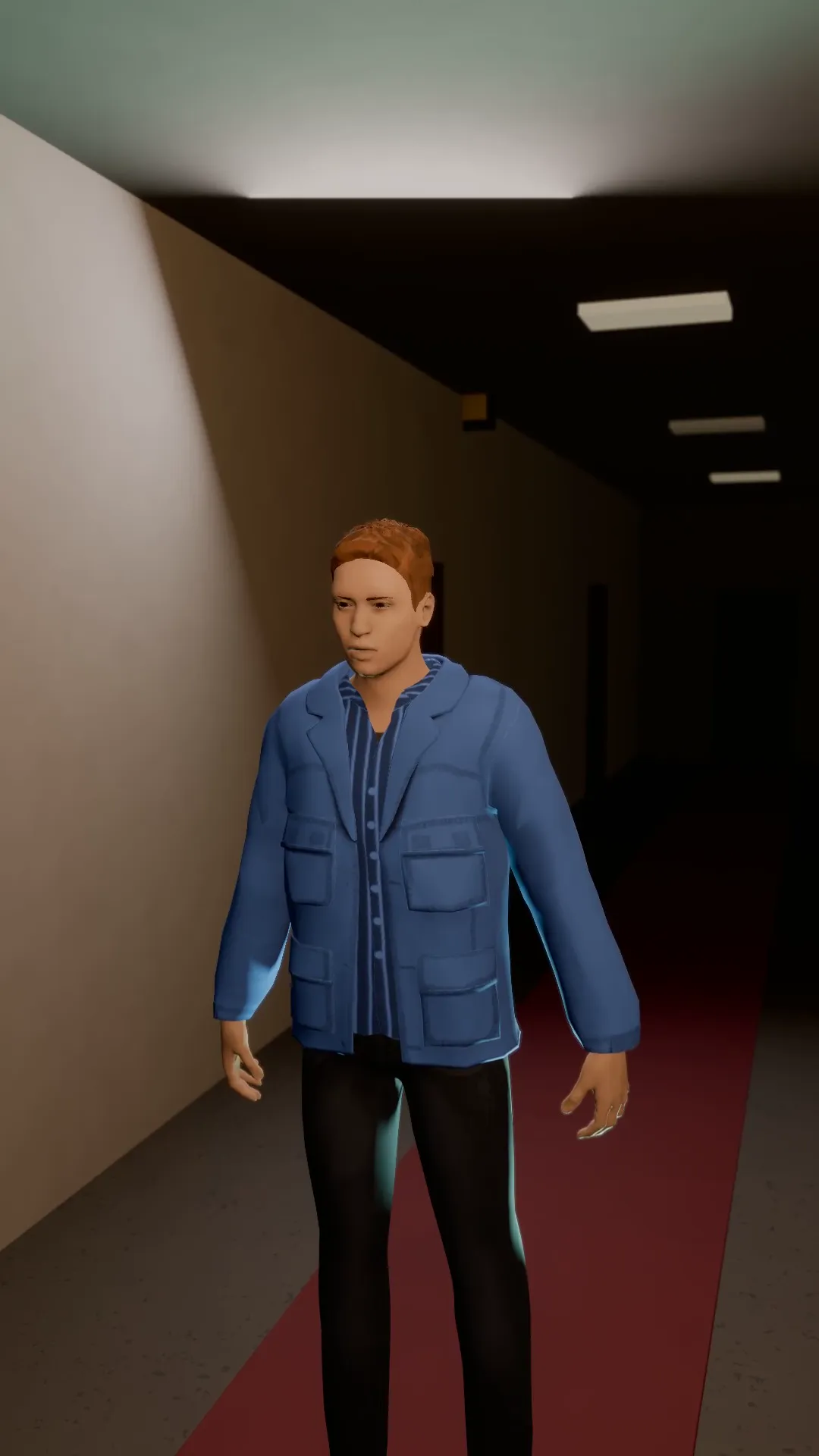
Dutch angle push
9:16
A tilted horizon that creeps in on the subject: something is wrong in this room.
Focus pull to the phone
9:16
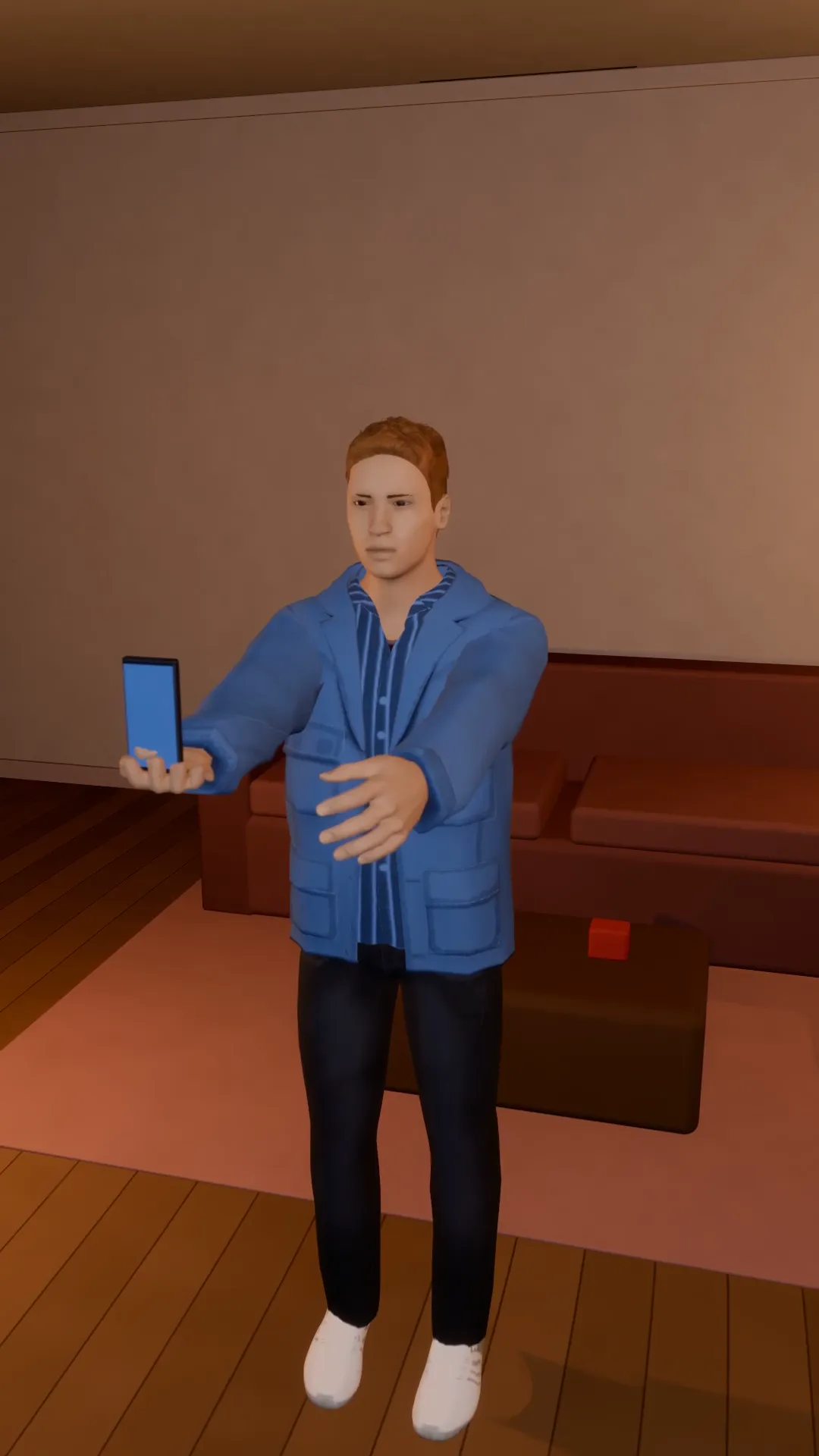
A soft, blurred room, then focus snaps onto the hero holding up the phone. The beat before the message.
Try Pan left reveal
Open the template in Stage, make it yours and preview it. Planning in Stage is free.