
Stage template
Pan right follow Template for Stage
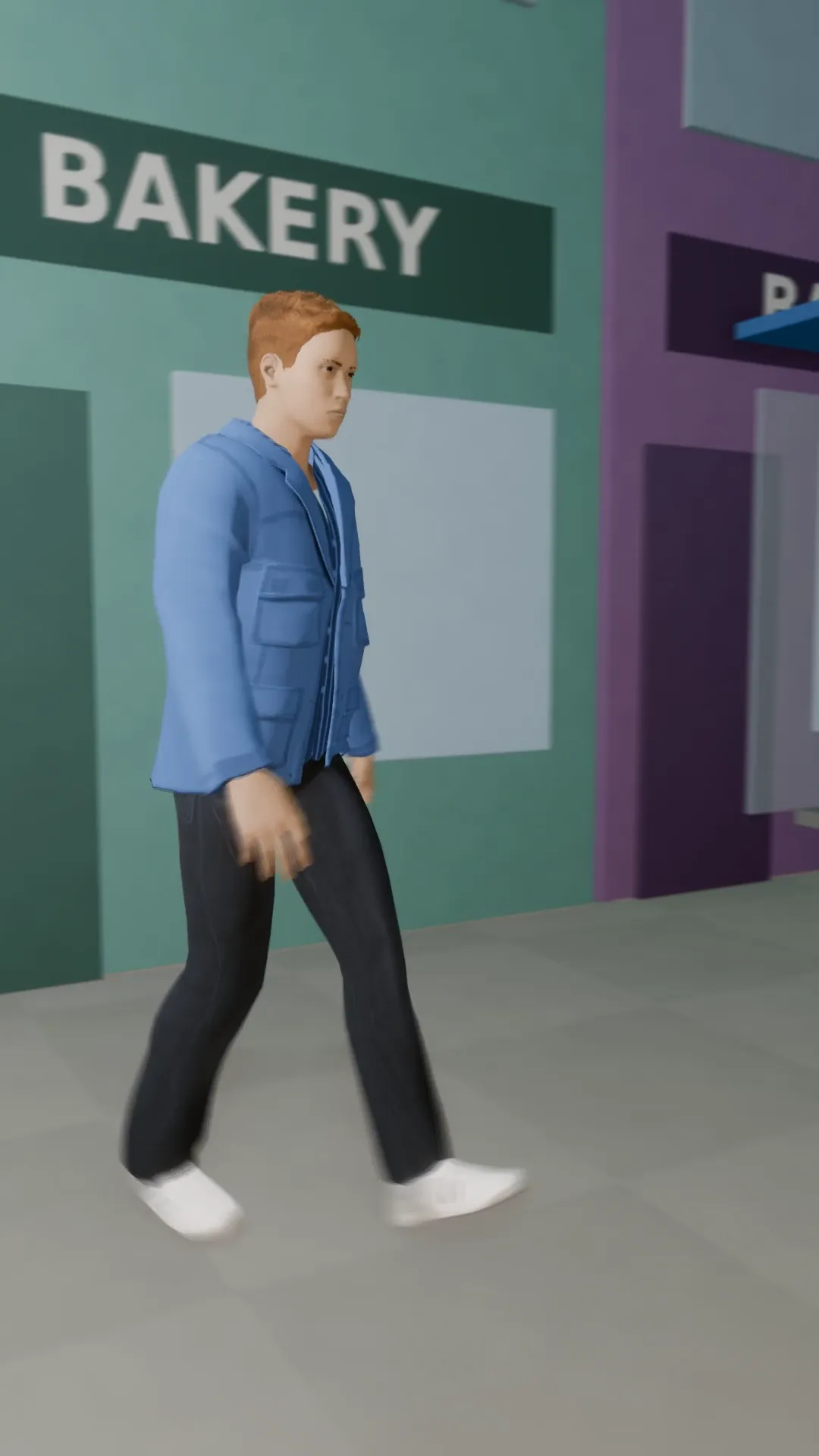
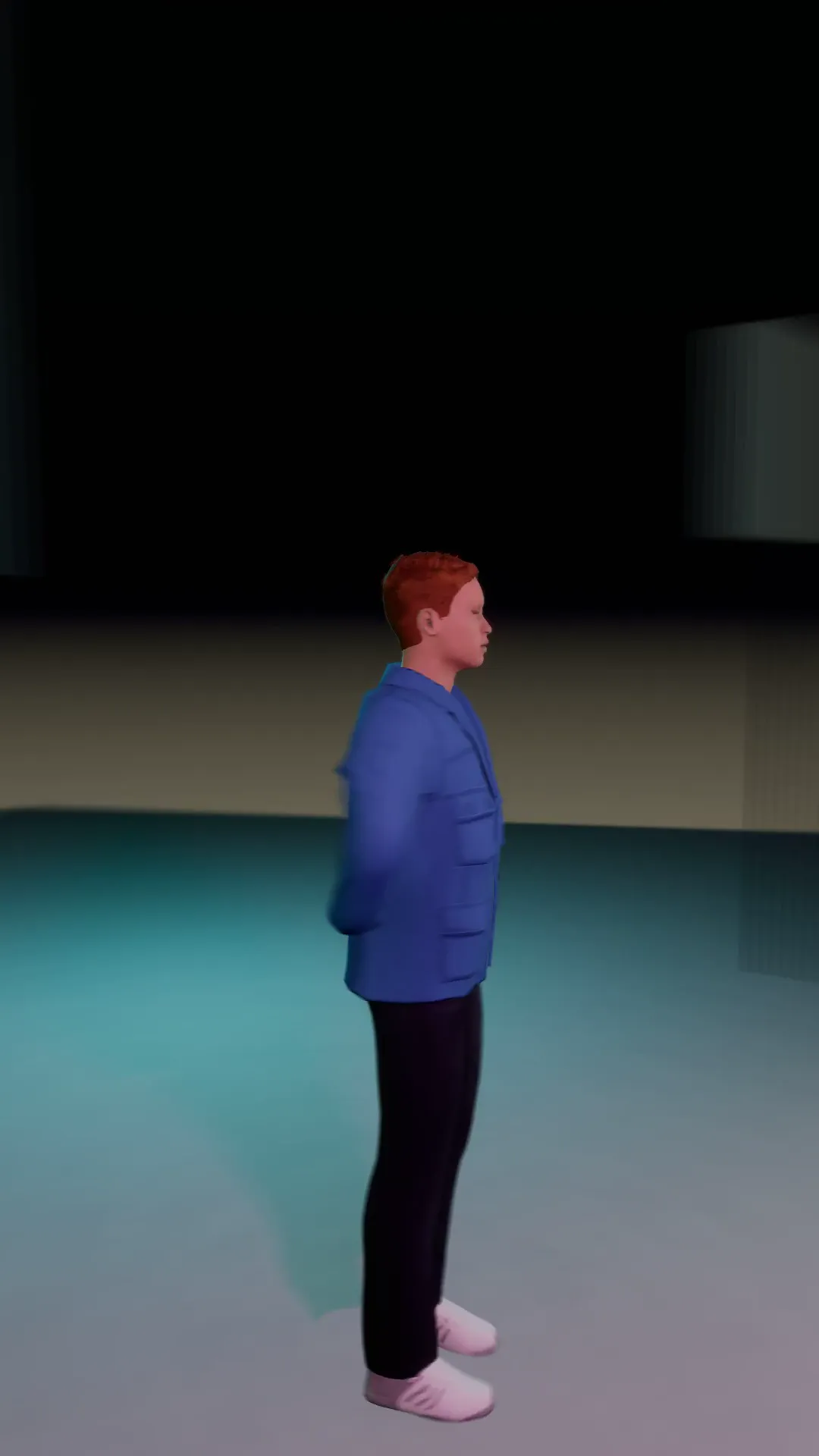
A tripod pan that keeps a walking subject in frame as they cross from left to right.
- Stage template
- Portrait (9:16)
- 4 second move
 Official BytePlus partnerBytePlus, a ByteDance company
Last updated
On this page
What the Pan right follow template makes
This template creates a smooth tripod pan that keeps a walking subject in frame as they cross from left to right. It works with your own photo in the video studio. The move is 4 seconds long and fits a 9:16 vertical frame. It is a ready-made camera move for Stage scenes.
Ideas to try
- Keep a person in frame while they walk across
- Show a character moving from left to right
- Create a smooth vertical video pan
How it works
Opens in Stage.
- 1
Open your scene
Open a scene in Stage and pick the shot.
- 2
Apply the template
Apply the Pan right follow template to the selected shot.
- 3
Preview the move
Preview the 4 second camera move around your photo.
- 4
Adjust if needed
Adjust the camera position if you want to change the view.
Questions
What shape does this fit?
How long is the camera move?
Can I use my own photo?
Is Stage free?
More Stage templates
Tilt down drop
9:16
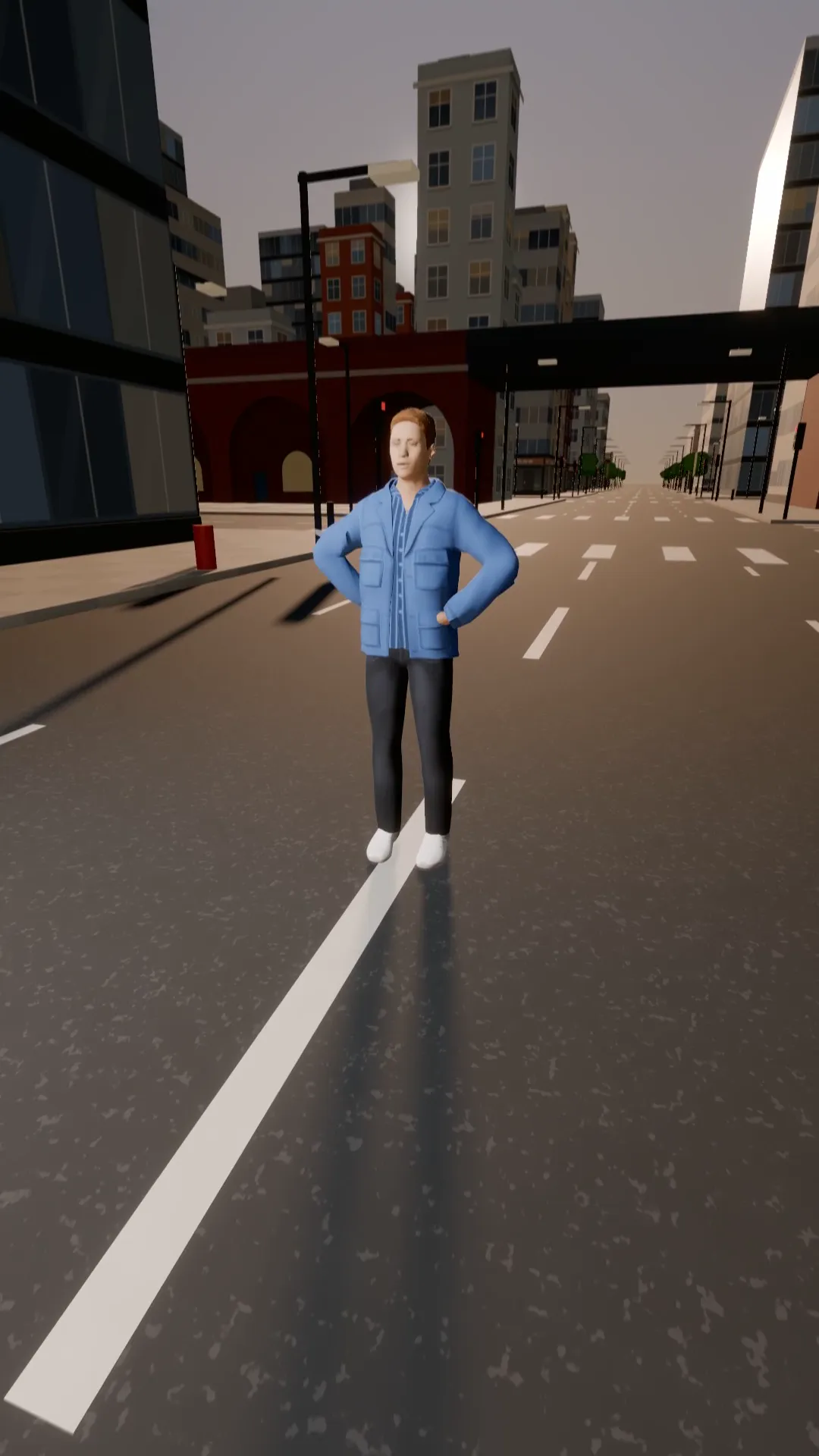
Start on the sky and tilt down the buildings to land on the subject. Establishing shot to hero.
Dutch angle push
9:16
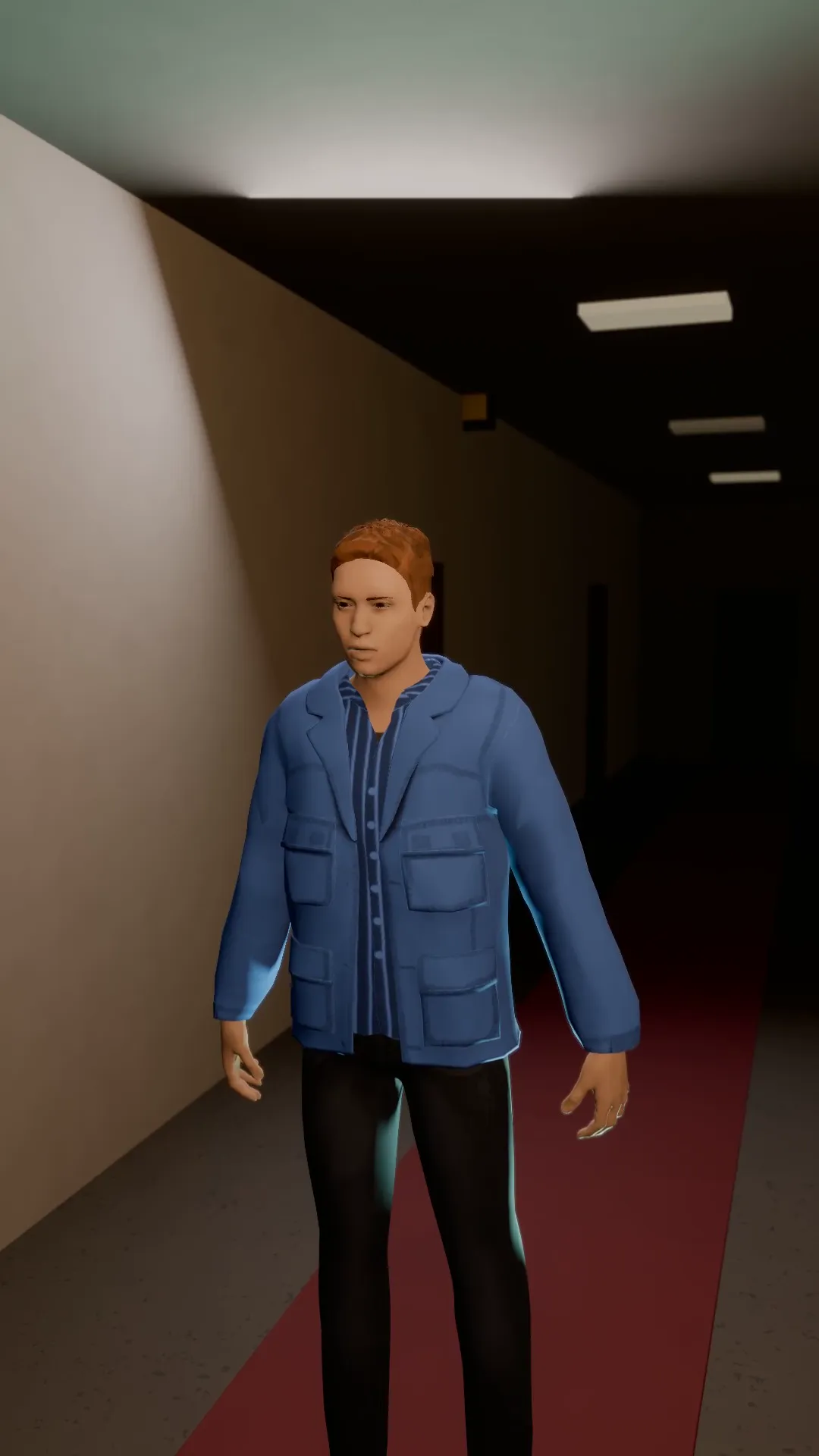
A tilted horizon that creeps in on the subject: something is wrong in this room.
Focus pull to the phone
9:16
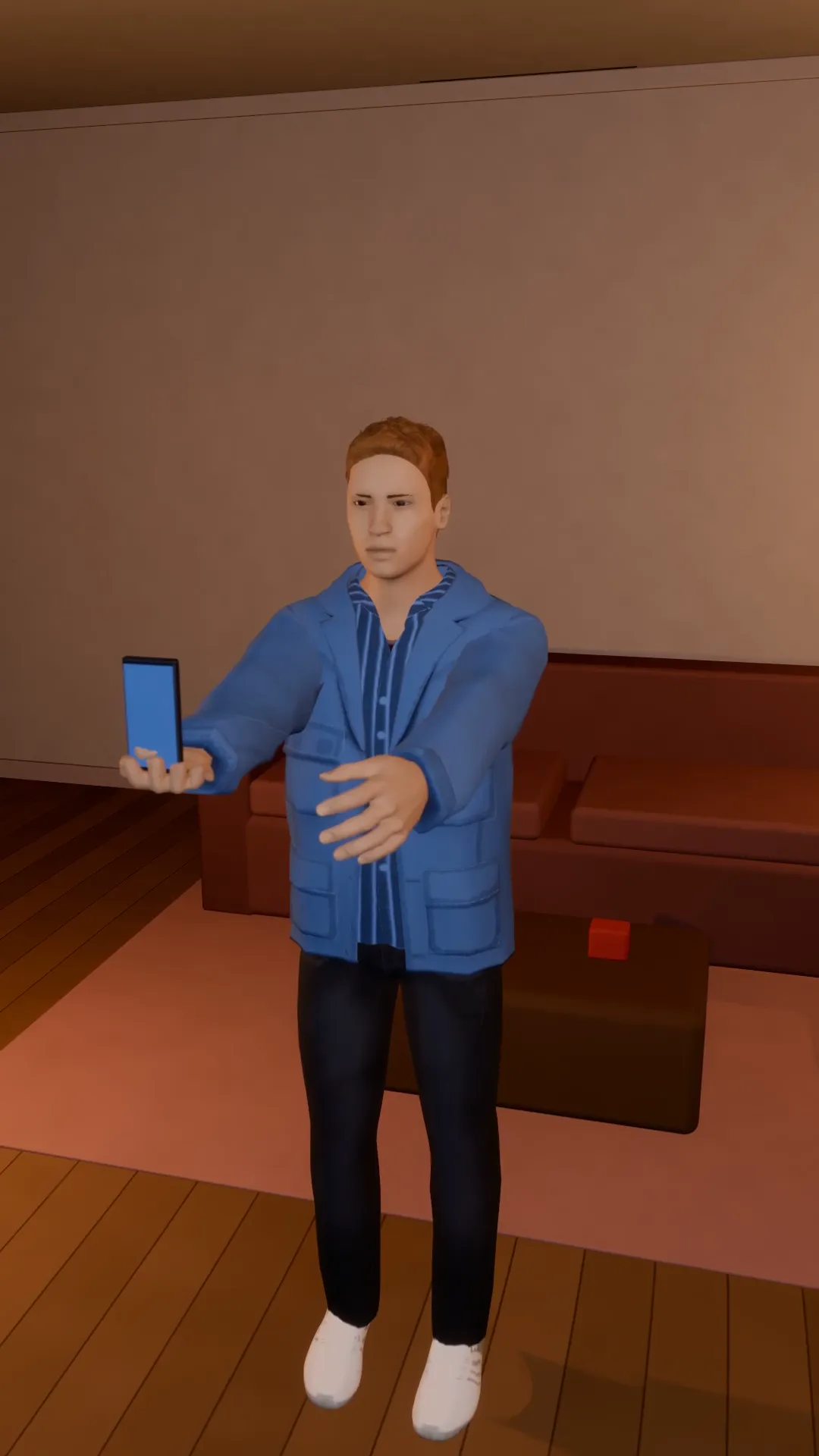
A soft, blurred room, then focus snaps onto the hero holding up the phone. The beat before the message.
Double orbit
9:16
Two full laps round the subject in one shot. Fast, dizzy, built for a drop.
Try Pan right follow
Open the template in Stage, make it yours and preview it. Planning in Stage is free.