
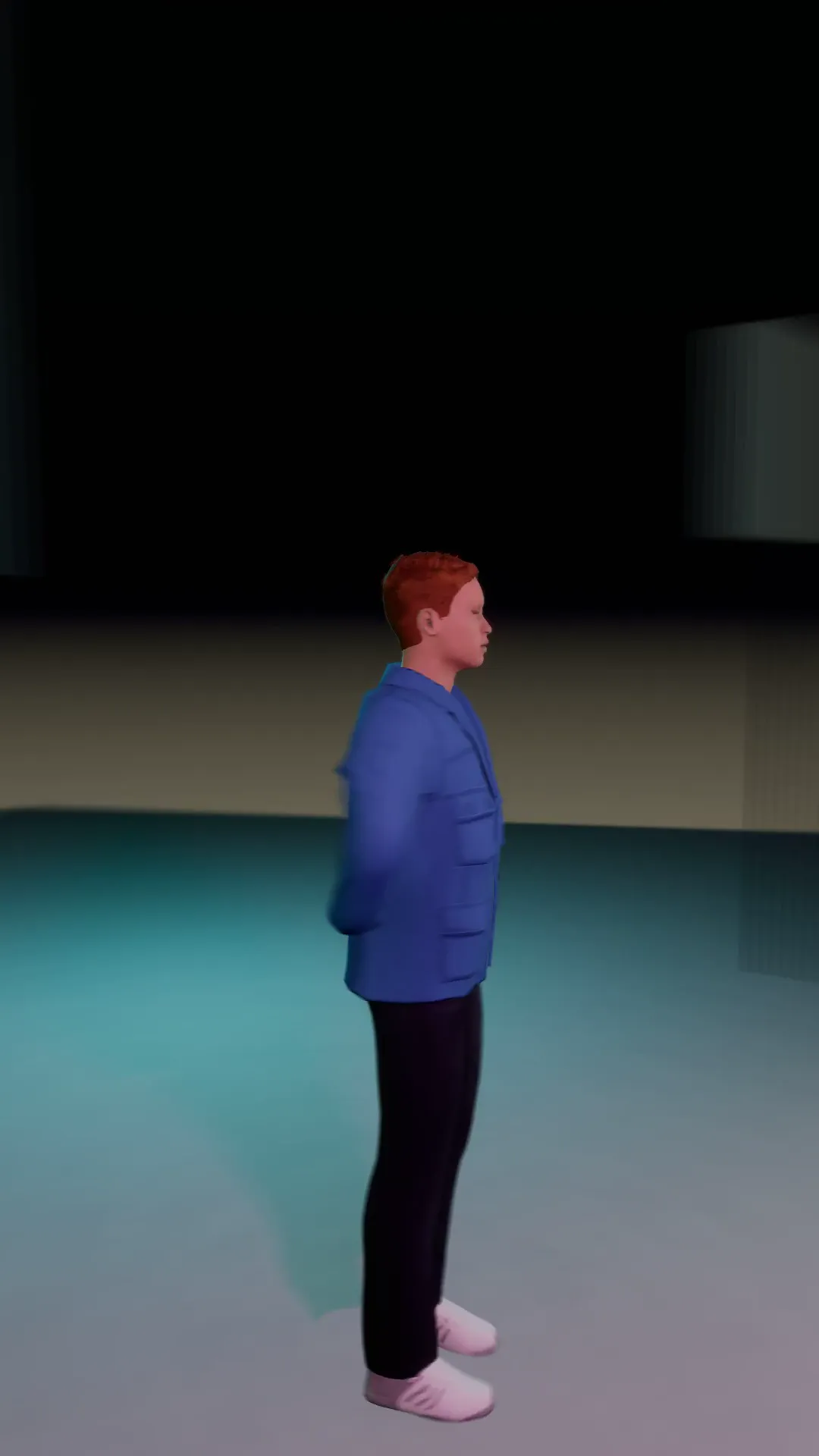
Stage template
Double orbit Template for Stage
Two full laps round the subject in one shot. Fast, dizzy, built for a drop.
- Stage template
- Portrait (9:16)
- 4 second move
 Official BytePlus partnerBytePlus, a ByteDance company
Last updated
On this page
What the Double orbit template makes
Double orbit creates a fast, dizzying camera move around your subject. It completes two full laps in one continuous shot. This template is built for high energy drops. It works with any photo you place in the scene. The result is a dynamic 9:16 vertical video.
Ideas to try
- Music video drop scenes
- Product reveal videos
- Social media story highlights
How it works
Opens in Stage.
- 1
Open your scene
Launch Stage and load your 3D shot.
- 2
Apply the template
Select the shot and apply Double orbit.
- 3
Preview and adjust
Watch the move and tweak the camera if needed.
Questions
What is the video size?
How long is the move?
Where does it open?
Is Stage free?
More Stage templates
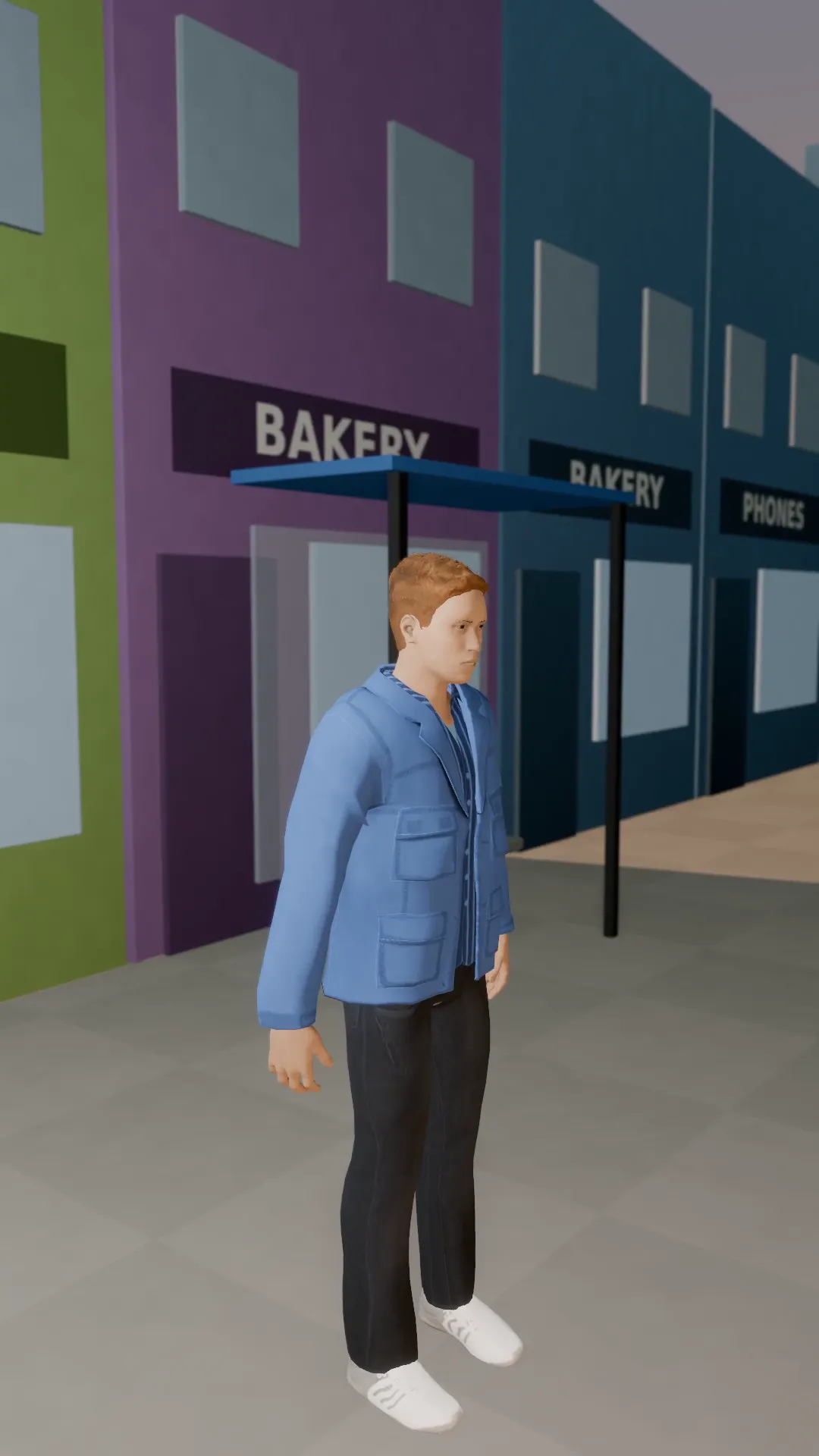
Pendulum swing
9:16
The camera swings 70 degrees one way, then back the other. A restless, floating look.
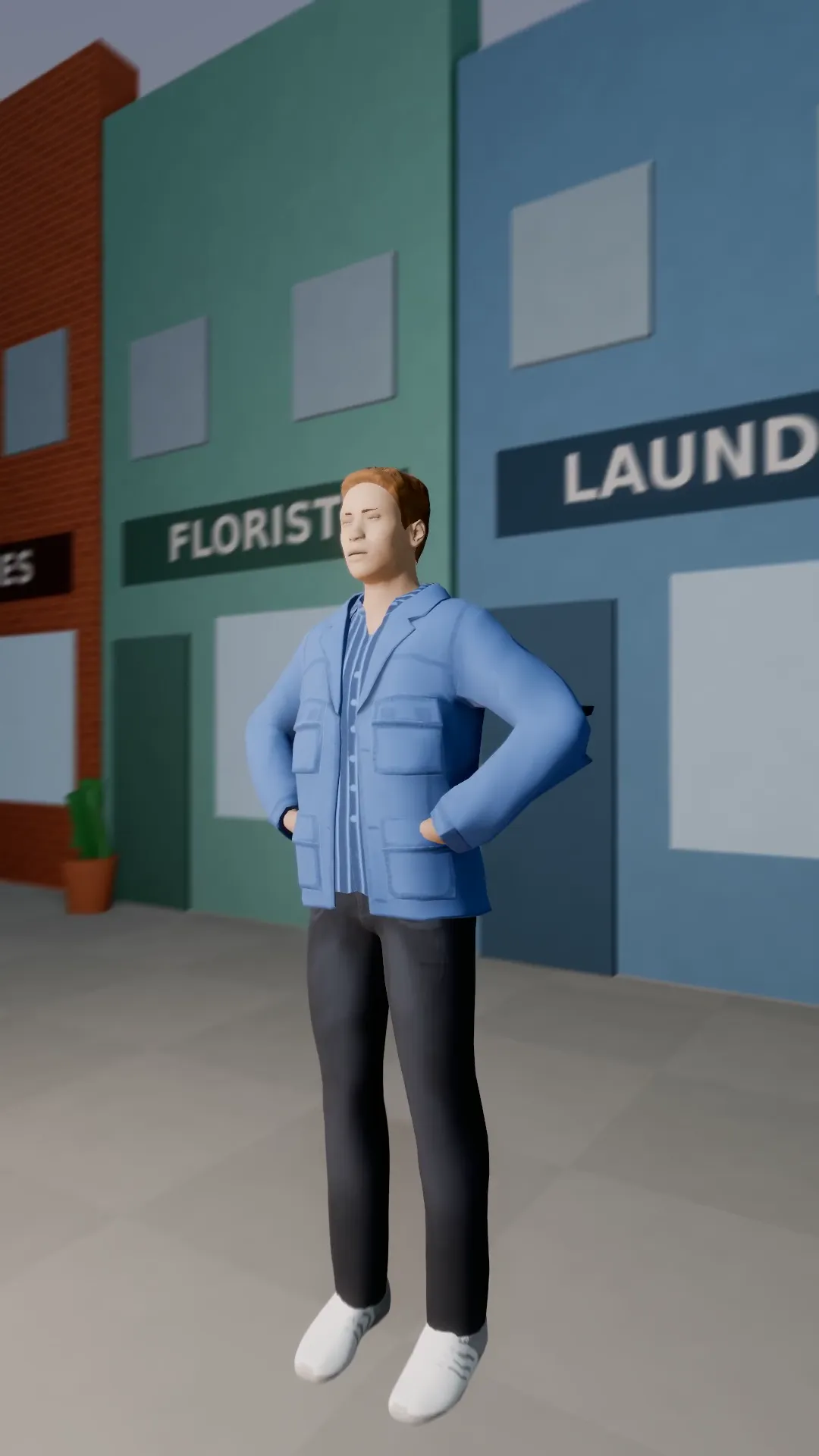
Low orbit hero
9:16
A ground-level arc round a subject who stands tall against the sky. Worm's-eye power with movement.
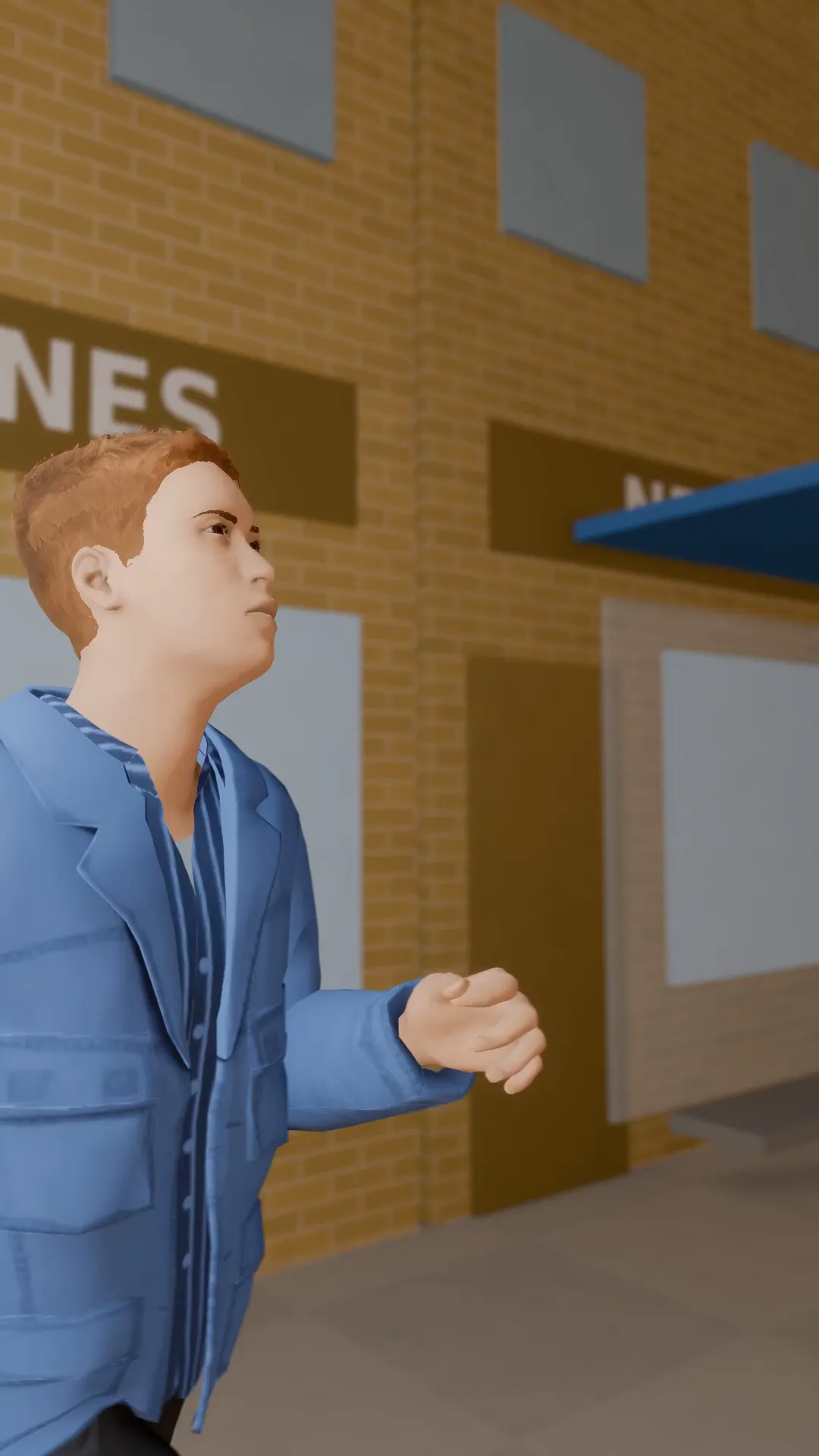
Run and gun
9:16
A handheld camera chasing a runner down the street, shaky and close. Raw action energy.
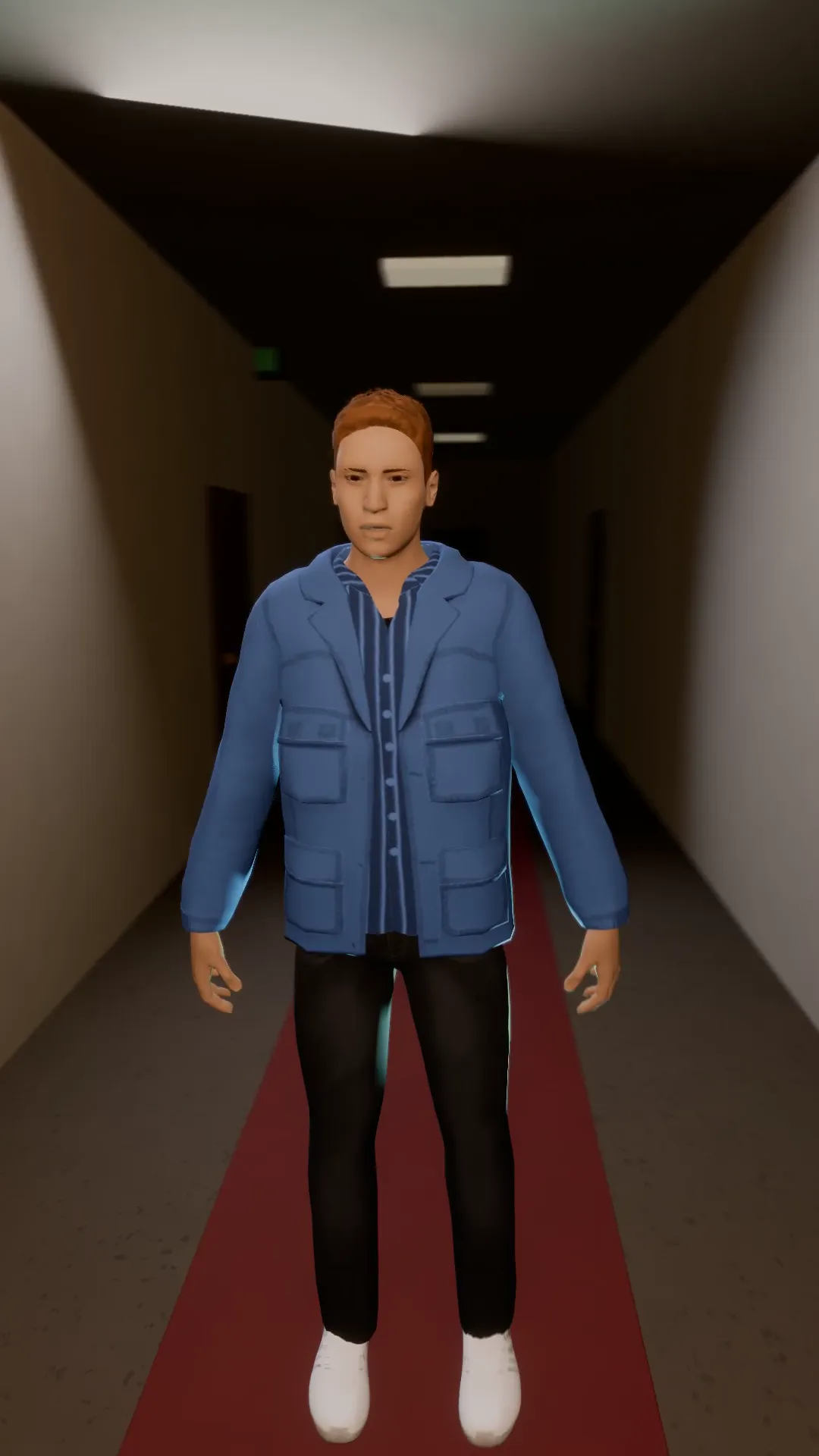
Vertigo orbit
9:16
A dolly zoom and an orbit at once: the room stretches and turns around a frozen subject.
Try Double orbit
Open the template in Stage, make it yours and preview it. Planning in Stage is free.