
Stage template
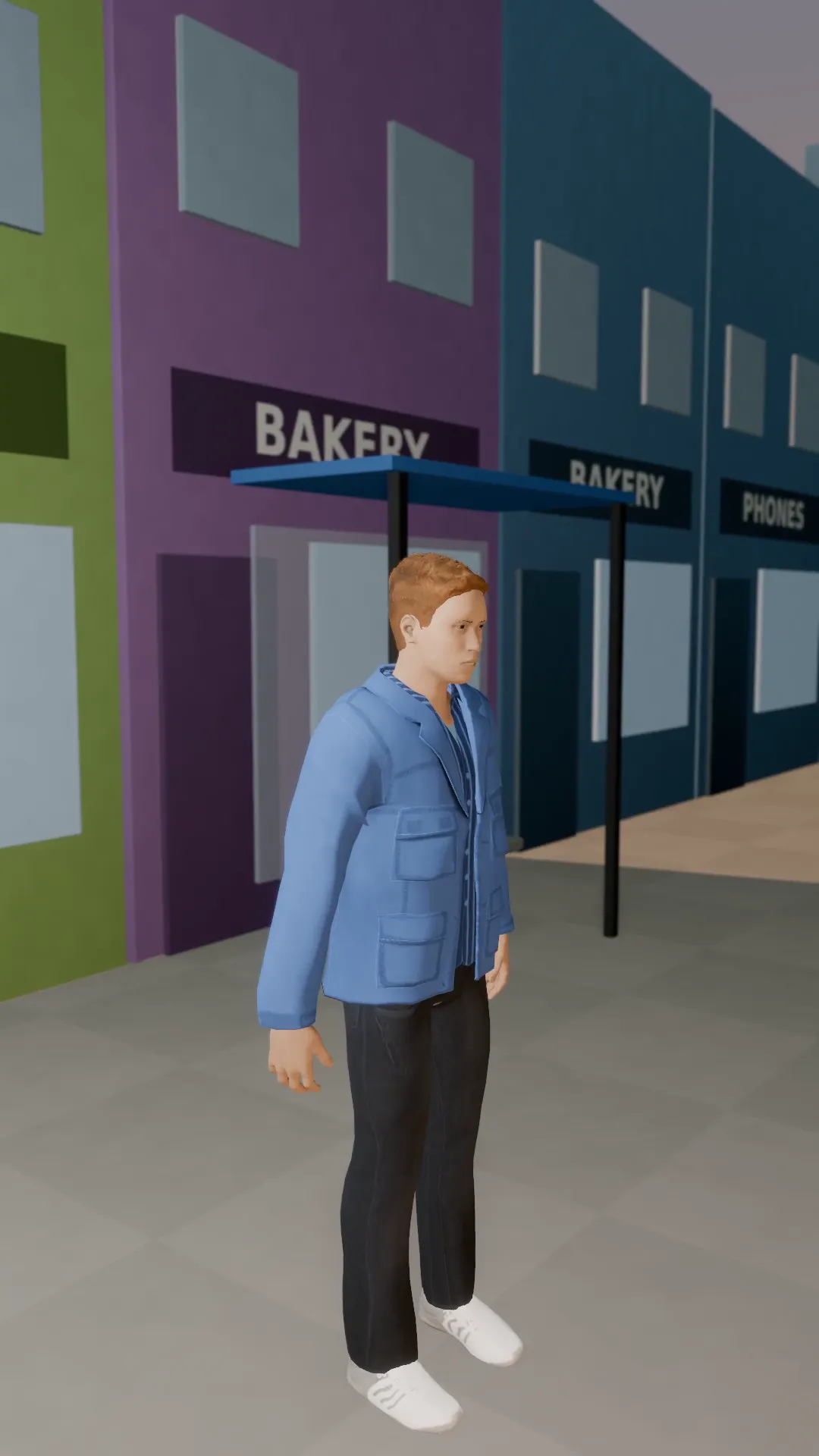
Pendulum swing Template for Stage
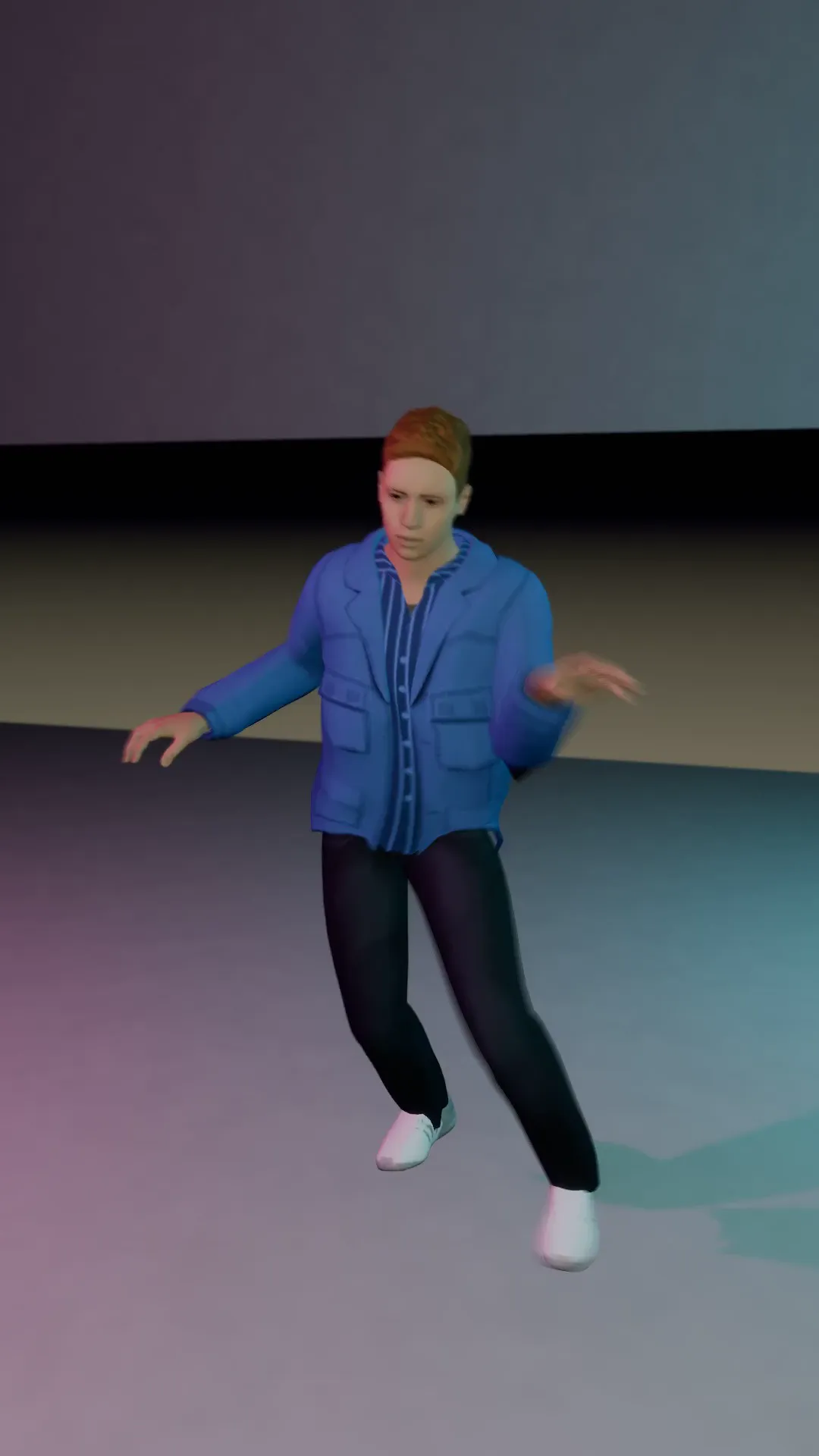
The camera swings 70 degrees one way, then back the other. A restless, floating look.
- Stage template
- Portrait (9:16)
- 4 second move
 Official BytePlus partnerBytePlus, a ByteDance company
Last updated
On this page
What the Pendulum swing template makes
The Pendulum Swing template creates a 70 degree camera arc that swings back and forth. This motion gives your 9:16 video a restless, floating look. It works as a ready-made move in Stage or inside the video studio for your photos. The entire sequence lasts four seconds.
Ideas to try
- Add subtle motion to a static portrait
- Create a dreamy background for a music video
- Give a product shot a gentle, floating feel
How it works
Opens in Stage.
- 1
Open your scene
Launch Stage and load your existing project.
- 2
Select the shot
Choose the specific camera angle you want to animate.
- 3
Apply the template
Click the Pendulum Swing option to attach the move.
- 4
Preview and adjust
Watch the four second swing and tweak the camera if needed.
Questions
How long is the camera move?
Can I change the camera position?
What aspect ratio does it support?
Is Stage free?
More Stage templates
Low orbit hero
9:16
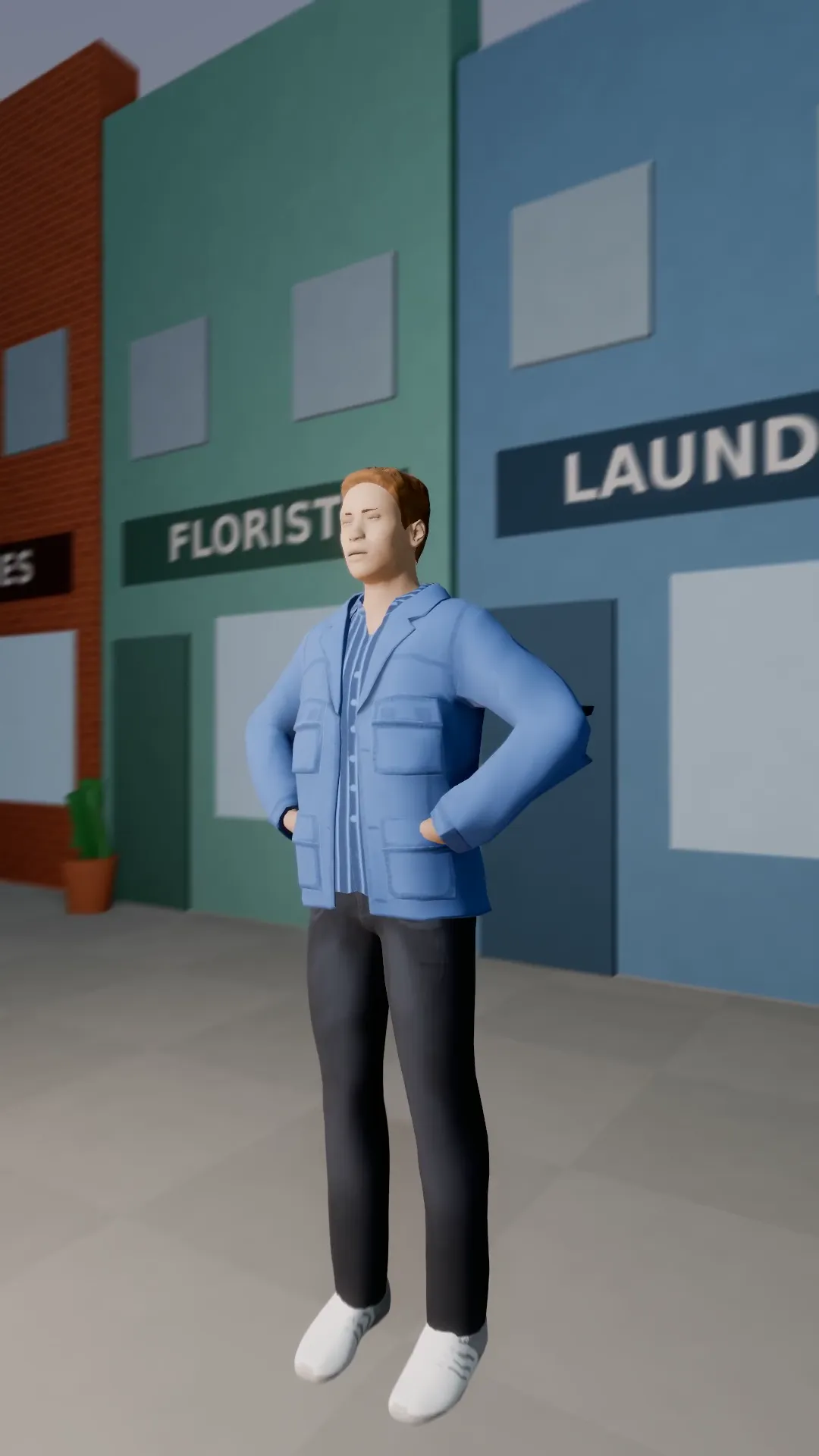
A ground-level arc round a subject who stands tall against the sky. Worm's-eye power with movement.
Run and gun
9:16
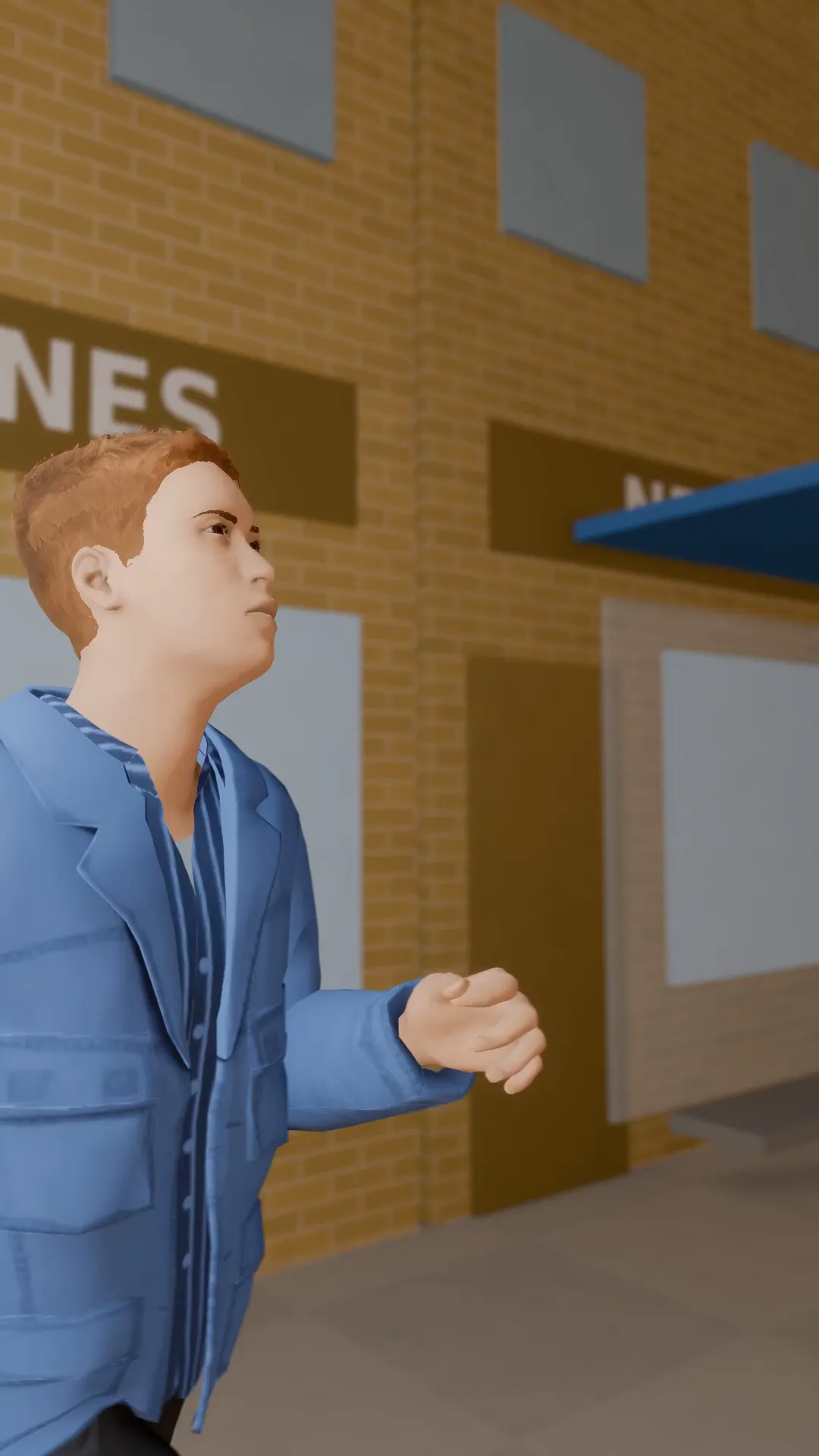
A handheld camera chasing a runner down the street, shaky and close. Raw action energy.
Vertigo orbit
9:16
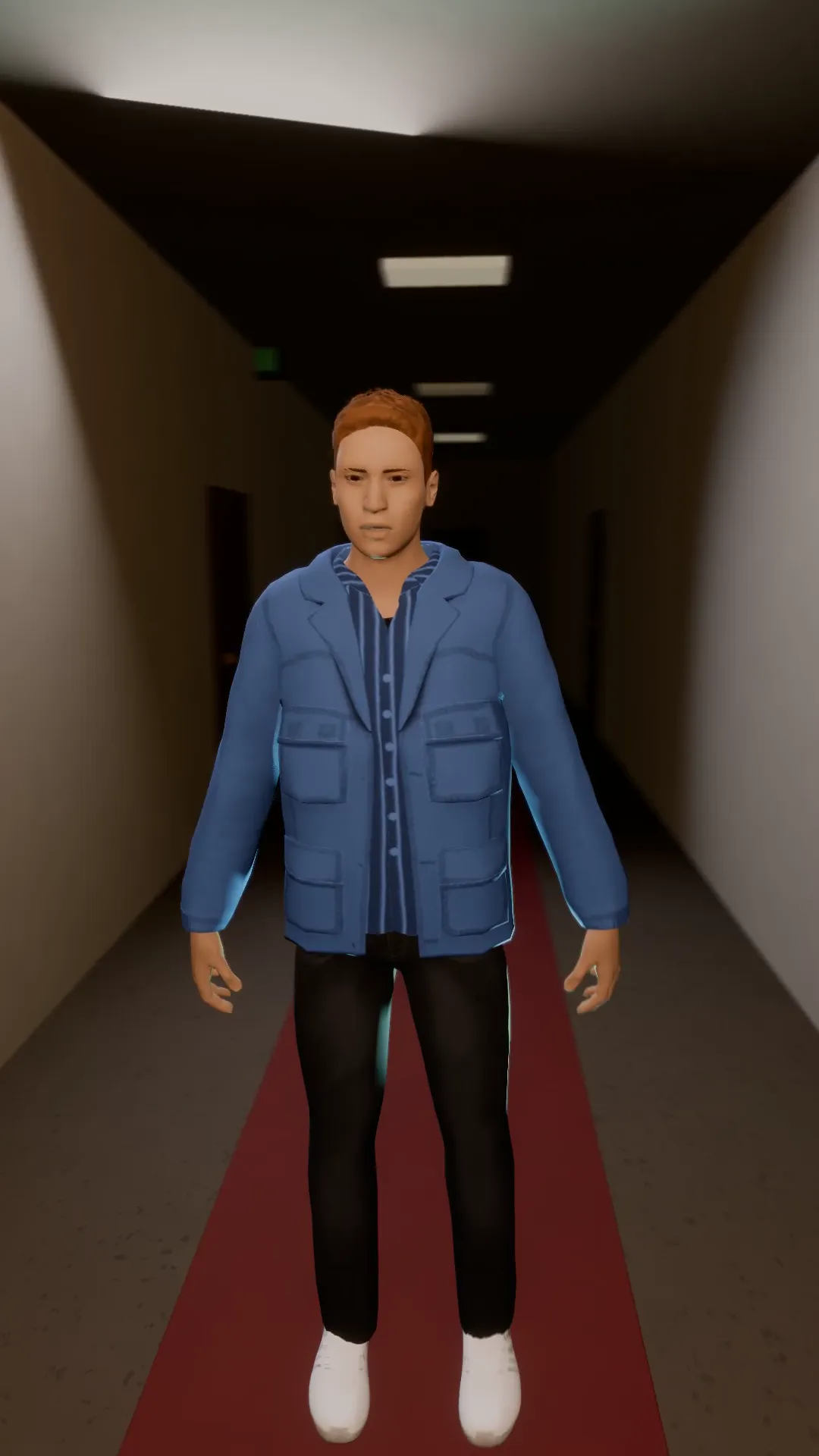
A dolly zoom and an orbit at once: the room stretches and turns around a frozen subject.
Roll zoom drop
9:16
A quarter roll and a snap zoom landing together on the beat. Made for the drop.
Try Pendulum swing
Open the template in Stage, make it yours and preview it. Planning in Stage is free.