
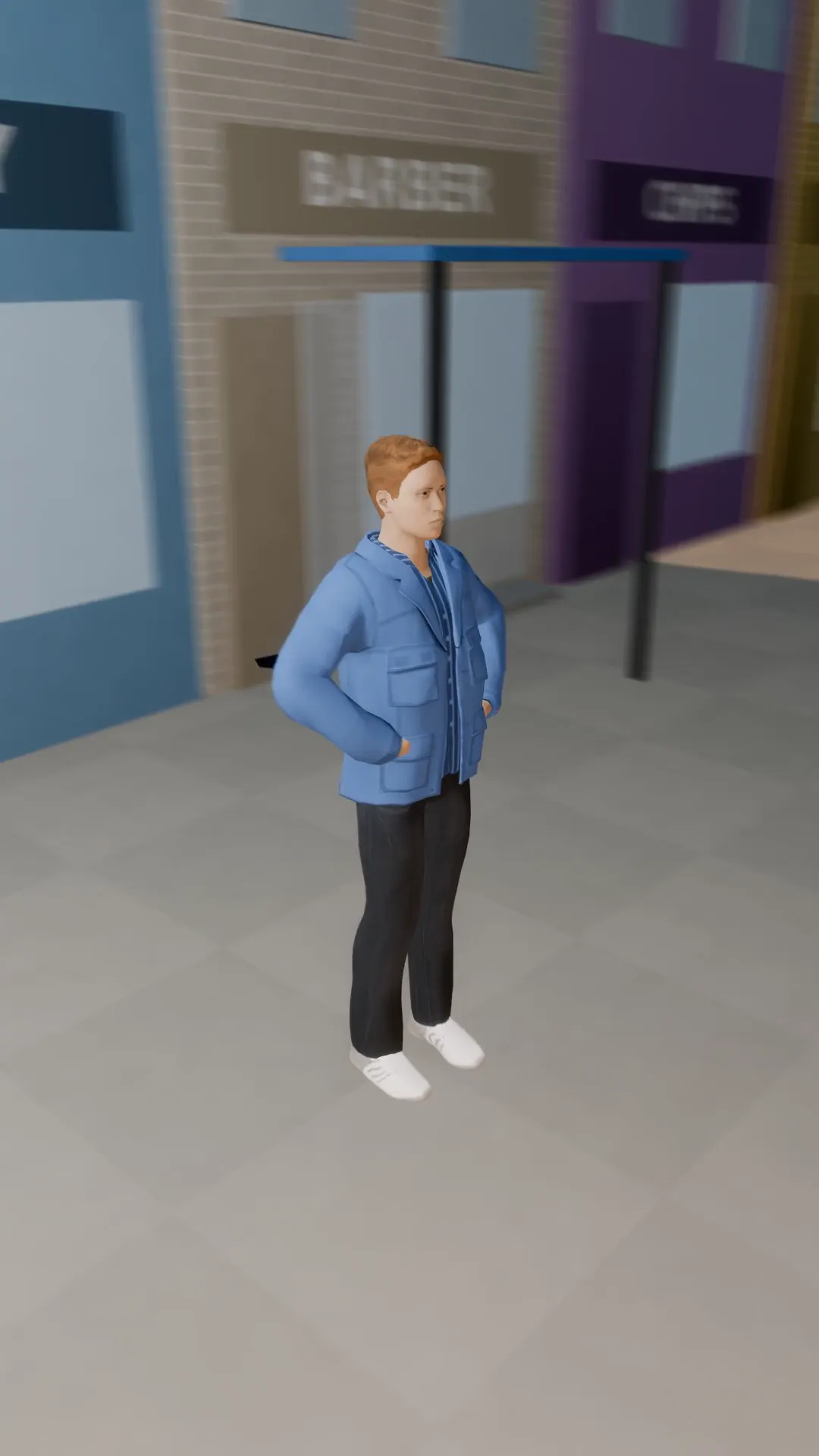
Stage template
Spiral crane up Template for Stage
A rising spiral around the subject: a crane and an orbit at once, the music video hero shot.
- Stage template
- Portrait (9:16)
- 4 second move
 Official BytePlus partnerBytePlus, a ByteDance company
Last updated
On this page
What the Spiral crane up template makes
This template creates a rising spiral camera move around your subject. It combines a crane lift with an orbit for a dynamic 3D shot. The motion lasts four seconds and fits vertical 9:16 frames. It works in Stage to plan scenes or in the video studio to animate photos.
Ideas to try
- Music video hero shots
- Vertical product showcases
- Dynamic photo animations
How it works
Opens in Stage.
- 1
Open scene in Stage
Select the shot you want to animate.
- 2
Apply template
Choose the spiral crane up option.
- 3
Preview and adjust
Check the move and tweak the camera.
Questions
What shape does this suit?
How long is the move?
Can I change the words?
Is Stage free?
More Stage templates
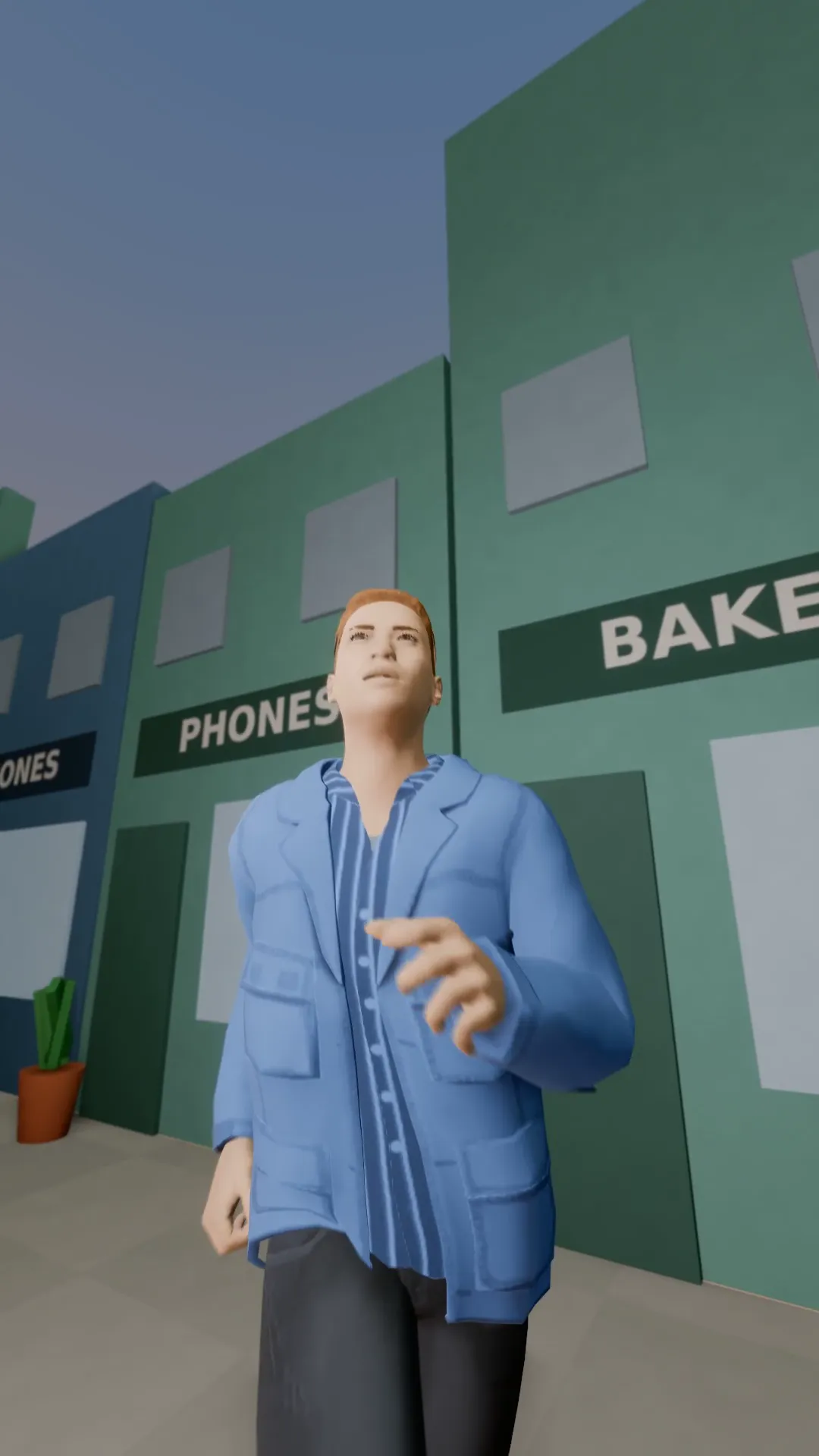
Snorricam
9:16
A camera rigged to the runner's chest: the face stays locked while the world swings behind.
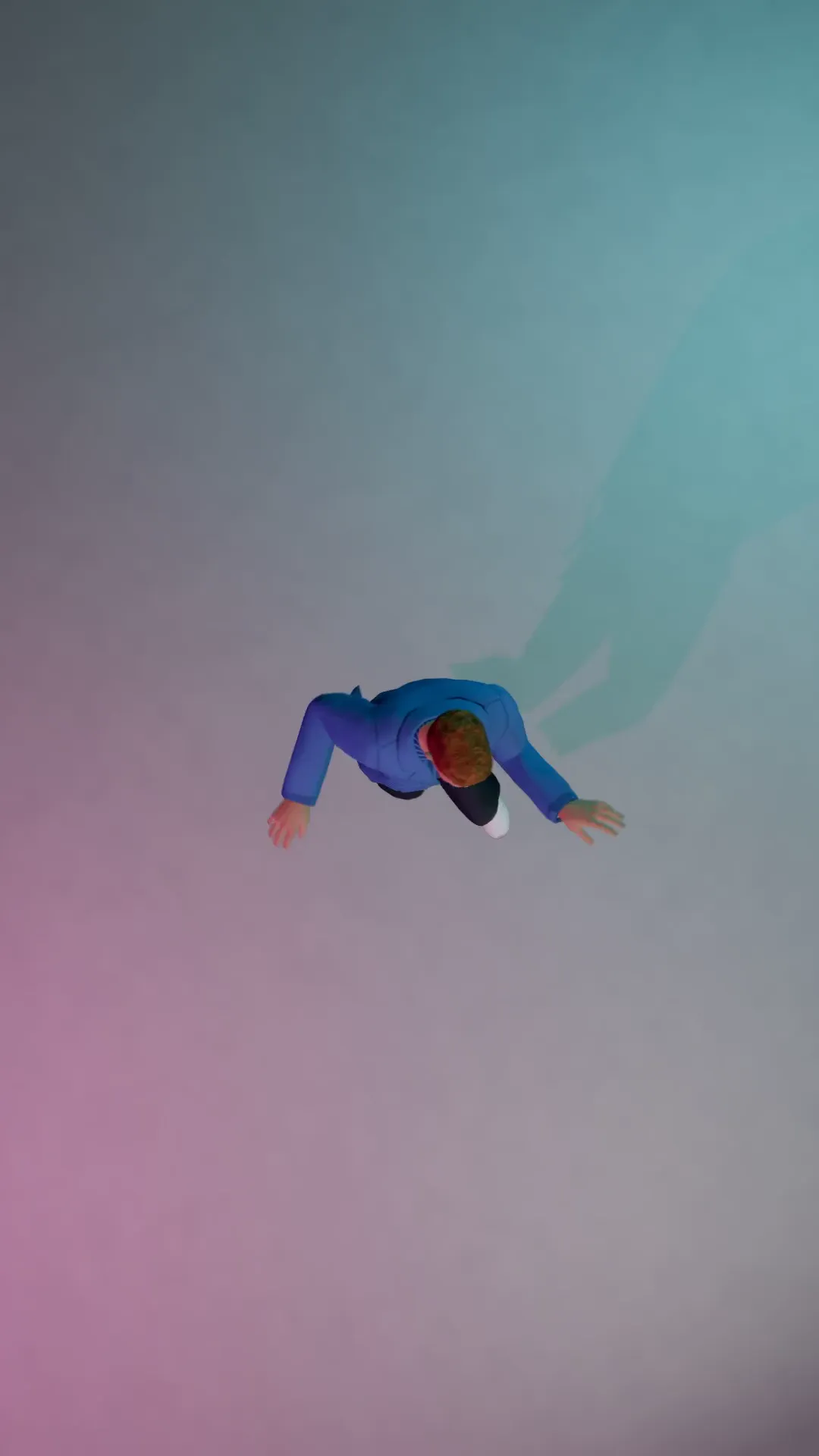
Bird's-eye dance
9:16
Straight down from above on a dancer, the frame slowly turning.
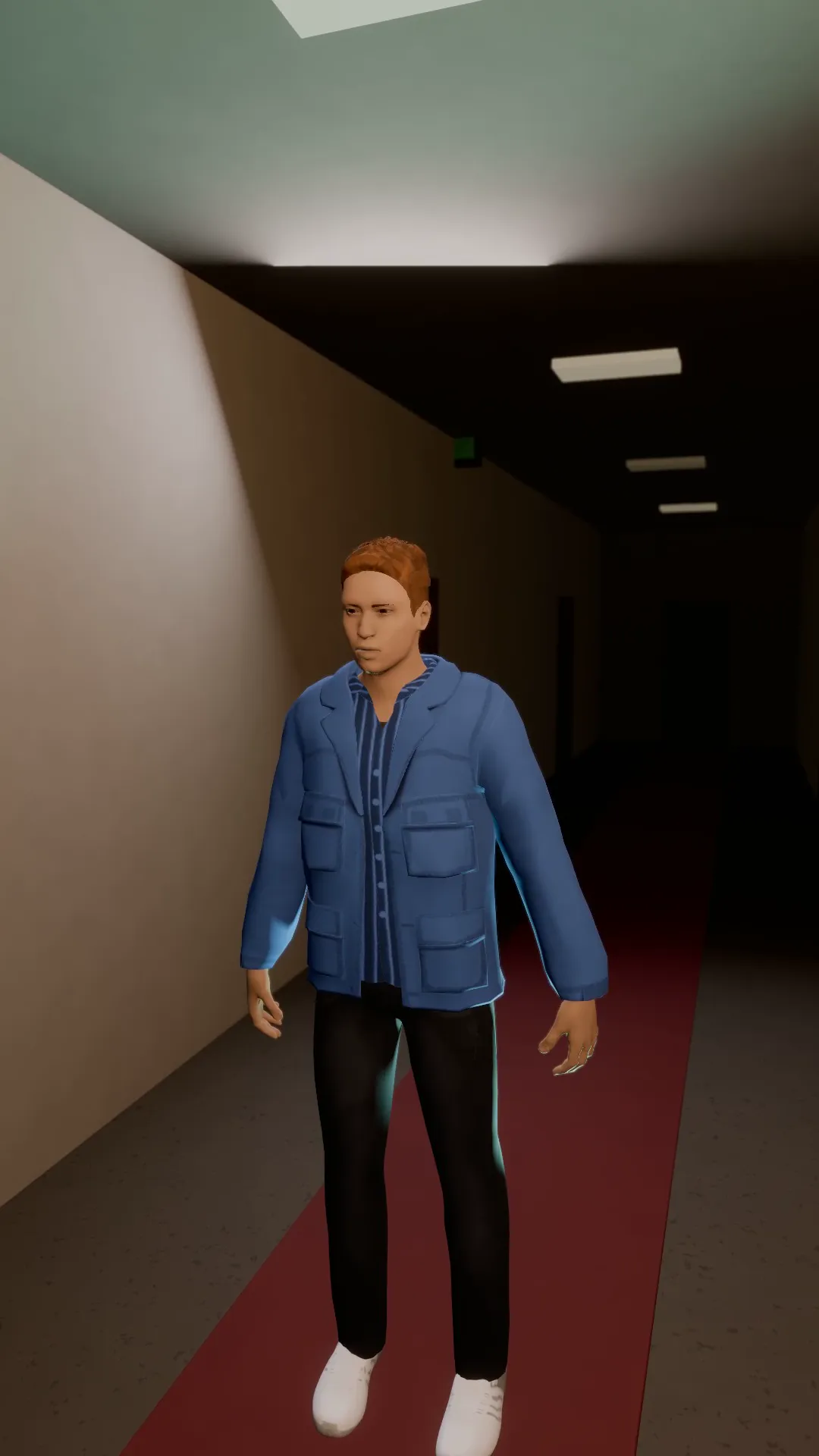
Dolly zoom
9:16
The camera pulls back while the lens zooms in: the subject stays the same size and the world stretches behind. Vertigo.

Reverse dolly zoom
9:16
The opposite vertigo: the camera pushes in while the lens widens and the room swallows the subject.
Try Spiral crane up
Open the template in Stage, make it yours and preview it. Planning in Stage is free.