
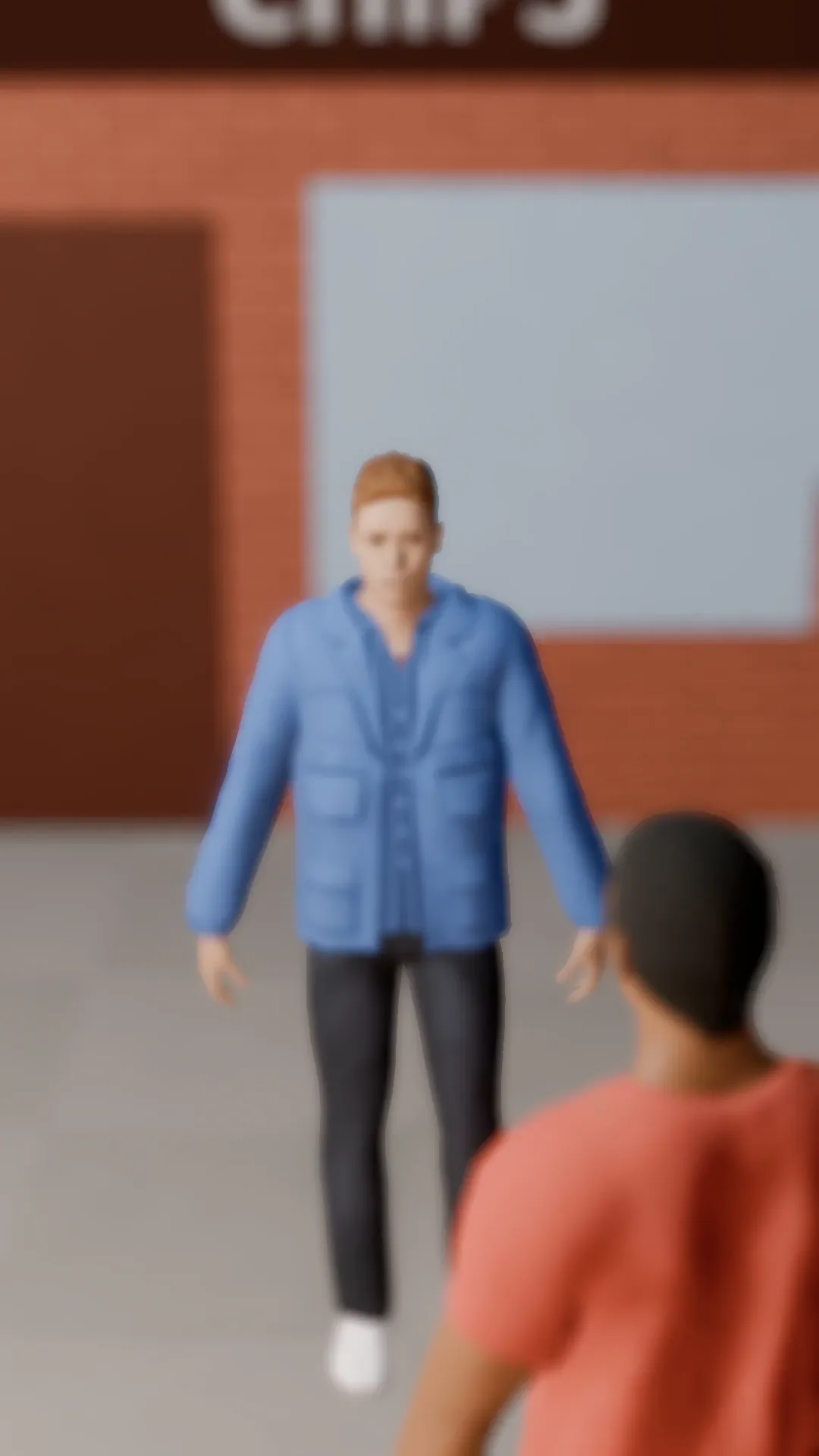
Stage template
Rack focus Template for Stage
Focus flips from the person near the lens to the one further back. Attention moves with it.
- Stage template
- Portrait (9:16)
- 3 second move
 Official BytePlus partnerBytePlus, a ByteDance company
Last updated
On this page
What the Rack focus template makes
This template shifts focus from a foreground person to a background subject. It creates a smooth camera move in your 3D scene. The effect highlights the change in attention. It works well for vertical video projects. The move lasts three seconds. You can adjust the camera after applying it.
Ideas to try
- Highlight a background character
- Shift viewer attention
- Add depth to a scene
How it works
Opens in Stage.
- 1
Open your scene
Select a shot in Stage.
- 2
Apply the template
Choose the Rack focus option.
- 3
Preview and adjust
Watch the move and tweak the camera.
Questions
What shape does this template suit?
How long is the move?
Can I change the camera position?
Is Stage free?
More Stage templates
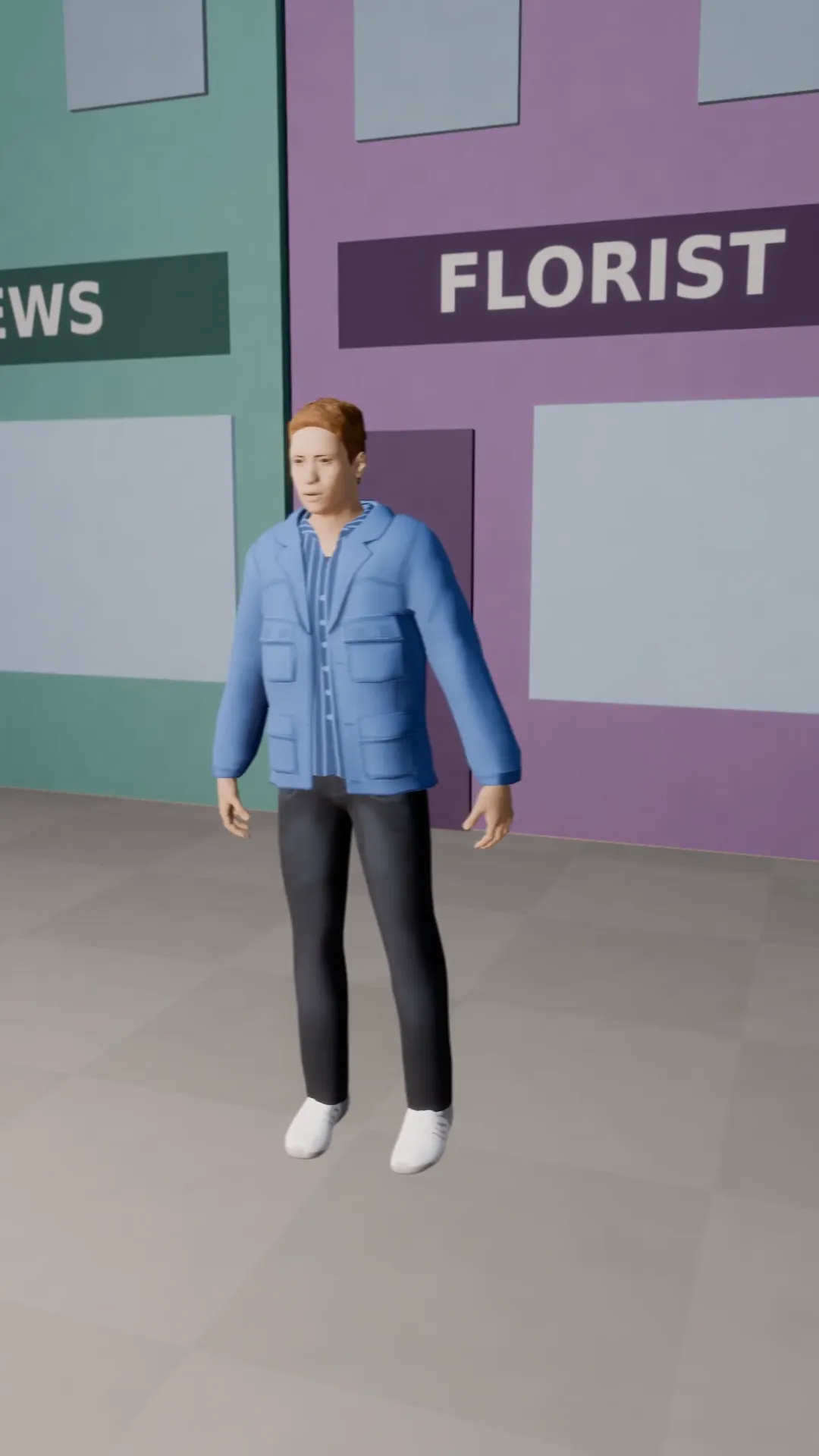
Truck left
9:16
The camera slides sideways while the subject stays in frame. Smooth parallax.
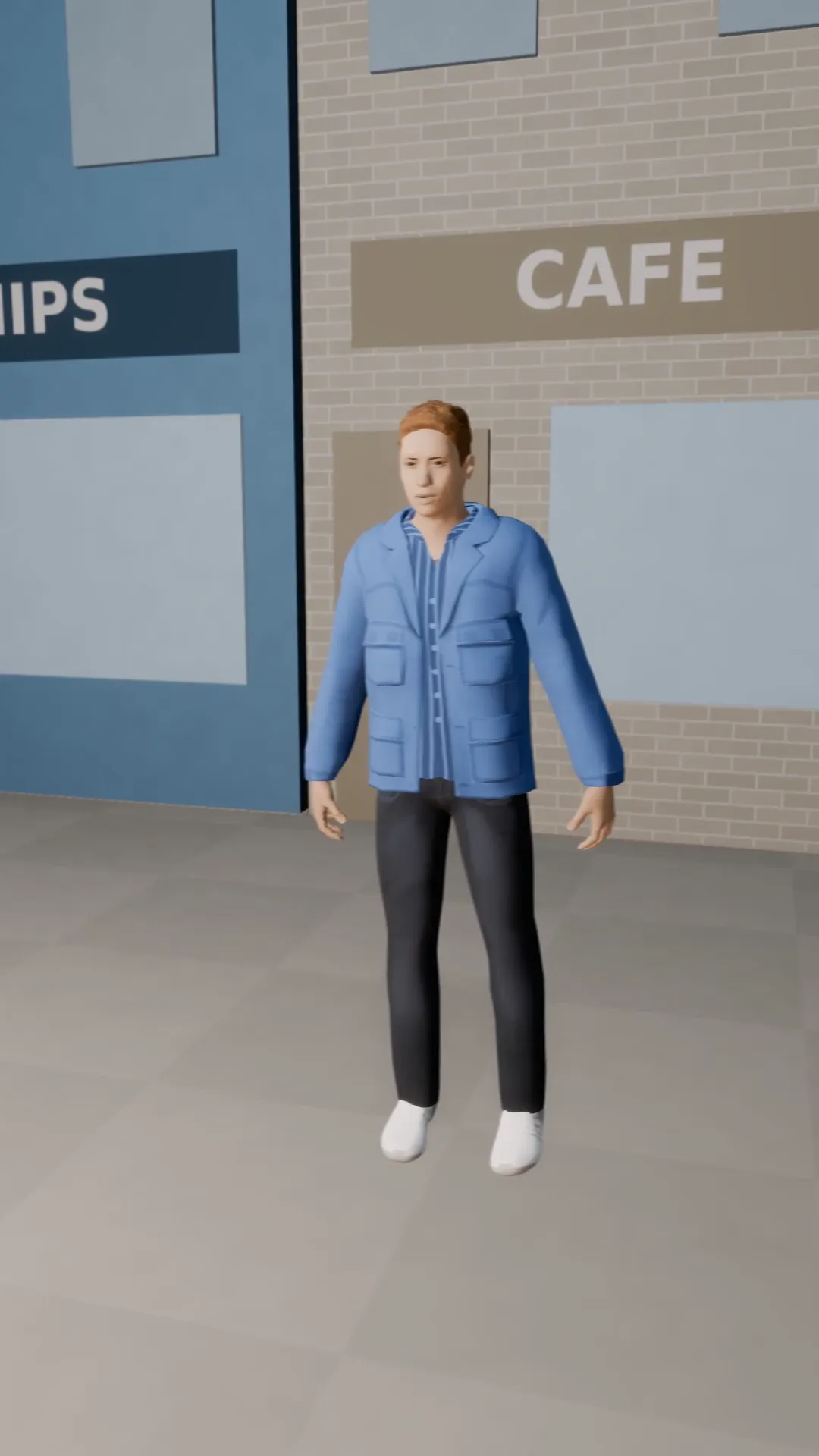
Truck right
9:16
The same sideways slide to the right. Pair it with truck left for a back and forth.
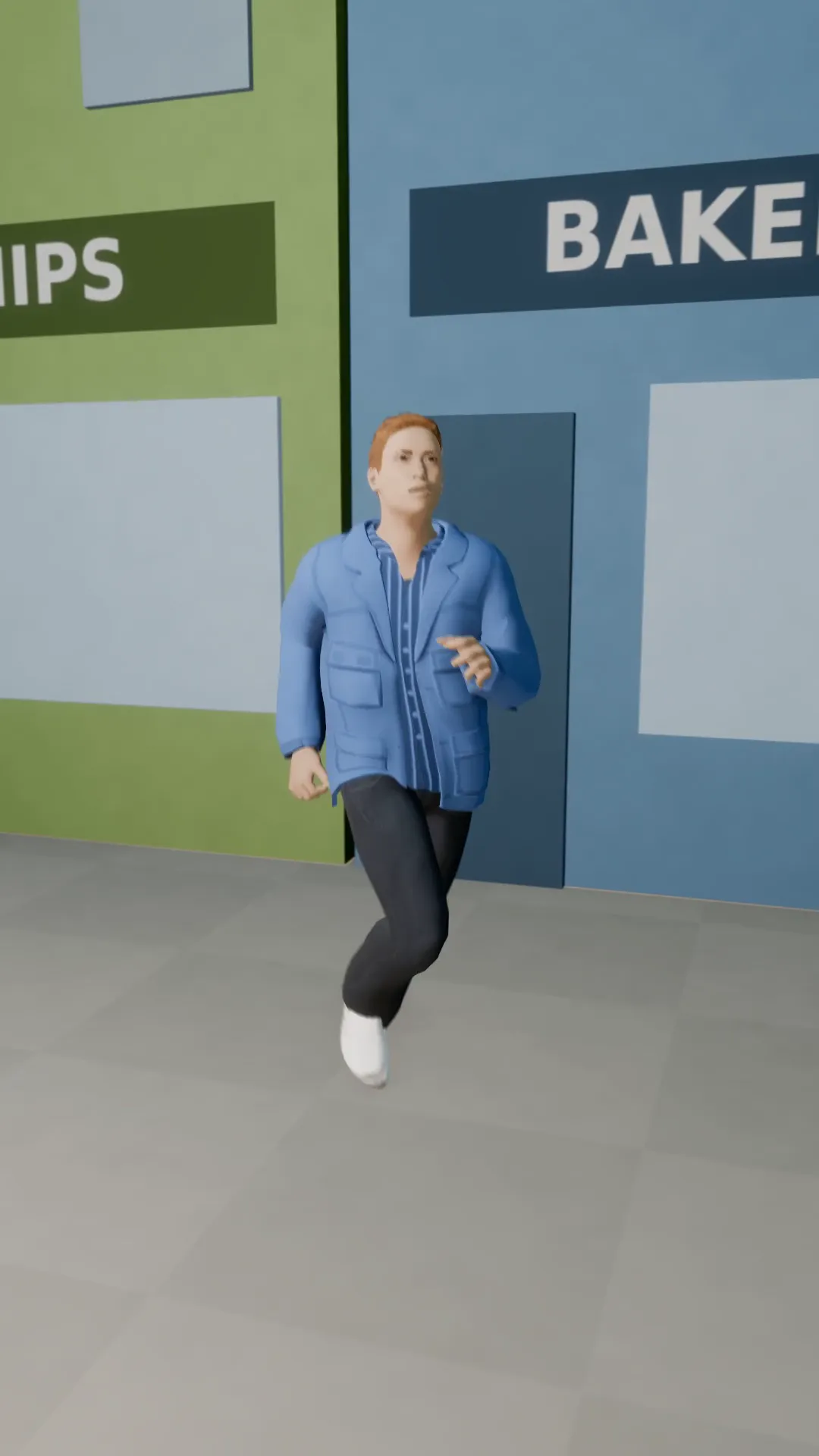
Tracking follow
9:16
The camera follows a runner down the street at a fixed distance.
Tilt-up hero reveal
9:16
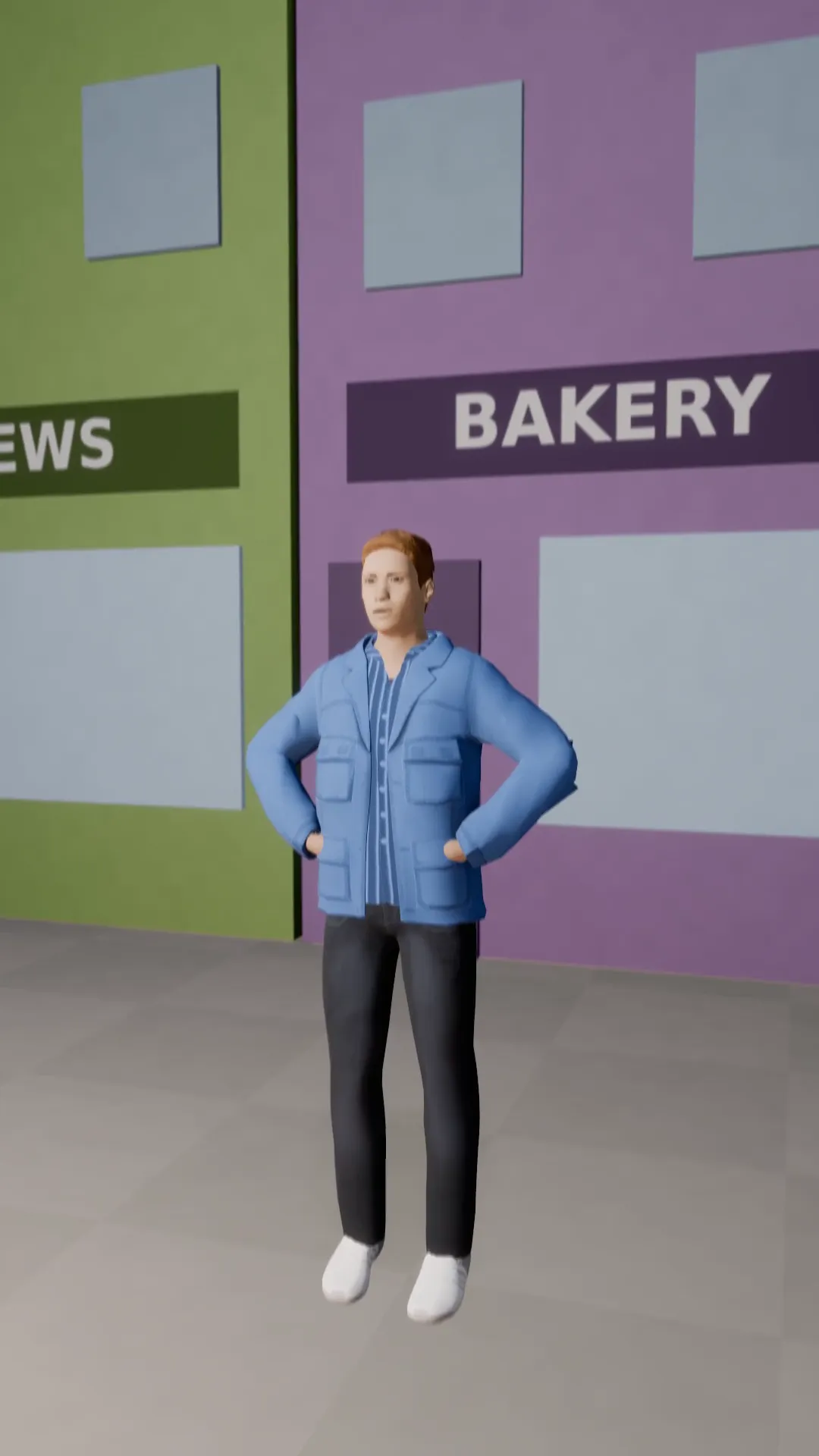
Boots to face: the camera tilts up the whole body of the subject.
Try Rack focus
Open the template in Stage, make it yours and preview it. Planning in Stage is free.