
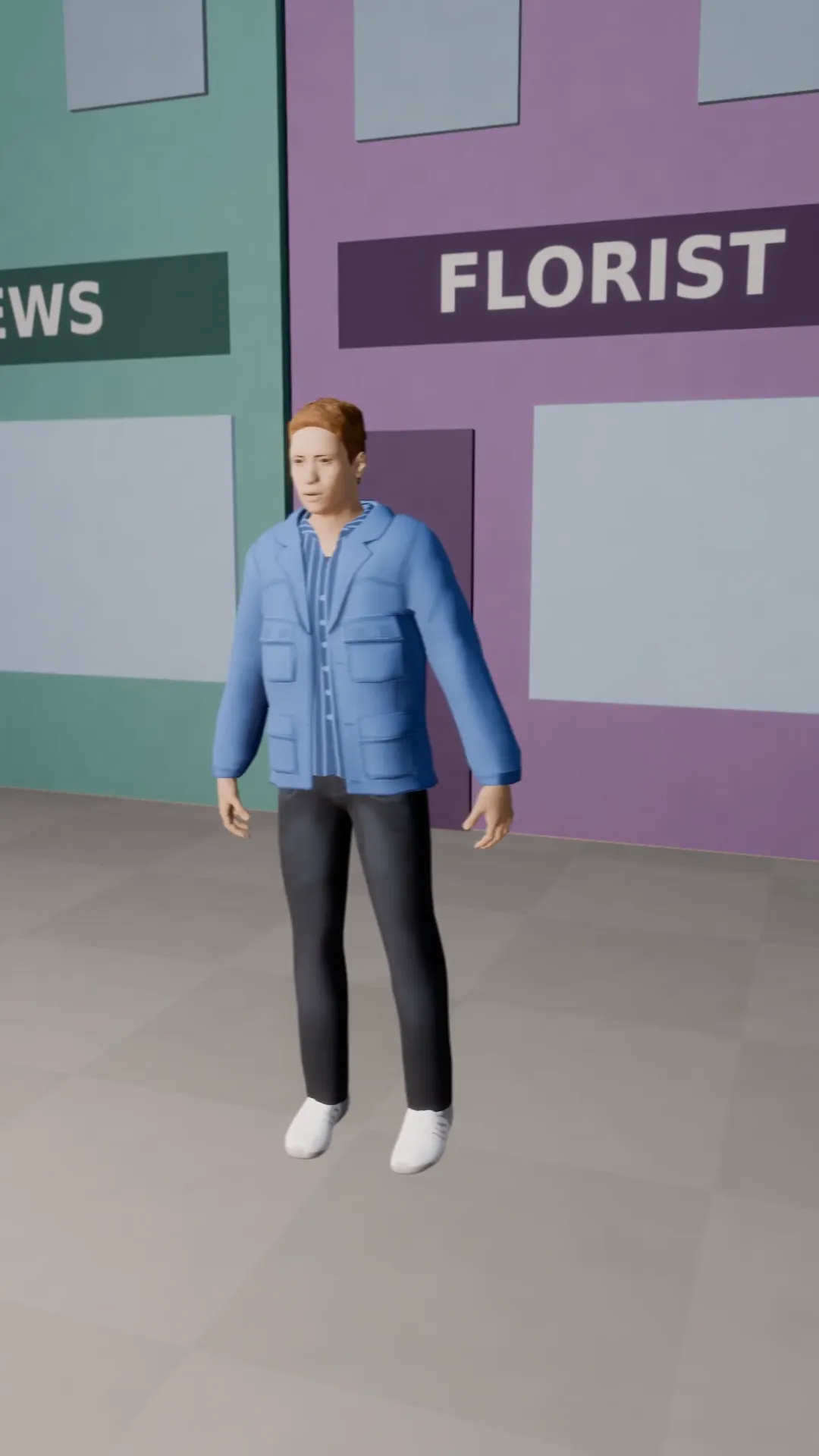
Stage template
Truck left Template for Stage
The camera slides sideways while the subject stays in frame. Smooth parallax.
- Stage template
- Portrait (9:16)
- 4 second move
 Official BytePlus partnerBytePlus, a ByteDance company
Last updated
On this page
What the Truck left template makes
This template creates a smooth parallax effect by sliding the camera sideways while keeping the subject in frame. It is designed for 9:16 vertical video. The move lasts four seconds. You can use it in Stage or the video studio to add motion to your photos.
Ideas to try
- Add depth to product photos
- Create engaging social media clips
- Animate static landscape images
How it works
Opens in Stage.
- 1
Open your scene
Launch Stage and select the shot you want to animate.
- 2
Apply the template
Choose the Truck left template from the library.
- 3
Preview the move
Watch the camera slide sideways to check the motion.
- 4
Adjust if needed
Fine-tune the camera position in the video studio.
Questions
What aspect ratio does this support?
How long is the camera move?
Can I change the speed?
Is Stage free?
More Stage templates
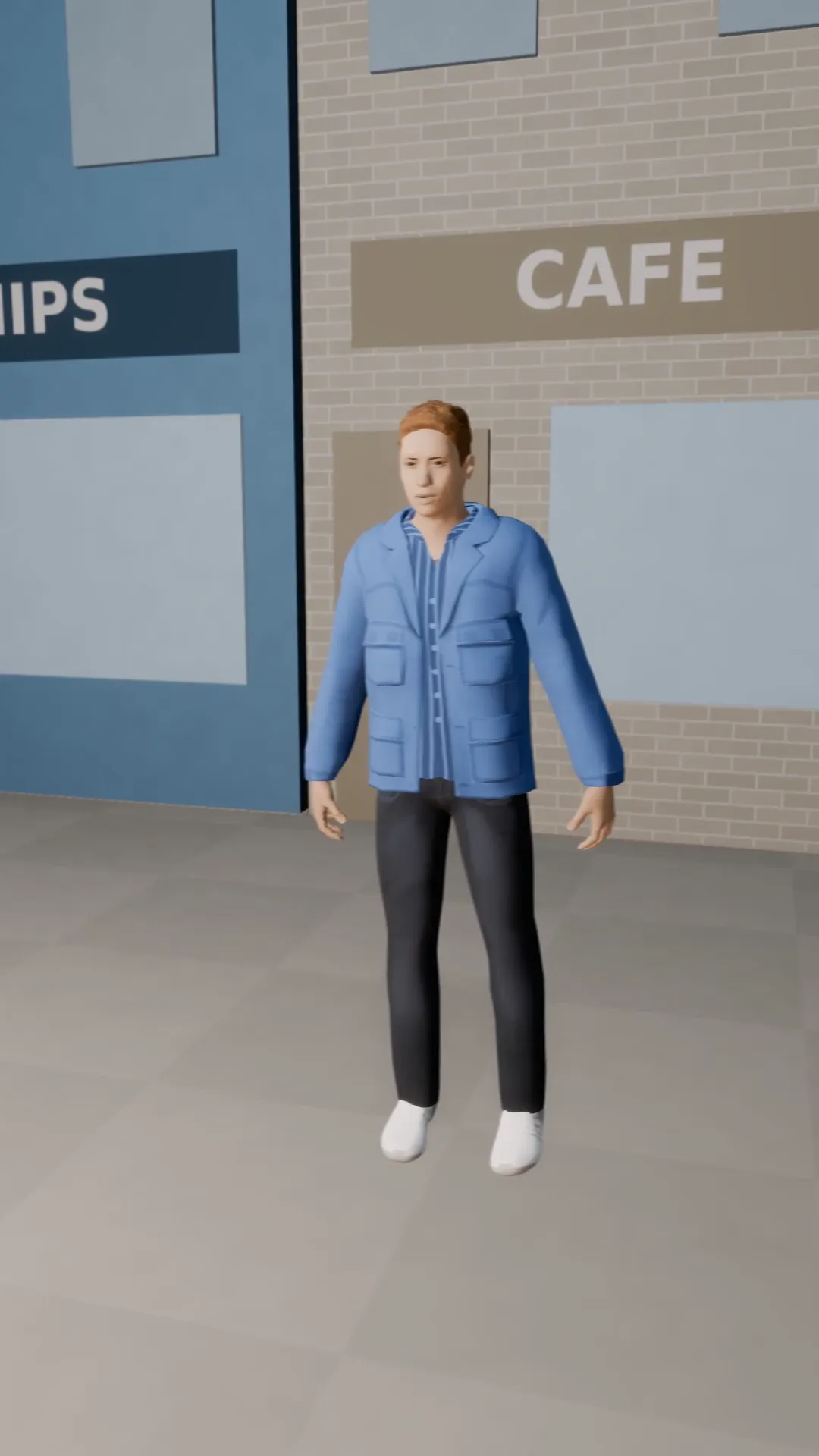
Truck right
9:16
The same sideways slide to the right. Pair it with truck left for a back and forth.
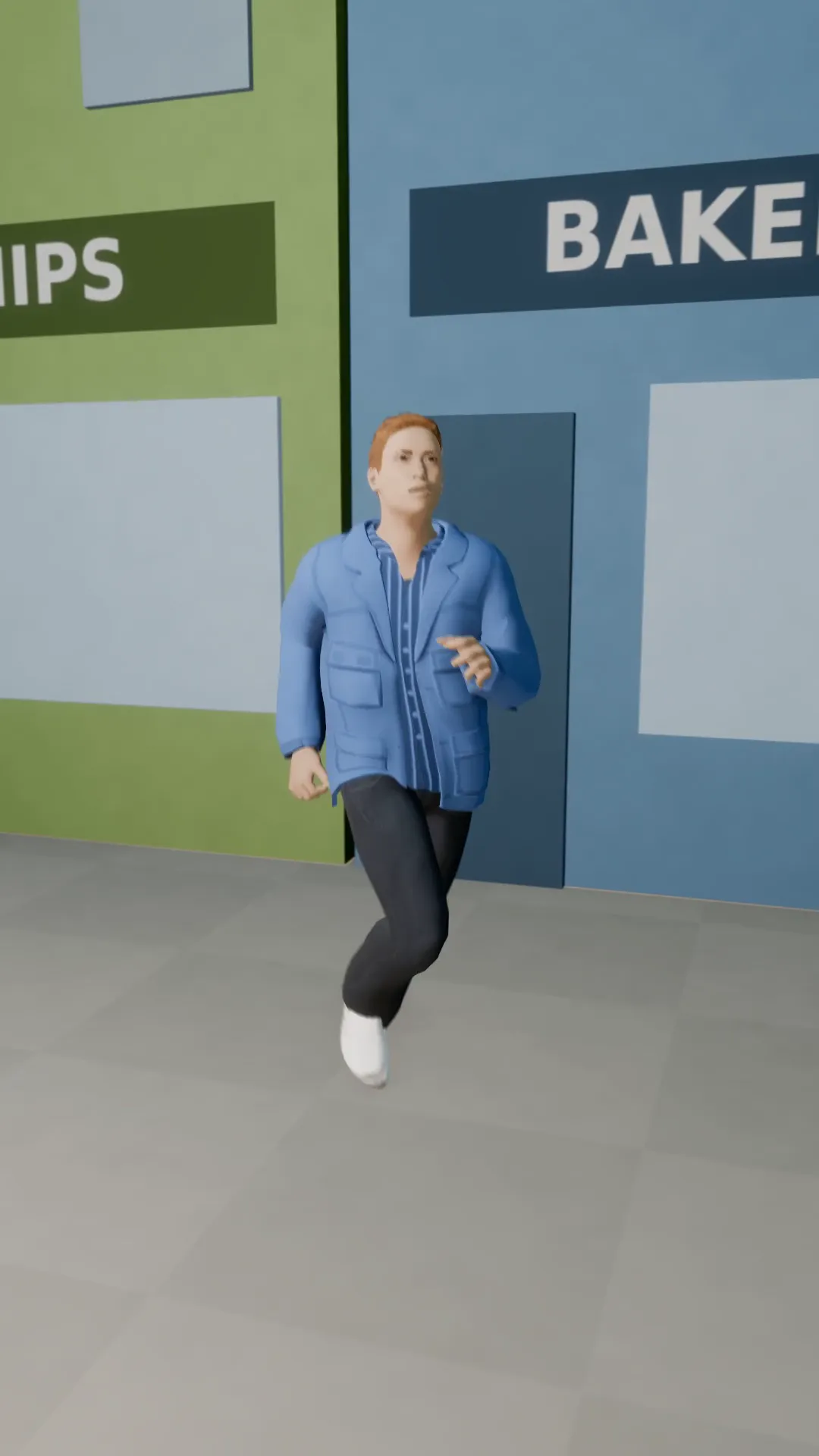
Tracking follow
9:16
The camera follows a runner down the street at a fixed distance.
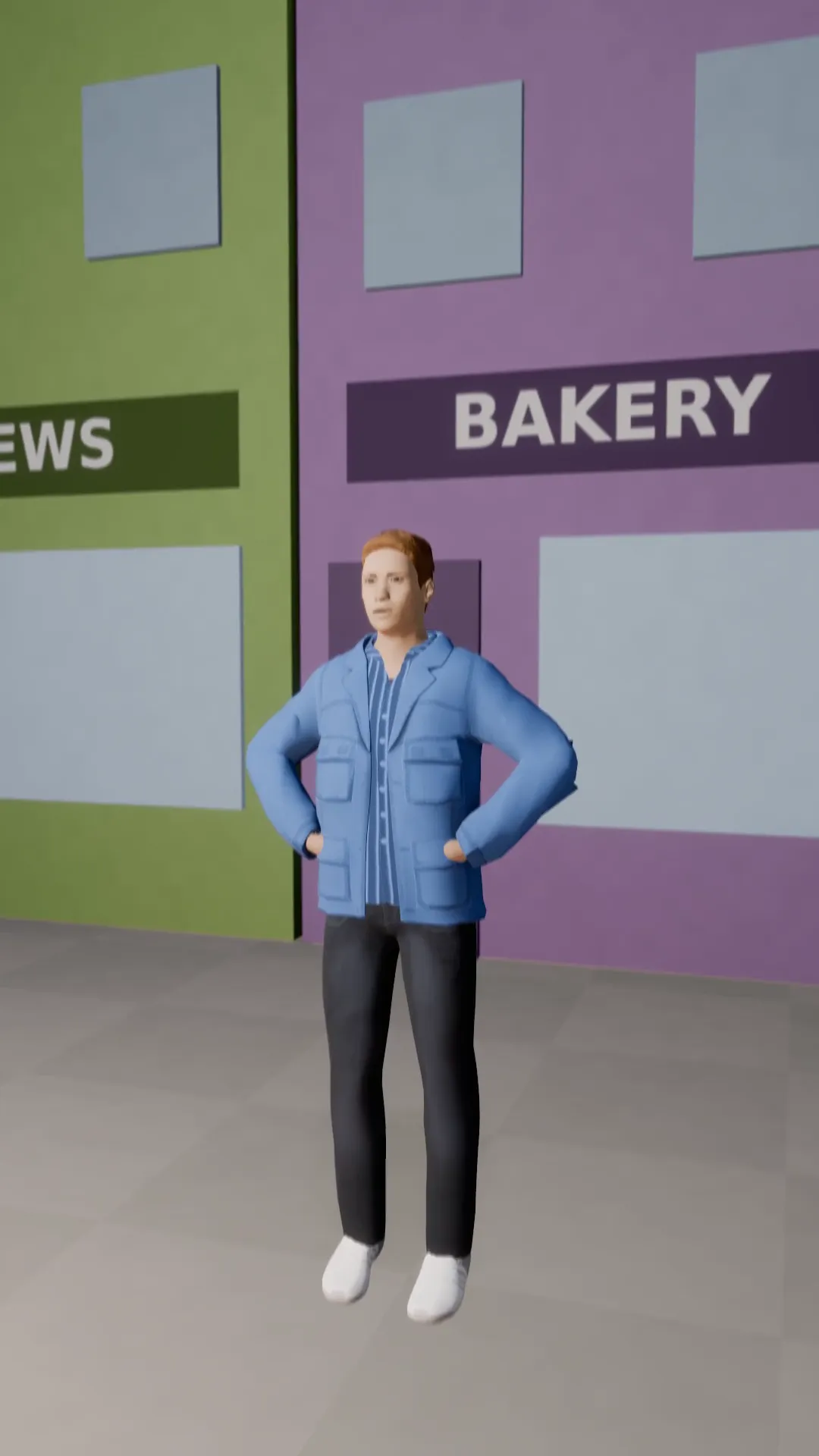
Tilt-up hero reveal
9:16
Boots to face: the camera tilts up the whole body of the subject.
Flyover
9:16
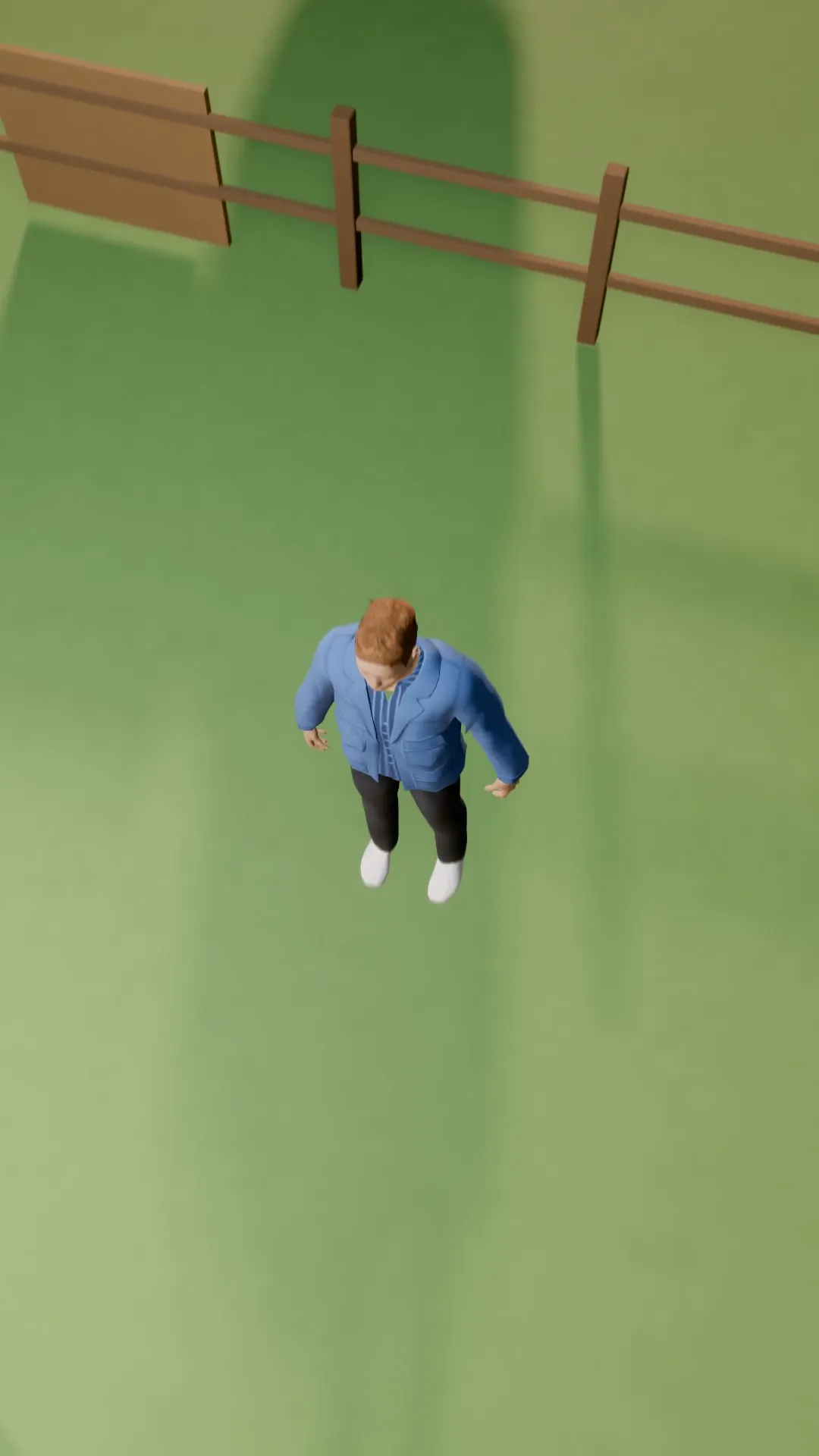
A smooth fly-over that passes above the subject and keeps going.
Try Truck left
Open the template in Stage, make it yours and preview it. Planning in Stage is free.