
Stage template
Campfire storytime Template for Stage
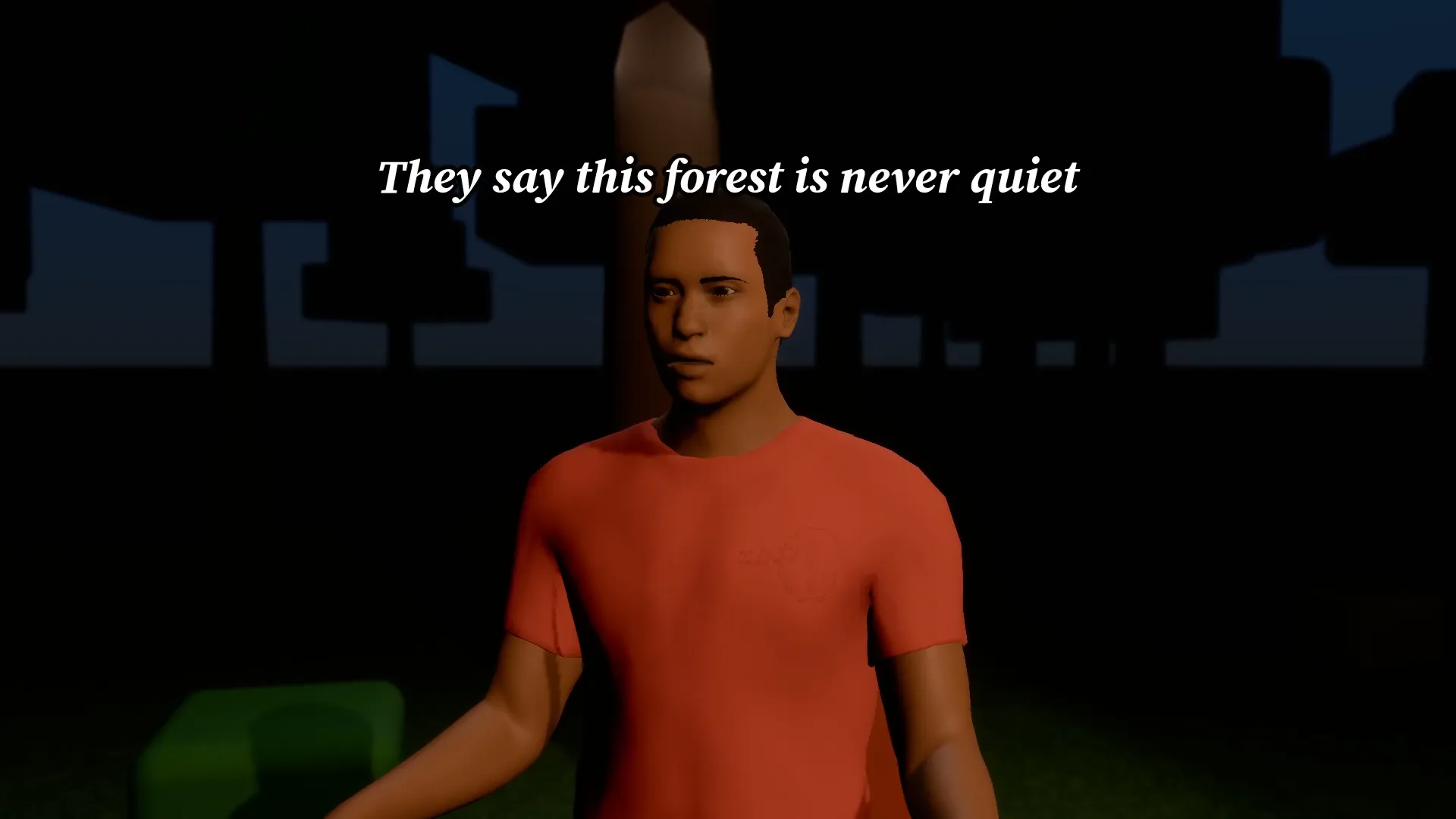
A scary story around a campfire: low light, slow push-in and a final jump scare caption.
- Stage template
- Landscape (16:9)
- 1 character to swap
- 2 text lines to rewrite
 Official BytePlus partnerBytePlus, a ByteDance company
Last updated
On this page
What the Campfire storytime template makes
This template sets up a spooky campfire scene for a storytime video. It features low lighting and a slow camera push-in. You can swap one character and edit two text lines. The scene ends with a jump scare caption for a complete narrative arc.
Ideas to try
- Create a scary forest tale
- Plan a campfire horror video
- Edit a storytime scene with text
How it works
Opens in Stage.
- 1
Open the scene in Stage
Load the ready 3D campfire scene into the planner tool.
- 2
Change words and characters
Swap the single character and rewrite the two text lines.
- 3
Move the camera
Adjust the slow push-in movement to fit your story timing.
- 4
Preview and make video
Check the final jump scare caption and export the video.
Questions
Can I change the text on screen?
How many characters are in the scene?
What is the video aspect ratio?
Is Stage free?
More Stage templates
Rooftop lyric video
16:9
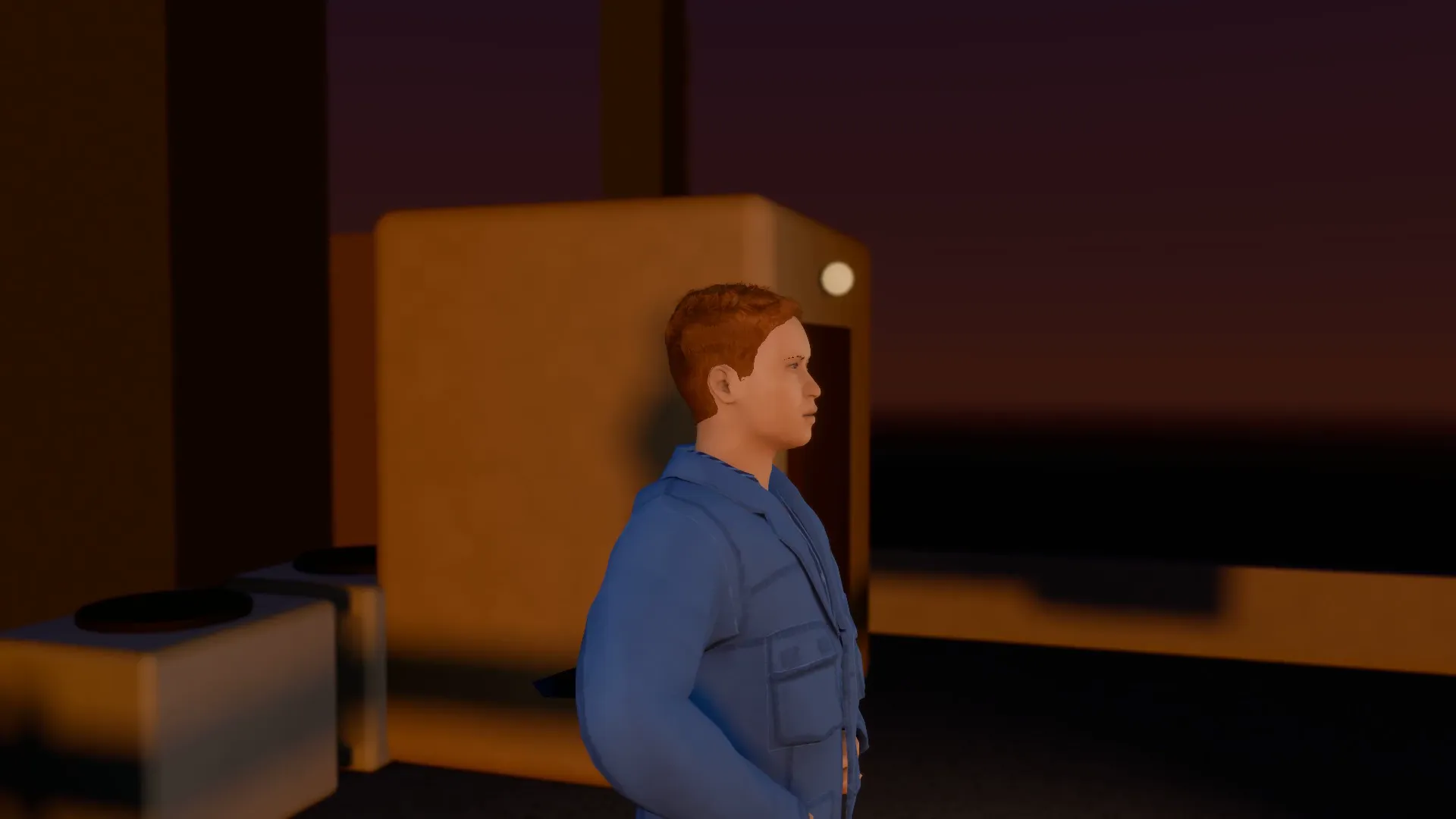
An artist on a rooftop at sunset with the lyrics landing word by word on the beat.
Neon rap hook
9:16
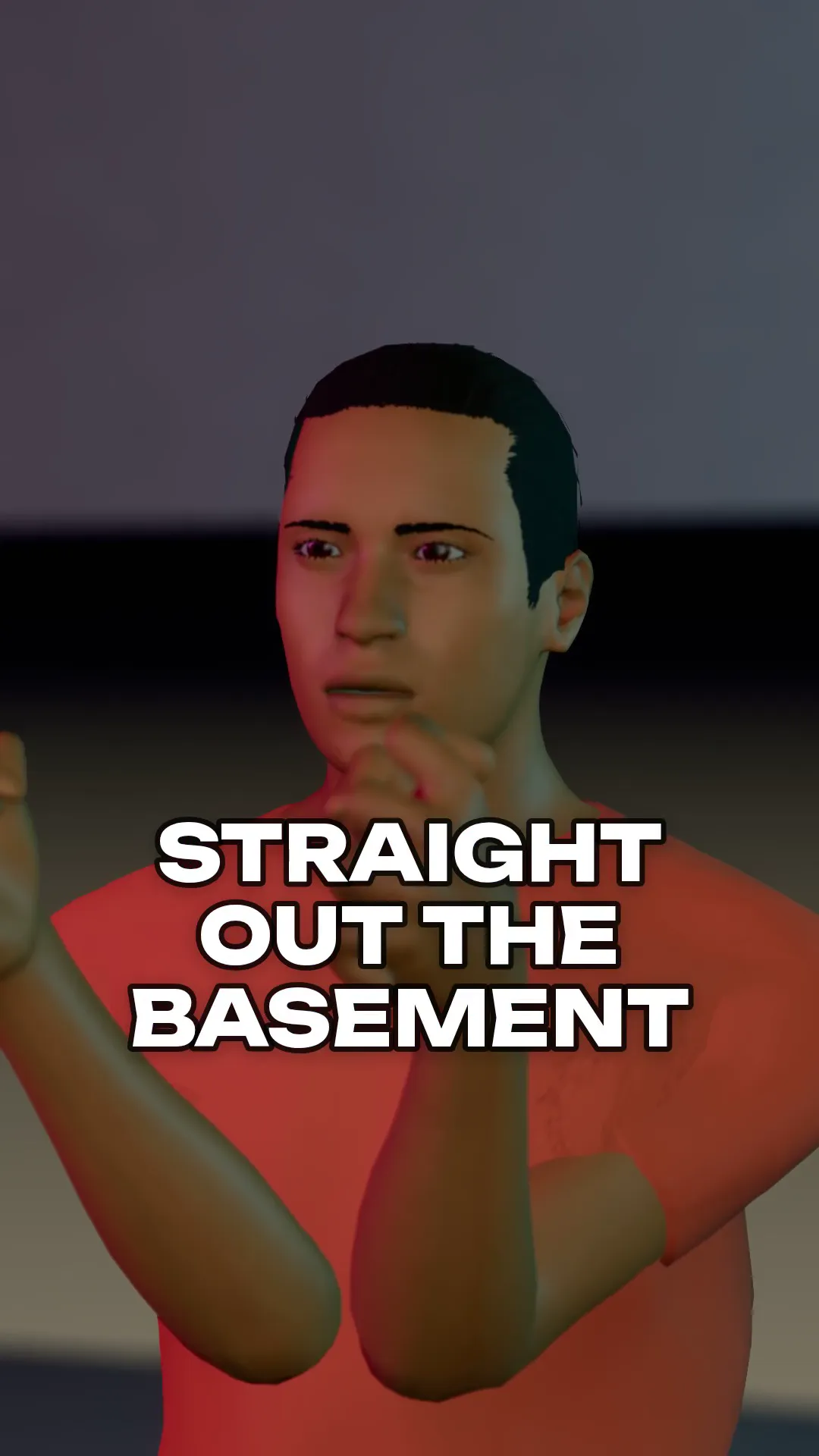
A rapper in a neon studio, glitch text on every snare, snap zooms on the hits.
Beach sunset ballad
16:9
A slow, warm music video moment on the shore with a title card on the final line.
Product bottle reveal
16:9
A glossy bottle on a pedestal, lights snap on and the camera orbits. Your product name and tagline on the card.
Try Campfire storytime
Open the template in Stage, make it yours and preview it. Planning in Stage is free.