
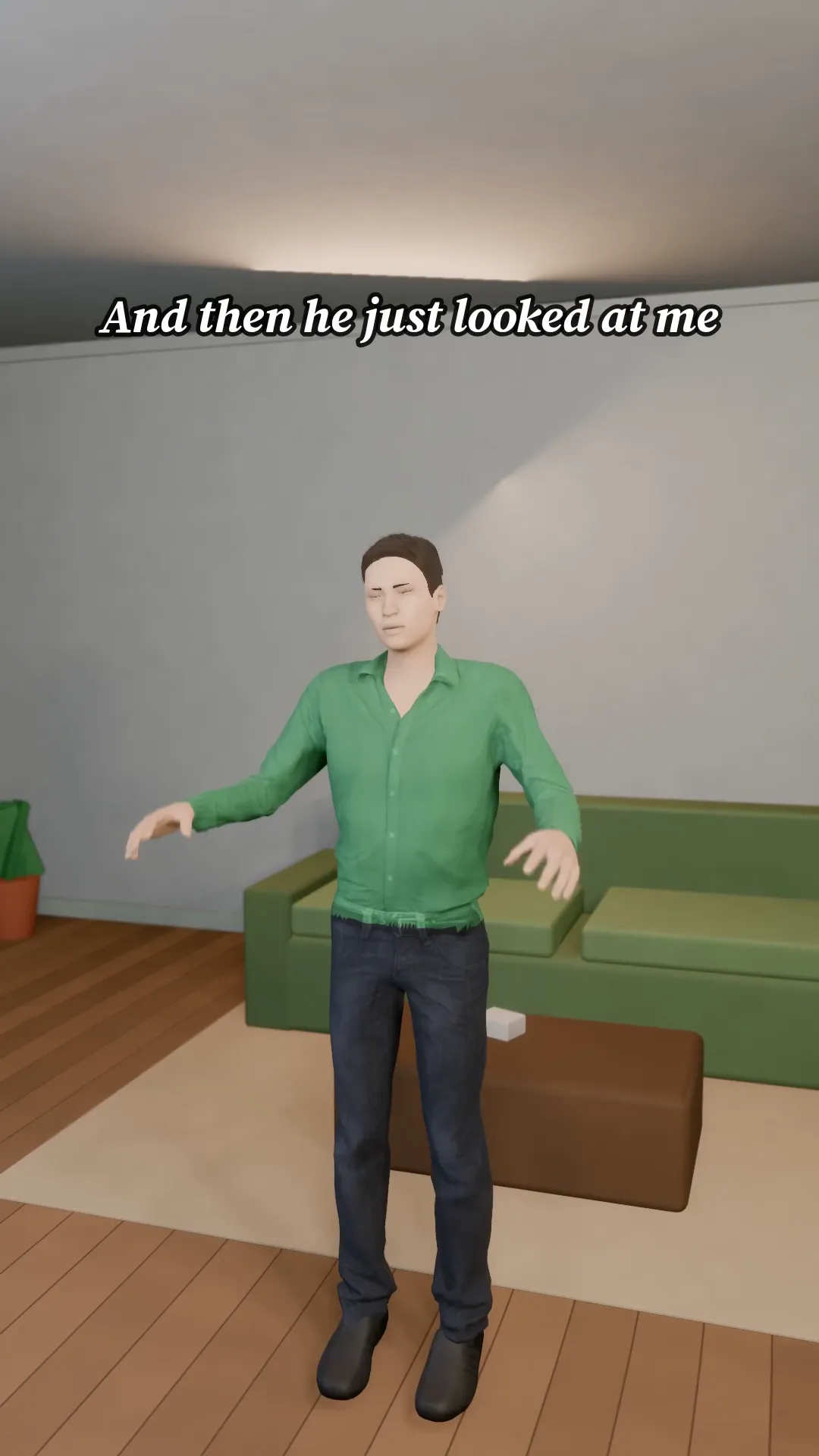
Stage template
Storytime to camera Template for Stage
A talking-to-camera storytime with a hook, a build and a punchline. Your story, your face.
- Stage template
- Portrait (9:16)
- 1 character to swap
- 3 text lines to rewrite
 Official BytePlus partnerBytePlus, a ByteDance company
Last updated
On this page
What the Storytime to camera template makes
This template creates a vertical storytime video where you talk directly to the camera. It structures your content with a hook, a build, and a punchline. You can swap the character and rewrite three lines of on-screen text to match your specific story.
Ideas to try
- Share a personal funny moment with friends
- Explain a quick life hack clearly
- Tell a short anecdote to engage viewers
How it works
Opens in Stage.
- 1
Open the scene
Launch the template in the Stage tool to view the 3D layout.
- 2
Customize details
Swap the character and edit the three text lines to fit your story.
- 3
Set the camera
Move the camera angle to frame your face and text correctly.
- 4
Preview and export
Watch the preview to check timing, then generate the final video.
Questions
Can I change the text on screen?
Who can use this template?
What is the video format?
Is Stage free?
More Stage templates
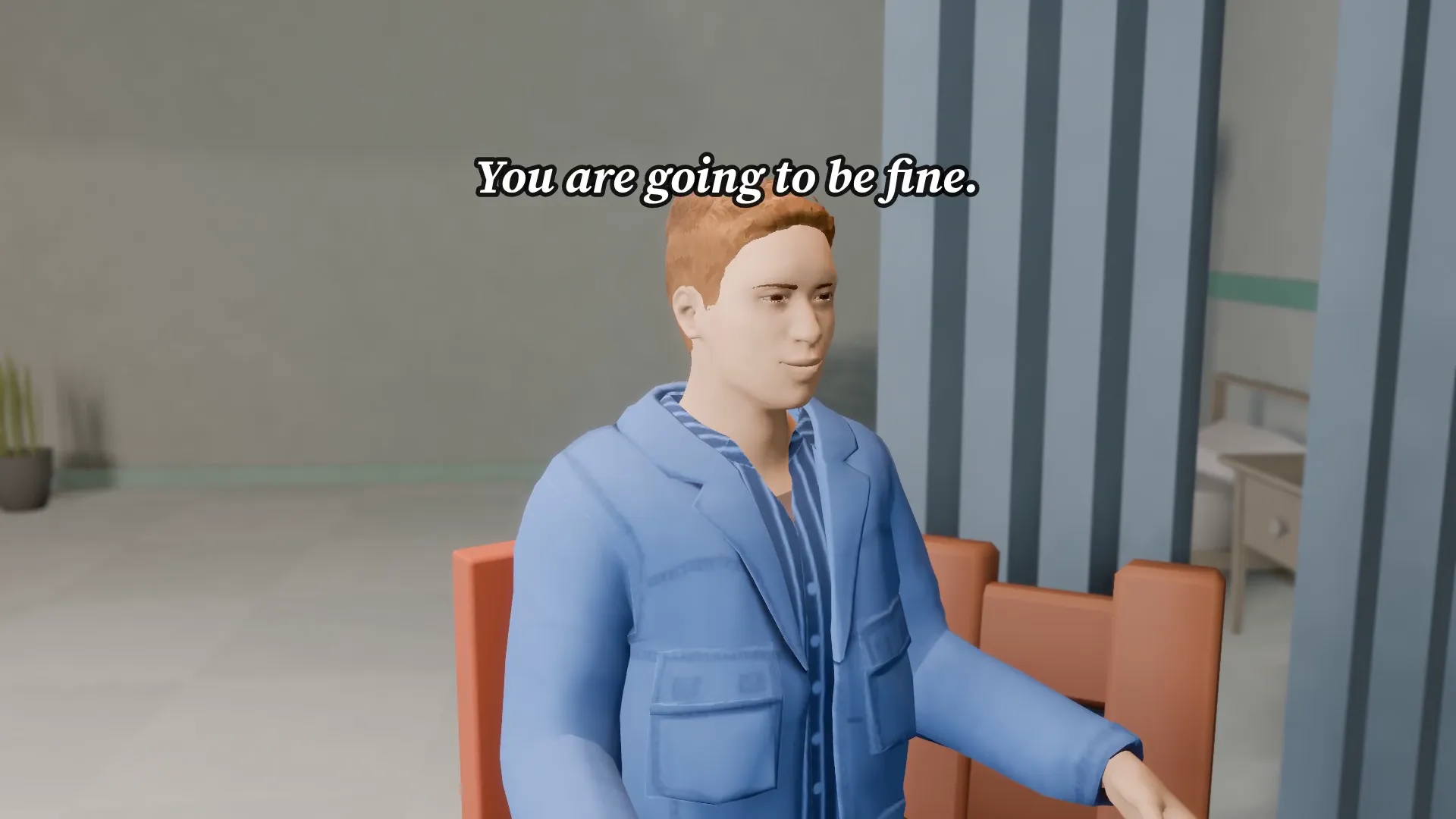
Hospital visit
16:9
A quiet bedside, a nurse at the door and one line that changes the mood. Soft light, slow push-in.
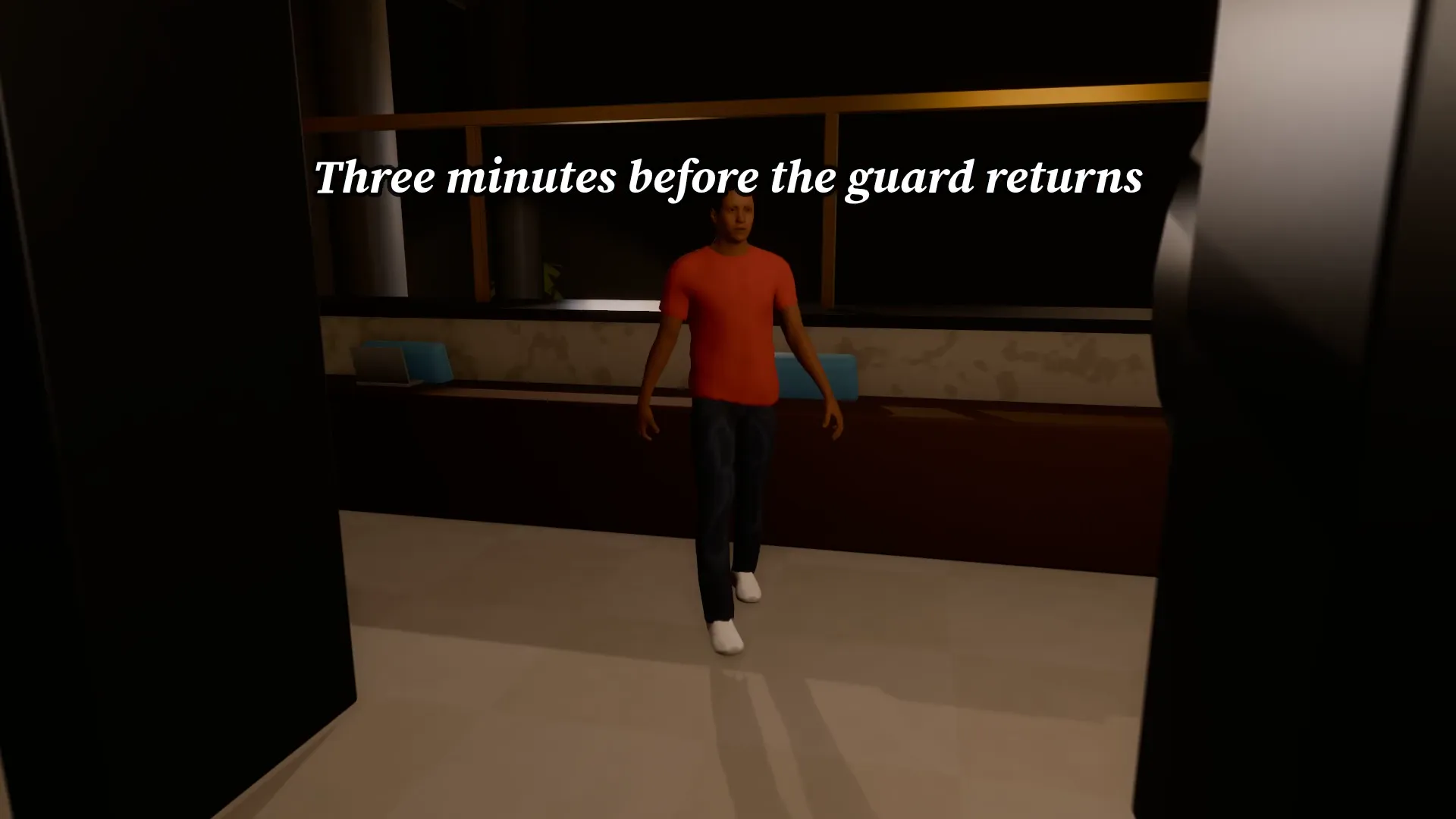
Vault heist
16:9
A masked thief creeps through a dark bank to the vault door while the lights flicker. Tension, then the twist.
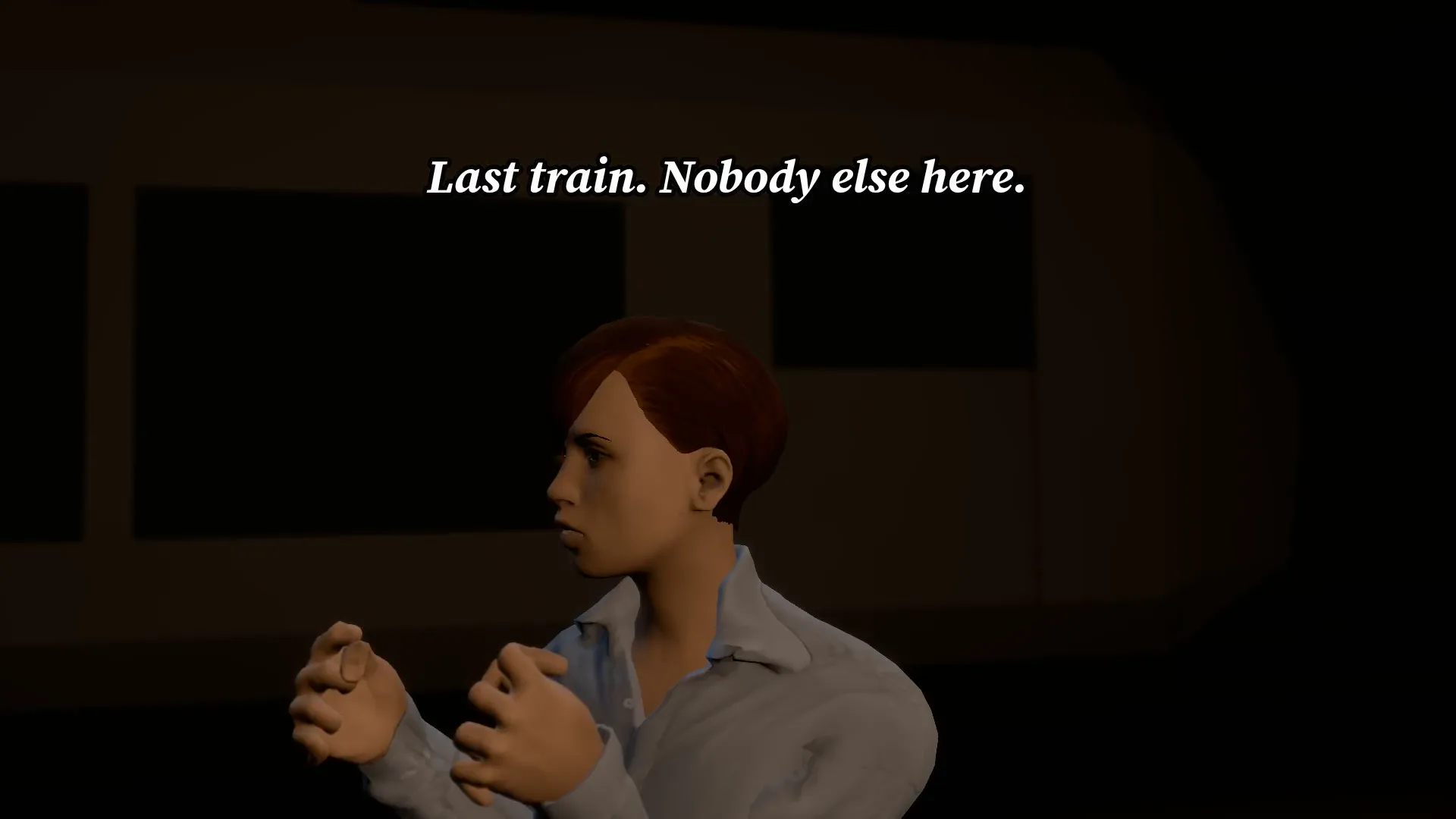
Last train
16:9
An empty subway platform, a flickering light and a figure at the far end. Do not look twice.
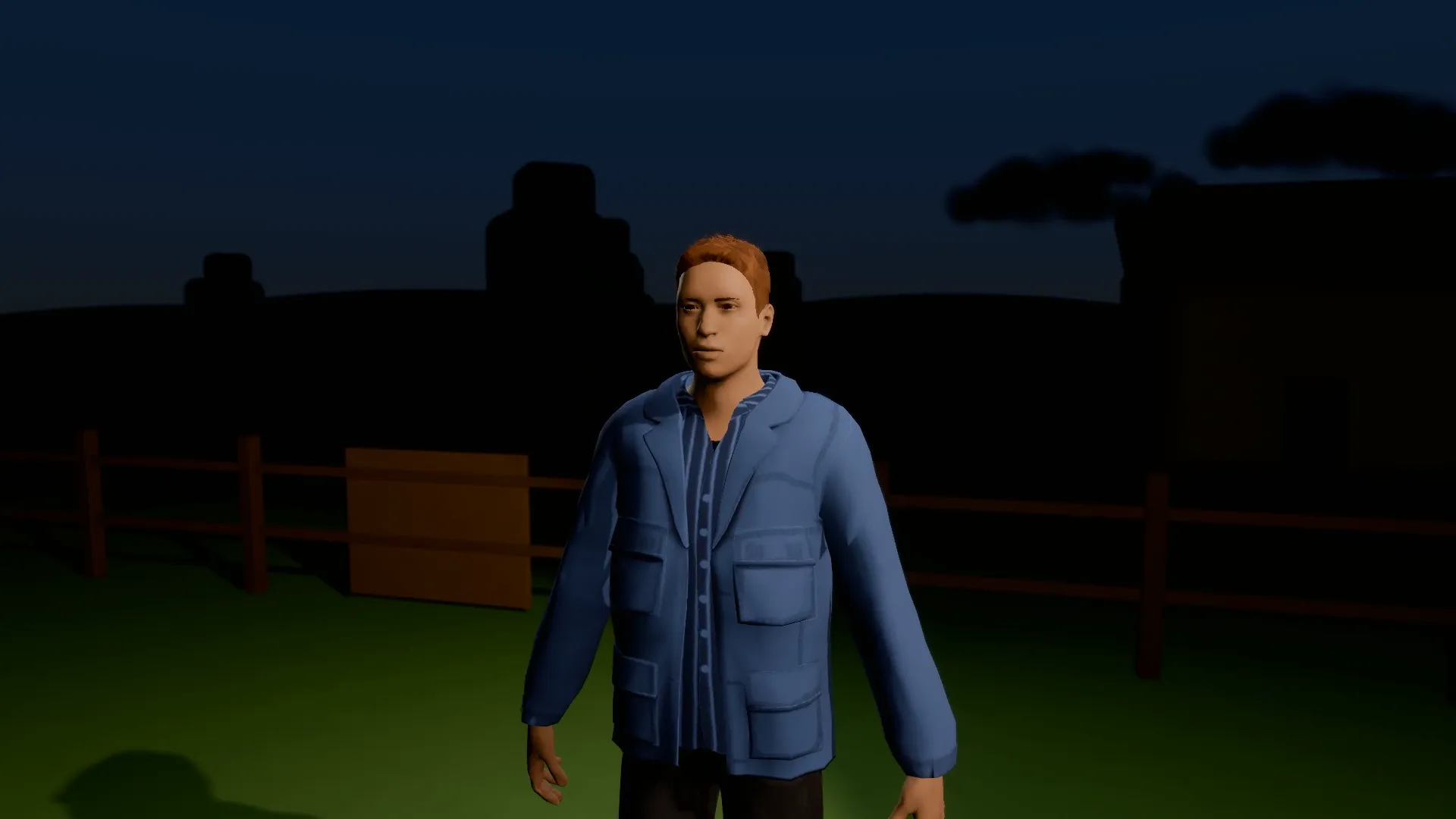
Abduction beam
16:9
A saucer over a dark field, a beam of light and one very surprised farmer drifting up into it.
Try Storytime to camera
Open the template in Stage, make it yours and preview it. Planning in Stage is free.