
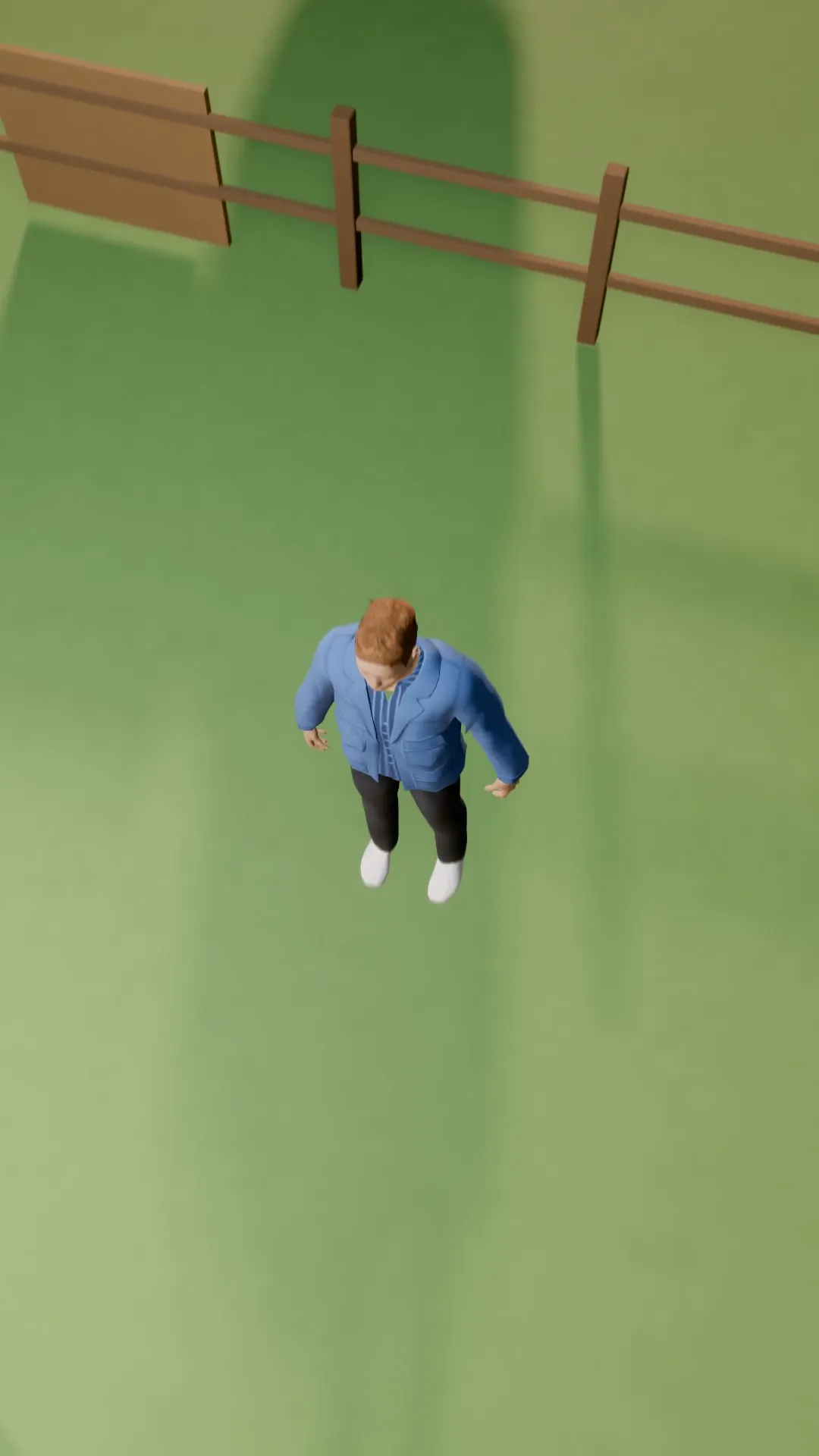
Stage template
Flyover Template for Stage
A smooth fly-over that passes above the subject and keeps going.
- Stage template
- Portrait (9:16)
- 5 second move
 Official BytePlus partnerBytePlus, a ByteDance company
Last updated
On this page
What the Flyover template makes
Flyover is a smooth camera move template for Stage. It passes above your subject and continues forward. The 5 second clip fits the 9:16 frame. You apply it to a selected shot in Stage or open it in the video studio to move the camera around your own photo.
Ideas to try
- Plan a smooth fly-over shot for a scene
- Preview camera movement before recording
- Adjust the camera path after applying the template
How it works
Opens in Stage.
- 1
Open scene in Stage
Select the shot you want to animate.
- 2
Apply the template
Choose Flyover from the camera move options.
- 3
Preview and adjust
Watch the 5 second move and tweak the camera if needed.
Questions
How long is the camera move?
Can I change the camera path?
What frame size does it use?
Is Stage free?
More Stage templates
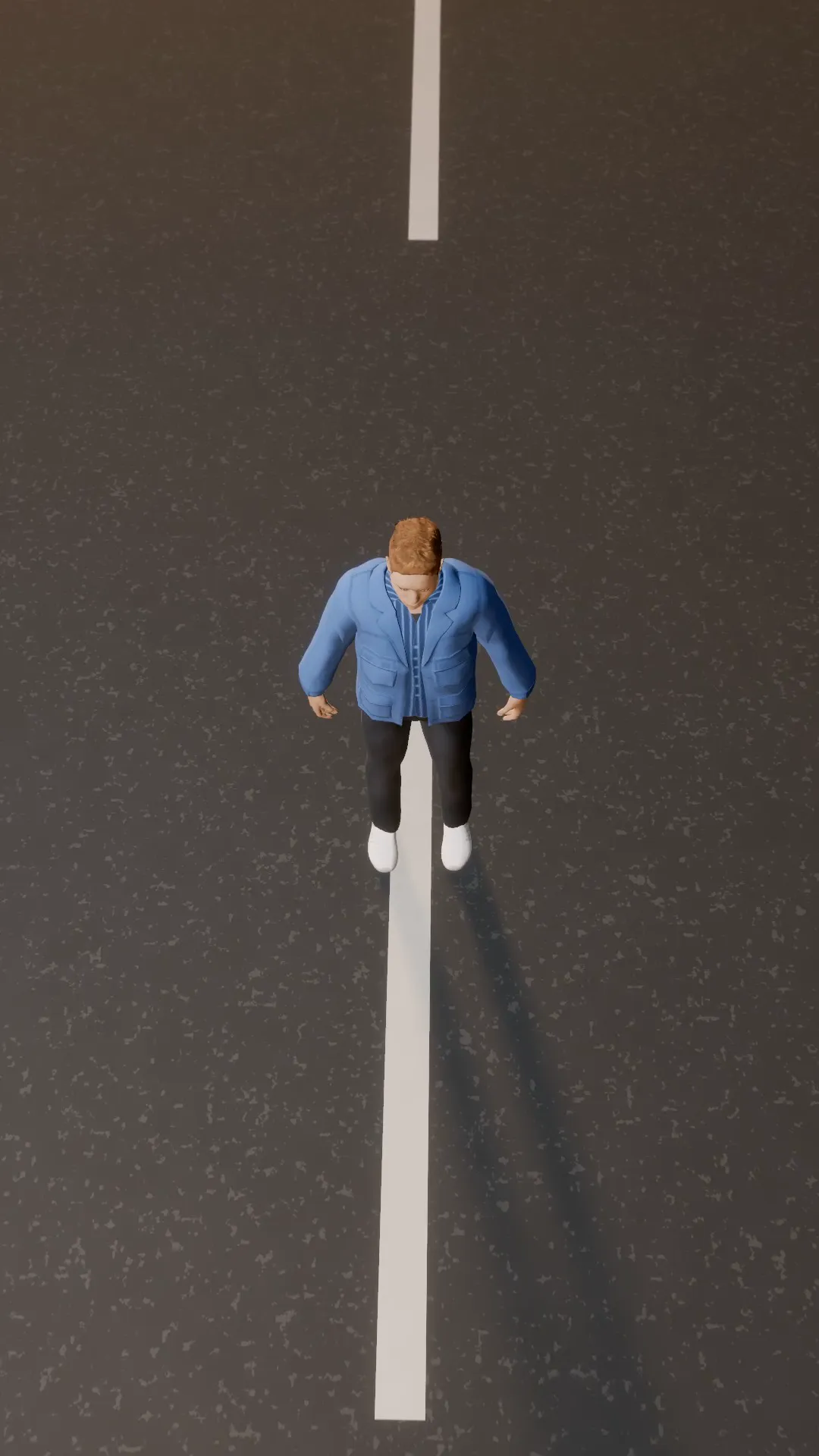
Helicopter shot
9:16
A wide circling aerial like a news helicopter, tightening on the subject.
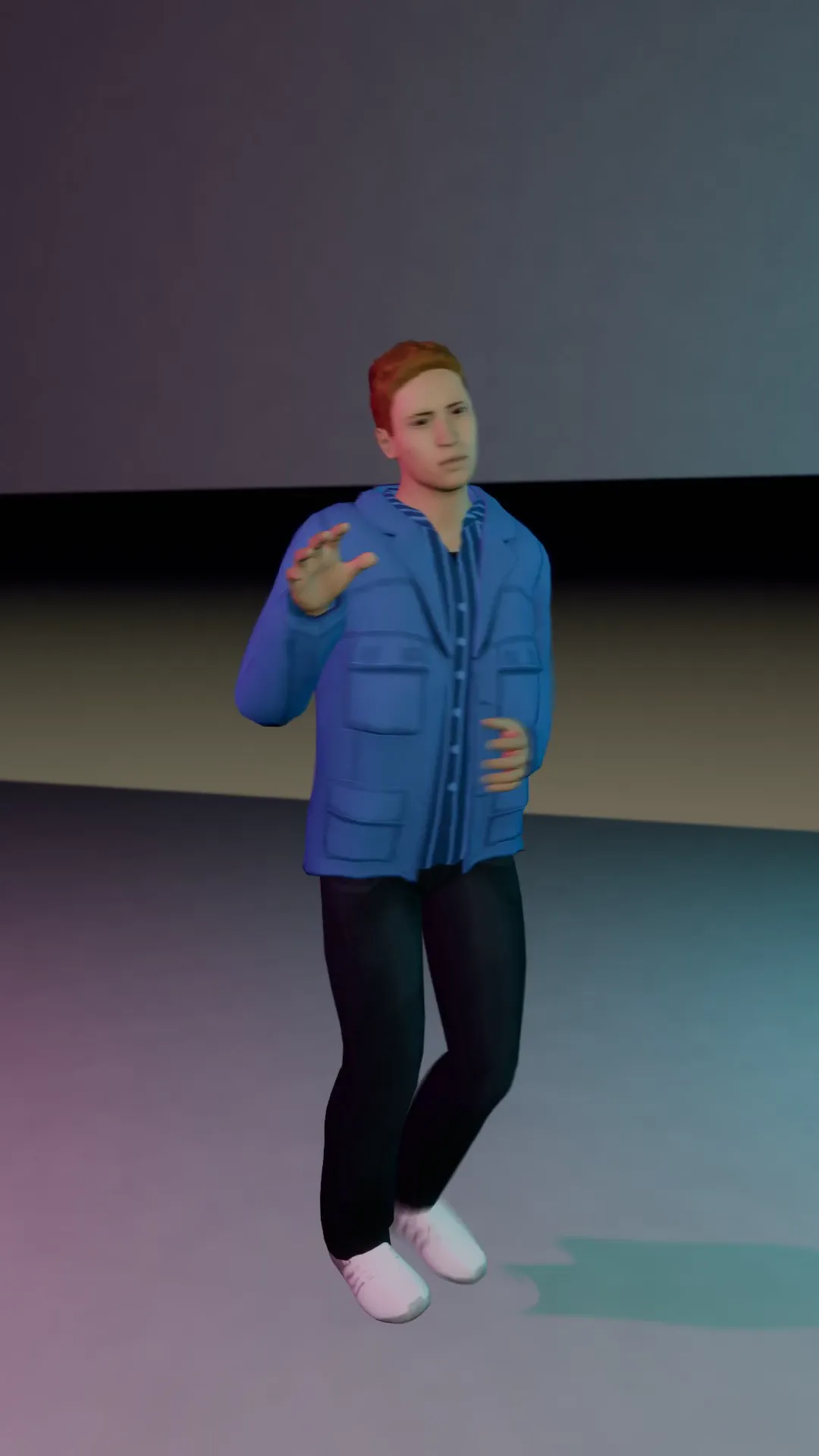
Speed ramp
9:16
The camera surges in, the action slows to a crawl, then snaps back to speed.
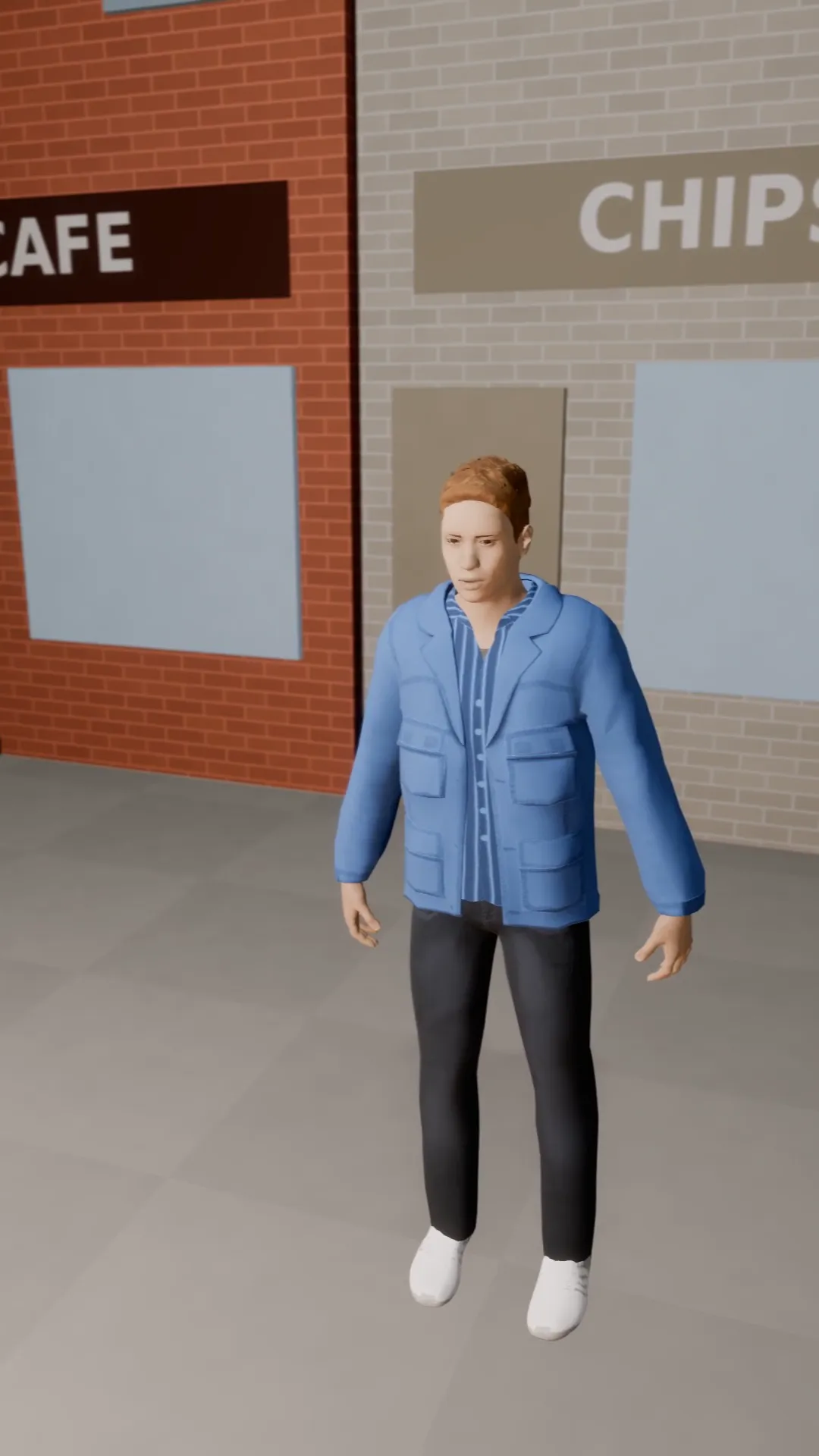
Pan left reveal
9:16
The camera stays put and pans left off an empty street to find the subject waiting. A slow, calm reveal.
Pan right follow
9:16
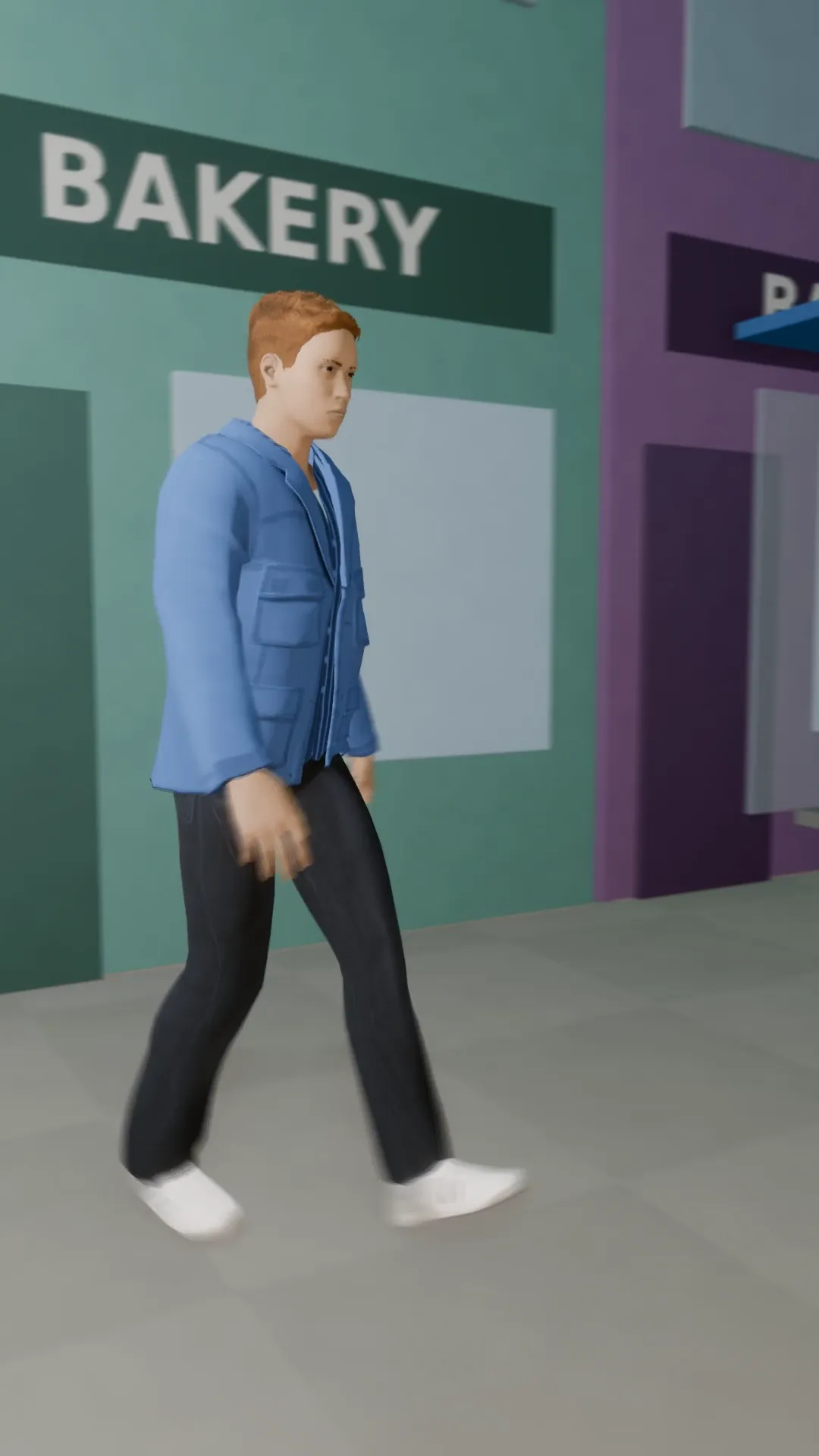
A tripod pan that keeps a walking subject in frame as they cross from left to right.
Try Flyover
Open the template in Stage, make it yours and preview it. Planning in Stage is free.