Try this in the studio
Make a New Year video in five steps
- 1
Choose eight moments
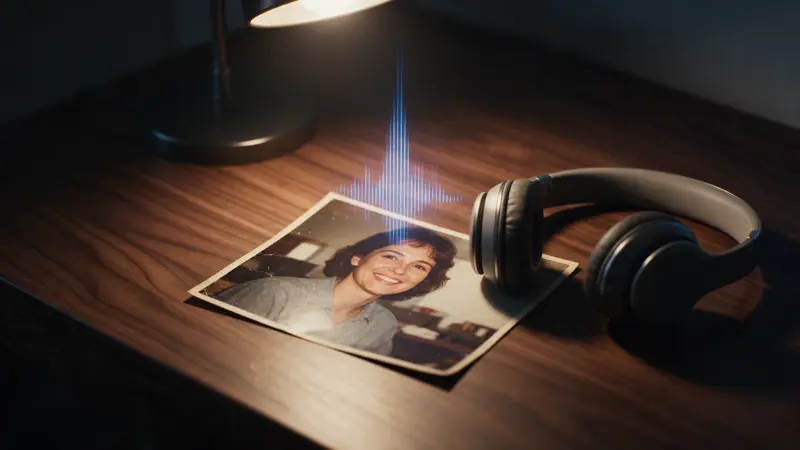
Pick one photo from each part of the year: a trip, a birthday, a new home, a night out. Sharp photos with the faces in view work well. One photo makes one clip.
- 2
Animate each photo
Add the photo as the first image in the video studio and choose Seedance 2.0 Fast. Ask for one small movement, such as a smile, a slow push in or a breeze. End with: keep the faces and the place exactly as in the photo. Clips run 4 to 15 seconds, so 4 to 5 is enough.
- 3
Pick the shape
Choose the shape for where it will play (16:9, 4:3, 1:1, 3:4, 9:16, 21:9). Use 9:16 for a story or a phone, and 16:9 for a screen at a party.
- 4
Join the clips and add your text
Open the video editor, put the clips in order and add a short line on each, such as the month. Finish with a title card such as Happy New Year. Typed text stays sharp and exact.
- 5
Add music and export
Put your song on the audio track and trim it to fit. Use music you have the right to use. The studio also takes up to 3 audio references of 2 to 15 seconds each. Watch the whole video with sound, then export.
New Year movement prompts
Add your photo as the first image, then paste one and change the details.
Friends at a party
The photo from the first image. The friends laugh and raise their glasses, the party lights glow softly, the camera pushes in slowly. Keep the faces, the clothes and the room exactly as in the photo.
Trip photo
The trip photo from the first image. A light breeze moves the hair and the clouds drift slowly. The camera glides slowly forward. Keep the people and the place exactly as in the photo.
Midnight sky
The city skyline from the first image at night. The windows glow and soft lights sparkle in the sky. A slow, steady camera push in. Keep the buildings exactly as in the photo.
A simple structure
Start with a title and the first month, move through the year in order, and end on the people who matter. Keep each clip short so the video keeps a steady pace.
A video of 30 to 45 seconds is easy to watch. Eight clips of 5 seconds make 40 seconds.
- Title card with the year
- One clip for each moment
- A short line of text on each clip
- A closing wish
Adding text
Add the words in the video editor, not in the video prompt. Text typed in the editor stays exact, and you choose the font, the size and the place on the screen.
Keep each line short and leave it on screen long enough to read.
Care and consent
Only use photos of people who agree to it, and photos you took or have the right to use. The model may refuse some photos of real people.
Ask the people in the photos before you post the video.
What it costs
A 5-second clip at 720p is 12 credits on Seedance 2.0 Fast and 17 on Seedance 2.0. The studio shows the credits before you generate. If a job fails, the credits come back automatically. Eight photos at 5 seconds on Seedance 2.0 Fast is 96 credits for one take each. Leftover plan credits carry into the next paid month.