Image to video
Image to video AI: bring any photo to life
Upload a photo, describe the motion, and Seedance 2.0 turns it into a moving shot. Portraits, products, artwork and landscapes all work, and you choose the camera move, the length and the resolution.
- Seedance 2.0
- Up to 9 images
- 480p to 4K
- 4 to 15 seconds
How image to video works
- 1
Add your image
Open the video studio in image to video mode and upload a photo, or pick a still you already generated or saved in your assets.
- 2
Describe the motion
Say what should move and how the camera behaves: a slow push-in, an orbit, hair in the wind, a product turning on a plinth.
- 3
Generate your clip
Pick length, resolution and aspect ratio. You see the credit cost first, and the finished video is saved to your assets.
Why animate images with Seedance 2.0
A still image already answers the hardest questions in a shot: who is in it, what they look like, the setting and the light. Starting from an image instead of words alone gives the model that information directly, so the video matches your picture instead of an interpretation of a prompt.
Seedance 2.0 is strong at camera direction, which is what makes a still feel cinematic. You can ask for a slow dolly in, a crane down, an orbit or a handheld feel and add motion to the subject at the same time. For shots that need more control you can combine several images, such as a character, a product and a background, in one generation.
If you do not have the image yet, make it first in the AI image generator with Seedream, then pick it from your assets in the video studio. For people who appear in many clips, build them once with the AI character generator.
What you control
Resolution
480p and 720p for drafts and social, 1080p and 4K for final delivery (Pro, Max and Business plans).
Length
Clips from 4 to 15 seconds, or let smart duration choose a length that fits the prompt.
Aspect ratio
16:9, 4:3, 1:1, 3:4, 9:16, 21:9, so the same image can become a vertical short and a widescreen clip.
Audio
Turn on generated audio for ambient sound and effects that match the scene, or keep the clip silent.
Multiple references
Up to 9 images per Seedance 2.0 generation, plus reference clips and audio when you need them.
Draft and final models
Test ideas with Seedance 2 Fast at a lower cost, then render the final version with Seedance 2.0.
Ideas for animating photos
- Portraits with a subtle push-in and natural movement
- Product photos turned into short ad reveals
- Artwork and illustrations brought to life for social posts
- Travel and landscape shots with drifting clouds and camera moves
- Character art animated for short stories and trailers
- Thumbnails and posters turned into looping motion versions
Try a camera template on your image
Every template works with a photo or saved character as a reference. Open one, add your image and generate.
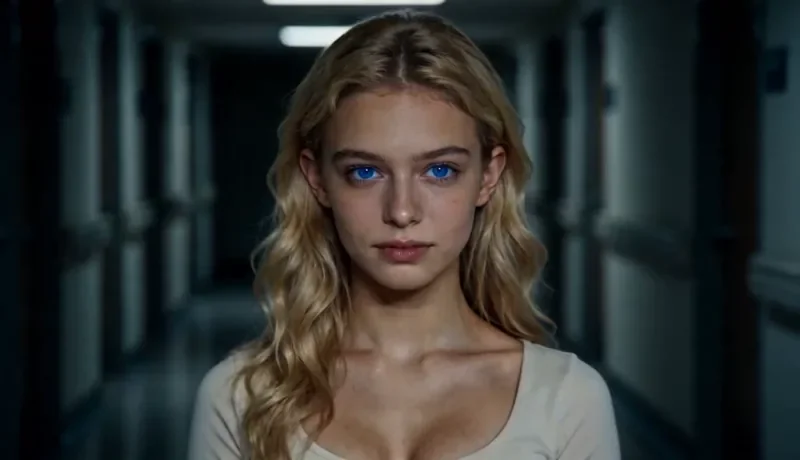
Dolly Zoom
34 creditsThe Vertigo effect: the subject stays the same size while the background stretches away behind them.
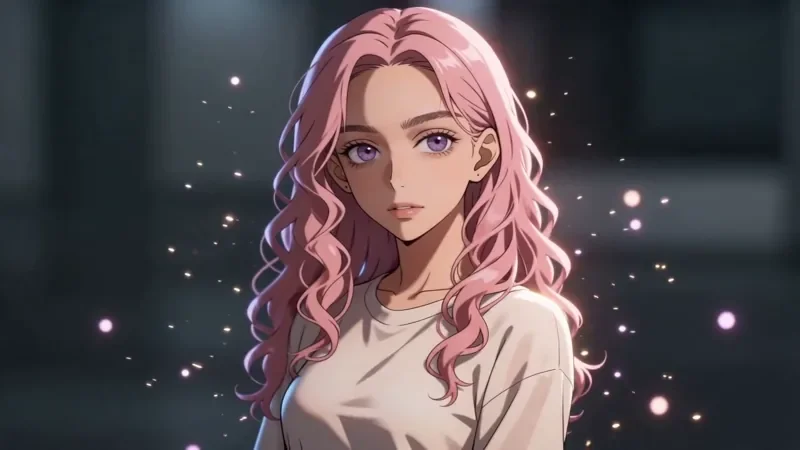
Bullet Time
42 creditsA frozen moment with the camera orbiting 360 degrees around your subject, particles hanging in the air.
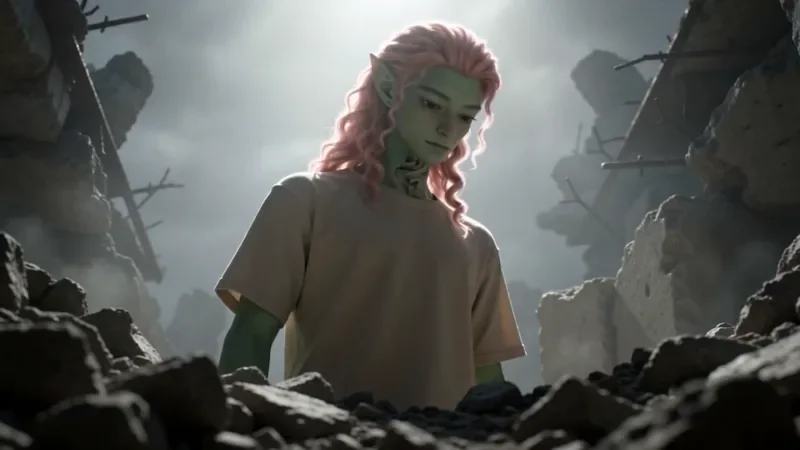
Worm's Eye Hero Shot
50 creditsAn extreme low angle from the ground that makes your subject tower over the camera, backlit against the sky.
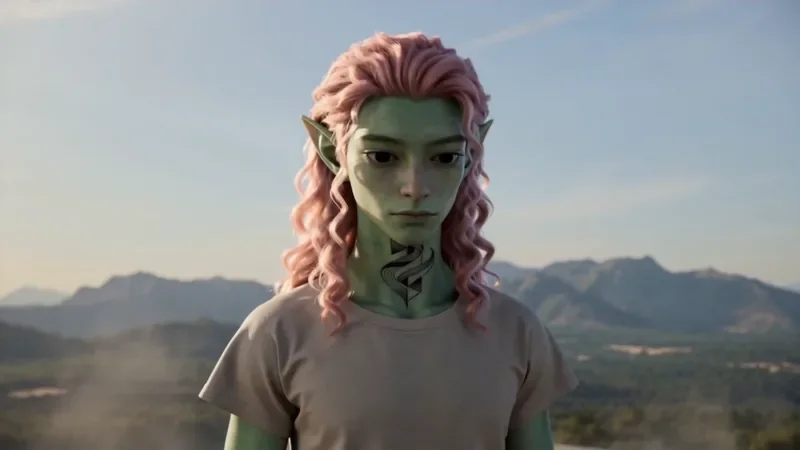
Spiral Ascend
66 creditsThe camera orbits your subject while rising, finishing directly overhead in a bird's-eye view.
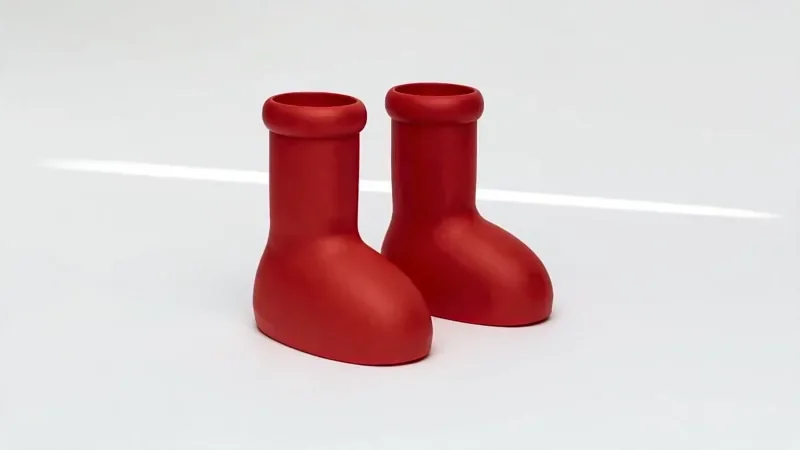
Product Reveal
50 creditsA short cinematic reveal with a smooth camera move and premium lighting for ads and storefronts.
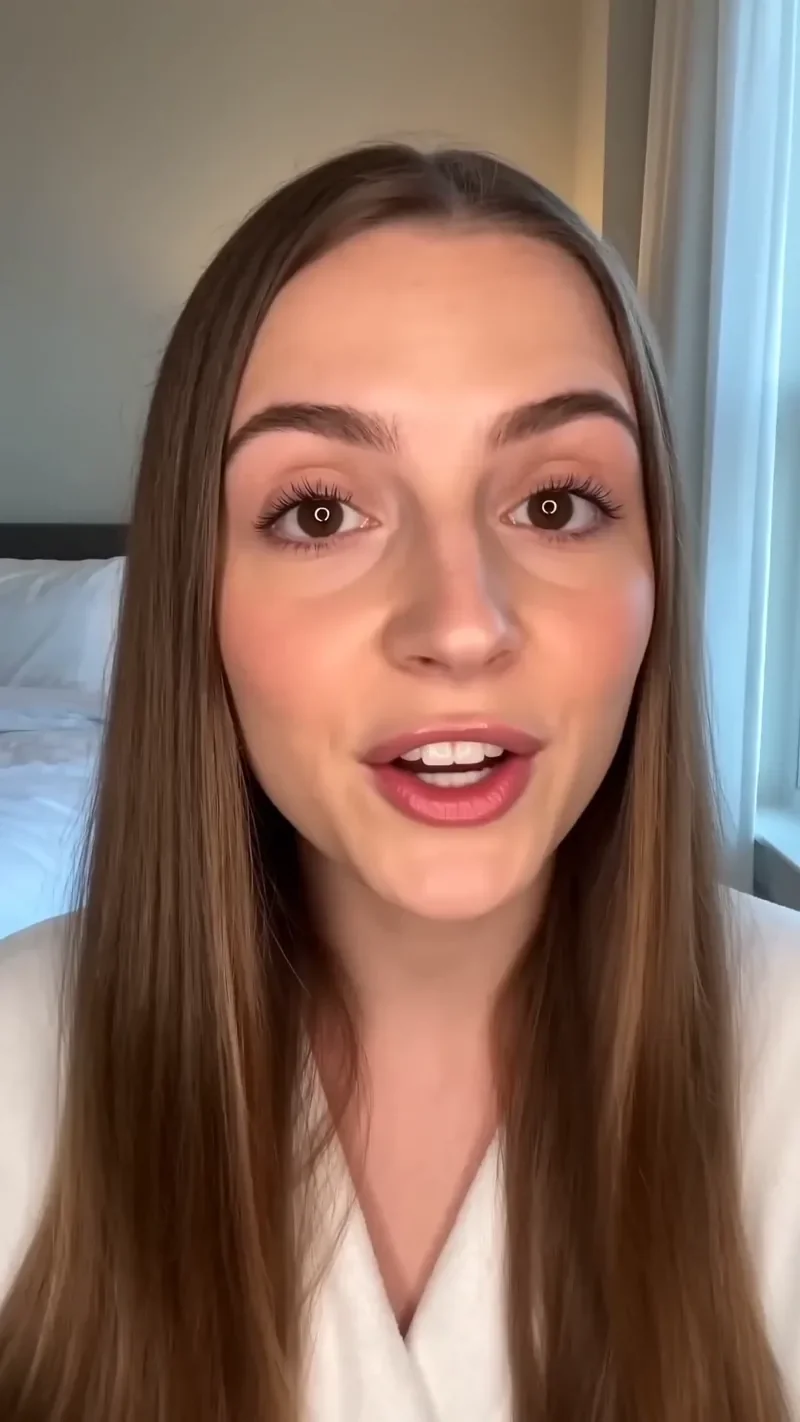
UGC Hook
66 creditsA vertical, social-first UGC opener with handheld movement and the product clearly in frame.
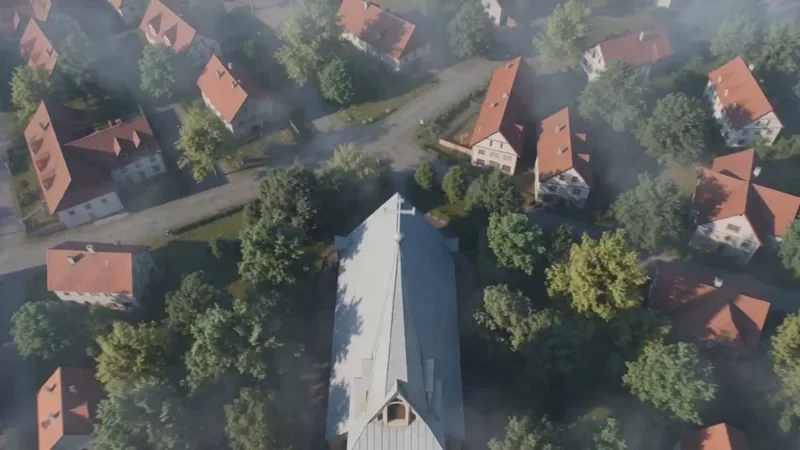
Crane Down Sky Reveal
66 creditsThe camera descends from high above, through a layer of cloud or canopy, to reveal your subject at ground level.
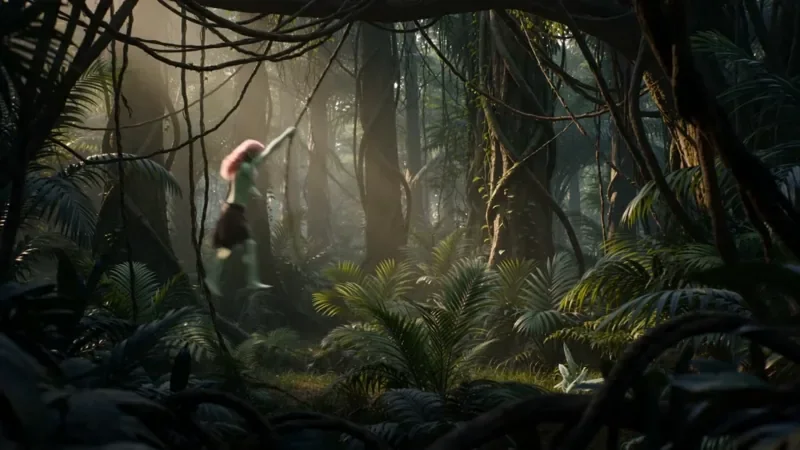
Multi Angle Shot
66 creditsOne action shown from three angles with hard cuts: a wide shot, an extreme close-up and a reverse angle.
Tips for better results
Use a sharp, well-lit image at a decent size; blurry or heavily compressed photos give the model less to work with. Keep the prompt focused on motion rather than re-describing everything in the picture, and give one clear camera instruction. If the first result moves too much, ask for slower, subtler motion and try again at 480p or 720p before rendering a final version.
Image to video questions
How do I turn an image into a video?
Open the video studio, switch to image to video, upload your photo or pick one from your assets, then describe what should move and how the camera behaves. Choose length, resolution and aspect ratio and generate.
How many images can I use?
With Seedance 2.0 you can add up to 9 reference images to one generation, for example a character, a product and a location. Seedance 1.5 is also available if you want a single image used as the opening frame.
How much does it cost to animate a photo?
A 5-second Seedance 2.0 clip costs 27 credits at 720p or 40 credits at 1080p. Seedance 2 Fast costs 17 credits for 5 seconds at 720p. The studio shows the exact cost before you generate.
Will the person in my photo stay the same?
The model uses your image as a reference and aims to keep the subject recognisable. For people you want to reuse across many videos, save them as a character first; a clear, well-lit, front-facing photo gives the best results.
Can I animate photos of other people?
Only if you have the rights and the consent needed to use them. Photo references are registered in BytePlus's trusted asset library before the render. You are responsible for the images you upload, and the acceptable use policy applies to every generation.
Animate your first photo
Open the video studio in image to video mode. New accounts get 10 starter credits.