

Try this in the studio
From idea to TikTok in six steps
- 1
Choose one idea
One clip, one idea: a transformation, a product reveal, a funny animal, a short story beat. If you cannot say it in one sentence, split it.
- 2
Write the hook first
The first two seconds must show the point: the odd thing, the finished result, the face. Put that image at the start of the prompt, not the end.
- 3
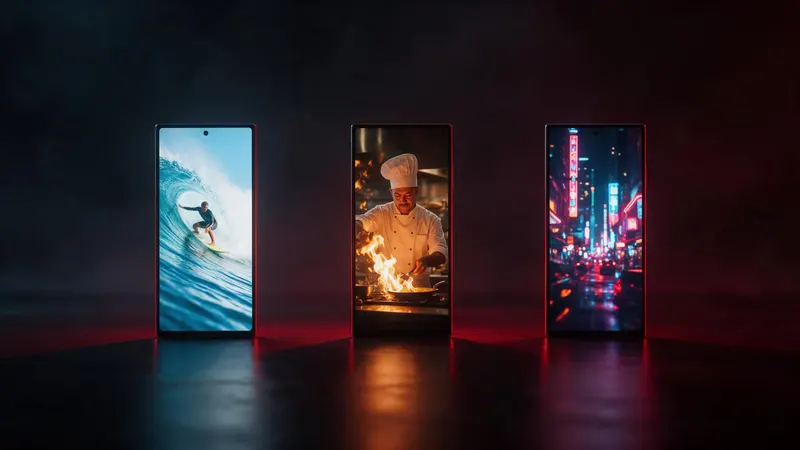
Set 9:16
In the video studio choose 9:16 so the clip fills the phone screen. Keep faces and text away from the very top and bottom edges.
- 4
Keep it short
Start with 5 to 8 seconds. Short clips are cheaper to test, and you can join several in the editor for a longer video. The studio goes up to 30 seconds per clip.
- 5
Make three versions
Run the same idea three times with one change each: the opening image, the camera move or the light. On Seedance 2.5 Flash a 5-second test is 17 credits.
- 6
Add text and sound, then post
Add captions and a music track in the editor, export, and upload. Check that the hook still reads with the sound off.
Three prompts that work as hooks
Each one opens on the point of the video.
Reveal
Vertical shot. A plain white sneaker on a table. A hand sprays it and bright colours spread across the fabric. The camera pushes in. Soft whoosh sound.
Funny animal
Vertical shot. A golden retriever in sunglasses sits in a driver's seat of a small car and looks at the camera. The camera is steady. A quiet engine hum.
Before and after
Vertical shot. A messy small kitchen, then a quick change to a clean bright kitchen with the same layout. The camera stays in one place. Light music.
Why the first two seconds matter
People decide fast whether to keep watching. Put the most interesting frame at the start. If the clip builds slowly to a reveal, move the reveal to the front and show the build up after it.
Test hooks the cheap way. Make three short clips, look at the first frame of each, and keep the one you would stop scrolling for.
Size and length
The studio offers 16:9, 4:3, 1:1, 3:4, 9:16, 21:9. Use 9:16 for TikTok. If you also post to YouTube, make a 16:9 version of the same idea; the guide on aspect ratios shows how to plan both.
Check each platform's current rules for length and file size before you export, because they change.
Sound and captions
Clips come with sound. Write the sound you want into the prompt, or add a music track in the editor. Add captions so the video works with the sound off.
Using AI video for product ads
For a product, add a clear photo as a reference so the product keeps its shape and label. Show the product in the first second, then the use. The product ad guide has the full steps.