 Official BytePlus partnerBytePlus, a ByteDance company
Free online video editor
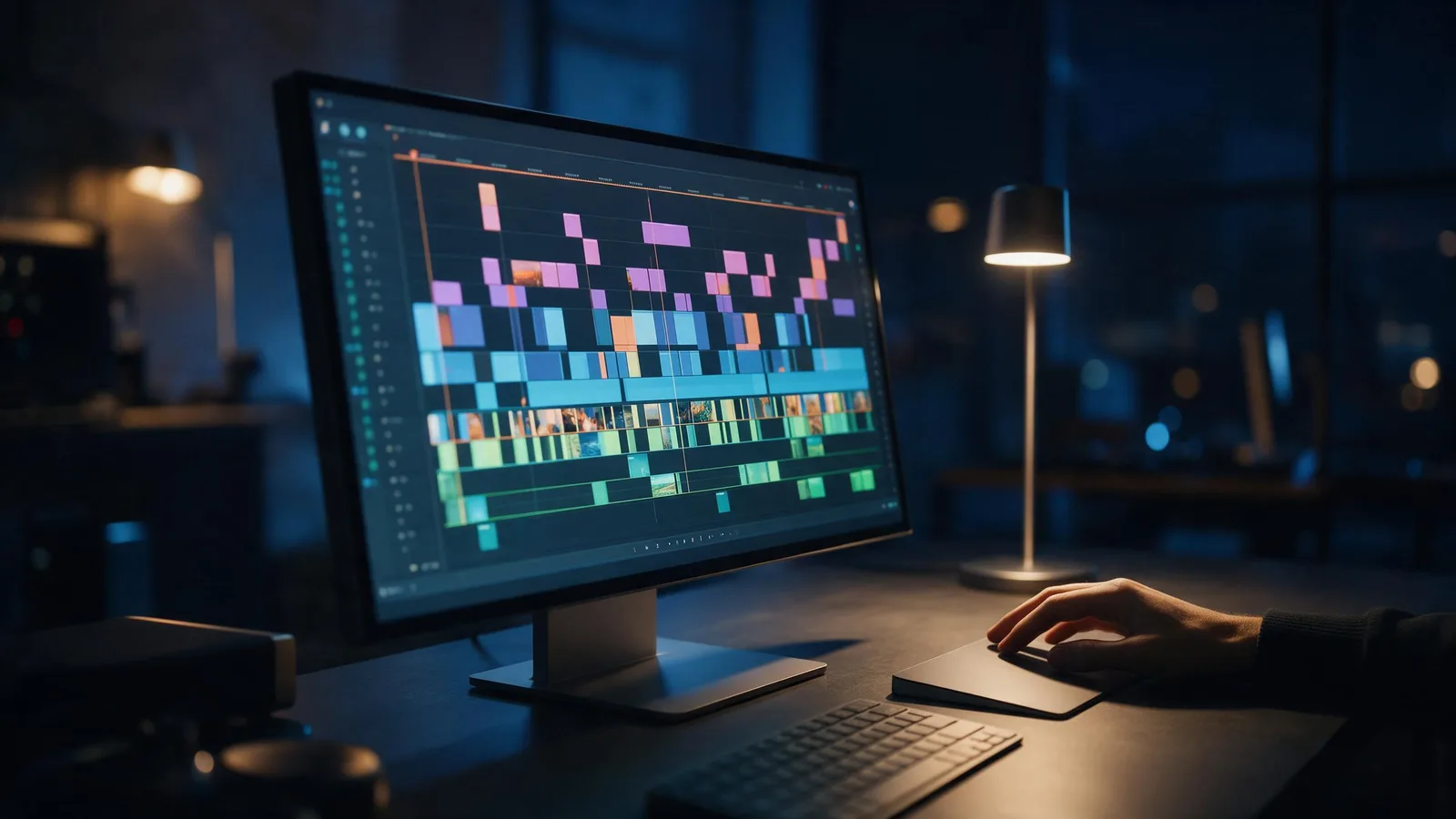
Edit video in your browser on a multi-track timeline: cut, trim, layer, add transitions, effects, filters, text and captions, then export for TikTok, Reels or YouTube. Free with a KreatorFlow account, built on BytePlus, a ByteDance company.
- Free account
- No download
- Exports up to 4K
- AI video in the same edit
On this page
What can you do in the editor?
Multi-track timeline
Stack video, images, audio and text on multiple tracks. Split, duplicate, trim and undo with the shortcuts you know.
Transitions, effects and filters
Drop a transition between two clips, add an effect or grade the whole edit with a filter from the library.
Text and captions
Add titles in 46 fonts, turn speech into captions automatically, or import an SRT or VTT file.
Clip animations
Give any clip an entrance, an exit or a loop animation.
Any shape
Start in 9:16 or 16:9 and switch later; export as 9:16, 16:9, 1:1, 4:5, 4:3.
Generate without leaving
Make a Seedance video, a Seedream image, a voiceover or a sound effect in the Generate panel and drop it straight onto the timeline.
What is free, and what do plans add?
Editing is free for everyone, with every tool. What a plan changes is the export.
| Plan | Exports | Up to | Watermark |
|---|---|---|---|
| Free | 5 exports a month, up to 1 min each | 1080p | Small "Made on KreatorFlow.ai" mark |
| Creator | 60 export minutes a month, up to 10 min each | 2K | None |
| Pro | Unlimited exports, up to 30 min each | 4K | None |
| Max | Unlimited exports, up to 60 min each | 4K | None |
Free accounts can try every font and animation while editing; 10 fonts export on the free plan and the rest export on a paid plan. Exports land in your library, ready to download or post. See plans and prices.
How do you edit a video online for free?
- 1
Create a free account
Sign up with email or Google. No card needed to edit.
- 2
Import your clips
Add videos, images and audio from your KreatorFlow library, or generate new ones in the Generate panel.
- 3
Edit on the timeline
Trim, split and layer clips, add transitions, effects, filters, text and captions, and pick the shape.
- 4
Export
Choose the shape, quality and frame rate. The finished video lands in your library.
What is the editor built on?
The editor runs on BytePlus video editing. BytePlus is a ByteDance company, and KreatorFlow is an official partner of BytePlus, a ByteDance company. Your edits are rendered in BytePlus's video cloud, and the effects, transitions and caption styles come from the BytePlus library. How the editor ties into the partnership.
Free video editor questions
Is the KreatorFlow video editor really free?
Yes. Editing is free with a KreatorFlow account, with every tool, font and effect. A free account exports 5 videos a month, up to 1 min each, at 1080p, with a small "Made on KreatorFlow.ai" mark. Paid plans remove the mark and export longer and sharper.
Do I need to download anything?
No. The editor runs in your browser, and your edits save to your account as you work.
Can I export in 4K?
Yes, on Pro and Max (up to 4K). Creator exports up to 2K, and free accounts export at 1080p. Every export can be 9:16, 16:9, 1:1, 4:5, 4:3 at 24, 30, 60 fps.
Does it add captions automatically?
Yes. Auto captions turn speech into styled caption clips. Free accounts get 3 tries a month on clips up to 60 seconds; on paid plans they use 1 credit per started minute. Importing your own SRT or VTT file is free.
Can I make clips with AI inside the editor?
Yes. The Generate panel makes Seedance videos, Seedream images, voiceovers and sound effects and drops them into your media. Generations use credits from your plan.
Does it work on a phone?
The editor is built for a laptop or desktop screen. On a phone you can make clips in the studio and edit them later on a bigger screen.
Who makes the editor?
KreatorFlow, an independent company. The editor is built on BytePlus, a ByteDance company, and KreatorFlow is an official partner of BytePlus, a ByteDance company.
Edit your next video free
Open the editor, import your clips and export in minutes.