

Try this in the studio
Make an animated card in five steps
- 1
Pick the picture
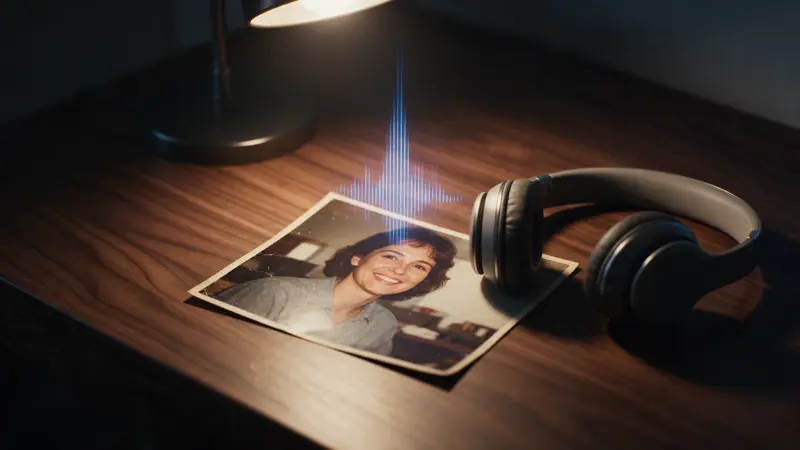
Use a sharp family photo, or a drawing photographed flat in even daylight with no shadow across it. Keep the whole picture in the frame.
- 2
Add a festive look if you want one
To change the scene, open the AI image editor, add the photo and describe only the change, for example: change the background to a snowy porch with warm lights. Change one thing at a time.
- 3
Animate it in the video studio
Add the picture as the first image and choose Seedance 2.0 Fast. Ask for one gentle movement and end with: keep the faces, the drawing style and the colours exactly as in the picture. Pick a shape (16:9, 4:3, 1:1, 3:4, 9:16, 21:9); 9:16 suits a phone message.
- 4
Add your greeting as text
Open the video editor, add your clip and type the greeting on top, such as Merry Christmas from the Lopez family. Typed text stays sharp and spelled as you wrote it.
- 5
Send the video
Export the video and send it in a message or an email, or post it. Watch it once all the way through, with sound, before you send it.
Card movement prompts
Add your picture as the first image, then paste one and change the details.
Family photo card
The family photo from the first image. They smile and the camera pushes in very slowly. Soft snow falls in front of the window behind them. Keep the faces, the clothes and the room exactly as in the photo.
Child's drawing
The drawing from the first image comes to life in a gentle way. The snowman waves, the snow falls slowly and the lit windows glow. Keep the drawing style, the crayon lines and the colours exactly as in the picture. Fixed camera.
Animating a drawing
A drawing works well when the lines are clear and the paper fills the frame. Ask for the same drawing style to stay, so the card still looks hand made when it moves.
A fixed camera and one small movement keep the drawing looking like the one on the page.
Why the greeting goes in the editor
Words that the video model draws can come out with the wrong letters. Typing the greeting in the video editor keeps it exact and lets you choose the font and the place on the screen.
Keep the greeting short, and give it a few seconds on screen so it is easy to read.
Care and consent
Only use photos of people who agree to it, and photos you took or have the right to use. The model may refuse some photos of real people.
Ask before you send a card that shows other people, and keep a copy of the original photo.
What it costs
A 5-second clip at 720p is 12 credits on Seedance 2.0 Fast and 17 on Seedance 2.0. The studio shows the credits before you generate. If a job fails, the credits come back automatically. Leftover plan credits carry into the next paid month.