
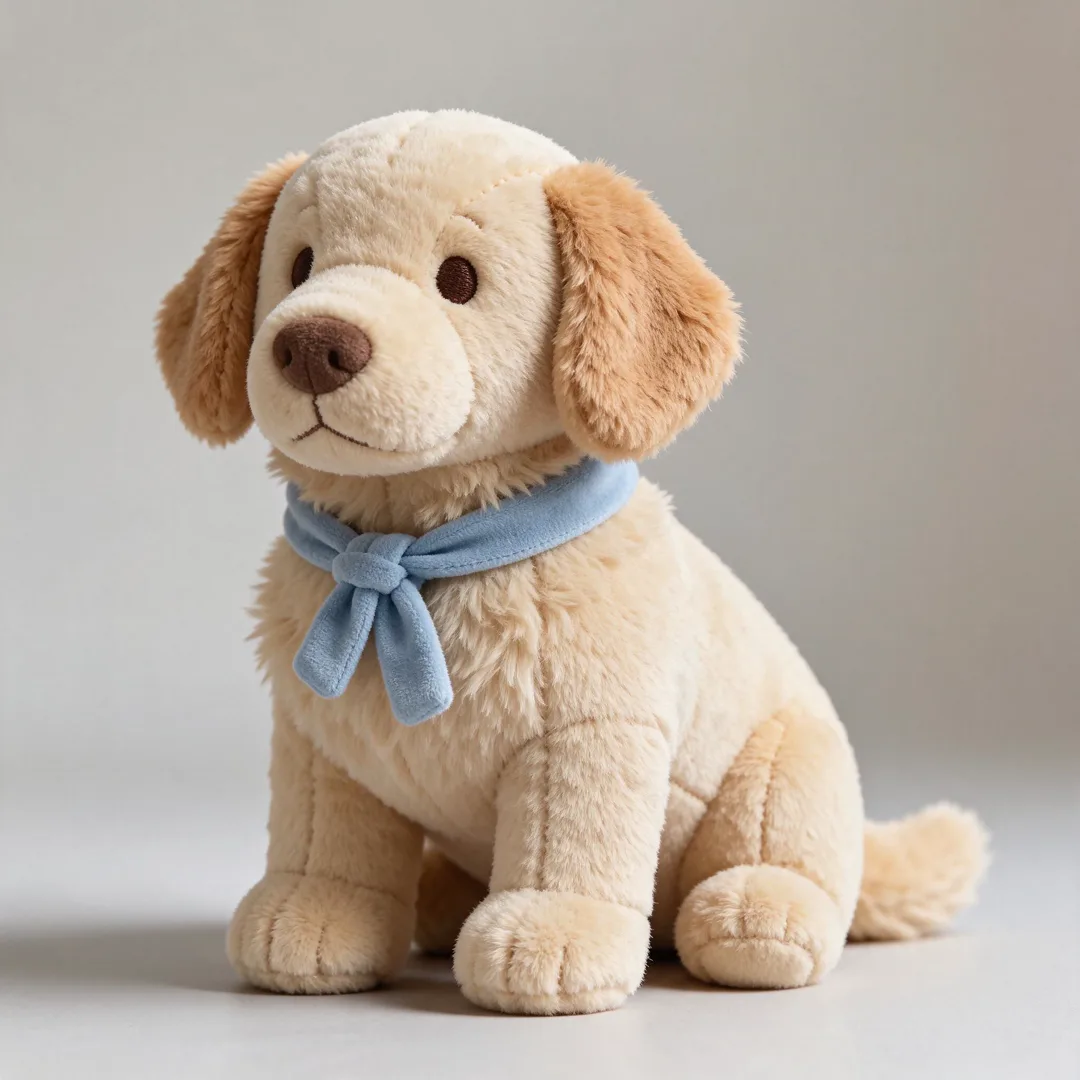
Image template
Plush Toy Version AI Image Template
Transforms the subject into a soft plush toy with visible stitching and fabric texture.
- Image template
- Square (1:1)
- From 4 credits per image
 Official BytePlus partnerBytePlus, a ByteDance company
Last updated
On this page
What the Plush Toy Version template makes
This template turns your photo into a soft plush toy. It adds visible stitching and fabric texture to the subject. You upload a pet photo and optional text for an accessory. The result is a cute, textured image ready to save.
Ideas to try
- Turn a dog photo into a teddy bear look
- Create a stuffed cat with a bow tie
- Make a plush version of a family pet
How it works
Opens in the image studio.
- 1
Open the template
Press Use this template to open Plush Toy Version in the image studio.
- 2
Add your photo
Upload a clear picture of your pet to the required field.
- 3
Add optional text
Type an accessory name if you want one added to the toy.
- 4
Generate and save
Click generate to create the image, then save it to your device.
Questions
What do I need to start?
What shape is the image?
Who is this template for?
How much does Plush Toy Version cost?
More image templates
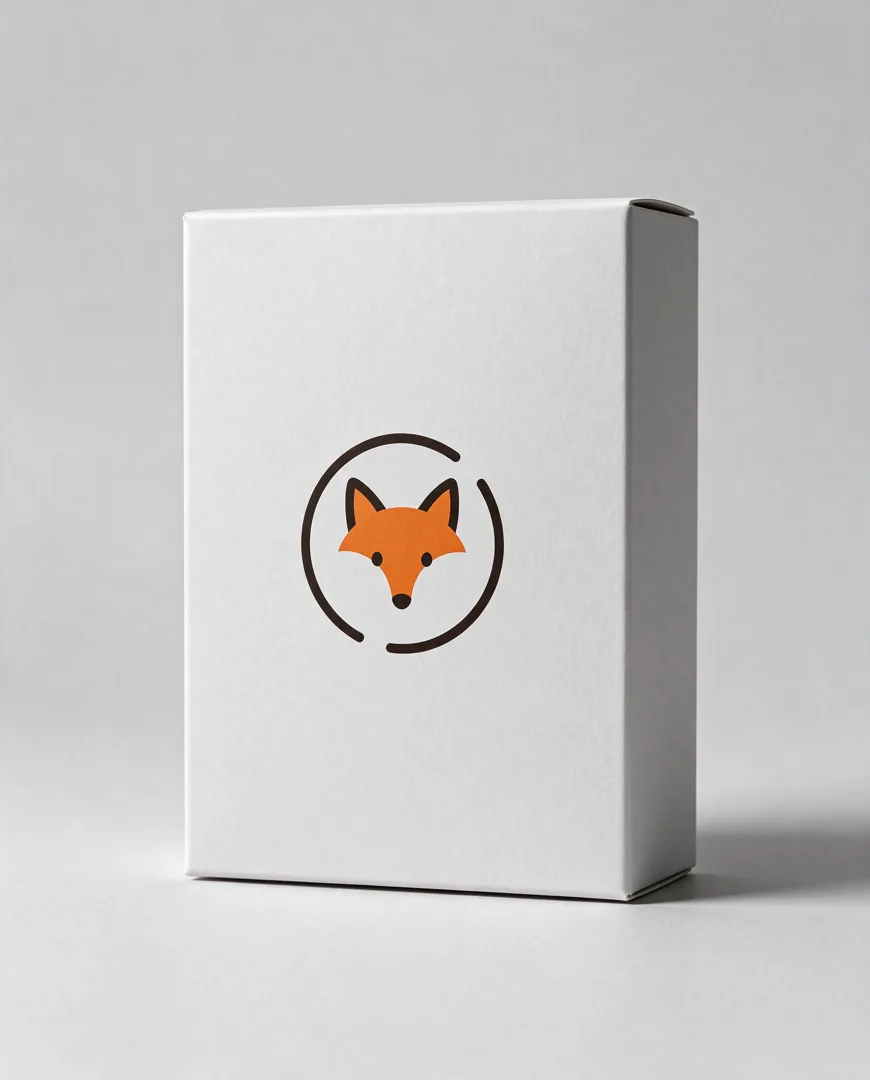
Packaging Box Mockup
4:5
A premium product box mockup with a logo printed on the front face.
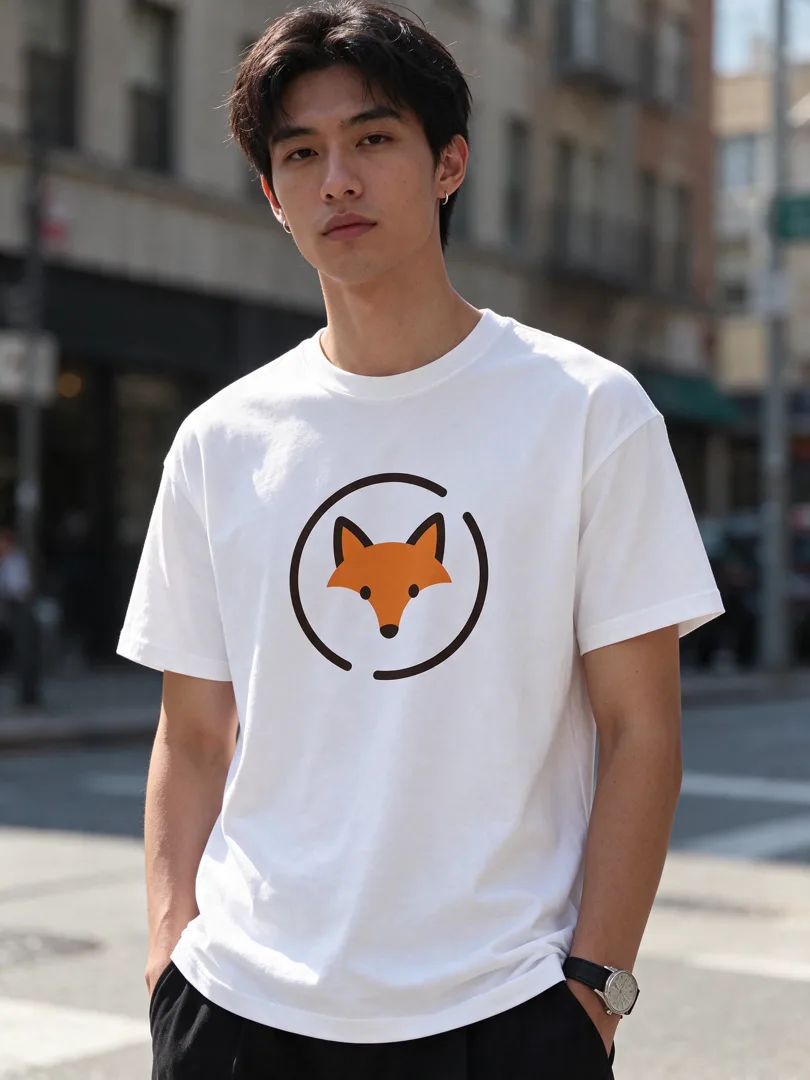
T-Shirt Mockup
3:4
A logo printed on a plain t-shirt worn by a model in a street setting.
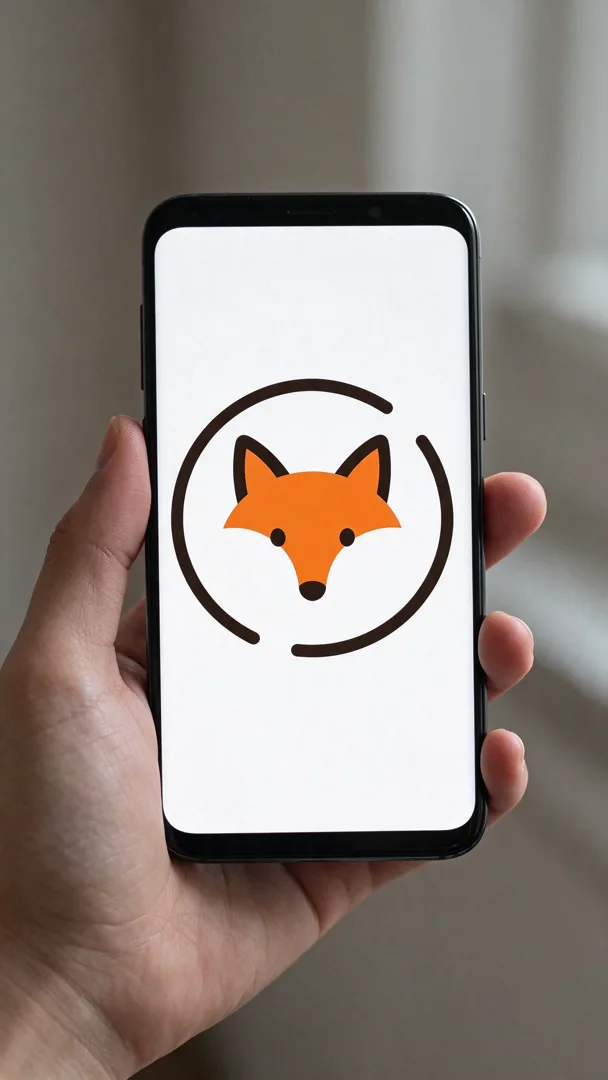
Phone Screen Mockup
9:16
A design shown on a phone screen held in a hand, with a blurred background.
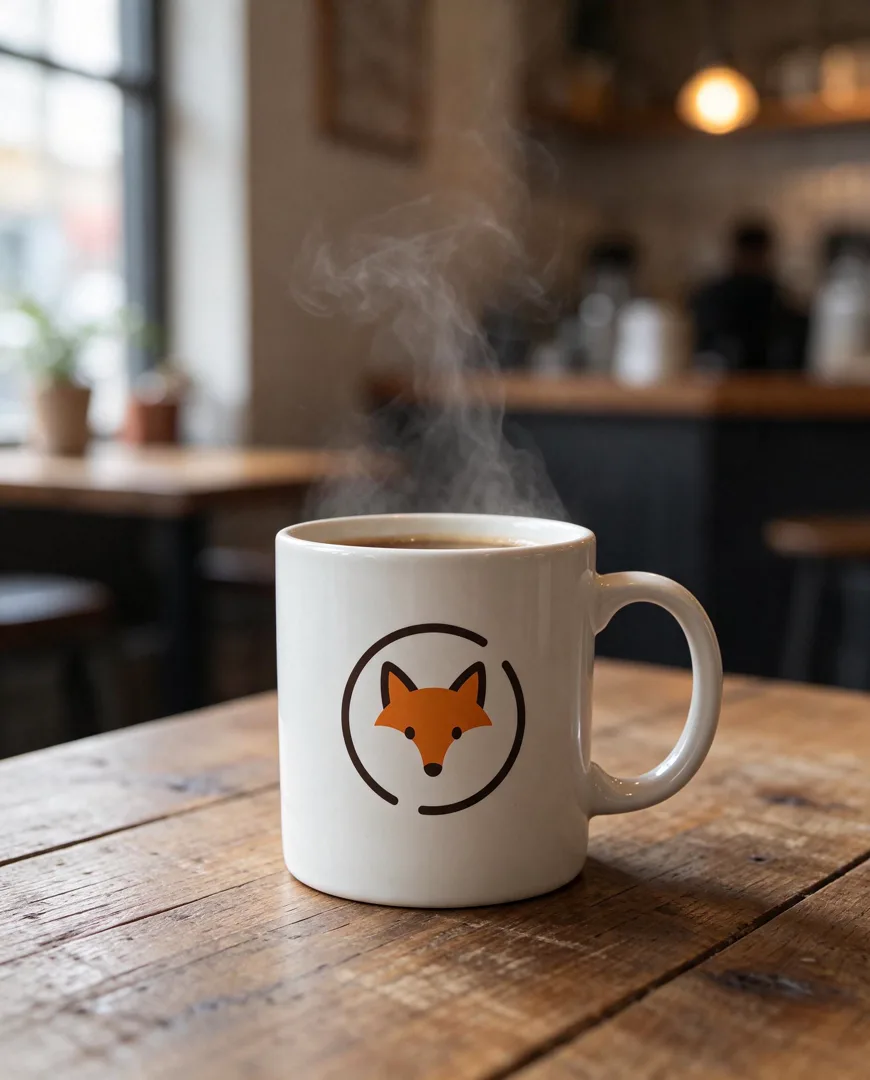
Coffee Mug Mockup
4:5
A logo printed on a ceramic coffee mug on a cafe table with soft light.
Try Plush Toy Version
Open the template in the image studio, add what it asks for and generate. New accounts get 110 free credits: 10 on sign-up + 100 for linking Discord.